

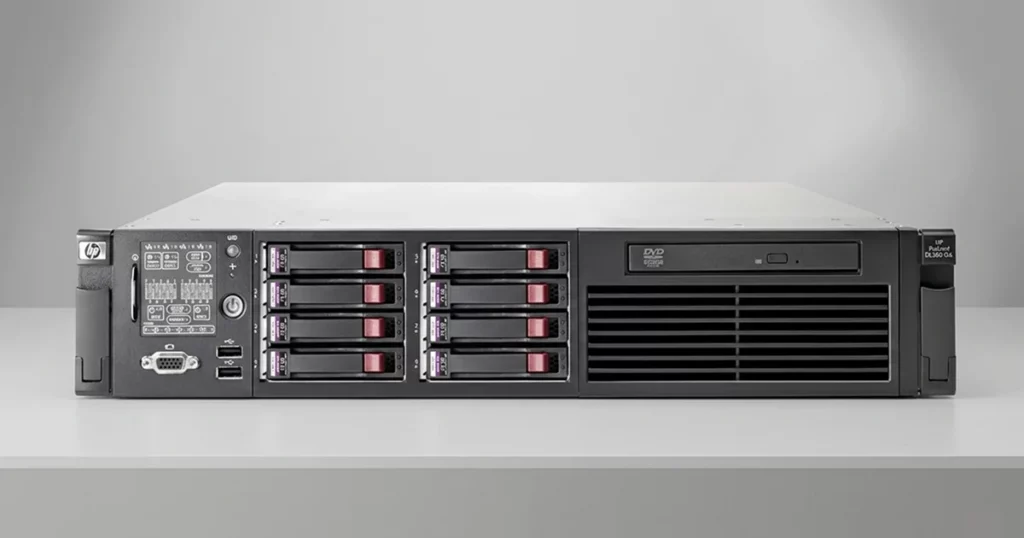
HP ProLiant servers are widely used for business applications, shared storage, databases, and virtual machines. When a ProLiant server fails, data loss may involve more than a single bad drive.
Common causes include RAID controller failure, multiple damaged disks, failed rebuilds, corrupted file systems, or inaccessible virtual machines.
PITS Data Recovery provides professional HP ProLiant data recovery for failed servers, damaged RAID arrays, corrupted logical volumes, and storage systems that no longer boot or mount properly.
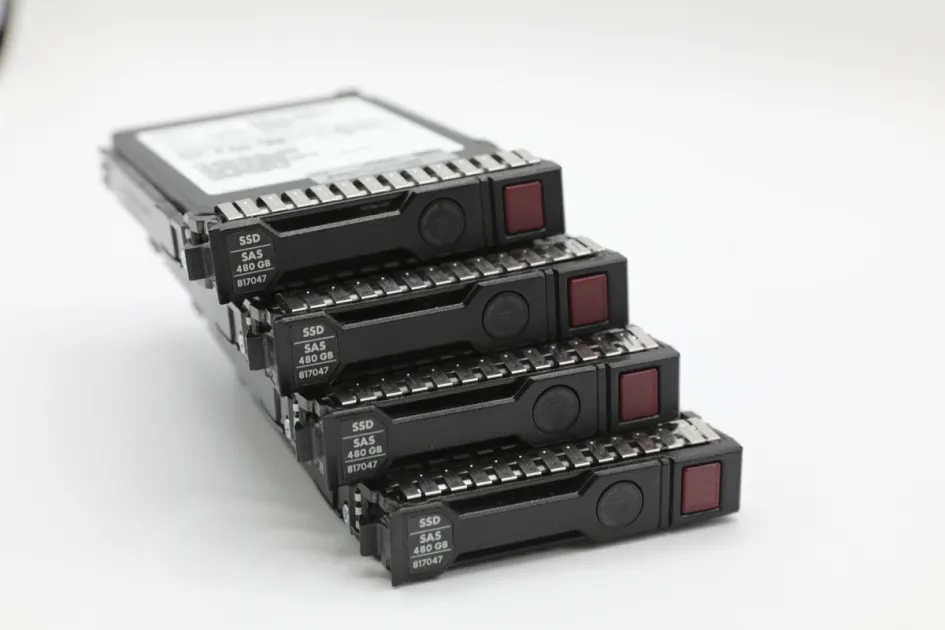
Common HP ProLiant Server Failure Scenarios
RAID Controller Failure
If the RAID controller fails, the server may stop detecting the array or mark the logical volume as offline. Replacing the controller without confirming the original RAID configuration can increase the risk of permanent data loss.
RAID Rebuild Failure
A RAID rebuild may fail if another drive drops out, the wrong disk is replaced, or the array already has hidden media errors.
Read more about an HP ProLiant ML380 RAID 5 recovery involving a complex server failure.
Multiple Drive Failure
When more than one drive fails, the array may become inaccessible. Even drives that still appear functional may contain bad sectors, firmware issues, or inconsistent RAID data.
File System Corruption
Power loss, improper shutdowns, failed updates, or unstable storage can corrupt NTFS, ReFS, VMFS, EXT, XFS, and other server file systems. Running repair utilities before securing the data can make the damage worse.
Don't Let Data Loss Ruin Your Business
Minimize business disruption. We retrieve lost data fast, so you can focus on what matters.
Signs of HP ProLiant Data Loss
Common warning signs include:
- Server does not boot
- RAID array marked failed or offline
- Logical volume unavailable
- Multiple drives showing warning status
- Shared folders missing
- Virtual machines not loading
- RAID rebuild stuck or failed
- Controller reports foreign configuration
- Drives making clicking or unusual noises
These symptoms should be treated as warning signs. Continued operation can reduce recovery chances, especially if the array is degraded or rebuilding incorrectly.
For professional support with failed HP servers, learn more about our HP server data recovery services.

What NOT to Do After HP Server Failure
Avoid actions that modify the array or file system before the data is protected. Do not:
- Force a RAID rebuild
- Initialize or recreate the array
- Run CHKDSK, fsck, or repair tools blindly
- Replace multiple drives at once
- Change drive order
- Update RAID controller firmware during failure
- Reinstall the operating system
These steps can overwrite RAID metadata, damage parity consistency, or permanently alter the original storage structure.
Industry-Leading 99% Success Rate
No hidden fees. No surprises. Just expert data recovery you can trust. We handle everything from simple file loss to extreme data recovery cases. If we can’t recover your data, no one can.
Recovering Data From HP ProLiant RAID Arrays
HP ProLiant servers often use RAID 5, RAID 6, RAID 10, or nested RAID configurations with SAS, SATA, or SSD drives. When an array fails, recovery depends on identifying the correct disk order, stripe size, parity layout, and controller configuration.
At PITS Data Recovery, each drive is evaluated and imaged individually before the RAID is rebuilt virtually. This helps protect the original media while recovering virtual machines, databases, shared folders, and other critical business data.
Learn more about our RAID data recovery services for failed, degraded, or inaccessible RAID arrays

Professional HP ProLiant Recovery Process
Initial Diagnostics
Our engineers evaluate the server, RAID controller, drives, logical volume status, and failure history.
Drive Imaging
Each drive is imaged individually to protect the original media and reduce additional stress.
RAID Reconstruction
The RAID is rebuilt virtually using the correct disk order, stripe size, parity layout, and missing-drive behavior.
File System and VM Recovery
Once the RAID is reconstructed, engineers extract shared folders, databases, virtual machines, and other critical data.
Data Verification and Delivery
Recovered files are verified for accessibility and transferred to secure replacement storage.
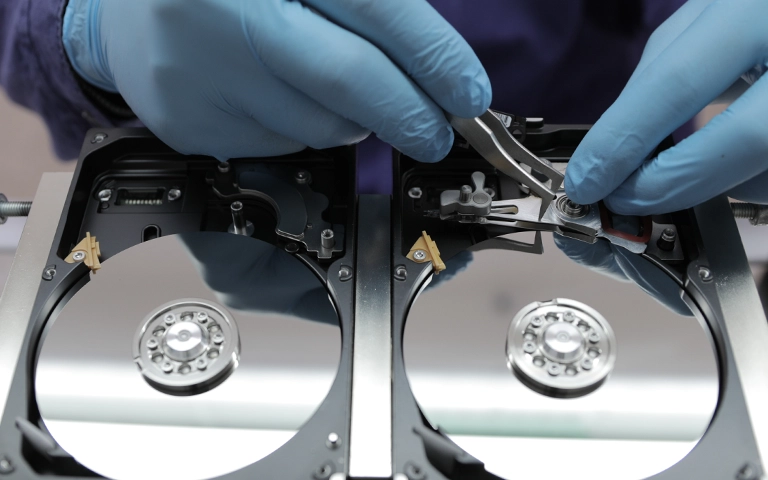
Get Help With HP ProLiant Data Recovery
HP ProLiant server recovery requires controlled procedures, not trial-and-error repair attempts. RAID metadata, disk order, controller configuration, and file system integrity all affect recovery success.
A professional diagnostic evaluation helps determine whether the server data is recoverable and prevents unnecessary actions that could permanently damage the array.

DIY Recovery
Risks permanent data loss
Let the Specialists Handle It
DIY attempts often result in permanent data loss. Our certified recovery specialists use advanced tools in controlled environments for the highest success rate.
24/7 Emergency Service
Frequently Asked Questions
Get a Free Consultation.
Our recovery experts are ready to assess your device and guide you through the safest path to recovery. Fill out the form to get started.
"*" indicates required fields