

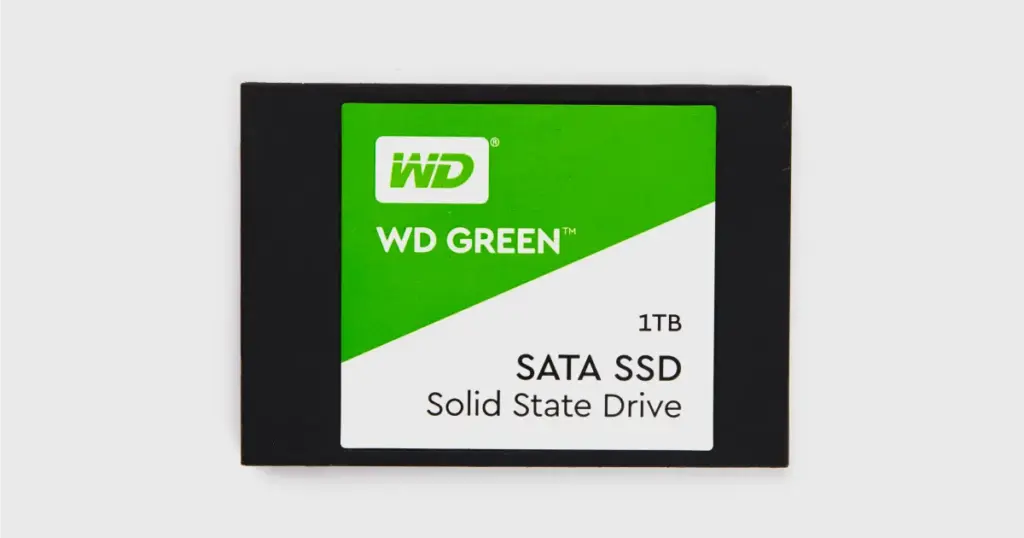
When a 480GB WD Green SSD suddenly drops out of a high-performance editing rig, the primary concern is rarely the hardware itself. For a freelance video editor, the hardware is replaceable; the months of un-backed-up timelines, 4K b-roll, and project files are not.
This case study examines a common but high-stakes failure where a primary working drive became unresponsive during a critical file transfer, threatening a professional’s reputation and livelihood.
Customer Situation
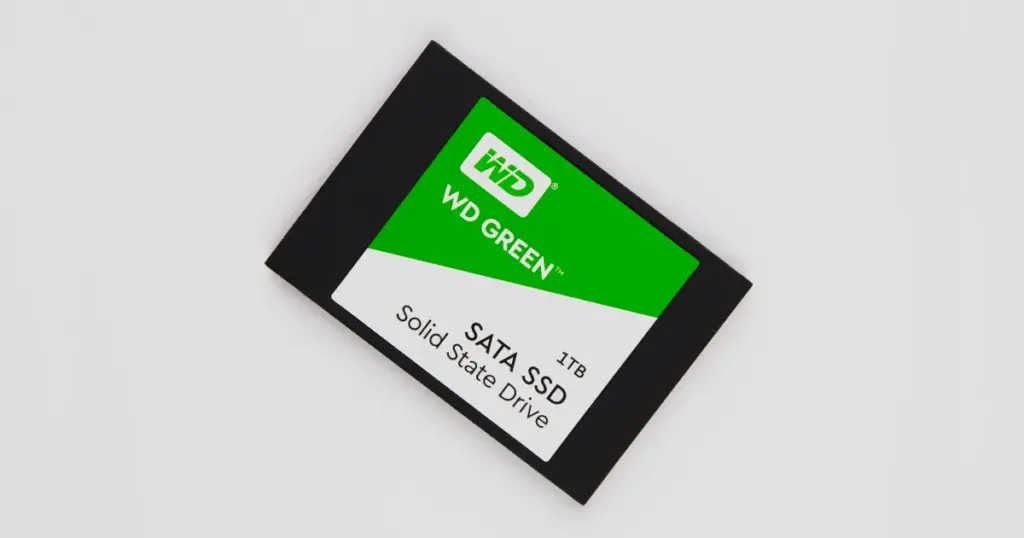
A freelance video editor used a 480GB WD Green SSD as a primary working drive. During a large file transfer, the system froze, and after rebooting, the SSD became unstable.
The BIOS detected the drive intermittently, but it dropped connection under load. The inaccessible data included active client video projects, large media files, and unfinished edits. The risk was immediate: missed deadlines, lost billable work, and client disruption.
Industry-Leading 99% Success Rate
No hidden fees. No surprises. Just expert data recovery you can trust. We handle everything from simple file loss to extreme data recovery cases. If we can’t recover your data, no one can.
What Went Wrong
The failure pattern pointed to more than a simple file system issue. Intermittent detection combined with connection drops under load is a known indicator of deeper SSD instability.
Because the SSD disconnected during access attempts, standard recovery software was unsafe. Continued power cycles or repeated connection attempts could worsen NAND-level degradation and reduce recoverability.
If you are currently experiencing similar symptoms, such as a drive not being recognized by your system, read more on our guide about SSDs not showing up.

How PITS Approached the Recovery
Initial Diagnostics and Failure Identification
Engineers confirmed a controller-level fault combined with firmware instability. Standard system-level access was unreliable and unsafe for continued attempts.
Controlled Hardware-Level Access
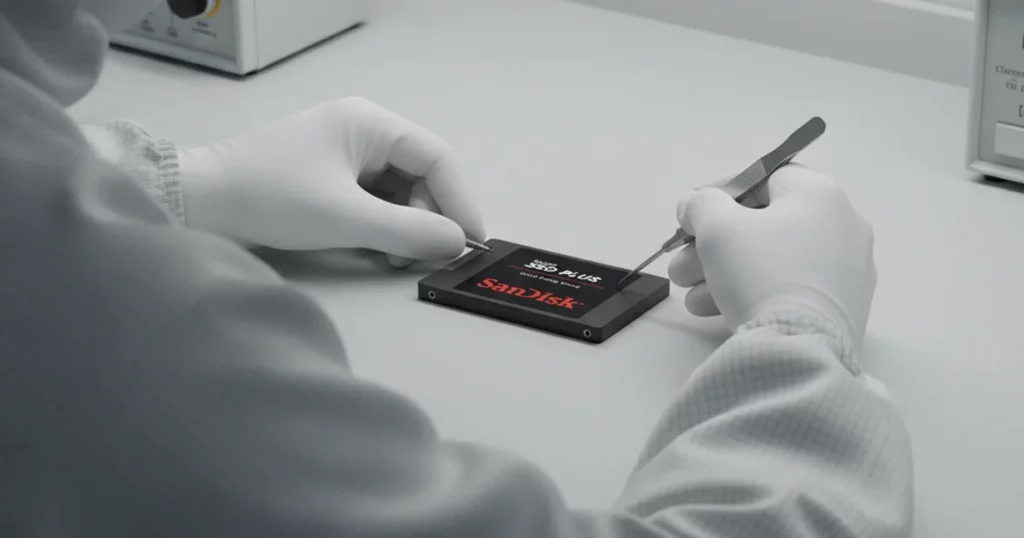
To prevent further degradation, the SSD was connected using specialized recovery hardware. This allowed stable communication without relying on standard protocols that were failing.
Firmware-Level Interaction
Standard access layers were bypassed. The team interfaced directly with the firmware to stabilize communication and prepare the drive for extraction.
NAND-Level Data Extraction
Raw data was extracted directly from NAND memory chips. This approach is required when logical access is compromised due to controller failure.
FTL Reconstruction and File System Rebuild
The Flash Translation Layer was rebuilt to reconstruct logical data structures. Once restored, the file system was reassembled and validated for usability.
To understand more about the specific nuances of these drives, you can read more about our specialized WD SSD recovery services.

Recovery Outcome
The recovery process resulted in 94.5% of total data successfully restored. More importantly, all critical project files were recovered, including large video assets and active editing files.
The client regained access to essential working data and was able to resume operations without restarting projects from scratch. The full recovery was completed within a 5-business-day turnaround, minimizing disruption.
Don't Let Data Loss Ruin Your Business
Minimize business disruption. We retrieve lost data fast, so you can focus on what matters.
Why Professional Recovery Mattered
This failure involved controller malfunction and firmware instability, conditions software tools cannot safely handle.
DIY recovery requires stable drive communication, but this drive dropped offline under load, making software recovery unreliable and potentially destructive.
Professional recovery provided controlled access, hardware-level intervention, and NAND extraction. Without it, each power cycle increased the risk of permanent data loss.
Before attempting home fixes, understand the limits of modern storage and whether SSD data can be recovered once hardware failure begins.
What Not to Do After SSD Failure
- Do not continue powering the drive on and off repeatedly
- Do not run recovery software on an unstable or intermittently detected SSD
- Do not attempt firmware updates or repairs without proper tools
- Do not transfer additional data to the affected drive
- Do not ignore intermittent detection, as it often signals deeper failure
Each of these actions can reduce recoverable data and complicate reconstruction.

DIY Recovery
Risks permanent data loss
Let the Specialists Handle It
DIY attempts often result in permanent data loss. Our certified recovery specialists use advanced tools in controlled environments for the highest success rate.

24/7 Emergency Service
Get Help Before the SSD Fails Further
SSD failures involving controller or firmware issues can deteriorate quickly. If your SSD is not detected or drops offline under load, stop using it immediately.
Request a professional evaluation before repeated access attempts reduce recovery chances or damage critical data further.

Frequently Asked Questions
Can data be recovered from an SSD that is not detected?
Can I use software to fix a firmware issue?
Is it safe to keep trying to reboot my failed SSD?
Why did my WD Green SSD fail during a transfer?
Get a Free Consultation.
Our recovery experts are ready to assess your device and guide you through the safest path to recovery. Fill out the form to get started.
"*" indicates required fields