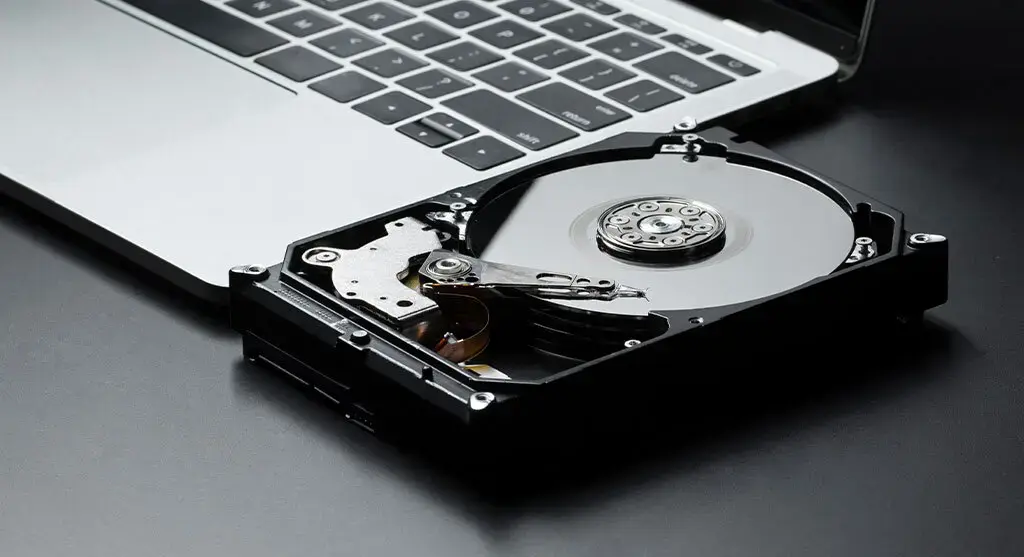







HP Hard Drive Data Recovery Services

YOUR FILES. BACK.
GUARANTEED.
PITS Data Recovery provides expert recovery for HP hard drives, handling mechanical failures, data corruption, and accidental deletions. Using advanced methods, the team ensures secure and timely restoration of vital business data.
99% Success Rate
Quick Estimate
No Data, No Fee

Certified. Secure. Trusted Nationwide.

HP Internal Hard Drive Recovery​

Hard drives in both laptops and desktop computers are responsible for processing all user-generated, received, or modified data. As such, the proper functioning of the internal hard drive is critical to system performance. When a hard disk drive (HDD) fails, access to stored files is lost, rendering the computer partially functional—or in many cases—completely inoperable. Unfortunately, data loss resulting from hard drive failure is a common occurrence and can be triggered by a wide range of underlying factors.

Common Causes for Data Loss on HP Drives

HP Internal Hard Drive Recovery services from PITS Data Recovery are designed to offer a thorough and efficient solution for data loss situations specific to HP internal hard drives. Our skilled technicians use advanced recovery techniques and industry-leading tools to retrieve lost or corrupted data from system failures, accidental deletions, hardware malfunctions, or virus attacks.

Power Surge

Accidental File Deletion

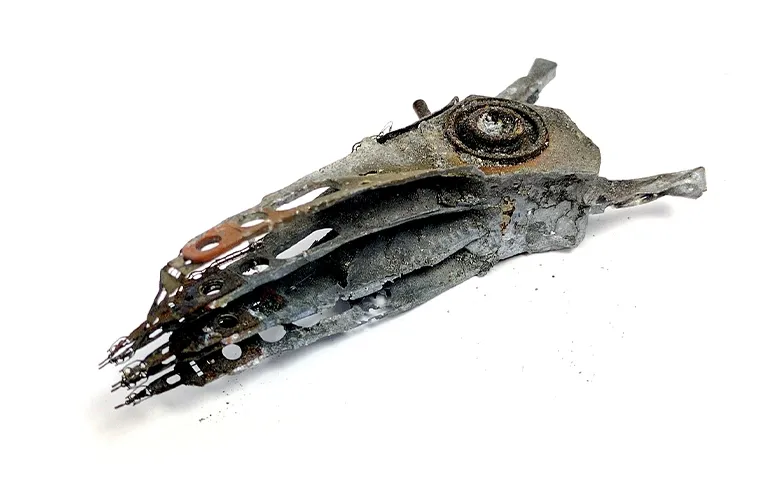
Fire or Water Damage

Virus Attack

Firmware Corruption

When your HP hard drive malfunctions for any of these reasons, look for a secure and reliable solution. Our company is always here to provide one.

With our years of experience repairing HP hard drives, we have developed new methods for efficient HDD recovery. We recover deleted files from failed storage devices with maximum results; yours will not be an exception. Contact us to learn more about our HP solid-state and hard disk drive retrieval solutions, and we will be ready to provide you with all the required information.

When your HP hard drive malfunctions for any of these reasons, look for a secure and reliable solution. Our company is always here to provide one.

With our years of experience repairing HP hard drives, we have developed new methods for efficient HDD recovery. We recover deleted files from failed storage devices with maximum results; yours will not be an exception. Contact us to learn more about our HP solid-state and hard disk drive retrieval solutions, and we will be ready to provide you with all the required information.

HP External Hard Drive Recovery​

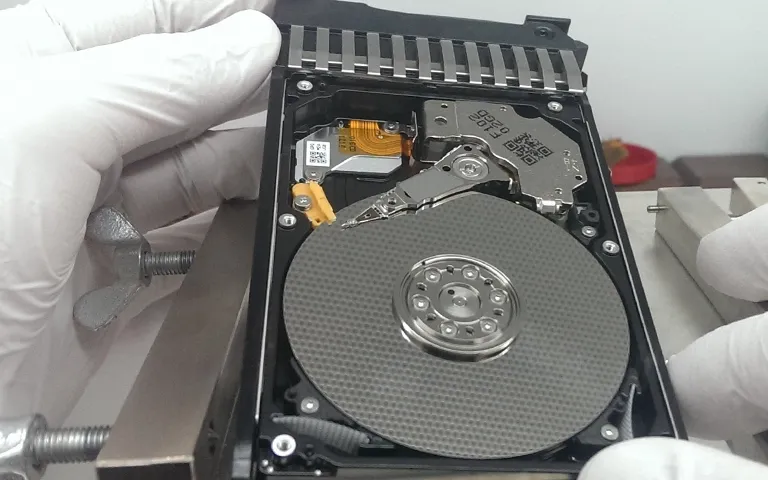
We are experts at recovering lost or damaged information from HP external hard drives that have stopped working. Our team of skilled technicians has years of experience recovering data from HP drives. We use the latest technology and methods to give you the best chance of getting your data back.

Whether your HP external hard drive was physically damaged, something went wrong with the way it stores data, or you accidentally deleted files, we can help. We know how upsetting it can be to lose important stuff like personal photos and videos or important work files. That’s why we work hard to recover your data as quickly and reliably as possible.

Common signs of HP external hard drive failure

  • Failure to Mount or Recognize
  • Extremely Slow Work and Strange Behavior
  • Excessively Loud Noises during Operations
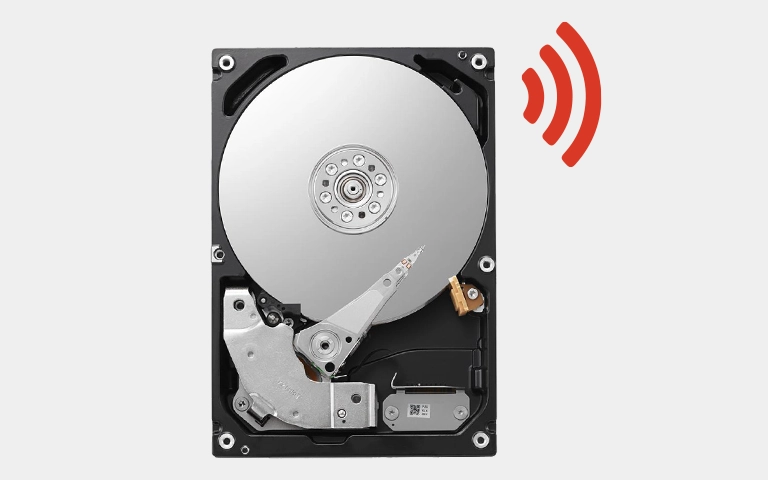
  • Clicking, Grinding, or Whirring Sounds
  • File Corruption with Error Messages
  • Disappearing Files or Folders

Noticing any of these symptoms can not bring good news. Generally, it means that your drive has some problem and needs your consideration. So, when an HP external hard drive fails, it can be very stressful and complex. To make this situation more manageable, we offer our clients technical evaluation.

With a deep scan of a failed drive, we will estimate the reason for failure and the seriousness of the problem. After our technical review, we provide the customer with a report, including failure causes, price quotes, and pricing ranges. We offer HP users data recovery solutions, including:

When you notice any HP hard drive failure signs, do not try to solve this problem and recover files yourself. By downloading and installing data recovery software or repairing the drive, you can overwrite your data and make the recovery process impossible. Instead, entrust this task to professionals. 

Contact us to start your case today by filling out a request help form or calling 888.611.0737

Professional Data Recovery

Need Data Recovery? Start Here.

From evaluation to recovery, our process is secure, transparent, and built for maximum success.

99% Success Rate

100% Secure Process

24/7 Support

Start Recovery Process

All fields are required

"*" indicates required fields

This field is hidden when viewing the form

Our Data Recovery Process

1

Free Consultation

We begin with a free consultation to understand your data loss situation and explain how the recovery process works.
2

Full Diagnostics

Drop off your device locally or ship it using our prepaid, insured label. Our engineers perform a full diagnostic to identify the issue and define the recovery approach.
3

Review & Decide

You receive a fixed-price quote based on recovery complexity and turnaround option. Approve the recovery or have your device returned with no obligation.
4

Secure Delivery

Recovered data is delivered via encrypted media or secure cloud transfer. Upon confirmation of delivery, all recovered data is permanently erased from our systems.

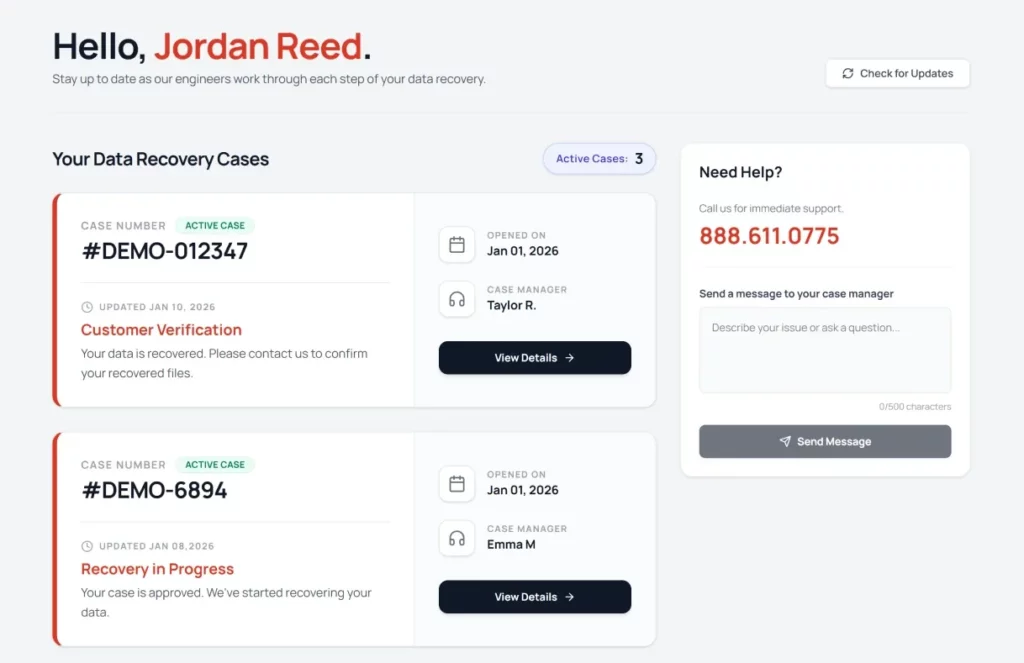
Dedicated Data Recovery Dashboard

Stay informed and in control with real-time updates throughout the entire recovery process.

Case Overview

View all recovery cases and their current status at a glance.

Case Progress Tracking

Follow recovery progress as your case moves through each stage.

Direct Case Communication

Contact your assigned case manager for updates or questions.

Our Blogs

Explore expert insights, guides, and tips on keeping your data safe.

8 min read

Common Hard Drive Problems: A Clear Guide to Symptoms & Recovery

Read More
6 min read

Fire Damaged Hard Drive? Critical Steps to Take Immediately

Read More
5 min read

Hard Drive Making Grinding Noise? Urgent Steps for Critical Failure

Read More

Verify Your Data

Once we have successfully recovered your data, we will arrange a secure remote session for you.

Confirm The Recovery

Review your restored files to ensure completeness.

Convenient Verification

Check your data from the comfort of your own home or office.

Privacy Assured

End-to-end encryption protects your information.

Client Success Stories

100,000+ drives recovered

Customer Reviews

4.9
Based on 6900+ reviews
Alicia Hritsko
Google
I did a lot of research before I chose PITS Global, and I am so glad I did!! Zack kept me informed throughout the whole process & even let me send an external hard drive that I had already purchased to put my recovered data on so that I wouldn’t be charged for another. Their prices are competitive & actually lower than other data recovery places that I researched. Most importantly, they were able to recover ALL my data, so they not only saved my photos, videos & music, but my precious memories as well, which are priceless to me. I will definitely be recommending them to anyone & everyone I know! Thanks guys for saving this Hulk!!
Read more
John Paciga
Google
PITS successfully recovered all of the files from my damaged hard drive. Expensive, but worth it to have the services of a reliable, communicative, and trustworthy company. A lifesaver!
Read more
Juan Gutierrez
Google
Customer service (Emma) was extremely kind and helpful, especially the virtual call for the review. Price was fair and was able to get a 100% recovery of my files (all the ones I cared about were family pictures from the last 25 years).
Read more

Frequently Asked Questions

PITS Data Recovery is a trusted provider of data recovery solutions, including HP hard drive data recovery. We have extensive experience in handling HP devices and hard drives, and our team of experts is well-versed in the intricacies of HP hardware and file systems. With state-of-the-art facilities and a high success rate, we are the ideal choice for HP hard drive data recovery.
Data loss on HP hard drives can occur due to various reasons, including hardware failure, accidental deletion, file system corruption, virus or malware attacks, operating system errors, physical damage to the hard drive, and more. Our experts at PITS Data Recovery are equipped to handle a wide range of data loss scenarios specific to HP hard drives.
Yes, we offer HP hard drive data recovery services for both laptops and desktops. Whether you have an HP Pavilion, Envy, EliteBook, ProBook, or any other HP model, our team has the expertise to recover data from different HP devices and their respective hard drives.
Yes, we specialize in recovering data from physically damaged HP hard drives. Our data recovery experts have the technical expertise and advanced tools to perform physical repairs and retrieve data from damaged hard drives. However, the success rate depends on the extent of damage, so it’s best to consult our team for an accurate assessment.
The duration of the HP hard drive data recovery process depends on the complexity of the data loss situation, the size of the hard drive, and other factors. In simpler cases, it may take a few days, while more complex recoveries can take longer. We strive to provide timely services and will give you an estimated timeline after evaluating your specific case.
Request Help

Professional Data Recovery

We’re Here to Help

Our experienced team is committed to helping you recover your critical data. No matter the situation, we work diligently to ensure the best possible outcome. Take action now and let us restore what’s important to you.

Start Recovery Process

All fields are required

"*" indicates required fields

This field is hidden when viewing the form