Get fast, secure, and reliable data recovery services for your XFS file systems. Whether it’s data corruption, accidental deletions, or system failures, our expert team can restore your lost data with precision and care.
Unlike traditional file systems like NTFS or FAT, XFS has unique data structures and features that require specialized knowledge and tools to retrieve lost data. Attempting to recover data without the necessary expertise and tools can lead to permanent data loss. That’s why it is crucial to seek professional XFS data recovery services for the best chance of successful data retrieval.
XFS is a 64-bit Linux filesystem used in many models and brands of NAS devices. So, many firms entrust this filesystem to keep all their essential documents. However, the XFS system is not error-free and can collapse, including failures due to the storage device’s physical, mechanical, or logical damage.
XFS is a complicated system, and recovering data from it can be challenging. Still, our engineers will successfully recover all deleted files, no matter the reason for the data loss.
What to Do When XFS File System Fails
Files’ inaccessibility in the XFS system is not rare and can lead to many problems. Extended downtime can cause a lot of trouble for businesses or individuals facing XFS failure. Because of this, many users and companies try to save their money, time, and resources by fixing the device themselves. Still, if the XFS system and media device store important information, it is better not to take risks.
In XFS data loss situations, entrusting your case to professionals is the only safe way to get your data back. PITS Data Recovery engineers have years of experience working with XFS file systems. We will achieve the maximum XFS file system recovery results by repairing your failed device in our advanced facilities.
1
You should go through several steps to increase your chances of a full recovery
As soon as you notice any failure signs - immediately power down your device. Continuing to use it can corrupt the drive and make files irrecoverable.
2
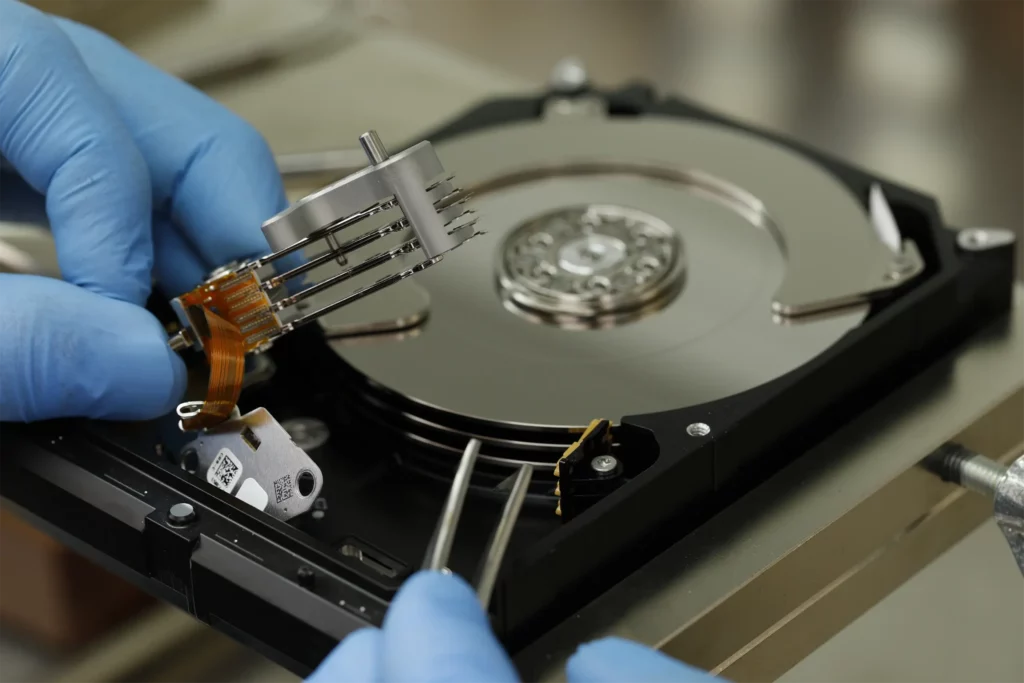
If storage fails due to physical damage, do not open it and try to repair it. Many users assume that replacing broken parts can fix the problem, but the situation can be much more difficult.
3
Do not download and install the free XFS repair utility. Unverified software can consist of viruses and malicious programs. Moreover, it will overwrite your data, leading to complete file loss.
Our XFS Data Recovery Options
PITS Data Recovery does everything to meet its customers’ needs, deadlines, and budgets. For this reason, our team approaches each case individually and selects appropriate options for it. We understand the importance of time in a failure situation and provide our clients with flexible recovery options. Contact us if you have any questions; our support team will gladly answer them.
From evaluation to recovery, our process is secure, transparent, and built for maximum success.
99% Success Rate
100% Secure Process
24/7 Support
Start Recovery Process
All fields are required
"*" indicates required fields
Our Data Recovery Process
1
Free Consultation
We begin with a free consultation to understand your data loss situation and explain how the recovery process works.
2
Full Diagnostics
Drop off your device locally or ship it using our prepaid, insured label. Our engineers perform a full diagnostic to identify the issue and define the recovery approach.
3
Review & Decide
You receive a fixed-price quote based on recovery complexity and turnaround option. Approve the recovery or have your device returned with no obligation.
4
Secure Delivery
Recovered data is delivered via encrypted media or secure cloud transfer. Upon confirmation of delivery, all recovered data is permanently erased from our systems.
I did a lot of research before I chose PITS Global, and I am so glad I did!! Zack kept me informed throughout the whole process & even let me send an external hard drive that I had already purchased to put my recovered data on so that I wouldn’t be charged for another. Their prices are competitive & actually lower than other data recovery places that I researched. Most importantly, they were able to recover ALL my data, so they not only saved my photos, videos & music, but my precious memories as well, which are priceless to me. I will definitely be recommending them to anyone & everyone I know! Thanks guys for saving this Hulk!!
Read more
Juan Gutierrez
Google
Customer service (Emma) was extremely kind and helpful, especially the virtual call for the review. Price was fair and was able to get a 100% recovery of my files (all the ones I cared about were family pictures from the last 25 years).
Read more
Jim Morgan
Google
My RAID system failed many years ago, and I thought everything was gone forever. Back when it happened, I got a quote from another company, and it was so astronomically expensive that I thought I’d never be able to do it. Then, recently, I moved, and I was reminded of all that I lost, and so I contacted PITS. Amazingly, about a decade after the drives failed, they were able to recover 100% of the data, and at a much more reasonable price! It’s not cheap, but at least it was an amount I could make work, and I really can’t describe how it felt to look at all the pictures and videos that I thought were lost forever. My baby pictures, my daughter’s baby pictures, so many memories, and I had no backup. I will also say that I know I was a bit of a pain-in-the-neck customer at times, but throughout the process they were really amazing to work with–always professional and helpful, not to mention flexible. I’m glad I found them and decided to work with them. It was a very positive experience.
XFS (eXtended File System) is a high-performance file system developed by Silicon Graphics International Corp (SGI). It is designed for scalability, reliability, and performance in large-scale storage environments.
Can XFS suffer from data loss or corruption?
Like any file system, XFS is not immune to data loss or corruption. Various factors such as hardware failures, power outages, software bugs, or human errors can lead to data loss on XFS file systems.
Is data recovery possible on XFS file systems?
Yes, data recovery is possible on XFS file systems. There are specialized data recovery tools and techniques available that can help recover lost or deleted data from XFS partitions.
What precautions should I take to minimize the risk of data loss on XFS file systems?
Some common scenarios where XFS data recovery might be required include:
Accidental deletion of important files or directories.
File system corruption or damage due to hardware failures.
What are some common scenarios where XFS data recovery is needed?
To minimize the risk of data loss on XFS file systems, consider the following precautions:
Regularly backup your important data to an external storage device or remote location.
Implement a robust RAID configuration to provide redundancy and fault tolerance.
Ensure the integrity and health of your hardware components, such as hard drives and RAID controllers.
Avoid abrupt system shutdowns and power outages by using reliable power sources or backup power supplies.
Use a reliable uninterruptible power supply (UPS) to protect against sudden power failures.
Request Help
Professional Data Recovery
We’re Here to Help
Our experienced team is committed to helping you recover your critical data. No matter the situation, we work diligently to ensure the best possible outcome. Take action now and let us restore what’s important to you.