






Samsung SD Card Recovery Services

YOUR FILES. BACK.
GUARANTEED.
PITS Data Recovery provides expert recovery solutions for Samsung SD cards. The team addresses issues such as physical damage, data corruption, and accidental loss, using advanced methods to ensure secure and efficient recovery of essential business data.
99% Success Rate
Quick Estimate
No Data, No Fee
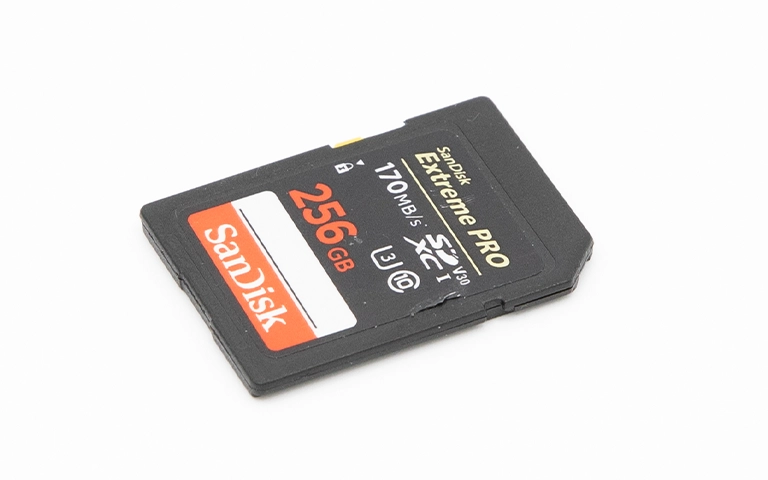
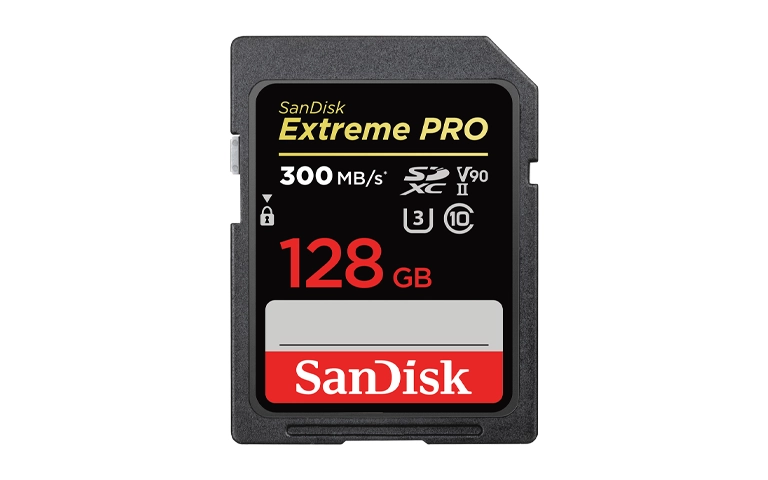
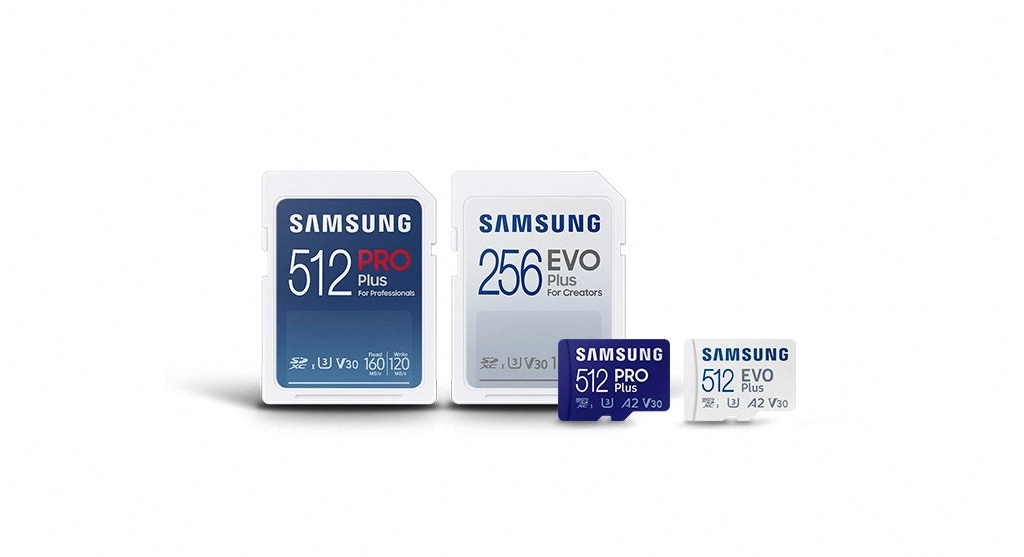
Samsung SD and microSD cards, including 512GB PRO Plus and 256GB EVO Plus variants, displayed for professionals and creators.

Certified. Secure. Trusted Nationwide.

Samsung SD Card Data Recovery Services

PITS Data Recovery delivers expert recovery solutions for Samsung SD cards. Our certified engineers apply advanced techniques in a Class 10 ISO Certified Cleanroom, ensuring safe recovery from physical or mechanical damage. We maintain the highest success rates by continually updating our skills and using state-of-the-art tools.
Our mission is to reduce the impact of Samsung SD card failures on businesses. We provide risk-free evaluations to assess damage, identify failure causes, and offer clear turnaround times and pricing, enabling informed decisions.

Common Causes of Samsung SD Memory Card Failure

Samsung SD memory cards are known for their reliability and high performance, making them trusted storage solutions for valuable data, including photos, videos, and critical files. However, like all storage media, Samsung SD memory cards are not immune to failures.

Bad Sectors in the Card
Improper Formatting
Improper Handling
File System Damage
External Factors
Damaged Card Slot

In some cases, failures are due to a combination of issues, complicating the recovery process and impacting data integrity. Different failure scenarios can result in diverse outcomes, posing significant challenges to users. When a malfunction occurs, professional data recovery solutions are essential for ensuring that critical information can be restored efficiently and securely.

Essential Steps for Handling Samsung SD Card Failures

Certified Data Recovery Engineers

When a Samsung SD memory card fails, ensuring successful data recovery starts with making PITS Data Recovery your priority. Our expert team and specialized tools handle every case with precision and care, providing reliable solutions to recover valuable data.

Reusing or troubleshooting the memory card without expertise can worsen damage and complicate data recovery.

Key Points to Consider:

Disconnect the SD card immediately to minimize potential damage.

Refrain from DIY attempts that could jeopardize the recovery process.

Consult professional services to ensure safe and effective data recovery.

Professional Data Recovery

Need Data Recovery? Start Here.

From evaluation to recovery, our process is secure, transparent, and built for maximum success.

99% Success Rate

100% Secure Process

24/7 Support

Start Recovery Process

All fields are required

"*" indicates required fields

This field is hidden when viewing the form

Our Data Recovery Process

1

Free Consultation

We begin with a free consultation to understand your data loss situation and explain how the recovery process works.
2

Full Diagnostics

Drop off your device locally or ship it using our prepaid, insured label. Our engineers perform a full diagnostic to identify the issue and define the recovery approach.
3

Review & Decide

You receive a fixed-price quote based on recovery complexity and turnaround option. Approve the recovery or have your device returned with no obligation.
4

Secure Delivery

Recovered data is delivered via encrypted media or secure cloud transfer. Upon confirmation of delivery, all recovered data is permanently erased from our systems.

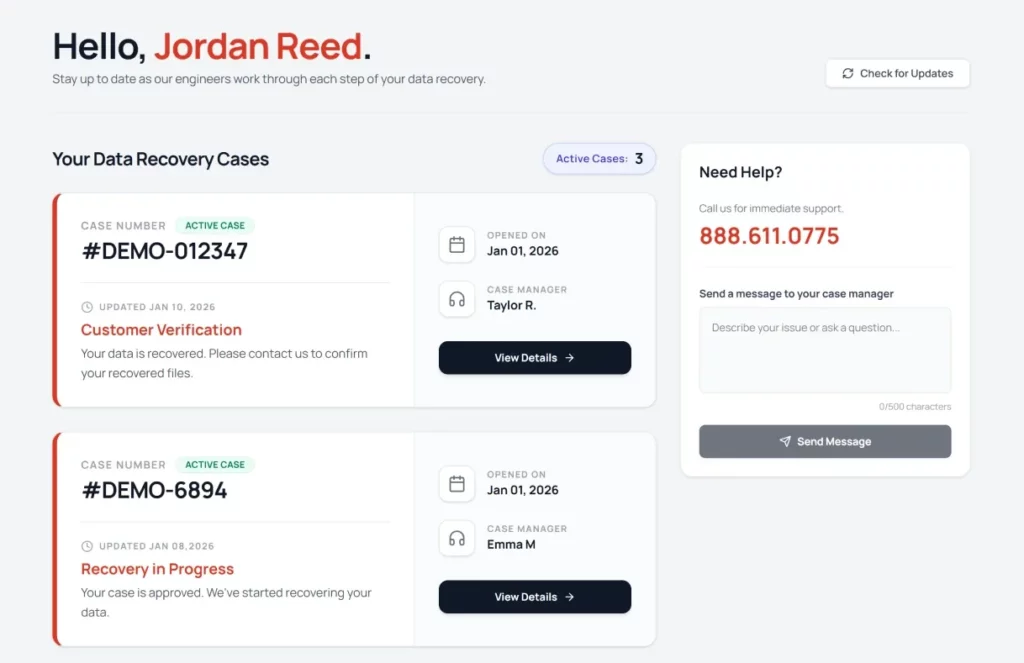
Dedicated Data Recovery Dashboard

Stay informed and in control with real-time updates throughout the entire recovery process.

Case Overview

View all recovery cases and their current status at a glance.

Case Progress Tracking

Follow recovery progress as your case moves through each stage.

Direct Case Communication

Contact your assigned case manager for updates or questions.

Our Blogs

Explore expert insights, guides, and tips on keeping your data safe.

5 min read

Deleted Photos or Files From SD Card? Here’s What to Do

Read More
4 min read

Case Study: Recovering Irreplaceable Photos from a Failed SDXC Card

Read More
4 min read

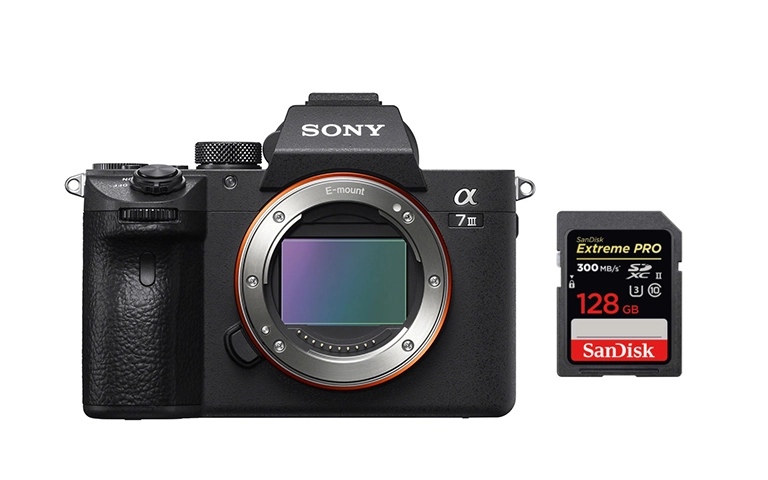
Data Recovery After SD Card Formatting on Sony A7III

Read More

Verify Your Data

Once we have successfully recovered your data, we will arrange a secure remote session for you.

Confirm The Recovery

Review your restored files to ensure completeness.

Convenient Verification

Check your data from the comfort of your own home or office.

Privacy Assured

End-to-end encryption protects your information.

Client Success Stories

100,000+ drives recovered

Customer Reviews

4.9
Based on 6900+ reviews
Alicia Hritsko
Google
I did a lot of research before I chose PITS Global, and I am so glad I did!! Zack kept me informed throughout the whole process & even let me send an external hard drive that I had already purchased to put my recovered data on so that I wouldn’t be charged for another. Their prices are competitive & actually lower than other data recovery places that I researched. Most importantly, they were able to recover ALL my data, so they not only saved my photos, videos & music, but my precious memories as well, which are priceless to me. I will definitely be recommending them to anyone & everyone I know! Thanks guys for saving this Hulk!!
Read more
John Paciga
Google
PITS successfully recovered all of the files from my damaged hard drive. Expensive, but worth it to have the services of a reliable, communicative, and trustworthy company. A lifesaver!
Read more
Juan Gutierrez
Google
Customer service (Emma) was extremely kind and helpful, especially the virtual call for the review. Price was fair and was able to get a 100% recovery of my files (all the ones I cared about were family pictures from the last 25 years).
Read more

Frequently Asked Questions

Immediately stop using the card to prevent further data loss. Safely remove it from the device and refrain from attempting DIY recovery methods. Contact PITS Data Recovery for a professional assessment and secure data retrieval.
Yes, data recovery from physically damaged Samsung SD cards is possible with specialized equipment and expertise. PITS Data Recovery has successfully recovered data from cards with various degrees of physical damage, though outcomes depend on the extent of the damage.
The recovery timeline varies based on factors such as data volume and the nature of the failure. Straightforward recoveries may take a few hours, while complex cases could require several days. An estimated timeframe is provided after an initial evaluation.
Our recovery process supports a wide range of file types, including photos, videos, documents, and audio files. The success rate depends on the data condition and recovery techniques applied.
Not necessarily. Files that appear missing may be inaccessible due to logical issues or corruption. With the advanced recovery techniques used by PITS Data Recovery, it is often possible to restore access to these hidden or corrupted files.
Request Help

Professional Data Recovery

We’re Here to Help

Our experienced team is committed to helping you recover your critical data. No matter the situation, we work diligently to ensure the best possible outcome. Take action now and let us restore what’s important to you.

Start Recovery Process

All fields are required

"*" indicates required fields

This field is hidden when viewing the form