

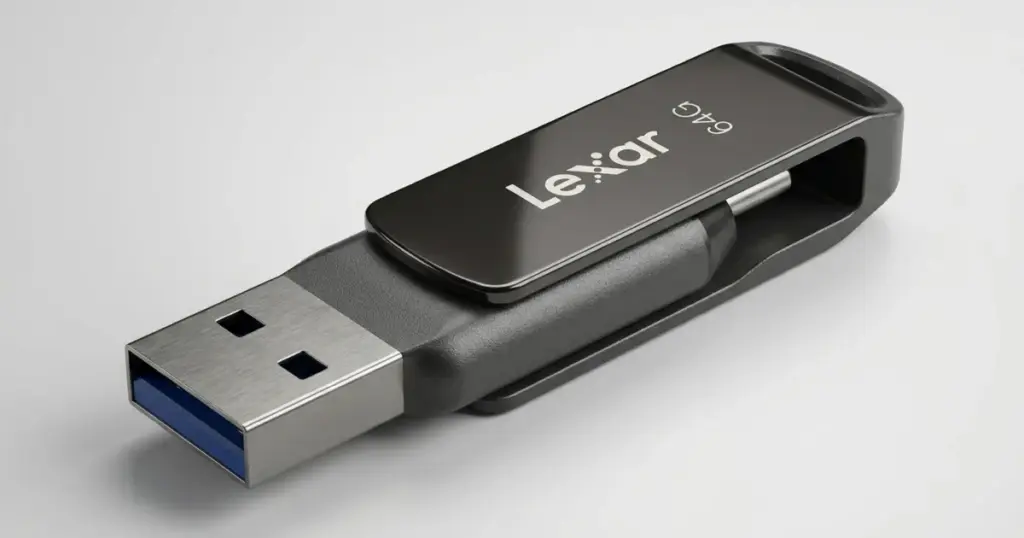
A bent USB flash drive can turn a normal work session into a critical data loss event. When the device contains thesis files, survey data, videos, or active project materials, repeated testing can make the situation worse.
This case study explains how PITS Data Recovery handled a physically damaged 64GB Lexar jump drive after it stopped working properly and the customer could no longer access essential academic research files.
Customer Situation
The customer was a university graduate student using a 64GB Lexar jump drive to store thesis research materials. While working in a coffee shop, he accidentally knocked over his laptop while the flash drive was still connected. The impact bent the USB drive and caused it to malfunction.
After the incident, the student could no longer access thesis documents, survey results, research videos, and other essential files. The situation created immediate academic pressure because the data was tied to research progress, thesis completion, and upcoming deadlines.
Learn more about professional flash drive recovery services for physically damaged USB devices and inaccessible files.

How the USB Drive Failed
The Lexar jump drive showed multiple physical and access-related symptoms:
- The USB drive was visibly bent.
- The device stopped working properly.
- Stored files became inaccessible.
- The drive showed unreadable storage behavior.
- Internal connections were affected by the impact.
This was a physical failure, not a simple deleted-file case. The bend damaged the exterior and internal connection points, which prevented stable access to the storage area. During recovery, engineers also encountered bad sectors, adding another layer of complexity.
Don't Let Data Loss Ruin Your Business
Minimize business disruption. We retrieve lost data fast, so you can focus on what matters.
Actions That Increase Risk
After a flash drive is bent or physically damaged, the wrong action can reduce recovery potential.
- Do not keep plugging it in. Unstable connections can worsen electrical or board-level damage.
- Do not bend the connector back. This can break traces, contacts, or solder joints.
- Do not attempt DIY soldering. Poor repair attempts can make lab recovery harder.
- Do not run recovery software on an unstable device. If the drive disconnects, software cannot safely control the failure.
- Do not save recovered files to the same USB drive. This can overwrite recoverable data.
Read more about how professionals recover data from a broken flash drive when physical damage prevents normal access.
Emergency Data Recovery Services
Unexpected data loss? Whether it’s a crashed system, failed storage device, or accidental deletion, our 24/7 emergency recovery service ensures priority assistance to retrieve your critical data.
How PITS Recovered the Files
Step 1: Physical Inspection
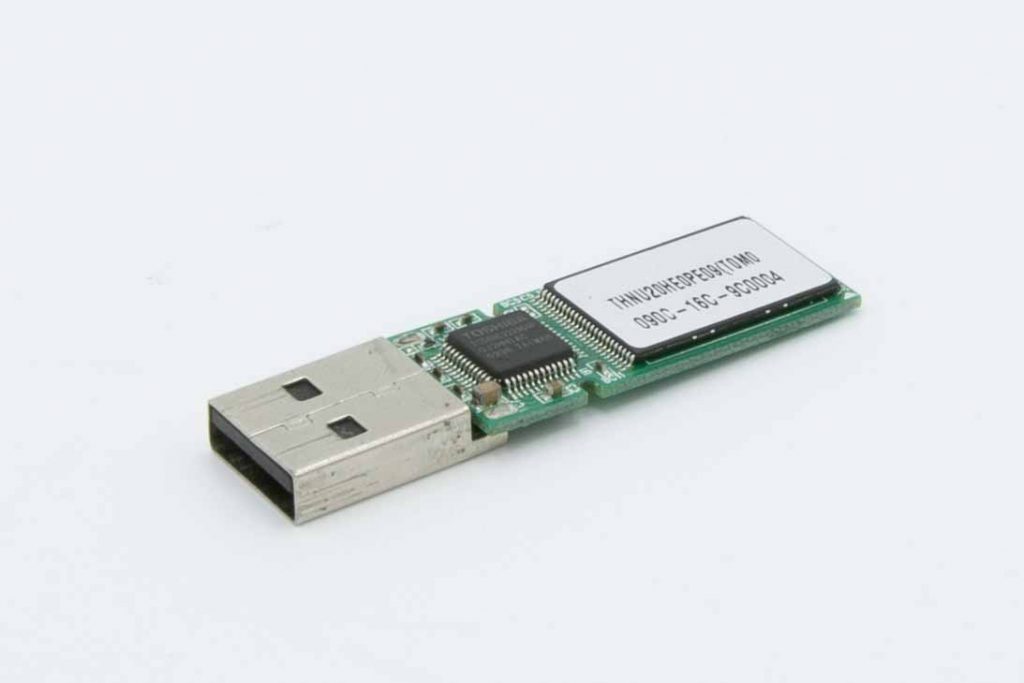
PITS engineers inspected the damaged Lexar jump drive to evaluate the bend, exterior damage, and possible internal connection failure. The goal was to understand whether the device could be stabilized before extraction.
Step 2: Internal Diagnostics
The team performed diagnostics to check how the damage affected access to the storage components. This helped identify connection-level issues caused by the physical impact.
Step 3: Micro-Soldering Repair
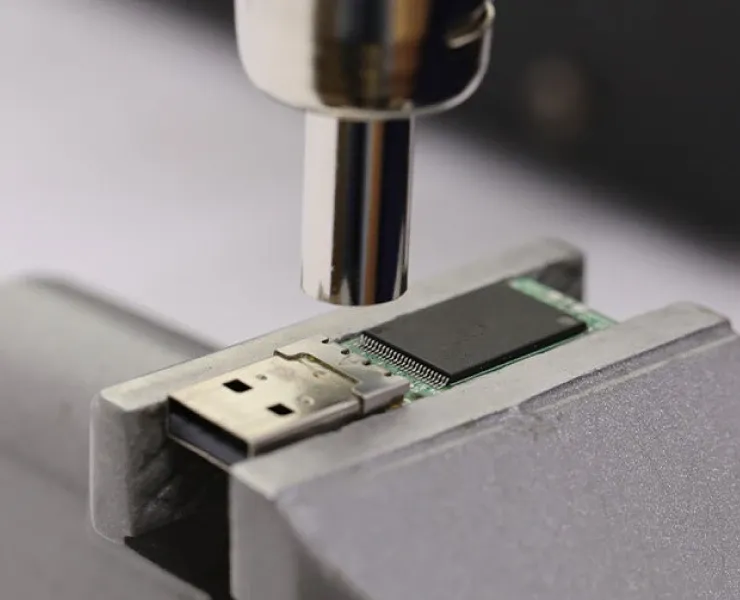
Engineers carefully disassembled the USB drive and performed micro-soldering to repair damaged connections. This step restored partial functionality and made controlled data extraction possible.
Step 4: Controlled Data Extraction
Once the device was stable enough to access, engineers connected it to professional recovery tools. The priority was to extract the student’s thesis documents, survey results, research videos, and other essential files.
Step 5: Bad Sector Handling
During extraction, the team encountered bad sectors. Engineers used advanced recovery techniques to work around unreadable areas and recover the critical files without relying on unstable normal USB access.
Verified Recovery Results
The recovery was successful. PITS recovered the student’s important thesis documents, survey results, research videos, and other critical files from the 64GB Lexar jump drive.
The recovered data was transferred to secure cloud storage. The student reviewed the files remotely through a protected cloud link and confirmed that the recovered data was intact and accessible.
This gave the customer access to the academic materials needed to continue thesis work without rebuilding the research from scratch.
Learn more about what can cause a flash drive not showing up and why repeated connection attempts can increase risk.
Industry-Leading 99% Success Rate
No hidden fees. No surprises. Just expert data recovery you can trust. We handle everything from simple file loss to extreme data recovery cases. If we can’t recover your data, no one can.
Final Recovery Takeaway
This case shows why a bent USB flash drive should be treated as a physical recovery case, not a normal software problem. When a drive contains thesis files, business documents, videos, or other critical data, repeated testing is not a strategy. It is a risk.
If your Lexar flash drive is bent, unreadable, not showing up, or disconnecting, stop using it immediately.
Contact PITS Data Recovery to start a professional flash drive recovery evaluation before damaged connections, unstable access, or bad sectors reduce the chance of recovery.
Frequently Asked Questions
Can data be recovered from a bent Lexar flash drive?
Should I keep plugging in a bent USB drive to test it?
Can recovery software fix a physically damaged USB drive?
What if the USB drive shows up and then disconnects?
Get a Free Consultation.
Our recovery experts are ready to assess your device and guide you through the safest path to recovery. Fill out the form to get started.
"*" indicates required fields