

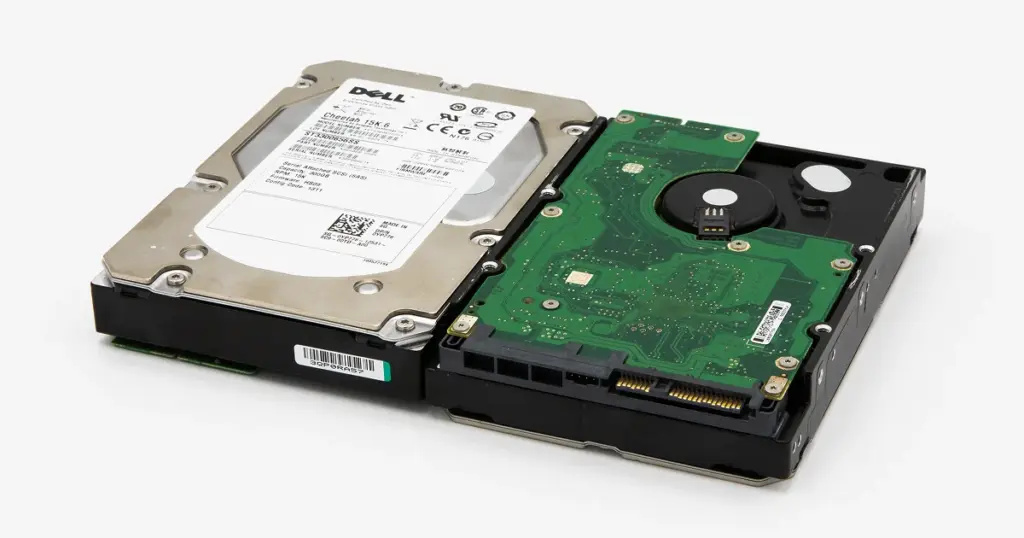
Seeing a “Dell Hard Drive Not Found” error can be alarming, especially if the drive contains valuable business or personal data. This message typically means the system BIOS cannot detect the hard drive, often due to hardware failure, misconfiguration, or corrupted firmware. One such case involved a Dell Cheetah hard drive that had stopped being recognized by the system entirely, requiring expert Dell hard drive recovery.
Our team at PITS Data Recovery was able to recover the data successfully. This case study outlines the evaluation, recovery process, and measures we take to protect client data throughout the recovery journey.
Evaluation of Dell Cheetah Hard Drive Failure
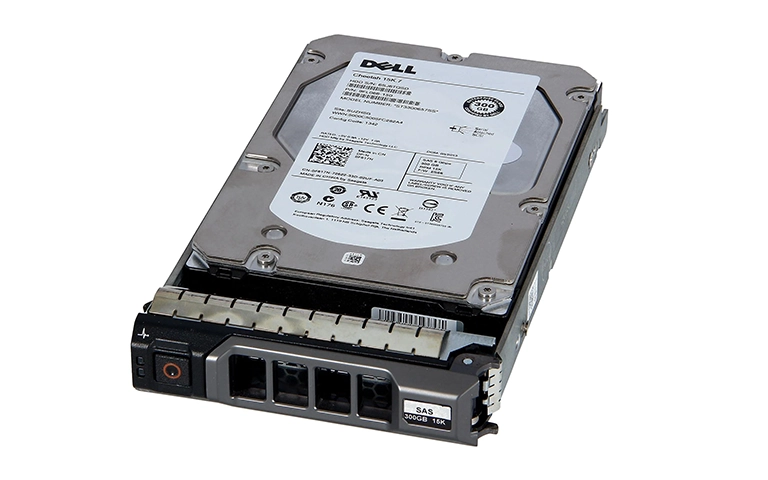
The recovery process began with a detailed evaluation of the Dell NAS system where the Cheetah hard drive was installed. Our engineers conducted a non-invasive inspection to determine both physical and logical drive conditions.
During the evaluation, we identified a critical mechanical issue: the read/write heads of one drive had failed, preventing normal access to stored data. Once the issue was confirmed, we developed a tailored recovery plan for the client’s Dell Cheetah hard drive to prevent further degradation and maximize recovery success.
Recovery Process: Hard Drive Not Detected in Dell System
When a Dell Cheetah hard drive is not detected, recovery becomes more complex but is still very possible. Our engineers follow a structured process to minimize risks and ensure data integrity:
Step 1: Drive Imaging
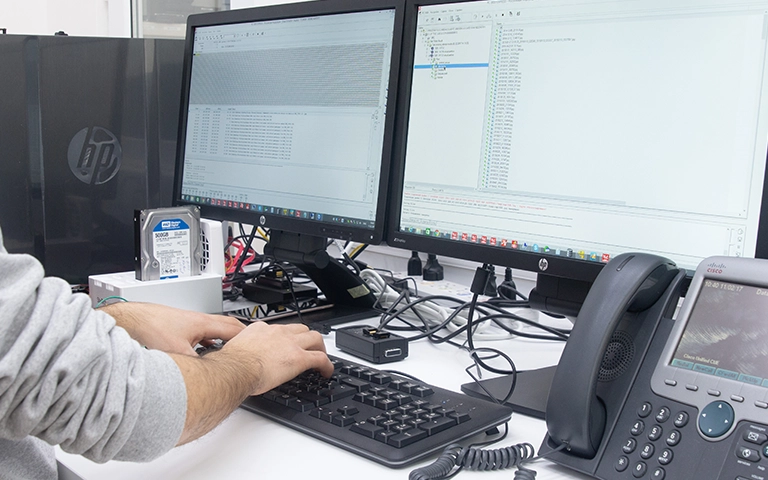
We first created a sector-by-sector clone of the affected drive. This method allows us to work from an image rather than the original, reducing the risk of additional damage.
Step 2: File System Reconstruction
Using proprietary recovery tools, our engineers reconstructed the file system. They manually rebuilt damaged structures and reassembled fragmented data, enabling us to extract files even in cases of significant damage.
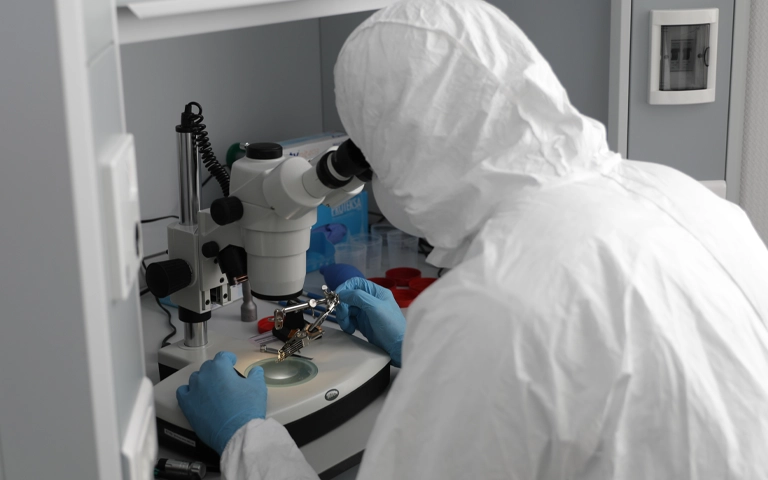
Throughout this stage, our specialists used cleanroom equipment and advanced imaging software to maintain control over the process.
Your Data Security Is Our Priority
Data privacy isn’t optional. It’s our commitment. Our secure recovery process ensures your sensitive information stays protected from start to finish.
HIPAA Compliant
GDPR Compliant
Secure Facility
NDA Available
Trust in certified security. Start your recovery today! Call Now: 888.611.0737
Dell Cheetah Data Verification and Finalization
Once the data recovery was completed, our team initiated a thorough verification process. This included:
- Comparing recovered data against original file records (when available)
- Opening and validating critical file types
- Ensuring the integrity and usability of system and user data
We then organized a remote verification session with the client, providing a detailed breakdown of the recovered data. The client reviewed the files and confirmed a successful recovery.
Why Choose PITS for Dell Cheetah Drive Recovery?
At PITS Data Recovery, we specialize in recovering data from complex and high-performance enterprise drives like Dell Cheetah series. Here’s what sets us apart:
- ISO-Certified Cleanroom for handling sensitive mechanical repairs
- Cutting-edge imaging tools to recover data from failed read/write heads, bad sectors, or firmware issues
- Encrypted handling of all recovered data to ensure confidentiality
- Real-time case updates and full transparency throughout the recovery process
- Support for all Dell systems, including desktops, laptops, servers, and external enclosures
Our team has successfully handled Dell Cheetah drives with a wide range of failures, including mechanical malfunctions, firmware corruption, power surges, and logical errors all requiring specialized hard drive recovery solutions.

Get a Free Consultation.
Our recovery experts are ready to assess your device and guide you through the safest path to recovery. Fill out the form to get started.
"*" indicates required fields
What to Do if Your Dell Cheetah Hard Drive Is Not Found
If you are facing the “Hard Drive Not Found” error on your Dell system, avoid repeated rebooting or DIY recovery attempts. Instead:
- Power off the system immediately
- Remove the failed hard drive carefully
- Note down any error codes or BIOS messages
- Contact a professional recovery provider
Ship the drive using static-safe packaging and include any available information about the failure. These details help our engineers customize the recovery approach.
Dell Hard Drive Recovery Services You Can Trust
Losing access to your Dell Cheetah drive can be stressful, but with PITS Data Recovery, you have a proven solution. Our lab delivers professional-grade recovery services with over a 96% success rate across all major drive manufacturers.
Whether you’re dealing with a workstation failure, server data recovery issue, or external RAID crash, we have the tools, expertise, and secure environment to recover your data.
Frequently Asked Questions
What does “Dell Hard Drive Not Found” mean?
Can data still be recovered if my Dell Cheetah hard drive is not detected?
Is it safe to keep rebooting my Dell system to see if the drive comes back?
What should I do immediately after seeing the error?
Can I recover the drive myself with software?
What Our Customers Are Saying
Don't Let Data Loss Ruin Your Business
Minimize business disruption. We retrieve lost data fast, so you can focus on what matters.