

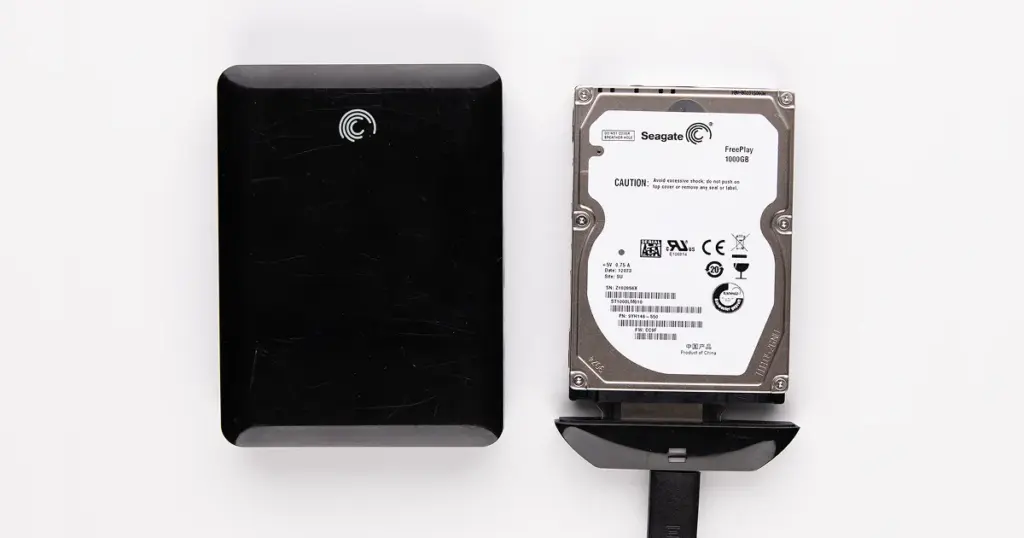
A dropped external hard drive can fail without warning. Unlike logical data loss, a physical impact can damage internal HDD components and make the device unreadable within seconds.
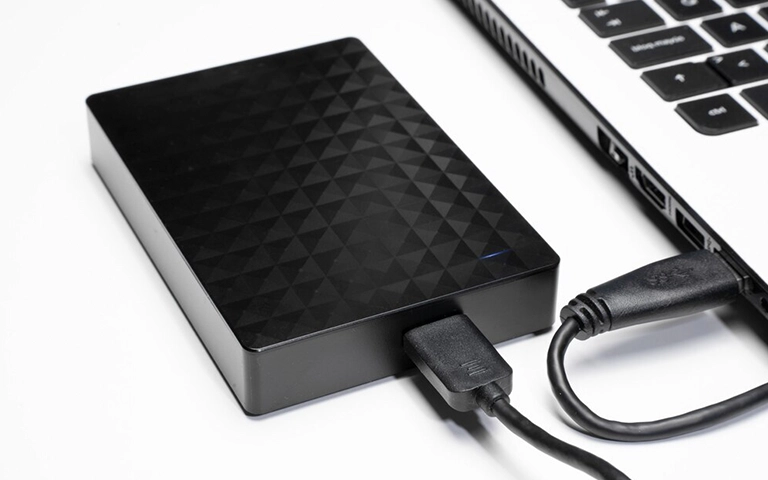
In this case, a Seagate external hard drive became inaccessible after a drop. The drive was either not recognized or could not read data, which pointed to likely mechanical damage and the need for immediate professional handling.
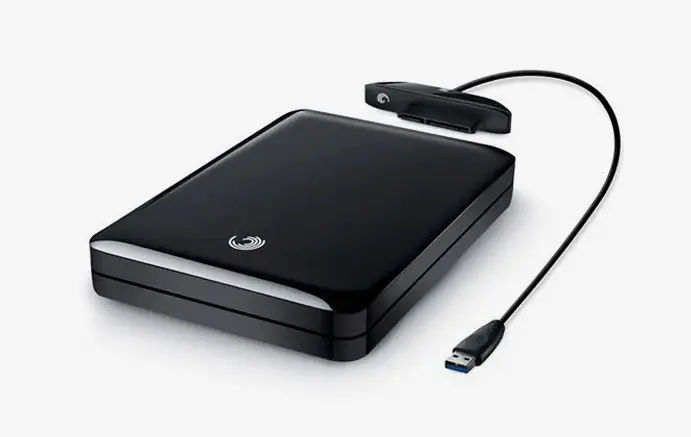
The Scenario: Critical Data Loss for a US Professional
The client, a small business owner in California, relied on the external drive for storing operational data, including financial records, client files, and project backups.
The drive served as a primary storage unit rather than a redundant backup, which elevated the risk.
After the drop, access to critical business data was lost. Ongoing operations were impacted, and the client faced potential disruption to client deliverables and internal workflows.
The situation required immediate evaluation to determine whether the data could still be safely recovered.
Industry-Leading 99% Success Rate
No hidden fees. No surprises. Just expert data recovery you can trust. We handle everything from simple file loss to extreme data recovery cases. If we can’t recover your data, no one can.
What Went Wrong
The drop likely caused internal mechanical damage, such as head misalignment or contact with the platter surface. That type of shock can prevent a hard drive from reading data correctly and can worsen quickly if the device stays in use.
The client reported several common post-impact symptoms:
- the drive was not recognized consistently
- files could not be accessed
- the device became unstable after connection
This was not a software issue. In cases like this, repeated use and DIY recovery attempts often make the damage worse.
For related scenarios involving similar Seagate devices, you can learn more about Seagate external hard drive recovery.
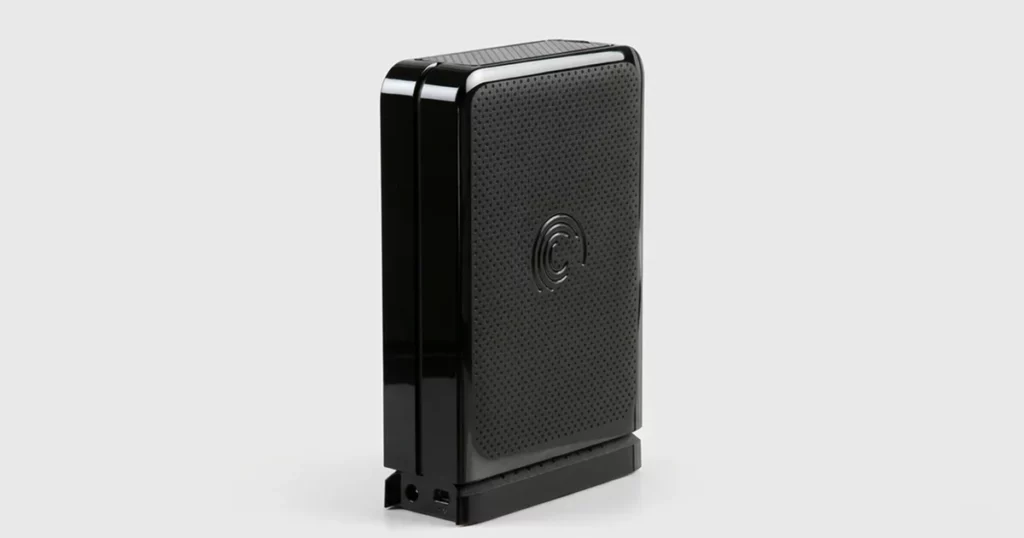
How PITS Approached the Recovery
The recovery process followed a controlled, hardware-level methodology designed for physically damaged drives.
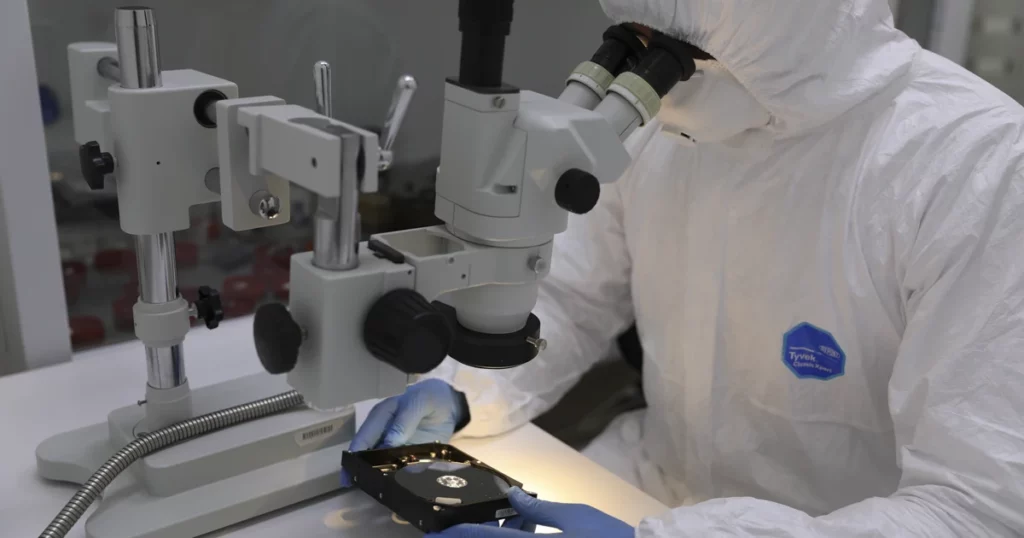
Cleanroom Intervention
The drive was opened in a Certified ISO Class 5 Cleanroom to prevent any dust or microscopic particles from landing on the platters.
Mechanical Repair
Engineers carefully removed the damaged read/write head assembly and replaced it with a compatible donor part from our extensive inventory.
Firmware Calibration
After the physical repair, the drive’s firmware was stabilized using specialized hardware to ensure it could communicate with our imaging equipment.
Sector-by-Sector Imaging
We used advanced data recovery tools to create a bit-for-bit clone of the drive, skipping over damaged sectors to extract the maximum amount of data possible without further stressing the hardware.
Read more about our dedicated Seagate hard drive recovery services and specialized tools.
Why Professional Recovery Mattered
| Factor | DIY or Continued Use | Professional Recovery |
|---|---|---|
| Risk of further damage | High, repeated read attempts worsen damage | Controlled environment minimizes risk |
| Tools used | Software-based, not suited for physical failure | Specialized hardware and cleanroom tools |
| Data recovery potential | Rapidly decreases with continued use | Preserved through careful handling |
| Outcome reliability | Unpredictable | Structured and methodical approach |
If the drive is making unusual noises after the drop, such as clicking or beeping, learn more about Seagate One Touch beeping drive recovery.
Don't Let Data Loss Ruin Your Business
Minimize business disruption. We retrieve lost data fast, so you can focus on what matters.
Recovery Outcome
Despite the physical trauma to the device, the recovery process successfully restored access to critical business files.
The client regained the majority of operational data required to resume normal activities, including financial documents and project files.
The outcome demonstrates that even in cases of mechanical damage, controlled recovery procedures can retrieve essential data when handled early and correctly.
What Not to Do After Dropping a Hard Drive
Taking the wrong steps after a drop can permanently reduce recovery chances.
- Do not continue plugging the drive in repeatedly
- Do not run data recovery software
- Do not open the drive outside a cleanroom
- Do not ignore unusual sounds such as clicking or beeping
Immediate shutdown and professional evaluation are critical to preserving recoverable data.

DIY Recovery
Risks permanent data loss
Let the Specialists Handle It
DIY attempts often result in permanent data loss. Our certified recovery specialists use advanced tools in controlled environments for the highest success rate.
24/7 Emergency Service
Start Your Secure Recovery Evaluation
If you have dropped your external hard drive and it is no longer recognized, the window for a successful recovery is highest immediately after the failure.
Do not gamble with your business or personal data by attempting DIY fixes on a physically compromised device.
Contact PITS Data Recovery today for a professional evaluation. Our specialists are available to guide you through the secure shipping process and provide an expert assessment of your recovery options.
Frequently Asked Questions
Can data be recovered from a dropped external hard drive?
Why is my external hard drive not recognized after being dropped?
Can software recover data from a physically damaged hard drive?
What should I do if my drive starts clicking after a fall?
Get a Free Consultation.
Our recovery experts are ready to assess your device and guide you through the safest path to recovery. Fill out the form to get started.
"*" indicates required fields