

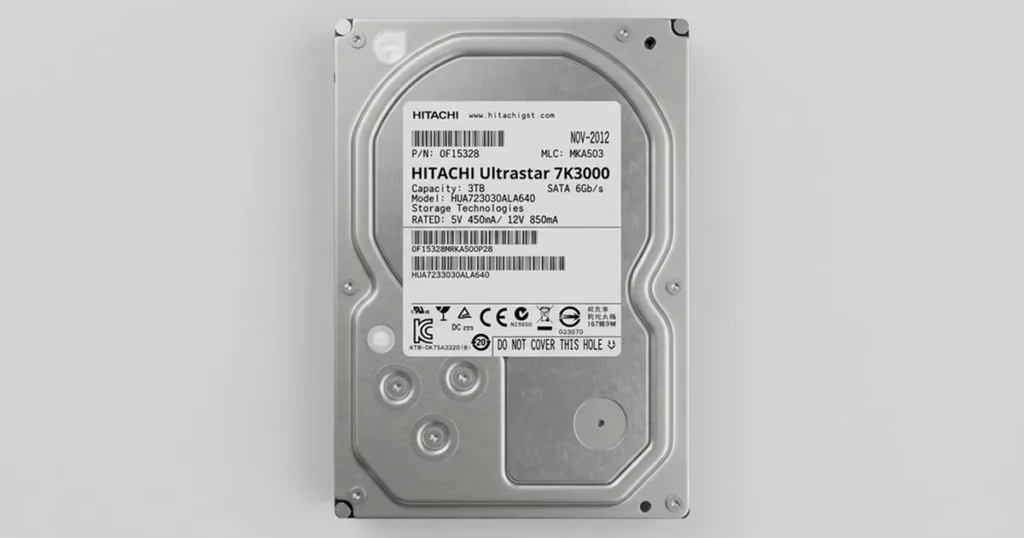
A client brought in a failed Hitachi Ultrastar 7K3000 hard drive with an urgent need for access. The drive contained business and personal data, including financial records, documents, and family photos.
Prior software based recovery attempts did not produce results and increased urgency for controlled handling.
Our assessment confirmed bad sectors combined with an electronic failure, requiring lab level recovery.
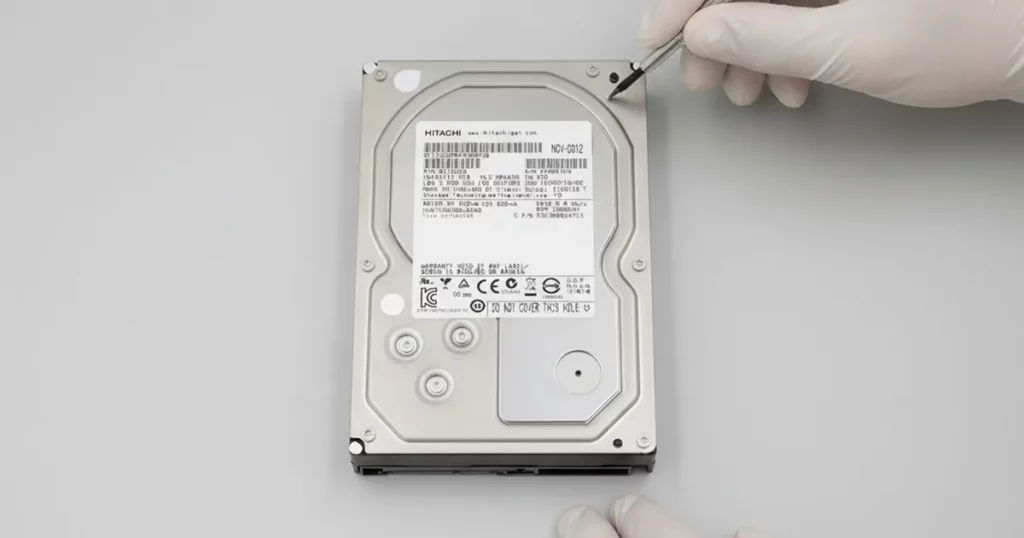
Hitachi Ultrastar 7K3000 at a Glance
The Hitachi Ultrastar 7K3000 is a performance-focused, enterprise-class hard drive line commonly used for:
Workstations and small servers
Business file storage and archives
High-uptime environments where stability matters
Why failures are high-risk
When an Ultrastar starts degrading, the priority is protecting what is still readable.
Bad sectors can expand quickly under load
Electronic faults can interrupt stable access without warning
Repeated power cycles and scanning attempts can increase damage
For device-specific expertise and supported models, explore our Hitachi hard drive recovery service.

DIY Recovery
Risks permanent data loss
Let the Specialists Handle It
DIY attempts often result in permanent data loss. Our certified recovery specialists use advanced tools in controlled environments for the highest success rate.

24/7 Emergency Service
Problem: Bad Sectors Plus Electronic Failure
What the client experienced
- The drive was unstable and could not be recovered using software tools
- Access to stored files was inconsistent or blocked
- The situation was time-sensitive due to the mix of business-critical and irreplaceable personal data
What was at risk
- Financial information and operational documents
- Personal archives, including family photos
- File system integrity, due to repeated read errors
What we identified as the failure pattern
This case involved a dual-fault scenario:
- Media-level damage: multiple bad sectors preventing consistent reads
- Electronics issue: failure at the PCB or related electronic components affecting drive communication and stability
To understand how these symptoms commonly present across HDDs, read more about common hard drive problems.
Your Data Security Is Our Priority
Data privacy isn’t optional. It’s our commitment. Our secure recovery process ensures your sensitive information stays protected from start to finish.
HIPAA Compliant
GDPR Compliant
Secure Facility
NDA Available
Trust in certified security. Start your recovery today! Call Now: 888.611.0737
Diagnostic Highlights: What We Confirmed During Assessment
Our goal in diagnostics was simple: confirm what is failing, quantify risk, and choose the safest recovery path without driving the drive harder than necessary.
| Diagnostic item | What we found | Why it mattered |
|---|---|---|
| Media condition | Multiple bad sectors | Required controlled reads and skip logic to avoid stalls |
| Electronic stability | Electronic failure present | Standard access was unreliable, needed hardware-level stabilization |
| Data viability | Data still present on platters | Recovery was feasible with the right strategy |
| Priority | Time-sensitive data | Workflow optimized for fast extraction and validation |
For a related electronics-driven Hitachi case, see this case study: Hitachi 7K750 PCB data recovery.
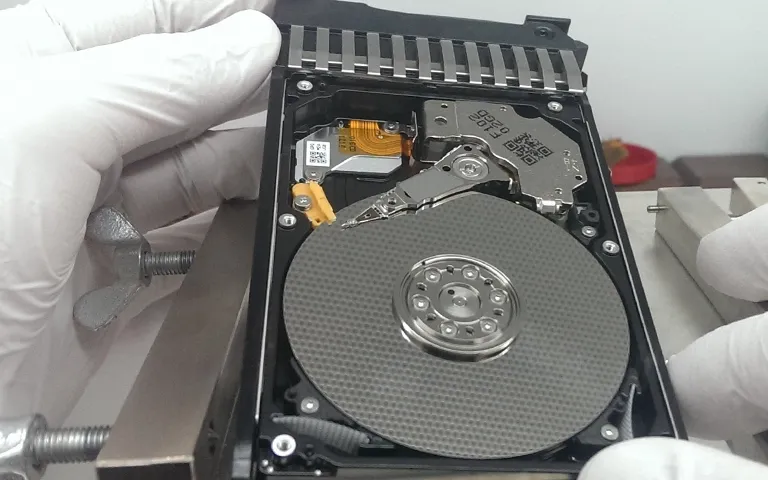
Recovery Process: Controlled, Stepwise Extraction
Phase 1: Stabilize access
We focused on achieving stable communication first, then reducing read stress on the drive. This step is critical when electronics and media issues overlap.
Phase 2: Sector-level imaging strategy
Our engineers used a controlled, sector-by-sector approach designed for failing media:
- Prioritized the most readable zones first
- De-emphasized unstable regions to prevent long timeouts
- Revisited degraded areas only after the main image was secured
Phase 3: Data rebuild and integrity checks
Once extraction was complete, we rebuilt the file structure from the recovered image and performed integrity validation to ensure files opened normally and remained in their original organization.
With bad sectors, pushing the drive harder usually slows recovery down and can reduce what is recoverable. We speed up results by capturing the easiest readable areas first, then carefully attempting the unstable areas.
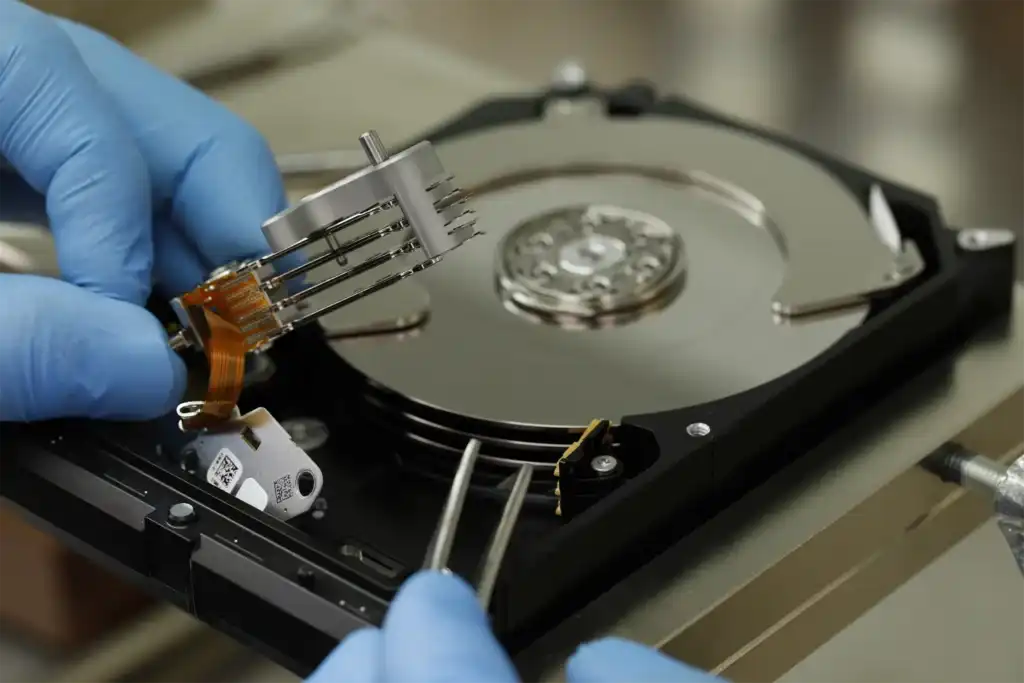
Risk Warning: Why Software Attempts Often Make It Worse
Software tools typically behave the same way: they keep re-reading problem areas to force results. On a failing Ultrastar, those repeated retries can escalate bad sectors, slow the drive to a crawl, or cause it to drop offline entirely.
The most controlled path is to stop DIY attempts early and move to a lab process that focuses on safe extraction first, not repeated scanning.
If a drive has bad sectors or an electronic issue, repeated software scans can increase read pressure and trigger more failures. In practice, that often turns a recoverable drive into an unstable one.
Don't Let Data Loss Ruin Your Business
Minimize business disruption. We retrieve lost data fast, so you can focus on what matters.
Result: 100% Data Recovered and Client Verified
Recovery outcome
Recovery result: 100% of identified client data recovered
Recovered data types: financial information, business documents, and family photos
Turnaround time: recovery completed within 4 days
Verification and delivery
After recovery, we scheduled a structured verification session:
The client connected to our verification environment
They reviewed file and folder structure and confirmed accessibility
We transferred the approved dataset to a new replacement drive for delivery
Hear it from Our Client
Contact Us for Hitachi Hard Drive Recovery
If your Hitachi Ultrastar 7K3000 is failing, stop DIY attempts and get a controlled evaluation. We will identify the failure mode, recover your data safely, and let you verify files before delivery.
Send the model number, symptoms, and what you already tried. Then contact us to start your Hitachi hard drive recovery.
Get a Free Consultation.
Our recovery experts are ready to assess your device and guide you through the safest path to recovery. Fill out the form to get started.
"*" indicates required fields