

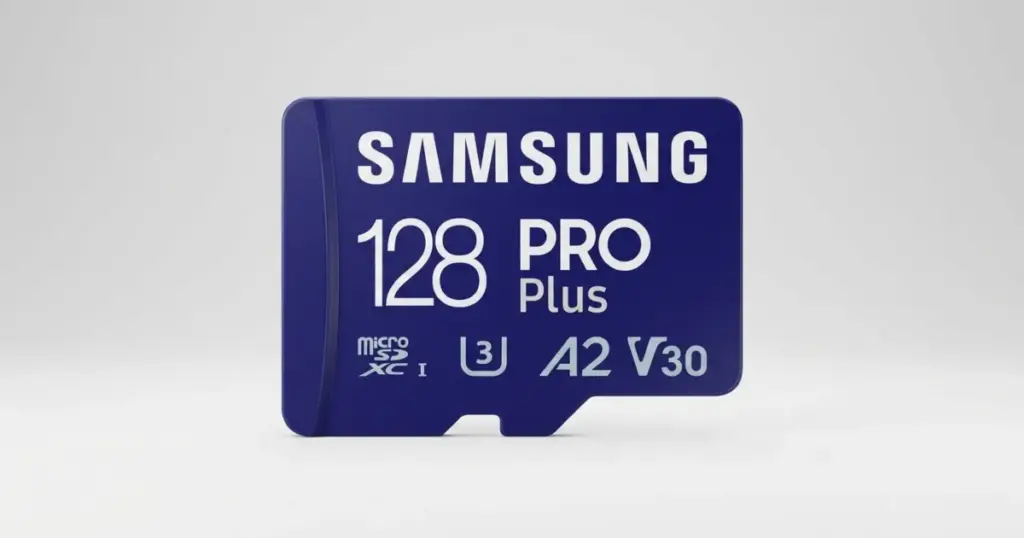
GoPro footage often captures moments that cannot be recreated. When a MicroSD card fails during transfer, the problem can escalate fast: files may appear corrupted, folders may not open, or the card may stop reading correctly.
This case study shows how PITS Data Recovery handled a failed GoPro MicroSD card that required chip-off recovery after the footage became inaccessible during a desktop transfer. It also explains why stopping use early can protect recovery options.
Customer Situation
The customer attempted to copy GoPro video files from a MicroSD card to a desktop computer for editing.
During the process, the files would not transfer correctly and appeared corrupted. The footage was from a trip, which made the loss personal, time-sensitive, and difficult to replace.
After researching recovery options, the customer contacted PITS Data Recovery, spoke with customer service, and shipped the MicroSD card to the lab.
Users dealing with inaccessible camera media can learn more about professional SD card data recovery services.

What Went Wrong
The failure was not just a corrupted video file or a bad transfer. The MicroSD card had become RAW due to physical failure, which meant the computer could no longer interpret the file system normally.
When a card becomes RAW, the operating system may see the storage device but cannot properly read the structure that organizes the files. In this case, the GoPro footage appeared corrupted because the card could not provide stable access to the stored media data.
This type of failure is high-risk because every additional read attempt can stress unstable flash memory. If your card is unreadable or inconsistently detected, read more about why an SD card may not show up.
Don't Let Data Loss Ruin Your Business
Minimize business disruption. We retrieve lost data fast, so you can focus on what matters.
What Not to Do After GoPro SD Card Failure
When GoPro footage becomes inaccessible, the worst strategy is to keep pushing the card. Avoid these actions:
- Do not continue recording on the same card
- Do not format the card when prompted
- Do not run repeated recovery software scans
- Do not keep forcing failed file transfers
- Do not save recovered files back to the same card
Every unnecessary read or write attempt can reduce recovery options, especially when physical flash media failure is involved.
Why DIY Recovery Was Risky
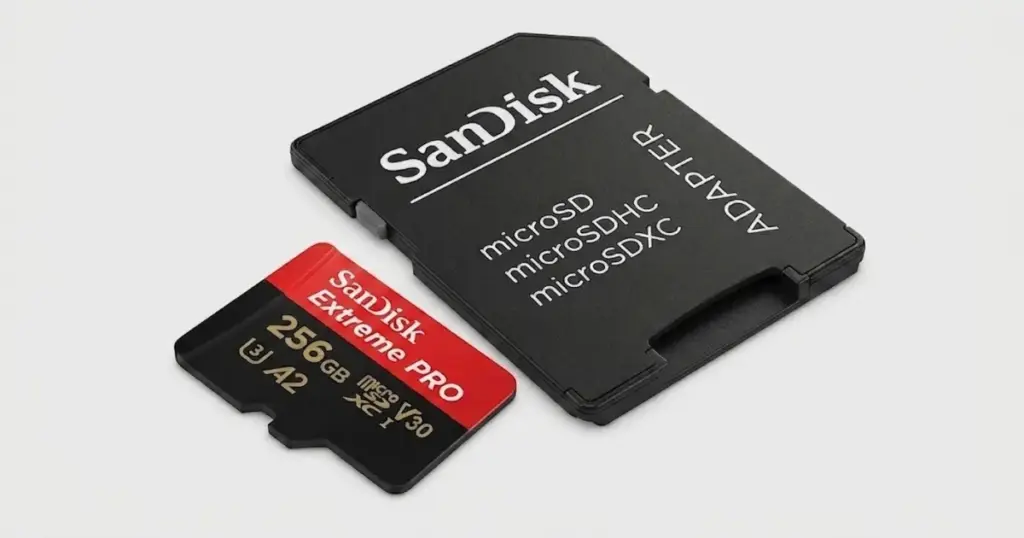
DIY recovery was not a strong option because the MicroSD card had a physical-level failure. Consumer software depends on the card being readable through normal access channels, while this case required chip-off recovery.
A software scan could have produced incomplete files, damaged video fragments, or no usable result, while adding unnecessary read cycles to unstable memory.
Professional recovery was necessary due to the need for controlled handling, chip-level access, specialized readers, and file system reconstruction. This is the difference between recovering visible files and rebuilding access from failed flash media.
Industry-Leading 99% Success Rate
No hidden fees. No surprises. Just expert data recovery you can trust. We handle everything from simple file loss to extreme data recovery cases. If we can’t recover your data, no one can.
How PITS Approached the Recovery
Controlled Inspection and Failure Confirmation
Engineers inspected the MicroSD card and confirmed that the failure was physical, with the card presenting as RAW. This ruled out a basic software-only recovery path.
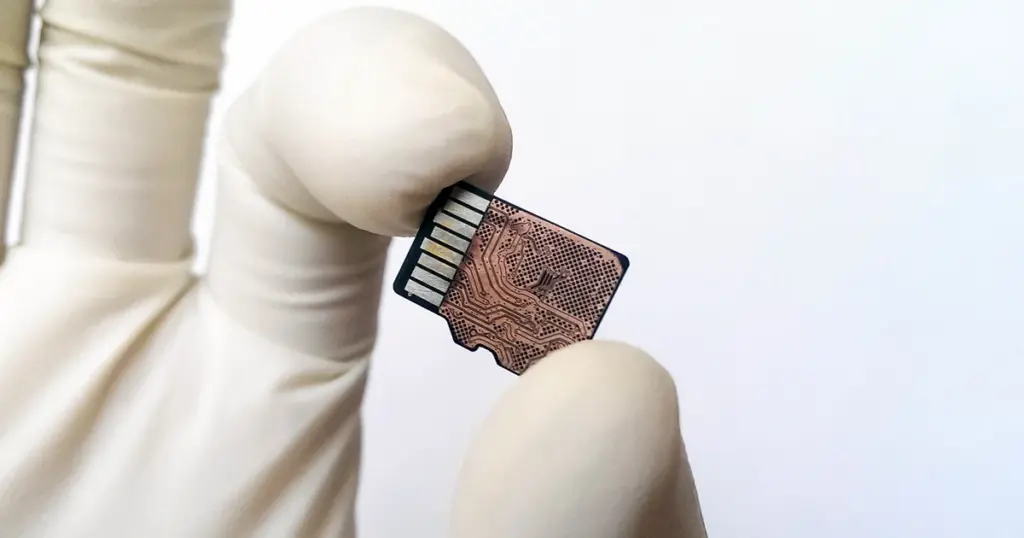
Chip-Level Access to the Memory
Cleaning and Component Preparation
The memory components were cleaned using ultrasonic equipment. This helped prepare the chips for a more stable read process and reduced contamination-related access issues.
Data Extraction with Advanced Readers
Engineers used advanced card readers to extract data from the memory chips. The main challenge was that raw flash data is not immediately usable as video files.
File System Reconstruction and Video Validation
PITS used specialized algorithms to rebuild the file system and restore the media structure. The recovered GoPro videos were then checked for usability before delivery.
Critical GoPro Files Were Restored and Delivered
The recovery process restored the customer’s critical GoPro footage from the failed MicroSD card. The reconstructed video files were verified and delivered on a replacement memory card.
The customer regained access to the trip footage that had previously appeared corrupted and could not be transferred from the original card.
The practical outcome was straightforward: inaccessible GoPro media became usable again for editing, storage, and preservation.
For another example of complex flash media recovery, read more about SanDisk Ultra Plus MicroSD card data recovery.
Industry-Leading 99% Success Rate
No hidden fees. No surprises. Just expert data recovery you can trust. We handle everything from simple file loss to extreme data recovery cases. If we can’t recover your data, no one can.
Final Takeaway: Act Before Data Loss Gets Worse
This case shows how quickly a GoPro MicroSD card issue can move from a failed transfer to a high-risk recovery situation. Corrupted videos, RAW card behavior, and repeated access errors may indicate physical flash media failure, not a simple file problem.
For anyone facing similar symptoms, the next step is critical. Stop using the card, avoid formatting, and do not keep running software scans.
Contact PITS Data Recovery to start a professional evaluation before additional access attempts reduce the chances of recovering valuable footage.
Frequently Asked Questions
Can corrupted GoPro video files be recovered?
Why did my GoPro MicroSD card become RAW?
Should I try recovery software on a corrupted GoPro SD card?
What should I do first if my GoPro files will not transfer?
Get a Free Consultation.
Our recovery experts are ready to assess your device and guide you through the safest path to recovery. Fill out the form to get started.
"*" indicates required fields