

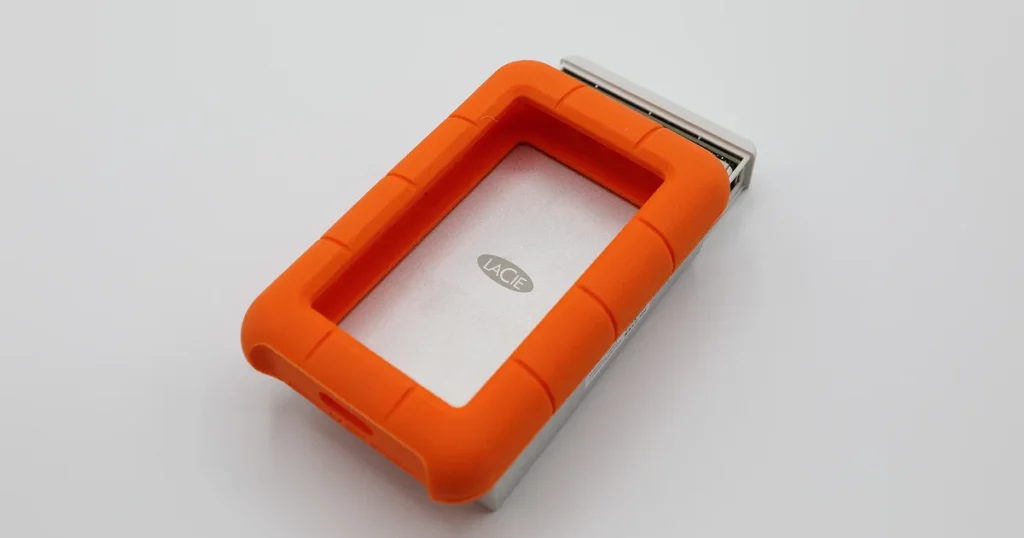
LaCie external drives are trusted by creatives, professionals, and businesses for their design and performance. But no matter how reliable, any external hard drive can fail. If your LaCie external drive is not recognized, you could be dealing with anything from minor connection issues to serious hardware damage situations that often require Lacie external hard drive recovery.
In this post, we walk you through a real data recovery case handled by PITS Data Recovery, explain the causes, challenges, and solutions, and show you what to do next.
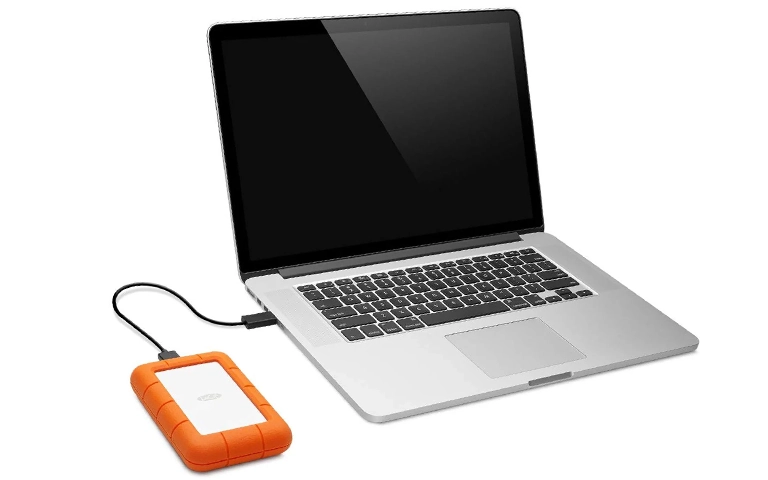
Client Case: Unresponsive LaCie Drive with Critical Files
A client reached out to PITS Data Recovery after their LaCie desktop external hard drive suddenly stopped working. It was not showing up on macOS or Windows systems. The drive stored nearly 1.5TB of high-resolution video projects, client archives, and work-in-progress files.
After basic troubleshooting attempts failed, including testing different cables, ports, and systems, the client shipped the drive to our lab for evaluation.
Industry-Leading 99% Success Rate
No hidden fees. No surprises. Just expert data recovery you can trust. We handle everything from simple file loss to extreme data recovery cases. If we can’t recover your data, no one can.
Evaluation and Initial Findings
Upon physical inspection, the drive powered on, but there were no signs of internal activity. No spinning, clicking, or mounting. The USB interface was not initializing, and the device was invisible even in Disk Management and Disk Utility.
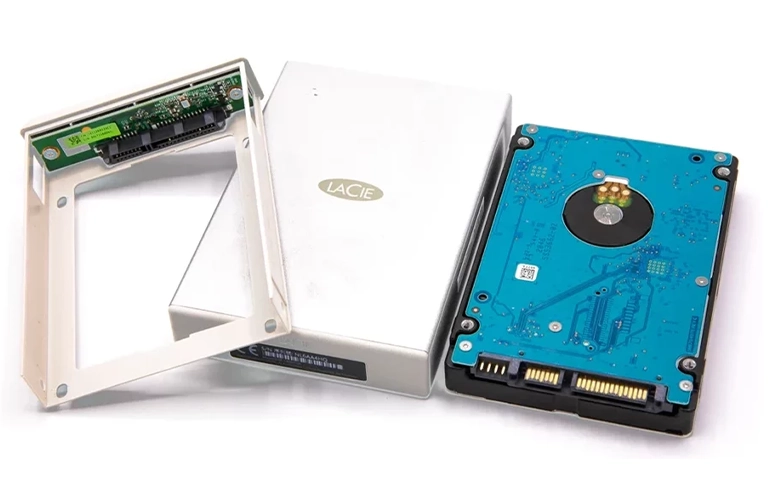
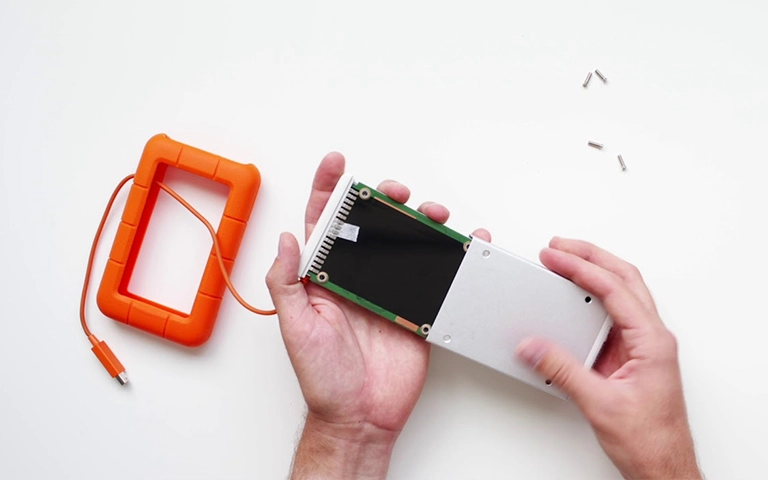
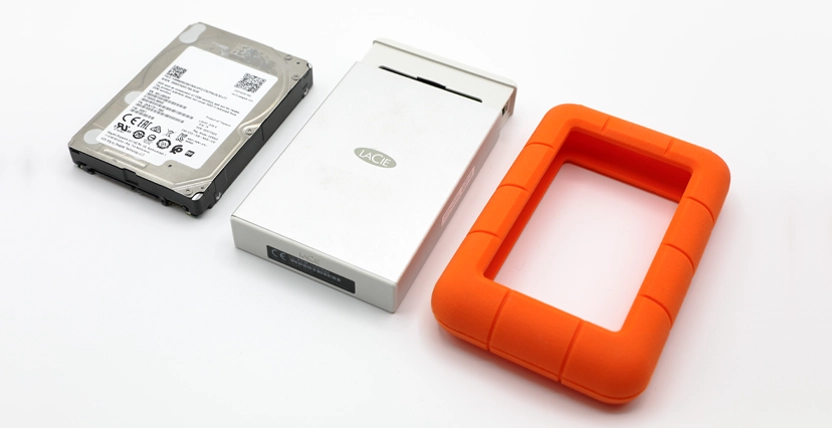
After disassembling the drive, our engineers identified the issue. The PCB (Printed Circuit Board) was damaged, most likely due to a power surge. Although externally the board looked fine, internal voltage testing revealed shorted components.
Recovery Process and Challenges
PCB Repair and Firmware Preservation
We located a donor PCB with the exact chipset and layout. Our hardware team carefully removed the ROM chip from the original board and transplanted it onto the donor. This preserved the drive’s native firmware, encryption keys, and calibration data.
Once reassembled, the drive successfully spun up on our controlled imaging station, but another challenge emerged.
Emergency Data Recovery Services
Unexpected data loss? Whether it’s a crashed system, failed storage device, or accidental deletion, our 24/7 emergency recovery service ensures priority assistance to retrieve your critical data.
Extremely Slow Read Speeds
Despite initializing properly, the drive read data at a very slow rate, sometimes as low as 300 KB/s. This suggested platter surface degradation or weakened read/write heads.
To avoid further damage, we:
- Configured a custom head map to isolate unstable heads
- Enabled adaptive imaging protocols to retry bad sectors strategically
- Used controlled cooling intervals to prevent thermal buildup
The imaging phase took over 48 hours, with multiple safe reboots, retries, and real-time monitoring.
File System Recovery and Data Validation
After a complete image was captured:
- We mounted the cloned image in our forensic environment
- Reconstructed the original file structure with timestamps intact
- Verified file integrity across more than 2,000 video, project, and document files
- Provided a recovery report to the client confirming full data restoration
The client received a secure return drive with all critical data restored and no signs of corruption.
Your Data Security Is Our Priority
Data privacy isn’t optional. It’s our commitment. Our secure recovery process ensures your sensitive information stays protected from start to finish.
HIPAA Compliant
GDPR Compliant
Secure Facility
NDA Available
Trust in certified security. Start your recovery today! Call Now: 888.611.0737
What Caused the Failure?
Power surges are a common cause of failure in external drives like LaCie. They often damage internal PCB components, corrupt firmware during file writes, or cause complete failure without leaving external signs.
Prevention Tips
To protect your external drive from similar issues:
- Use a surge protector or uninterruptible power supply (UPS)
- Avoid frequent plugging and unplugging
- Always use the safe eject feature
- Disconnect the drive if it begins behaving abnormally

When to Contact a Professional
You should seek expert assistance if:
- The drive is not recognized on any computer
- It makes clicking, buzzing, or no sound at all
- It appears in system tools but cannot be accessed
- You experience slow performance or freezes
What Our Customers Are Saying
At PITS Data Recovery, we specialize in LaCie hard drive recovery and external hard drive recovery. Our team handles firmware issues, PCB failures, slow imaging, and data reconstruction in certified cleanroom environments.
Get a Free Consultation.
Our recovery experts are ready to assess your device and guide you through the safest path to recovery. Fill out the form to get started.
"*" indicates required fields