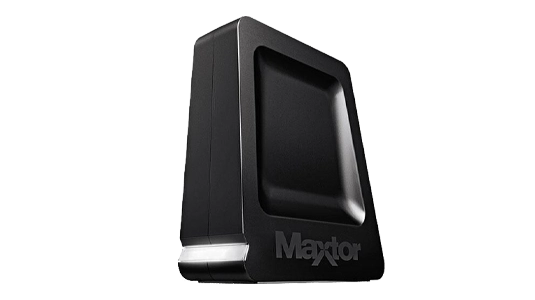
A client brought in a Maxtor OneTouch 4 external hard drive that had started making unusual noises and was no longer recognized reliably by their computer. File access was inconsistent, and some stored data could not be opened.
After intake, we evaluated the drive condition, identified media-level read issues, and initiated a controlled recovery workflow designed to reduce further damage and extract the highest-value data first.
Quick context
Device: Maxtor OneTouch 4 external hard drive
Scenario: strange noise, not recognized, partial file access
Data focus: user files including media and documents
Failure Symptoms and Data Risk
The drive showed two high-risk symptoms that typically indicate media access problems, not simple software issues.
What the client reported
Unusual noise during spin-up and access
Drive not recognized consistently by the computer
Some files inaccessible even when the drive appeared connected
Why this is high risk
Noise often correlates with unstable read behavior, which can worsen with repeated power cycles.
When a drive cannot read sections of the platters, the file system may not load, making data appear missing even though it still exists on disk.

DIY Recovery
Risks permanent data loss
Let the Specialists Handle It
DIY attempts often result in permanent data loss. Our certified recovery specialists use advanced tools in controlled environments for the highest success rate.

24/7 Emergency Service
Device Profile: OneTouch 4 Mini 500GB
| Item | Details |
|---|---|
| Model | Maxtor OneTouch 4 Mini |
| Capacity | 500GB |
| Form factor | External portable hard drive |
| Key constraint | Older model, no longer in production |
| Intake condition | Noise present, inconsistent recognition |
This model context matters because older portable drives often arrive with wear-related media issues, and parts availability can be limited. The recovery plan needs to be conservative and evidence-driven.
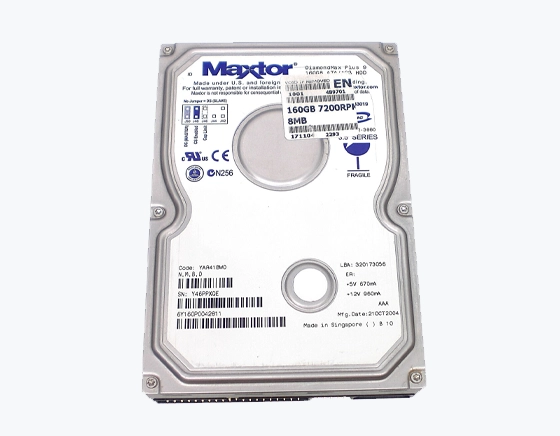
Diagnostic Findings: Bad Sectors and Head Read Issues
Our evaluation confirmed the problem was driven by media readability, not a basic connection issue.
Key findings
Bad sectors were blocking normal access to the file system.
The noise aligned with unstable read attempts, where the read/write head struggled to pull data from affected platter areas.
Because the file system could not be read cleanly, file access became unreliable and some data appeared missing.
Your Data Security Is Our Priority
Data privacy isn’t optional. It’s our commitment. Our secure recovery process ensures your sensitive information stays protected from start to finish.
HIPAA Compliant
GDPR Compliant
Secure Facility
NDA Available
Trust in certified security. Start your recovery today! Call Now: 888.611.0737
Recovery Process: Imaging Around Bad Sectors
We executed a hard drive recovery workflow built for unstable media, where the priority is to capture data safely before conditions degrade.
Step 1: Controlled intake handling
We limited power cycles and avoided repeated mount attempts to reduce stress on the drive.
Step 2: Sector-level imaging
We created a targeted image designed to capture readable areas first.
Step 3: Bad-sector bypass strategy
We used specialized techniques to work around unreadable sectors and continue extraction without stalling.
Step 4: File system reconstruction
After imaging, we rebuilt the file structure from the captured data.
Step 5: Output validation
We organized recovered files for verification and delivery.
A noisy hard drive can deteriorate quickly. Repeated plug-ins and DIY scans often convert partial recoveries into total losses.
To understand our Maxtor recovery capability, you can explore our Maxtor hard drive recovery service here: Maxtor hard drive recovery.
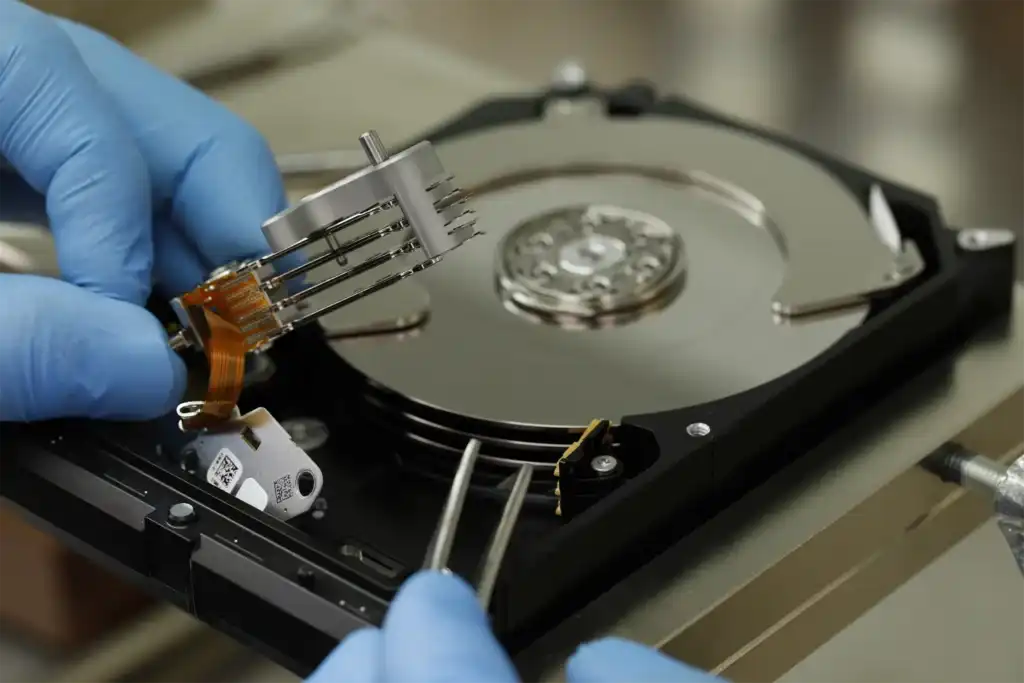
Recovery Results and Verification
We recovered most of the client’s high-priority data, including photos, videos, and documents, and delivered it in an organized folder structure.
To close the loop, we ran a verification session with the client. They reviewed the recovered directory tree, checked key files for openability, and confirmed that the critical content was present.
At delivery, we provided a complete recovered file list and documented the overall outcome, which included recovery of over 93% of the important data.
Don't Let Data Loss Ruin Your Business
Minimize business disruption. We retrieve lost data fast, so you can focus on what matters.
If Your External Drive Is Making Noise: What To Do
If your external hard drive starts making unusual noises, treat it as a mechanical risk, not a software problem.
Do this now
- Disconnect the drive and keep it powered off.
- Record the symptoms: noise type, when it started, and whether the drive is recognized.
- Prioritize a professional evaluation if the data matters.
Avoid this
- Do not keep reconnecting it to “see if it works.”
- Do not run scans, repairs, or file system tools on a noisy drive.
- Do not open the enclosure or attempt DIY part swaps.
For another Maxtor portable drive case, you can see this related OneTouch III Mini recovery story here: Maxtor OneTouch III Mini case study.
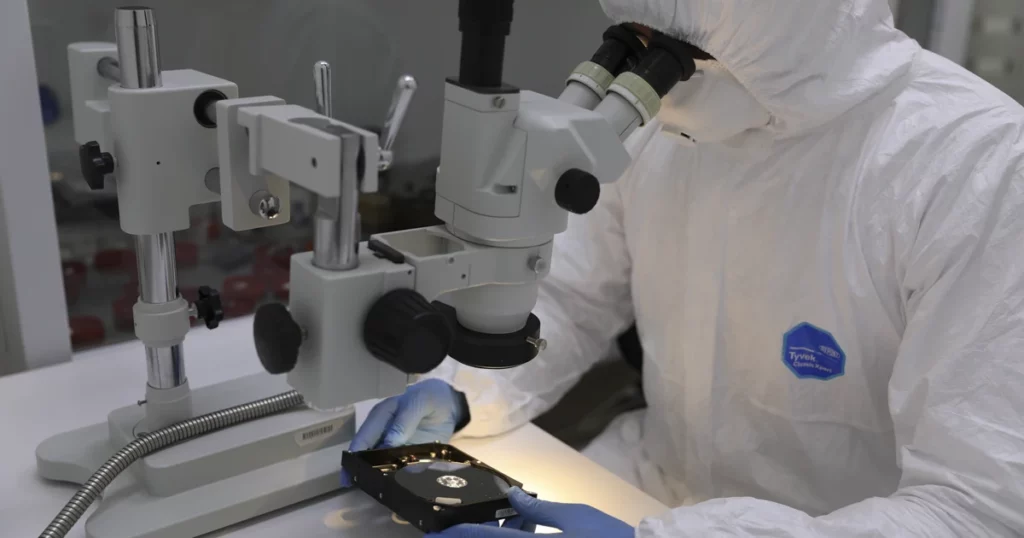
Contact Us for Maxtor Hard Drive Recovery
If your Maxtor OneTouch 4 is making noise or not being recognized, stop using it. A drive in this condition can degrade quickly, and repeated attempts to access it often reduce recoverable data.
Send the drive for evaluation with a brief note on symptoms, when the issue started, and which folders are priority. We will assess the condition, explain realistic recovery options, and proceed with a controlled process designed for unstable media.
If you want Maxtor-specific service details, you can explore our Maxtor hard drive recovery service here: Maxtor hard drive recovery.
Get a Free Consultation.
Our recovery experts are ready to assess your device and guide you through the safest path to recovery. Fill out the form to get started.
"*" indicates required fields