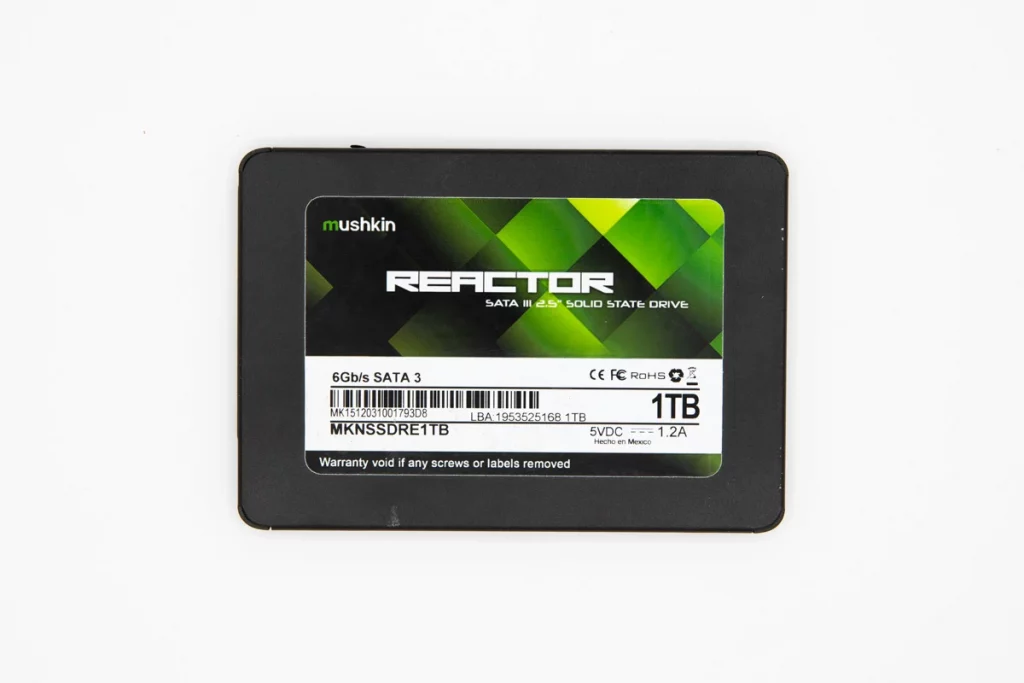
A client brought in a failing Mushkin SSD after the drive began responding unusually slowly during normal use.
Shortly after, several documents and images became unreadable, and file access started triggering repeated errors.
Our initial assessment indicated a logical failure that prevented stable access to the stored data.
From there, we moved into a controlled recovery workflow focused on preserving what remained accessible and minimizing further damage.
Quick context
- Device: Mushkin SSD
- Scenario: slow access, unreadable files, frequent errors
- Primary risk: continued use escalating corruption and data loss
What Went Wrong: Symptoms and Data Risk
The SSD showed a gradual breakdown in normal access, then progressed into file corruption and repeat errors.
Symptoms
Slow response during reads and writes
Corrupted documents and images becoming unreadable
Frequent errors when opening specific folders or files
Initial condition on intake
More files turning unreadable over time
File structure damage spreading with continued use
Lower recovery odds if new data overwrites affected areas

DIY Recovery
Risks permanent data loss
Let the Specialists Handle It
DIY attempts often result in permanent data loss. Our certified recovery specialists use advanced tools in controlled environments for the highest success rate.

24/7 Emergency Service
SSD Profile and Failure Context
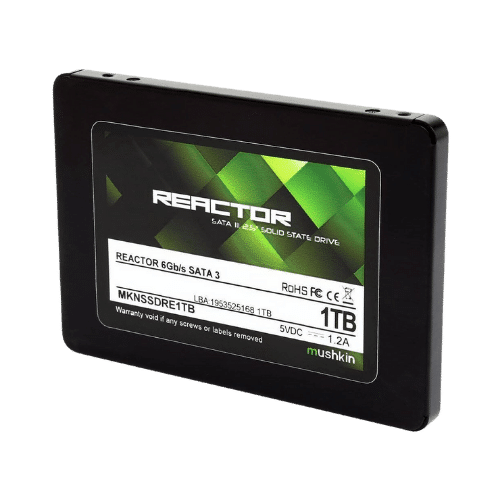
This case involved a Mushkin solid-state drive where data access became unreliable. The drive could behave inconsistently during normal use, which is a common pattern when the issue is tied to how files are organized rather than a confirmed hardware break.
Based on the intake symptoms and our assessment, the situation aligned with logical damage.
In these scenarios, an SSD may still be detected, but files can become unreadable, folders may fail to open, and errors can appear during routine reads and writes.
Diagnostic Highlights: What We Checked First
We started by validating whether the SSD was presenting a logical access issue and how volatile the data state was. This step reduces guesswork and prevents actions that can worsen corruption.
Checks performed
Reviewed available S.M.A.R.T. attributes for health and stability signals
Ran controlled diagnostic tests to confirm abnormal error behavior
Evaluated drive behavior during access attempts to identify instability patterns
Confirmed that the files were inaccessible due to logical damage before proceeding
If the SSD is not reliably showing up on a system, that is typically a separate escalation signal. You can explore common reasons an SSD is not showing up.
Your Data Security Is Our Priority
Data privacy isn’t optional. It’s our commitment. Our secure recovery process ensures your sensitive information stays protected from start to finish.
HIPAA Compliant
GDPR Compliant
Secure Facility
NDA Available
Trust in certified security. Start your recovery today! Call Now: 888.611.0737
Recovery Process
We executed a controlled SSD recovery workflow designed for logical failures, where the priority is to preserve the remaining readable data and rebuild access safely.
Step-by-step approach
Stabilized the drive state and limited further read and write activity.
Captured a sector-level image to protect the original SSD from additional stress.
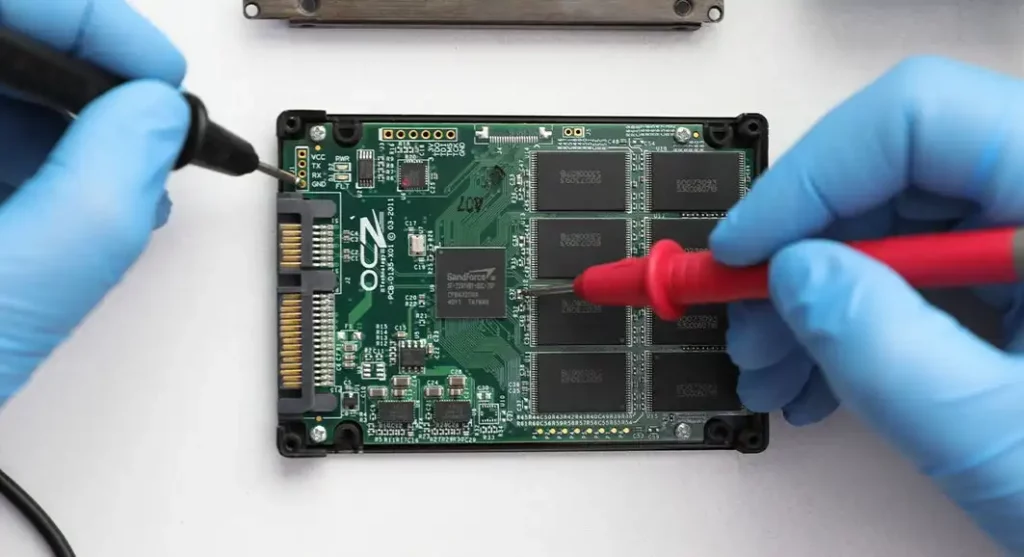
Mapped file system metadata to identify where structure and references were breaking.
Repaired logical inconsistencies and isolated corrupted elements to prevent cascade failures.
Reconstructed files and folders from recovered fragments and intact data regions.
Validated output by checking file openability and folder integrity before delivery.
Don’t run repair tools or accept “fix file system” prompts. Don’t keep retrying copies while corruption is active.
For a high-level view of our SSD recovery service model, you can see our SSD data recovery process.
Results: Files Restored and Verification Delivered
The recovery was completed successfully, and the client received access to their recovered data in an organized structure.
What was recovered
- Recovered files and folders restored from the affected Mushkin SSD
- Corrupted and unstable areas were handled through reconstruction and integrity checks
What the client received
A recovery report summarizing the recovered folders and files
A clear handoff package for review and confirmation
Don't Let Data Loss Ruin Your Business
Minimize business disruption. We retrieve lost data fast, so you can focus on what matters.
What To Do If Your SSD Shows Similar Signs
| Do This Immediately | Avoid This |
|---|---|
|
Stop all write activity and close every application accessing the drive. Safely disconnect the SSD and keep it powered off. Document all observed symptoms and any error messages. If this involves business data, isolate the device and strictly limit handling. |
Do not run file system repairs or accept any “fix disk” prompts. Do not retry failed transfers. Repeated reads increase corruption risk. Do not reformat the drive, even if prompted by the operating system. Do not install or run recovery utilities on the affected drive. |
The SSD intermittently disappears, reconnects, or fails to mount consistently.
You can learn more about SSD not showing up scenarios here: SSD not showing up.
Contact Us for Mushkin SSD Data Recovery
If your Mushkin SSD is running slow, throwing errors, or corrupting files, stop using it. Continued activity can turn a recoverable situation into permanent loss.
Send the SSD details you have, how it was connected, what symptoms you saw, and which folders matter most.
We will evaluate the drive, confirm the failure type, and execute a controlled recovery plan that protects the remaining data.
Get a Free Consultation.
Our recovery experts are ready to assess your device and guide you through the safest path to recovery. Fill out the form to get started.
"*" indicates required fields