

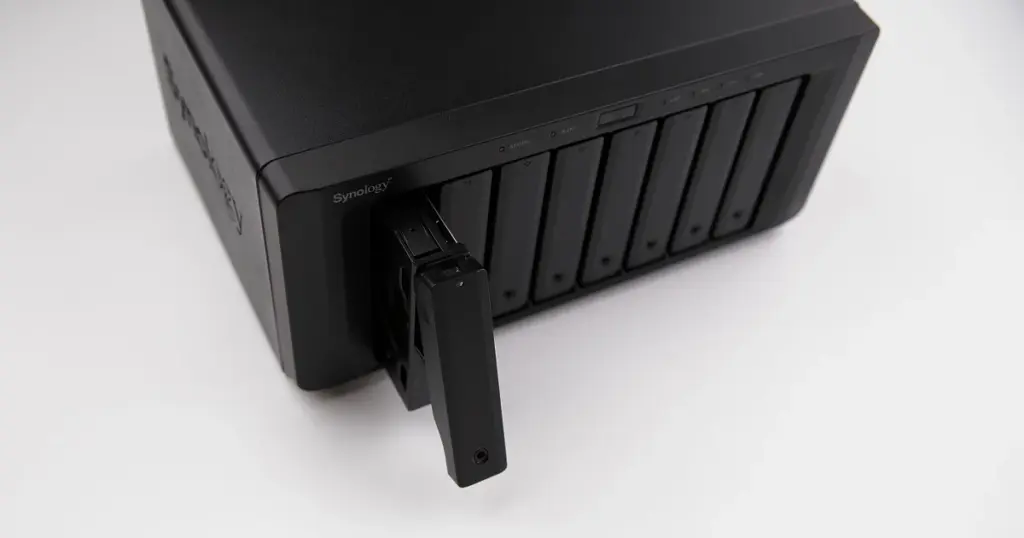
When a NAS starts showing project folders but the files inside open with errors, the problem can escalate quickly.
That was the situation in this case, where a small architecture firm in California lost reliable access to active project data stored on its central NAS. The disruption affected CAD exports, PDFs, and shared documents used in daily operations.
For businesses relying on centralized storage, this type of issue is more than an inconvenience. It can slow project delivery, affect client communication, and create immediate pressure on internal teams.
Customer Situation and Stakes
The client used its NAS as the main repository for active project files. Teams depended on shared access to architectural documents, exported drawings, and internal records.
Once corruption appeared, staff could still see the folder structure, but many important files would not open properly or returned errors during access.
That made the issue especially disruptive. The data was not obviously gone, but it was no longer dependable. For a business working against client deadlines, that creates serious operational risk.
For time-sensitive cases, see more about our emergency data recovery services.

What Went Wrong
Before contacting PITS, the client tried basic troubleshooting. The NAS was rebooted, and files were copied to another device in an attempt to bypass the issue. The corruption persisted. The files remained visible, but critical data was still unreadable.
After evaluation, our engineers determined the case involved NAS file system corruption affecting access to stored data. In plain terms, the storage structure still exposed folders and filenames, but the underlying file access was compromised.
Rebooting, copying, or continuing to work from a corrupted NAS can increase risk, especially when the issue involves file system damage rather than a simple transfer error.
Industry-Leading 99% Success Rate
No hidden fees. No surprises. Just expert data recovery you can trust. We handle everything from simple file loss to extreme data recovery cases. If we can’t recover your data, no one can.
How PITS Approached the Recovery
Secure Evaluation
We reviewed the NAS symptoms and overall storage condition to identify the safest recovery path.
Controlled Imaging
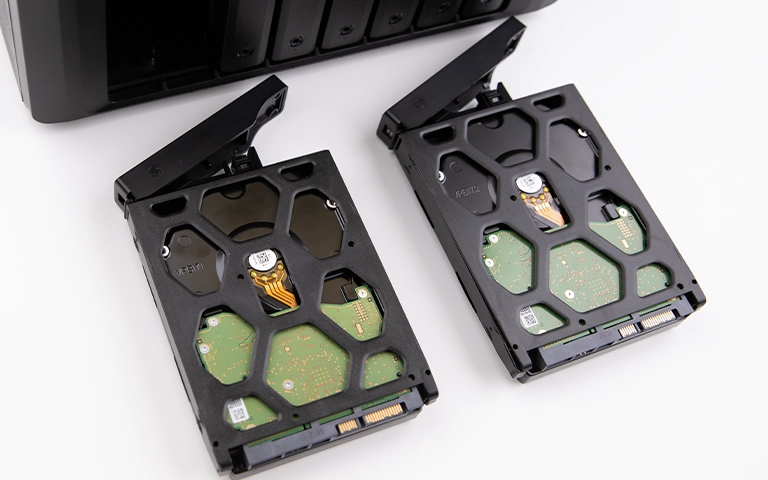
Our team created sector-level images of the storage instead of working on the live NAS. This helps preserve the original state during recovery.
File System Analysis
We examined the file system and storage layout to locate the corruption and determine why files were failing to open.
Targeted Data Extraction
Once the issue was mapped, we prioritized recovery of the most important business files, including CAD exports, PDFs, and shared documents.
File Verification
After extraction, we checked the recovered data to confirm the returned files were usable and relevant to the client’s operations.
If your NAS is built on a RAID-based storage layout, you can also read more about our RAID data recovery services and the risks involved in rebuild attempts after corruption appears.
Your Data Security Is Our Priority
Data privacy isn’t optional. It’s our commitment. Our secure recovery process ensures your sensitive information stays protected from start to finish.
HIPAA Compliant
GDPR Compliant
Secure Facility
NDA Available
Trust in certified security. Start your recovery today! Call Now: 888.611.0737
Recovery Outcome
As a result of the recovery effort, the client regained access to the critical project files needed to continue operations. The recovered data included business-essential CAD exports, PDFs, and shared documents that had become corrupted or unreadable on the NAS.
The outcome allowed the firm to resume work on active projects without continuing to rely on unstable storage. That distinction matters. The goal in cases like this is not just file retrieval, but restoring access to the data that keeps the business moving.
Don't Let Data Loss Ruin Your Business
Minimize business disruption. We retrieve lost data fast, so you can focus on what matters.
Why Professional Recovery Mattered
This case shows why visible folders should not be mistaken for healthy data. A NAS can still present directory structures even when the file system is damaged enough to break real access to the underlying content.
Professional handling mattered because the case required disciplined imaging and analysis, not more trial-and-error fixes on the live system.
For businesses facing similar symptoms, the safest next step is usually to request a professional evaluation before attempting more copies, resets, or rebuild actions.
If shared folders still appear but files open with errors, the problem may already be beyond basic troubleshooting.
DIY Recovery
Risks permanent data loss
Let the Specialists Handle It
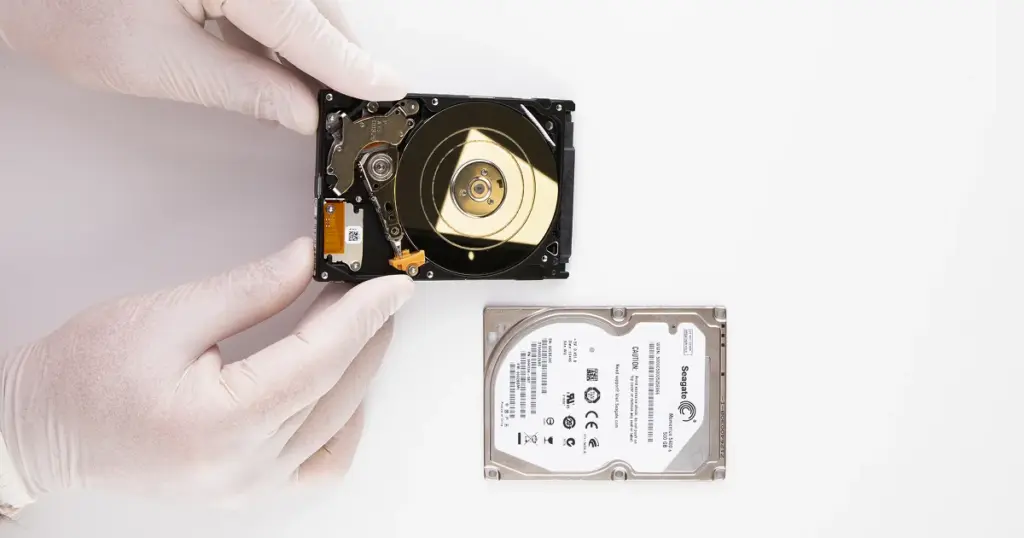
DIY attempts often result in permanent data loss. Our certified recovery specialists use advanced tools in controlled environments for the highest success rate.
24/7 Emergency Service
Final Takeaway After a Power-Related NAS Failure
This was a business-critical NAS file system corruption case affecting an architecture firm that depended on centralized project storage. The client had already tried basic troubleshooting, but the corruption remained.
Through controlled imaging, file system analysis, and targeted extraction, PITS recovered the critical files needed for the firm to continue operations.
If your NAS shows folders but important files are corrupted, unreadable, or failing to open, get professional guidance before further attempts change the condition of the data.
Contact PITS to start a case, discuss secure recovery options, or speak with a recovery specialist about the next step.
Frequently Asked Questions
Can data be recovered from a NAS with file system corruption?
Why are NAS folders visible but files unreadable?
Is it safe to copy files from a corrupted NAS?
Can business files like CAD exports and PDFs be recovered?
Get a Free Consultation.
Our recovery experts are ready to assess your device and guide you through the safest path to recovery. Fill out the form to get started.
"*" indicates required fields