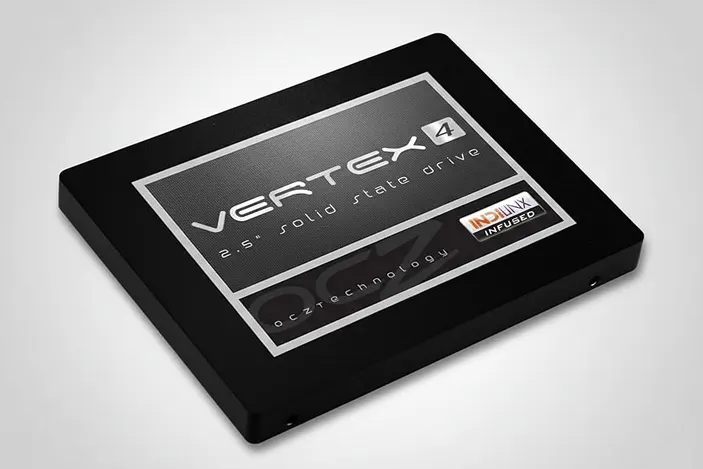
A photographer lost access to critical photo projects after a RAID 0 PC stopped recognizing an OCZ Vertex 4 128GB SSD.
Although powered, the SSD stayed inactive and failed to communicate over SATA, confirming a hardware level fault, not a software issue.
Diagnostics tied the failure to a faulty power supply impacting internal components and signal transmission. Our engineers restored access through a controlled cloning workflow and transferred the data to a stable replacement SSD.
What Triggered the Failure
The client relied on a workstation for high resolution photography workflows, with two OCZ Vertex 4 128GB SSDs in RAID 0 for performance. Operations halted when one SSD became not recognized, making the RAID volume inaccessible.
What the client observed
- One OCZ Vertex 4 SSD not detected by the system
- RAID 0 volume became unavailable due to a missing member drive
- Immediate risk to active editing projects and delivery timelines
Initial condition on intake
- Affected SSD powered on but behaved like an inactive device
- No reliable communication with the motherboard over SATA
- Companion SSD in the RAID 0 set remained operational
In RAID 0, a single member drive failure can take the entire volume offline.
For deeper context on RAID 0 failure behavior, learn more about RAID 0 data recovery.
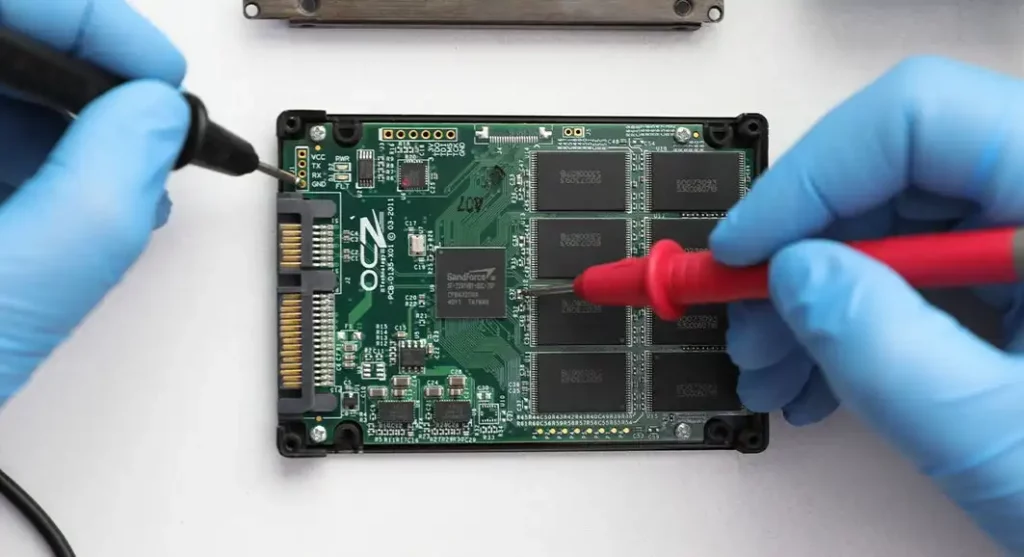
Technical Findings at a Glance
| Issue | Evidence | Severity |
|---|---|---|
| SSD not recognized by system | Drive did not enumerate in BIOS or OS detection flows | Critical |
| SATA communication failure | Powered state present, but no reliable SATA signal transmission | Critical |
| Power instability impact | Indicators consistent with power delivery fault affecting internal components | High |
| Not software related | No OS level visibility, no logical layer triggers observed | High |
| RAID 0 dependency risk | Second SSD functional, but array unusable with one member missing | Critical |
When an SSD is powered but cannot negotiate SATA communication, recovery typically depends on controlled hardware level stabilization and safe imaging or cloning.

DIY Recovery
Risks permanent data loss
Let the Specialists Handle It
DIY attempts often result in permanent data loss. Our certified recovery specialists use advanced tools in controlled environments for the highest success rate.

24/7 Emergency Service
Stepwise Recovery Workflow
Step 1: Intake and isolation
- Logged device identifiers and preserved RAID context (two drive RAID 0 set).
- Prevented additional power events to reduce risk of further component damage.
Step 2: Hardware level validation
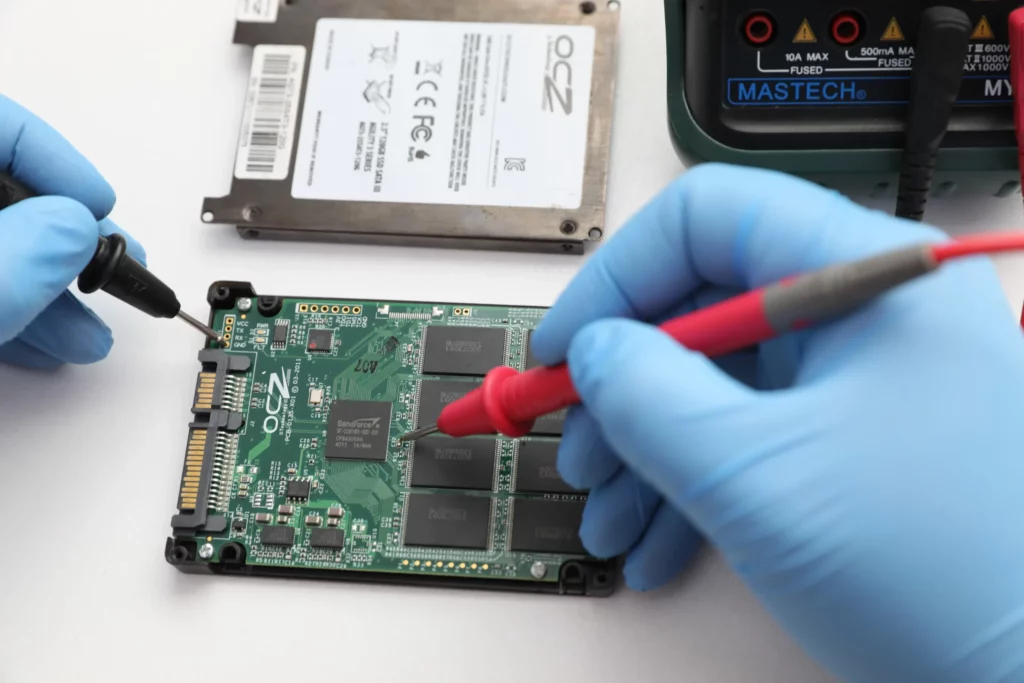
- Confirmed the affected OCZ Vertex 4 SSD was powered but non-responsive over SATA.
- Ruled out software causes because the drive never enumerated at the system level.
Step 3: Root cause alignment
- Correlated the failure pattern with power supply instability, impacting SSD internal power regulation and SATA signal behavior.
- Verified the companion SSD remained stable to reduce variables during reconstruction planning.
Step 4: Controlled access and cloning
Stabilized communication pathways sufficiently to access previously unreachable data areas.
Executed a delicate cloning process to copy contents onto a new, stable SSD without stressing the original media.
Step 5: Transfer and readiness checks
Moved the recovered dataset to the replacement SSD for client use.
Confirmed file level accessibility before final handoff.
If an SSD is not recognized, stop powering it on. Repeated restarts, rebuilds, or repair tools can worsen hardware instability and permanently reduce recovery options, especially in RAID 0.
To understand safe next steps, explore our SSD data recovery process.
Your Data Security Is Our Priority
Data privacy isn’t optional. It’s our commitment. Our secure recovery process ensures your sensitive information stays protected from start to finish.
HIPAA Compliant
GDPR Compliant
Secure Facility
NDA Available
Trust in certified security. Start your recovery today! Call Now: 888.611.0737
Recovery Outcome and Data Validation
We restored access to the data that became unreachable when the RAID 0 volume dropped offline. After confirming stable access, we cloned the contents and transferred everything to a new, reliable SSD to eliminate ongoing risk.
We validated the recovery by opening and spot checking representative files across key folders, confirming structure integrity and read stability on the destination drive.
For similar outcomes, see related cases in our SSD recovery case studies.
Hear It From Our Clients
Don't Let Data Loss Ruin Your Business
Minimize business disruption. We retrieve lost data fast, so you can focus on what matters.
Key Takeaways for Prevention
Do not use RAID 0 as primary storage. Treat it as a performance layer only. Keep the master copy elsewhere.
Implement a 3 2 1 backup workflow. Local backup, secondary device or NAS, and an offsite or cloud copy.
Upgrade power hygiene. Use a high quality PSU, a UPS, and surge protection to prevent power instability from damaging SSD electronics.
Monitor early warning signs. Random disconnects, intermittent detection, and BIOS delays are escalation signals. Act before failure.
Lock down change control. Avoid firmware updates, rebuild prompts, or “repair” tools when a drive starts dropping offline. Image first.
Contact Us for OCZ Vertex 4 SSD Recovery
When an OCZ Vertex 4 SSD is not recognized, every power on attempt can reduce recovery options, especially in RAID 0.
Stop using the system and let our engineers evaluate the drive under controlled conditions, then provide a clear recovery plan and verified deliverables.
Get a Free Consultation.
Our recovery experts are ready to assess your device and guide you through the safest path to recovery. Fill out the form to get started.
"*" indicates required fields