

When a business server goes offline without warning, the impact is immediate. Applications stop working, records become inaccessible, and daily operations can come to a standstill.
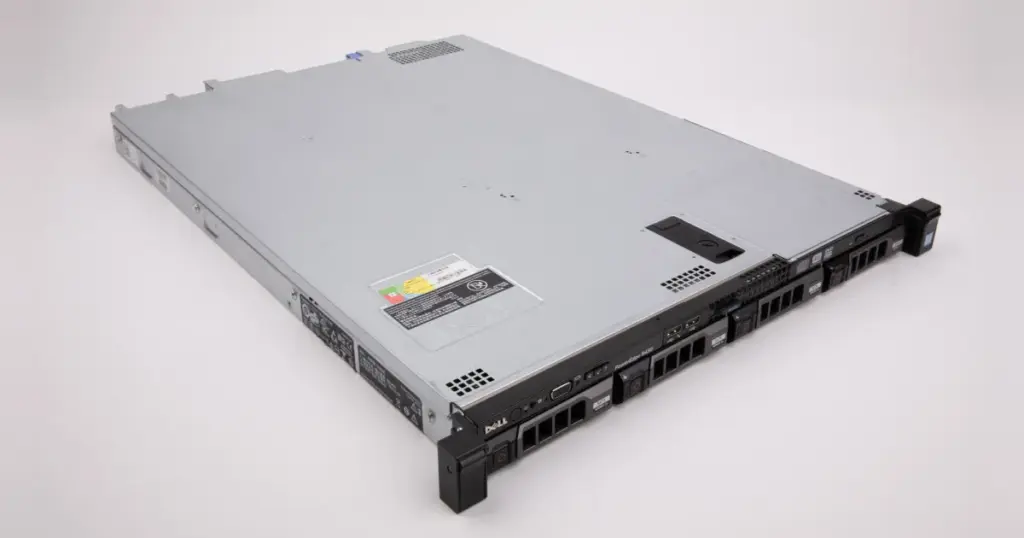
This case study explains how PITS Data Recovery handled an emergency RAID 10 server recovery for a pharmacy business using a Dell PowerEdge R430.
The case required manual RAID reconstruction, controlled read-only recovery, and urgent restoration of critical business data.
Customer Situation and Operational Stakes
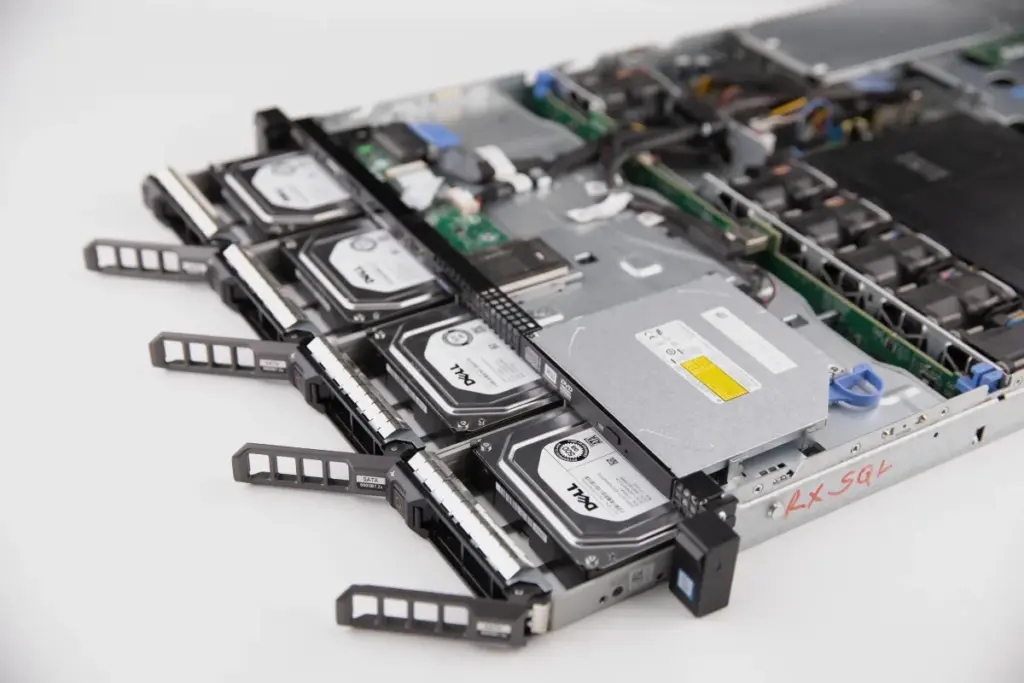
The customer was a pharmacy business operating a Dell PowerEdge R430 server with a RAID 10 configuration. The server failed unexpectedly, leaving the company unable to access its pharmacy software, stored records, and critical application data.
The outage created immediate operational pressure. With the server offline, daily pharmacy workflows came to a halt, staff could not use the core software system, and business continuity was at risk.
The customer contacted PITS Data Recovery and shipped the server with the associated drives for emergency service. Learn more about common RAID failure symptoms and risks.
Don't Let Data Loss Ruin Your Business
Minimize business disruption. We retrieve lost data fast, so you can focus on what matters.
Technical Diagnosis: Failed RAID 10 Server
After receiving the system, PITS engineers performed immediate diagnostics on the Dell PowerEdge R430 and its RAID drives. The tests confirmed RAID failure conditions that prevented the server from accessing the data structure normally.
The failure was not treated as a simple restart issue or routine controller problem. RAID 10 depends on correct disk order, mirrored pairs, stripe size, and controller parameters. If those elements are handled incorrectly, the file system can become further corrupted.
PITS determined that manual RAID reconstruction was required to regain access safely.

What Not to Do After a RAID 10 Server Failure
A failed RAID 10 array should not be forced back online through trial and error. Incorrect actions can overwrite metadata, break mirror relationships, or damage the logical structure needed for recovery.
Avoid these actions:
- Do not force a RAID rebuild
- Do not initialize the array
- Do not replace drives without a recovery plan
- Do not change controller settings
- Do not keep power cycling the server
- Do not run repair tools directly on the original disks
If the array contains critical business data, stop activity and request a professional evaluation. Learn more about professional RAID 10 data recovery.
Don't Let Data Loss Ruin Your Business
Minimize business disruption. We retrieve lost data fast, so you can focus on what matters.
Why Standard IT Troubleshooting Was Not Enough
Standard IT troubleshooting can help with minor server issues, but this case involved a failed RAID structure. The pharmacy software and stored records were inaccessible because the array could no longer present a usable volume.
A safe recovery required more than replacing hardware. PITS engineers had to identify the disk order, stripe size, mirror relationships, and controller parameters before rebuilding the RAID virtually.
Without that structure, extracted data may appear incomplete, corrupted, or unusable.
How PITS Approached the Recovery
Step 1: Emergency Intake and Drive Assessment
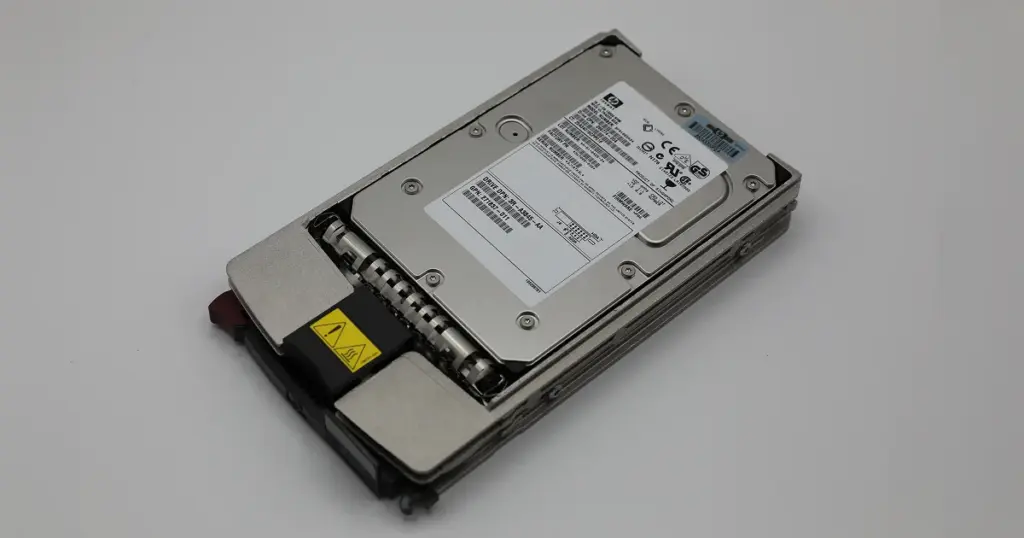
PITS received the Dell PowerEdge R430 server and associated drives for emergency service. Engineers started diagnostics immediately to determine the RAID condition and avoid unnecessary write activity.
Step 2: RAID Failure Analysis
The team reviewed the failure pattern across the disks and identified the conditions that prevented normal server access. This step helped avoid unsafe rebuild attempts that could have changed the original RAID state.
Step 3: RAID Parameter Identification
PITS analyzed the disk order, stripe size, mirrored volume relationships, and controller parameters. These details were required to rebuild the RAID 10 configuration correctly.
Step 4: Virtual RAID 10 Reconstruction
Engineers reconstructed the RAID 10 array virtually in a controlled, read-only environment. This allowed the team to work from the disk data without writing back to the original drives.
Step 5: File System Restoration and Data Extraction
After the virtual rebuild, specialists restored the file system and checked data consistency across the mirrored and striped volumes. Critical business data was then extracted from the reconstructed array.
Recovery Results and Business Continuity
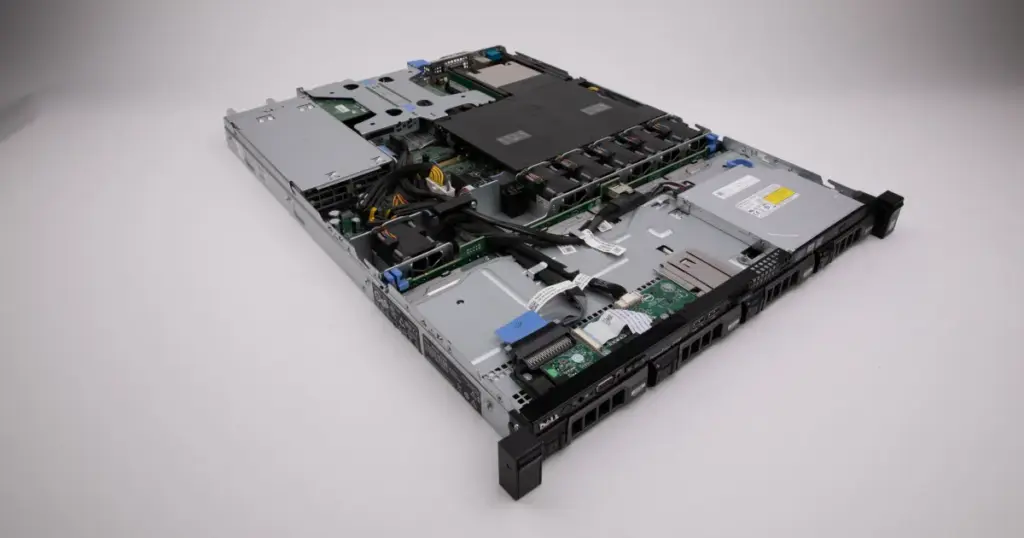
PITS restored the critical pharmacy application data and rebuilt access to the server environment. The data was extracted from the reconstructed RAID 10 array after the file system was restored and checked for consistency.
The verified recovery rate for critical operational data was 100%, based on the files required for the pharmacy software and stored records.
This allowed the customer to resume pharmacy operations and avoid data loss from unsafe rebuild attempts.
Industry-Leading 99% Success Rate
No hidden fees. No surprises. Just expert data recovery you can trust. We handle everything from simple file loss to extreme data recovery cases. If we can’t recover your data, no one can.
Why Professional RAID Recovery Mattered
This case required controlled RAID reconstruction, not guesswork. RAID 10 depends on the correct relationship between mirrored and striped volumes, and an incorrect rebuild can make recovery harder.
PITS analyzed disk order, stripe size, controller parameters, and RAID failure conditions before rebuilding the array virtually in a read-only environment.
That process protected the original disks and restored the pharmacy’s operational data without risky rebuild attempts.
Read more about Dell RAID data recovery services.

Final Takeaway: Protect Your Recovery Options
A failed RAID 10 server can stop operations fast. Forced rebuilds, disk swaps, or repeated power cycling can make recovery harder.
If your Dell PowerEdge server or RAID 10 array is offline, stop changing the system and start an emergency recovery evaluation. PITS Data Recovery can assess the failure and determine the safest path to restore critical business data.
Read more about another server RAID 5 recovery case.

DIY Recovery
Risks permanent data loss
Let the Specialists Handle It
DIY attempts often result in permanent data loss. Our certified recovery specialists use advanced tools in controlled environments for the highest success rate.

24/7 Emergency Service
Frequently Asked Questions
Can data be recovered from a failed RAID 10 server?
Should I rebuild a failed RAID 10 array myself?
What should I do first if my Dell PowerEdge RAID 10 server fails?
Can data be recovered if there is no backup?
Get a Free Consultation.
Our recovery experts are ready to assess your device and guide you through the safest path to recovery. Fill out the form to get started.
"*" indicates required fields