

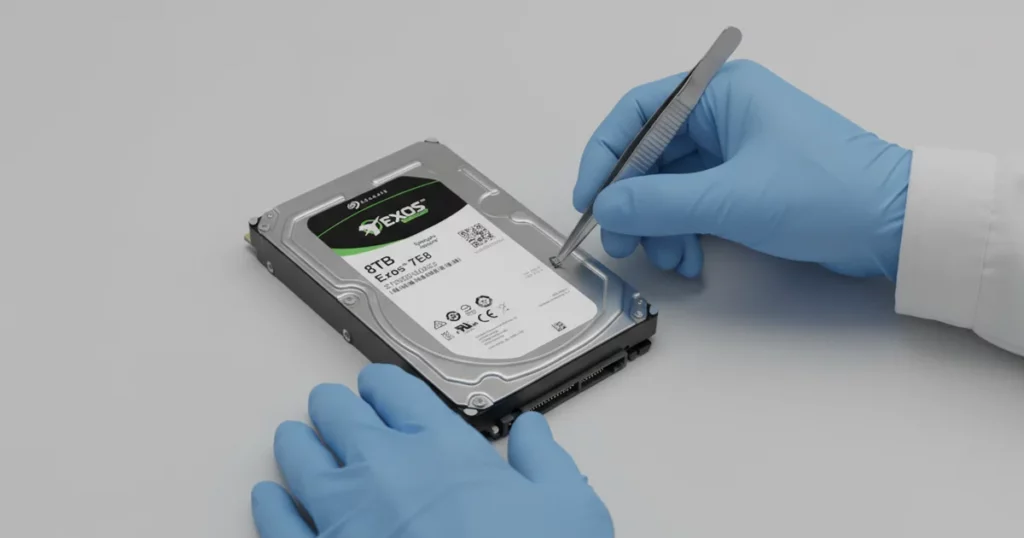
A client dropped an 8TB Seagate Exos 7E8 enterprise hard drive and it stopped mounting. The business impact was immediate because critical files were locked behind a drive that would not initialize normally.
This case study explains how we diagnosed the post impact failure mode and executed a cleanroom recovery workflow designed for enterprise class media.
Problem Summary: Drive Would Not Mount After Drop
After the drop, the drive would not mount to the client’s system. That symptom usually indicates the drive cannot complete its startup sequence or cannot present a readable file system to the OS.
What the client experienced
Drive not mounting and files inaccessible
Normal access attempts failed
What was at risk
Power cycling can worsen impact related damage
Continued attempts can convert a contained issue into broader media damage

DIY Recovery
Risks permanent data loss
Let the Specialists Handle It
DIY attempts often result in permanent data loss. Our certified recovery specialists use advanced tools in controlled environments for the highest success rate.

24/7 Emergency Service
Device Profile: Why Exos 7E8 Enterprise Drives Are Different
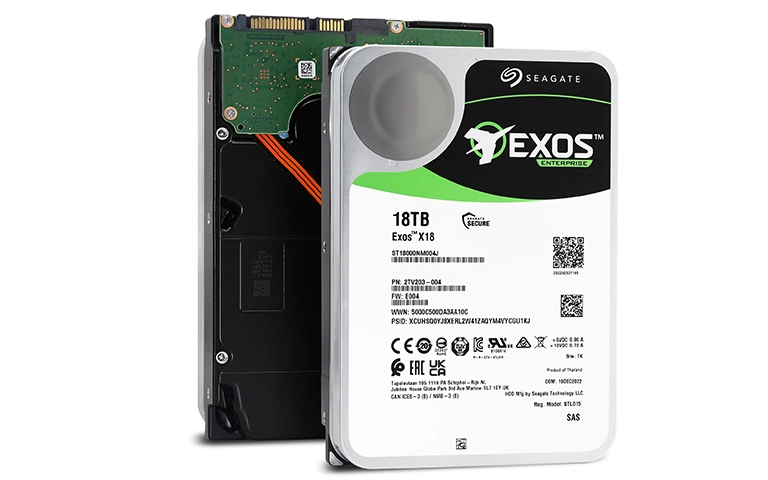
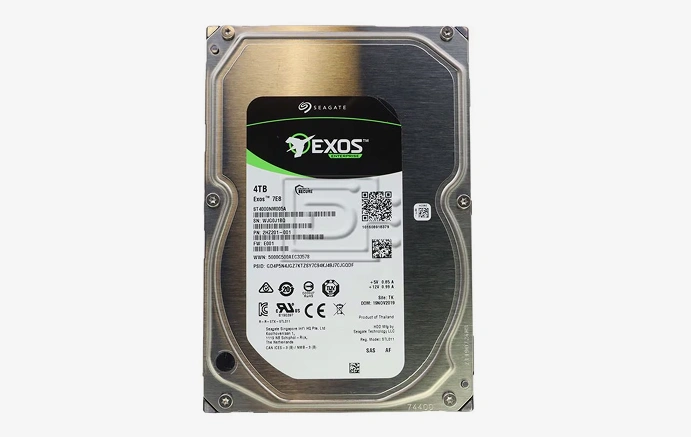
The Seagate Exos 7E8 is an enterprise-class HDD built for sustained workloads, but it is still vulnerable to impact. When a high-capacity drive is dropped, the internal tolerances that keep it stable can shift instantly.
What matters for recovery
- Multi-platter architecture increases sensitivity to alignment issues after a drop
- Enterprise drives often hold high-value business datasets, so extraction must be controlled and prioritized
- Cleanroom work is not optional when internal components need intervention
Learn more about Seagate hard drive recovery.
Root Cause: Stuck Spindle Motor After Impact
A drop can transfer force into the spindle assembly and motor. In this case, diagnostics pointed to a stuck motor, meaning the drive could not spin up normally to reach an operational state.
Why a stuck motor blocks access
- No stable rotation means heads cannot read the platters
- The drive cannot complete initialization, so it will not mount
Why this is time-sensitive
- Repeated power attempts can stress damaged components
- Secondary damage risk increases if internal parts are already compromised

Stepwise Recovery Workflow
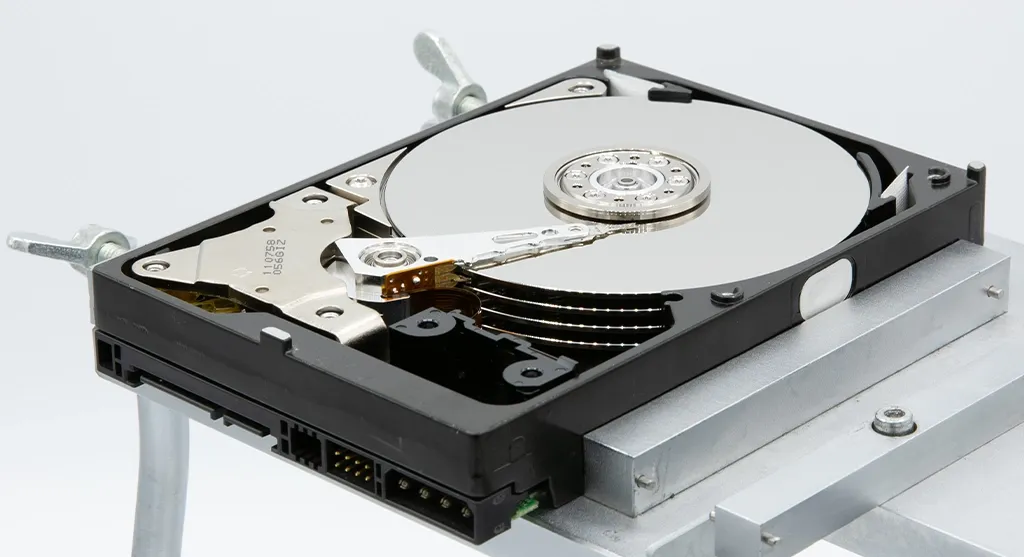
Step 1: Cleanroom disassembly
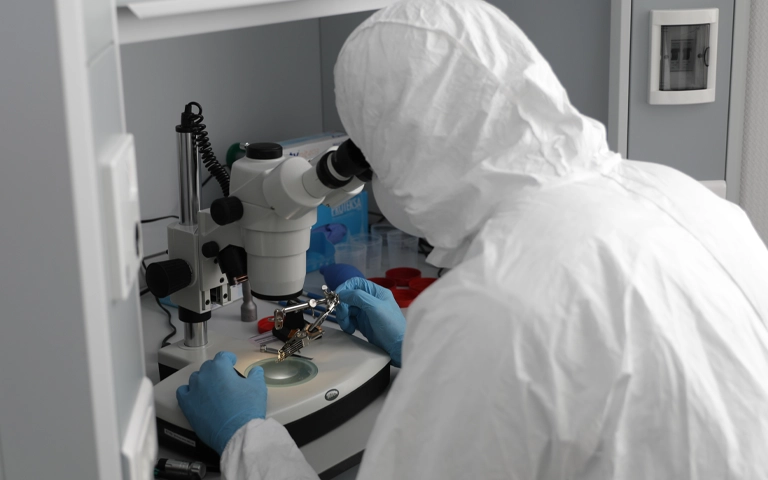
- Opened the drive in a cleanroom environment to control contamination risk
- Inspected the internal components and platter surfaces under strict handling procedures
Step 2: Donor motor selection
- Pulled a compatible donor motor from in-stock inventory
- Matched critical compatibility factors to ensure stable operation after replacement
Step 3: Motor replacement and validation
- Installed the replacement motor with controlled alignment and torque handling
- Tested spin behavior and initialization stability before attempting data access
Step 4: Controlled data extraction
- Once operational, used specialized recovery methods to extract priority business files first
- Kept read activity controlled to reduce risk of additional stress
Your Data Security Is Our Priority
Data privacy isn’t optional. It’s our commitment. Our secure recovery process ensures your sensitive information stays protected from start to finish.
HIPAA Compliant
GDPR Compliant
Secure Facility
NDA Available
Trust in certified security. Start your recovery today! Call Now: 888.611.0737
Outcome and Remote File Verification
We restored operational functionality long enough to extract the client’s priority business data under controlled conditions.
After recovery, we transferred the recovered files to a new hard drive to provide a stable delivery medium.
A remote verification session was then scheduled so the client could review the recovered data set and confirm file usability before closure.
Don't Let Data Loss Ruin Your Business
Minimize business disruption. We retrieve lost data fast, so you can focus on what matters.
What Not to Do After You Drop a Hard Drive
After a drop, your goal is damage containment. These actions commonly make the situation worse.
Do not
Keep power cycling the drive to “see if it comes back”
Run disk checks or repair utilities on a drive that will not mount
Shake or tap the drive to free a stuck part
Open the drive outside a controlled environment
Do
Power it down immediately and disconnect it
Note what happened (drop height, surface, any sounds after impact)
Escalate to a cleanroom capable recovery workflow
See related cases: Seagate FireCuda recovery (magnetic heads failure).
Contact Us for Seagate Exos Hard Drive Recovery
Dropped an Exos drive and it will not mount? Stop testing and escalate it for cleanroom diagnostics. Mechanical post-impact failures can worsen fast with every power cycle.
Read more: Seagate external hard drive clicking.
Send the drive model, capacity, and what happened during the drop, and we will respond with the next steps.
Get a Free Consultation.
Our recovery experts are ready to assess your device and guide you through the safest path to recovery. Fill out the form to get started.
"*" indicates required fields