

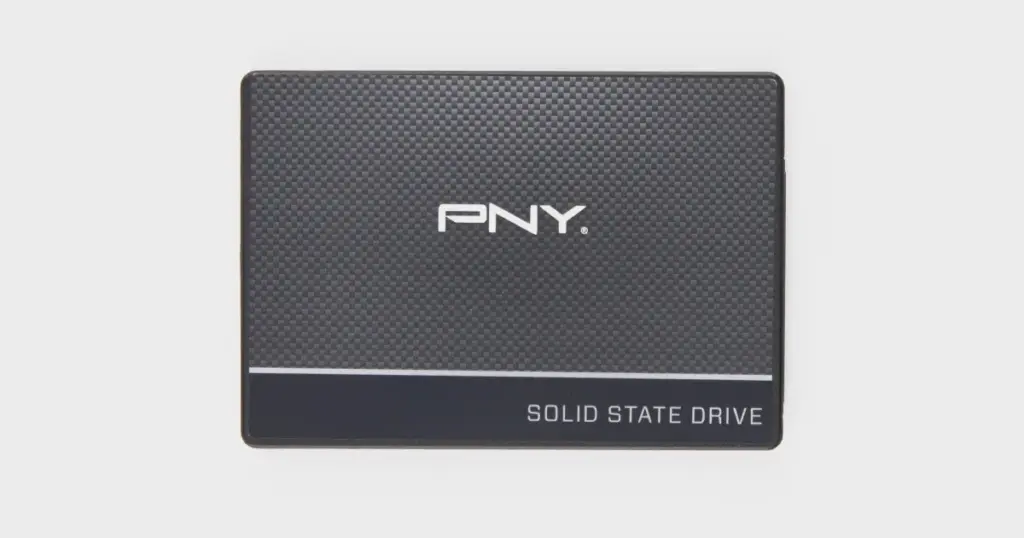
When an SSD suddenly stops showing up on a computer, the problem can escalate quickly. What looks like a simple detection issue may point to firmware instability, controller communication failure, or NAND-level access problems.
This case study shows how PITS Data Recovery handled a complex PNY SSD recovery case after the device became undetectable and the customer was told the data could not be recovered.
Customer Situation
The customer used a 500GB PNY CS900 SSD to store a mix of personal and work-related data. The drive contained irreplaceable family photos along with confidential work documents that were not available from another source.
The issue appeared without warning. The SSD was no longer recognized by the computer, which meant the customer could not browse files, copy data, or confirm whether the contents were still intact.
The stakes were significant. Losing the personal photos meant losing years of memories. Losing the work documents created a confidentiality and productivity concern, especially because the customer needed the files for ongoing professional responsibilities.

Don't Let Data Loss Ruin Your Business
Minimize business disruption. We retrieve lost data fast, so you can focus on what matters.
What Went Wrong
The primary failure symptom was clear: the PNY CS900 SSD was not detected by the host computer. That symptom usually means the operating system cannot communicate with the drive well enough to access its file system.
During inspection, there was no obvious physical damage. That ruled out simple external damage, but it did not mean the SSD was healthy. In many SSD cases, the failure can exist at the firmware, controller, translation layer, or NAND access level.
PITS first attempted a logical recovery path. That approach was not successful because the SSD did not provide stable access to the data. The case then required escalation beyond software-based recovery.
If an SSD is not recognized, repeated power cycles can make the condition worse. Continued attempts to reconnect the drive may increase instability and reduce available recovery options.

How PITS Approached the Recovery
Initial Diagnostic Assessment
PITS started by confirming the SSD’s detection failure, response behavior, and possible non-invasive access paths before moving to deeper recovery work.
Cleanroom Inspection
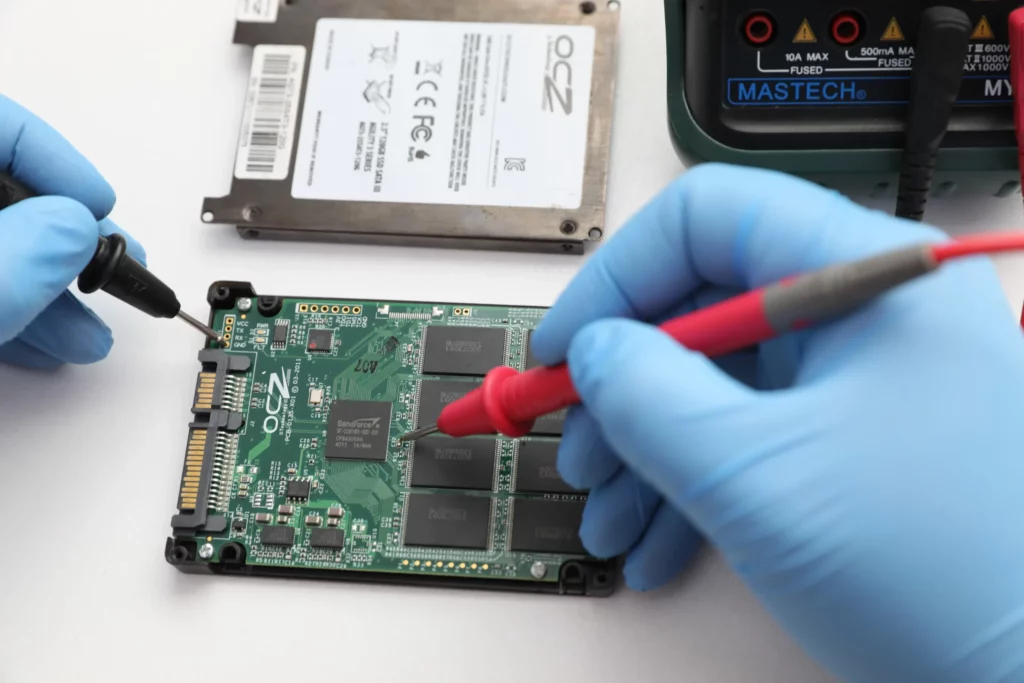
Technicians inspected the SSD under controlled lab conditions to check for visible physical damage or board-level concerns. No obvious physical damage was found.
Logical Recovery Attempt
A logical recovery path was attempted first because it offered the least invasive option. The SSD still failed to provide stable access to the required files.
Firmware-Level Intervention
The case was escalated to firmware-level repair to address access problems tied to controller-managed data structures and unstable device communication.
NAND Transfer to Donor SSD
Technicians transferred the NAND chips into a functioning donor SSD environment, allowing controlled extraction from a drive that was previously undetected.
For similar detection issues on other brands, you can learn more about Crucial SSDs not being detected.

Why Professional Recovery Mattered
Many users assume that if a drive isn’t “clicking” like an old HDD, it can be fixed with a download. However, SSD recovery is a specialized science.
This case was successful because we had the tools to perform a NAND chip transfer, which is a process that is impossible for standard repair shops or home users.
If you are dealing with a PNY-specific failure, learn more about our PNY SSD recovery services here.
Industry-Leading 99% Success Rate
No hidden fees. No surprises. Just expert data recovery you can trust. We handle everything from simple file loss to extreme data recovery cases. If we can’t recover your data, no one can.
Recovery Outcome
PITS successfully extracted data from the previously undetected 500GB PNY CS900 SSD. Critical personal photos and confidential work documents were restored, verified for usability, and prepared for secure delivery.
The customer confirmed that the priority files were present and accessible. The recovered data was then transferred to secure external storage, giving the customer usable access to the files that mattered most without making unrealistic recovery claims.
To understand more about the complexities of these failures, you can read more about SSDs not showing up here.


DIY Recovery
Risks permanent data loss
Let the Specialists Handle It
DIY attempts often result in permanent data loss. Our certified recovery specialists use advanced tools in controlled environments for the highest success rate.

24/7 Emergency Service
Final Takeaway: A Failed SSD May Still Be Recoverable
This case shows why an undetected SSD should not be written off too quickly. Even after prior recovery attempts were unsuccessful, PITS recovered critical personal photos and confidential work documents from the 500GB PNY CS900 SSD.
If your SSD is no longer recognized, stop reconnecting it and avoid software scans. A professional evaluation can determine whether the data is still recoverable before continued use reduces the available recovery options.
Frequently Asked Questions
Can data be recovered from a PNY SSD that is not recognized?
Is my data gone if the PNY SSD is not detected in BIOS?
Should I keep reconnecting the SSD to test it?
Can recovery software restore files from an undetected SSD?
Get a Free Consultation.
Our recovery experts are ready to assess your device and guide you through the safest path to recovery. Fill out the form to get started.
"*" indicates required fields