

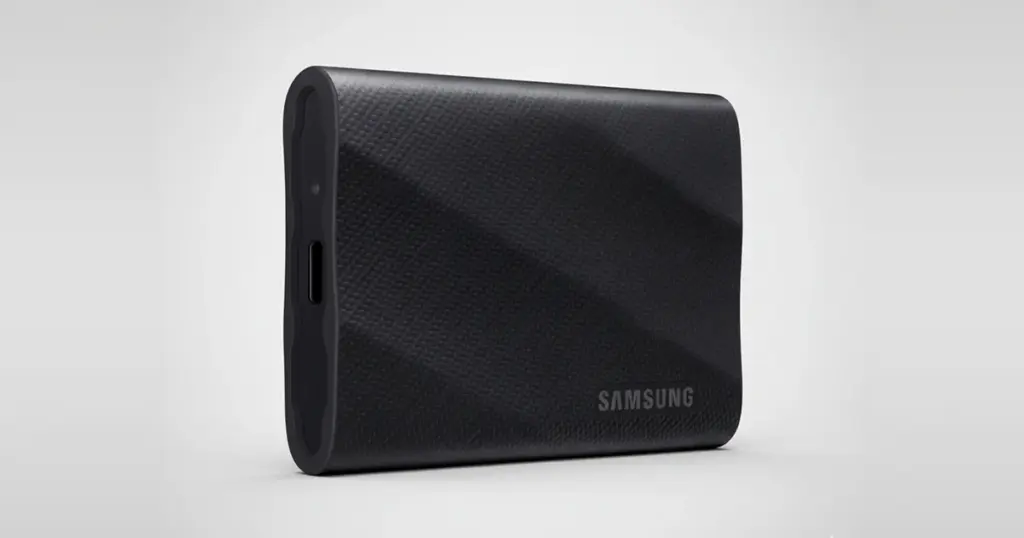
Modern SSDs are designed for speed and portability, but they are not immune to sudden, catastrophic hardware failure.
When a high-performance external drive stops being recognized by a computer, the problem is often deeper than a simple cable issue or file system glitch.
For professional creators and business owners, this “hard stop” failure can mean the loss of thousands of dollars in billable work and hours of irreplaceable content.
The Customer Situation: High-Stakes Data Loss for a US Content Creator
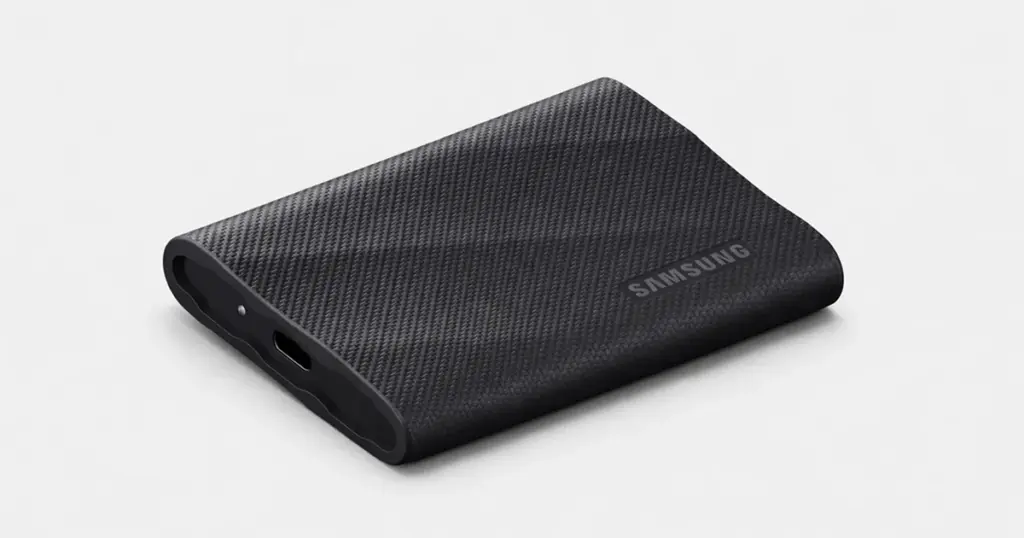
A US-based travel vlogger recently suffered a critical failure with a Samsung T9 Portable SSD containing raw high-resolution footage from a major Bali project. This was commercial content tied to brand partnerships and scheduled publication.
The drive failed without warning. It worked one day, then would not mount on any macOS or Windows system. For a creator dependent on consistent content delivery, the data loss posed a serious business risk.
Learn more about Samsung SSD recovery solutions to see how professional recovery can protect business-critical data.
Industry-Leading 99% Success Rate
No hidden fees. No surprises. Just expert data recovery you can trust. We handle everything from simple file loss to extreme data recovery cases. If we can’t recover your data, no one can.
What Went Wrong: Analyzing the Samsung T9 Failure
When the SSD arrived at the PITS Data Recovery lab, our engineers performed an initial diagnostic and confirmed there was no system-level detection. This is a common sign of hardware failure involving the controller or firmware.
Unlike a hard drive, a failing SSD usually gives no audible warning signs. In this case, the controller had failed, so the device could no longer communicate with the NAND flash memory where the data was stored. Because the system could not detect the drive, standard software recovery tools were ineffective and could have caused further wear.
Read more about Samsung QVO 870 recovery cases to see how different SSD failures are handled in a lab environment.

Resolving the "Invalid Partition" Error and MBR Damage
Even after the physical components were stabilized, the drive presented a complex logical failure. The Master Boot Record (MBR) partition table was corrupted.
Our analysis showed that more than two partitions were incorrectly marked as “active,” a conflict that caused the system to report an “Invalid Partition” error.
This logical corruption required advanced engineering to manually reconstruct the partition table. Dealing with such intricacies is a standard part of our work, especially with high-density storage.
You can read more about HGST 10TB Helium HDD data recovery to see how these logical and physical challenges scale with modern, high-capacity hardware.
Don't Let Data Loss Ruin Your Business
Minimize business disruption. We retrieve lost data fast, so you can focus on what matters.
Identifying Failure Types: Why Professional Diagnostics Matter
Understanding the difference between logical and physical failure is essential for a successful recovery.
| Failure Symptom | Likely Cause | Recommended Action |
|---|---|---|
| Drive mounts but files are "missing" | Logical corruption | Stop use; use software or professional service |
| "Format disk" prompt appears | File system error | Do not format; seek professional evaluation |
| Drive is not recognized by any OS | Hardware/Controller failure | Immediate lab intervention required |
| Excessive heat or burning smell | Electronic component failure | Disconnect power immediately; professional lab only |
How PITS Approached the Recovery: The Chip-Off Method
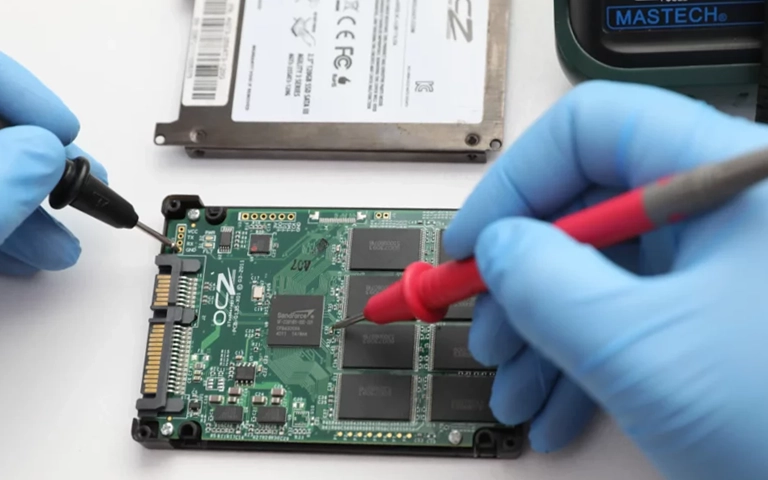
Because the Samsung T9 controller was unresponsive, our engineers moved to a hardware-level recovery strategy. This involved disassembling the portable housing to access the internal printed circuit board (PCB).
The strategy focused on a “chip-off” recovery approach. Our specialists bypassed the failed controller pathway entirely to interface directly with the NAND flash memory.
Using proprietary tools and laboratory-grade equipment, we extracted the raw data directly from the memory chips.
Once the raw data was imaged, the challenge shifted to reconstruction. SSDs use complex wear-leveling algorithms that scatter data across the chips.
Our team rebuilt the file structures and restored the usable video files, ensuring the integrity of the high-bitrate footage remained intact throughout the process.
Attempting to “re-flow” or bake an SSD circuit board at home can lead to permanent data loss via heat-induced cell degradation. Laboratory-grade tools are necessary for safe hardware manipulation.
Learn more about Samsung T7 Touch SSD recovery for insights into portable drive architecture.

Your Data Security Is Our Priority
Data privacy isn’t optional. It’s our commitment. Our secure recovery process ensures your sensitive information stays protected from start to finish.
HIPAA Compliant
GDPR Compliant
Secure Facility
NDA Available
Trust in certified security. Start your recovery today! Call Now: 888.611.0737
Recovery Outcome: Full Restoration
The recovery was fully successful. PITS engineers restored all critical video files (including the essential Bali footage) and validated them through a remote verification session with the client.
By bypassing the failed controller and accessing the NAND directly, we ensured the creator could meet their production deadlines without losing a single frame of high-value content.
If your SSD is not recognized, disconnect it immediately. Repeatedly plugging it in to “see if it works this time” can worsen internal electronic damage or trigger background processes like TRIM that may overwrite data.
Read more about Samsung 980 Pro failure recovery to learn about internal drive failure patterns.
Why Professional Recovery Mattered
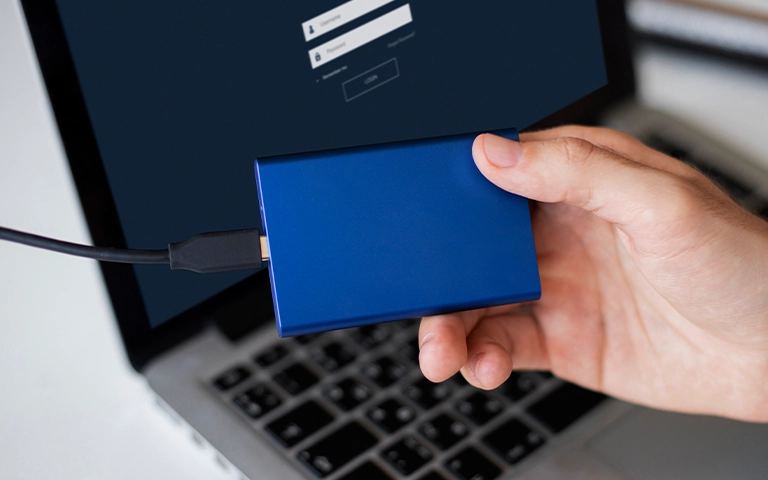
Recovering data from modern SSDs like the Samsung T9 is far more complex than traditional hard drive recovery. Encryption, proprietary controllers, and high-density NAND flash leave little room for simple fixes when hardware fails.
Professional recovery at PITS Data Recovery provides:
- Security and Confidentiality: Your data is handled in a secure environment, protecting your commercial intellectual property.
- Specialized Tools: Access to NAND-reader technology and controller-emulation software not available to the public.
- Controlled Environment: Cleanroom standards that prevent external contamination during physical disassembly.
- Risk Mitigation: A structured process designed to maximize recovery and reduce the risk of permanent loss.

DIY Recovery
Risks permanent data loss
Let the Specialists Handle It
DIY attempts often result in permanent data loss. Our certified recovery specialists use advanced tools in controlled environments for the highest success rate.

24/7 Emergency Service
Final Takeaway: Protect Your Creative Business
The loss of project data can be a major setback for any US business or independent creator. When a high-performance SSD fails, time and the quality of the initial response are the most critical factors in a successful outcome.
If you are facing a scenario where your external drive is no longer recognized, or if you are receiving “disk unreadable” errors, the safest path forward is a professional evaluation.
Frequently Asked Questions
Can data be recovered if my SSD is not recognized by my computer?
Can you recover large 4K or 8K video files from a failed SSD?
What should I do if my SSD was dropped while traveling?
I stored important vlog footage on my Samsung T9 SSD and now I can’t access it. What should I do first?
Get a Free Consultation.
Our recovery experts are ready to assess your device and guide you through the safest path to recovery. Fill out the form to get started.
"*" indicates required fields