

When a hard drive suddenly stops appearing on a system, the issue is rarely minor, especially in business environments where large volumes of data are involved.
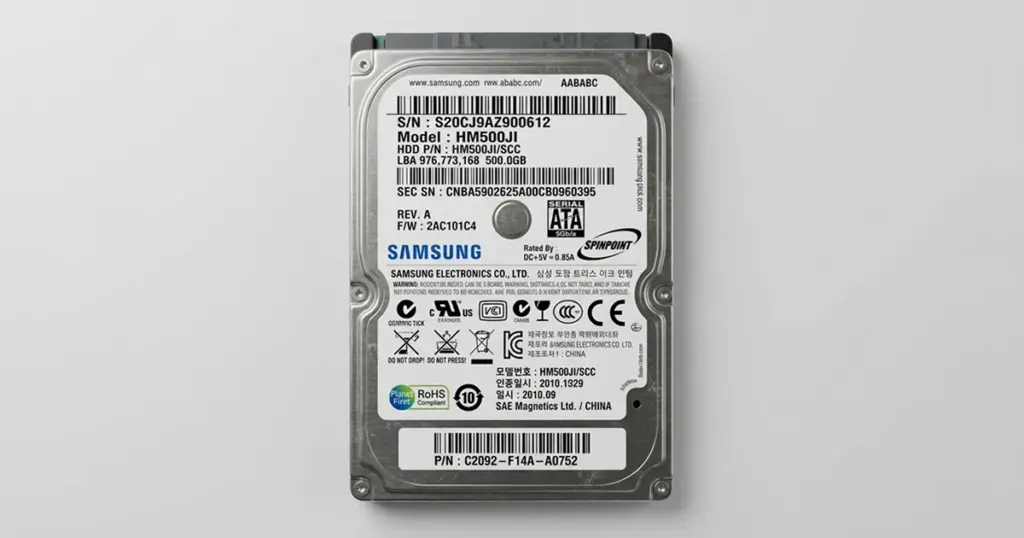
In this case, a creative media company relied on a Samsung 500GB hard drive to store active photo shoots and archives. The device became inaccessible without warning, disrupting ongoing projects and putting critical client data at risk.
This case highlights how hardware failure combined with file system corruption can escalate quickly, and why controlled, professional recovery is often required once a drive is no longer detected.
Customer Situation and Stakes
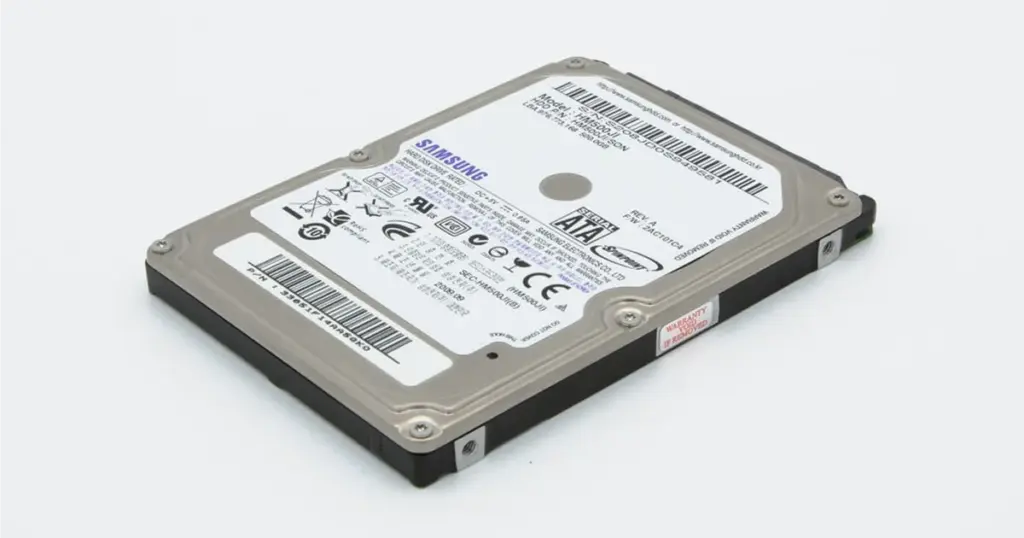
A photo production business based in the US used a Samsung HM500JI hard drive as part of its daily workflow. The device stored high-resolution images, edited assets, and project deliverables.
The issue surfaced during routine access when the drive failed to appear across multiple systems.
What the client noticed first:
- The hard drive was not recognized by their workstation
- No file access despite multiple connection attempts
- Urgent project deadlines approaching
Before contacting professionals, the internal team attempted to access the drive via SATA connections on another system. The device remained undetected, indicating a deeper hardware or firmware-level issue.
Industry-Leading 99% Success Rate
No hidden fees. No surprises. Just expert data recovery you can trust. We handle everything from simple file loss to extreme data recovery cases. If we can’t recover your data, no one can.
What Went Wrong
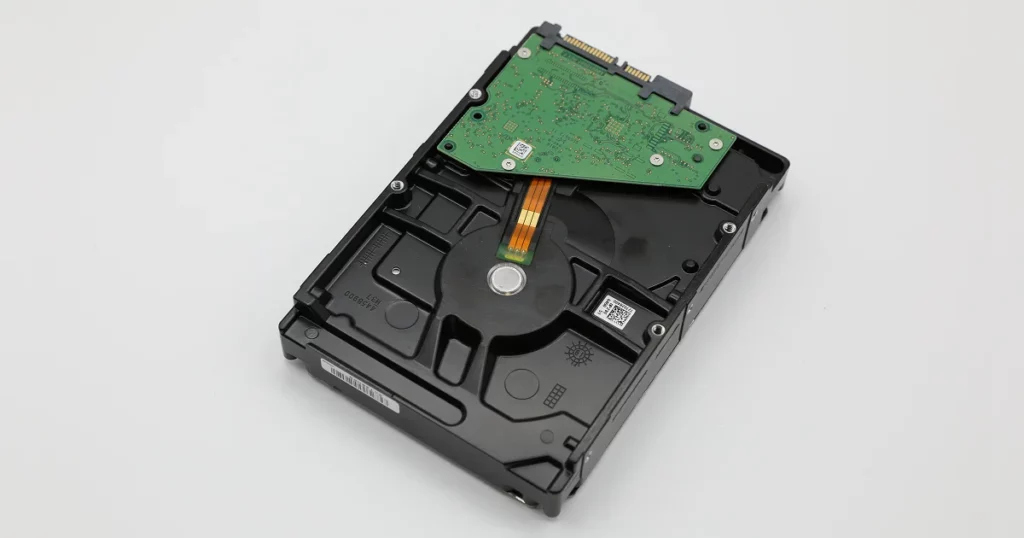
Initial evaluation identified a failure chain triggered by excessive load and overheating. This led to damage at the hardware level, specifically on the PCB (Printed Circuit Board).
| Symptom | Likely Technical Issue | Recovery Risk |
|---|---|---|
| Drive not detected | PCB failure due to overheating | Continued power attempts can worsen damage |
| Drive spins after repair | Firmware mismatch or ROM issue | Incorrect configuration prevents detection |
| File system inaccessible | Logical corruption | Data integrity risk if improperly handled |
The PCB had burned out, cutting communication between the drive and the system. Even after replacing the board with a compatible unit, the drive was still not recognized. This indicated that the issue extended beyond simple hardware replacement.
How PITS Approached the Recovery
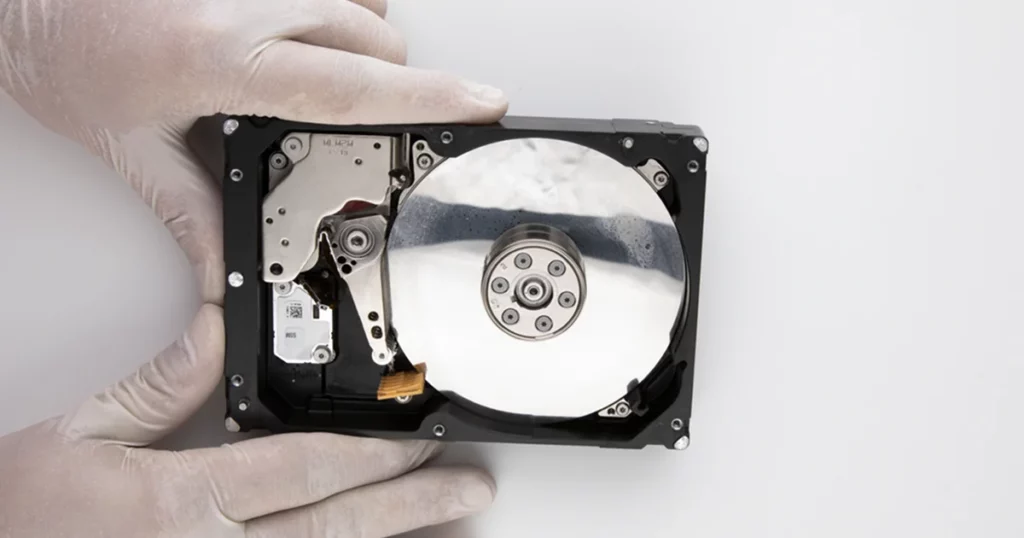
Our engineers initiated a controlled diagnostic process to isolate both physical and logical failure layers.
Initial Evaluation
Confirmed PCB damage caused by overheating and excessive load.
PCB Replacement
Installed a matching donor PCB from the same model series.
ROM Chip Migration
Transferred the original ROM chip to preserve adaptive firmware data required for proper drive initialization.
Drive Stabilization
Verified that the spindle motor engaged and the drive could safely operate under controlled conditions.
File System Reconstruction
Addressed corruption using specialized tools and internal decryption methods to rebuild the file system structure.
Data Extraction
Retrieved accessible files sector by sector, prioritizing integrity and completeness.
This multi-layered approach ensured both hardware compatibility and logical recovery alignment.

Your Data Security Is Our Priority
Data privacy isn’t optional. It’s our commitment. Our secure recovery process ensures your sensitive information stays protected from start to finish.
HIPAA Compliant
GDPR Compliant
Secure Facility
NDA Available
Trust in certified security. Start your recovery today! Call Now: 888.611.0737
Recovery Constraints and Risk Management
This case involved several high-risk factors:
- Prior access attempts on multiple systems
- Hardware-level PCB failure
- Firmware dependency tied to the original ROM
- File system corruption requiring reconstruction
A matching replacement PCB alone is not sufficient in most modern hard drives. Adaptive data stored in the ROM must be preserved. Improper board swaps without ROM transfer can prevent access entirely or complicate recovery.
Managing these risks required controlled handling and avoiding repeated power cycles that could degrade the drive further.
Don't Let Data Loss Ruin Your Business
Minimize business disruption. We retrieve lost data fast, so you can focus on what matters.
Recovery Outcome
Following the recovery process, our engineers restored access to the file system and recovered the client’s data from the Samsung hard drive. Once the logical structure was rebuilt, the recovered files were transferred to a separate secure storage device for review.
The client then completed remote verification to confirm the restored data supported active projects and ongoing delivery needs.
Why Professional Recovery Mattered
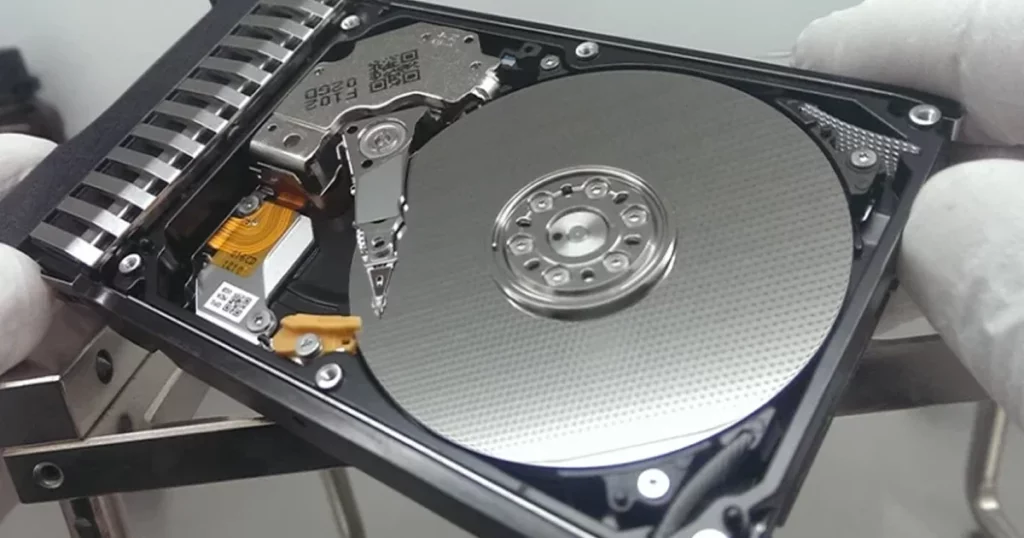
This case demonstrates the gap between basic troubleshooting and professional recovery execution.
Key factors that required expert handling:
- PCB failure with firmware dependency
- ROM-specific configuration requirements
- Combined physical and logical damage
- Risk of worsening damage through repeated attempts
If a hard drive is not detected after overheating or power-related failure, stop testing it across multiple systems. Each additional attempt can increase the complexity of recovery.

DIY Recovery
Risks permanent data loss
Let the Specialists Handle It
DIY attempts often result in permanent data loss. Our certified recovery specialists use advanced tools in controlled environments for the highest success rate.

24/7 Emergency Service
Final Takeaway and Next Steps
When a hard drive fails to appear, especially after signs of overheating or hardware damage, the situation often involves more than a simple connection issue. Acting quickly and avoiding further attempts can preserve recoverability.
If you are dealing with a similar issue, such as a Samsung hard drive not being detected or suspected PCB damage, the next step is a professional evaluation.
Speak with a recovery specialist or request an evaluation to understand your options before further action is taken. Early intervention can significantly improve the chances of retrieving critical data while minimizing additional risk.
Frequently Asked Questions
Can data be recovered from a Samsung hard drive with a burned PCB?
Why is my hard drive spinning but not detected?
Is swapping a PCB enough to fix a hard drive?
Can corrupted files be recovered after hardware failure?
Get a Free Consultation.
Our recovery experts are ready to assess your device and guide you through the safest path to recovery. Fill out the form to get started.
"*" indicates required fields