

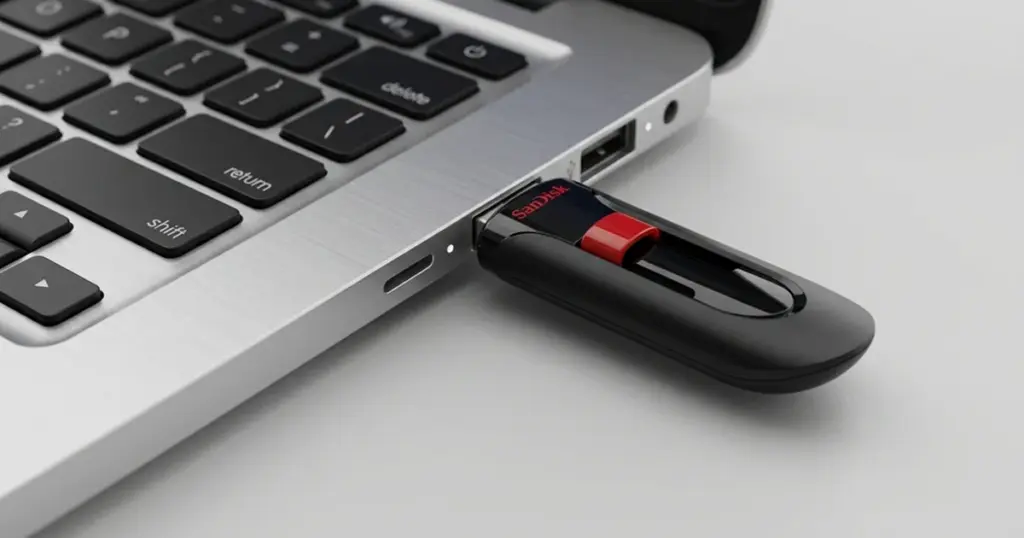
A failed USB flash drive creates immediate risk when it holds important personal or business files.
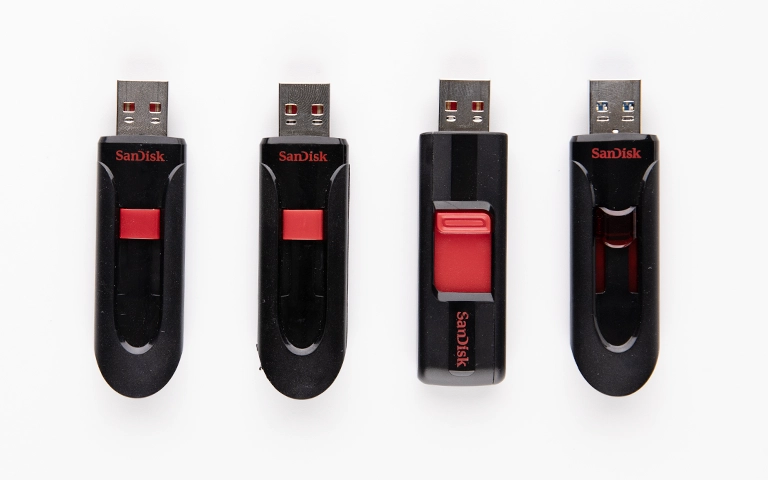
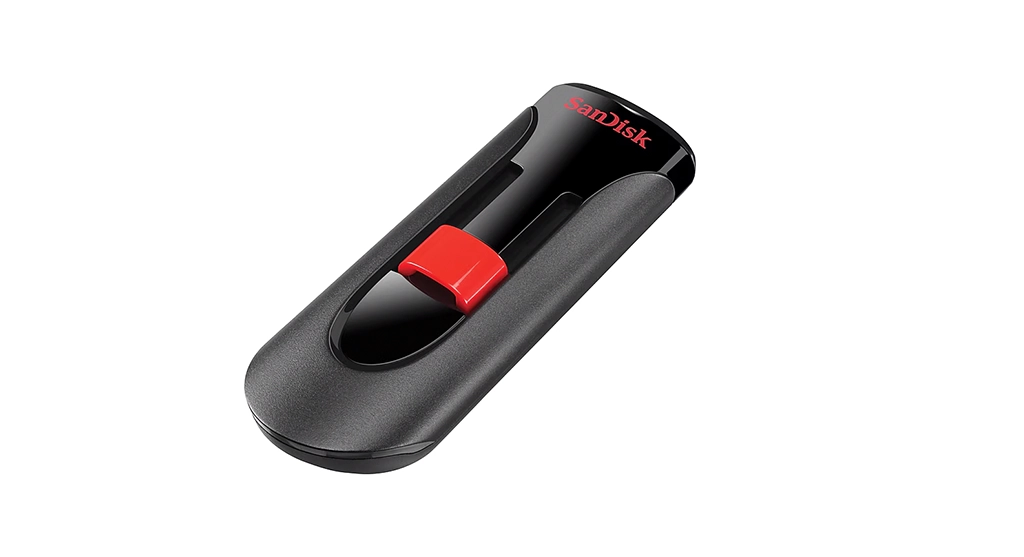
In this case, a SanDisk Cruzer Glide suddenly became inaccessible and appeared non-functional across multiple systems.
That raised a practical question fast, whether the data was still recoverable or already lost.
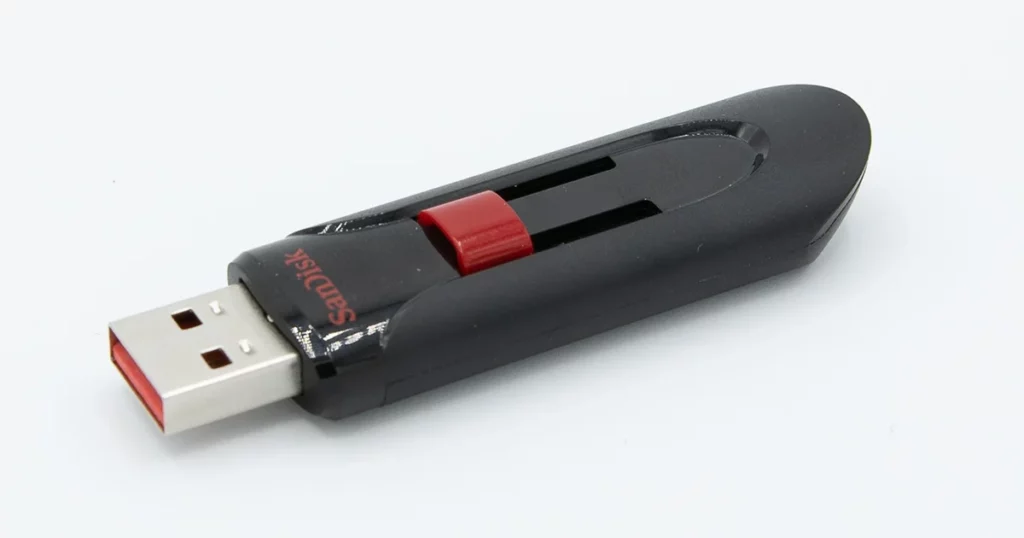
Customer Situation: SanDisk Cruzer Glide Failure
The device belonged to a small business owner who used it to store project files, archived records, and operational documents. The drive failed without warning, and the files were not fully backed up elsewhere.
The access issue created immediate disruption and put active work at risk. The customer tried connecting the USB drive to different computers, but the system either would not open it or returned errors.
For similar recognition-related issues, read more about flash drives not showing up.
Industry-Leading 99% Success Rate
No hidden fees. No surprises. Just expert data recovery you can trust. We handle everything from simple file loss to extreme data recovery cases. If we can’t recover your data, no one can.
Initial Symptoms and Failed Attempts
The client first noticed that the device was no longer mounting on their workstation. Despite attempting to connect it to multiple USB ports and different computers, the drive remained unresponsive.
Fearing the worst, the client searched for various software-based “repair” tools. Recognizing that these tools often cause more harm than good by overwriting data sectors, they opted to reach out to PITS instead.
How PITS Approached the Recovery
Initial evaluation
Engineers confirmed the SanDisk USB drive was still detectable, which indicated a logical failure rather than clear physical damage.
File system analysis
Specialists reviewed damaged file structures and directory information to determine how the corruption affected access to stored data.
Logical reconstruction
Recovery tools were used to rebuild corrupted file paths and recover usable data from the underlying memory.
File validation
Extracted files were reviewed to confirm they opened properly and retained usable structure.
Recovery Outcome
The recovery process restored all critical files needed by the client to resume normal work. Recovered data included active business documents, archived records, and other important files stored on the device.
The recovered files were reviewed with the client to confirm usability and accuracy. The result gave the customer access to the data needed to move forward without additional disruption.
Don't Let Data Loss Ruin Your Business
Minimize business disruption. We retrieve lost data fast, so you can focus on what matters.
Why Professional Recovery Mattered
| Factor | DIY Recovery Attempts | Professional Recovery Service |
|---|---|---|
| Data integrity | Higher risk of corruption | Controlled validation process |
| Recovery approach | Trial and error | Structured diagnostics |
| Risk of further loss | Elevated | More carefully managed |
| Tools used | Generic software | Specialized recovery systems |
Professional recovery matters because the goal is not just to find files, but to preserve structure, reduce added damage, and recover usable data in a controlled environment.
For a related example, learn more about a recovered SanDisk USB device that was not recognized.
Key Takeaways for USB Data Loss Situations
- A detectable but inaccessible USB drive often has a logical failure
- Continued use can make recovery harder
- Early professional evaluation can improve the outcome
- Generic repair tools are not always safe for corrupted flash media
If your computer detects the USB drive but you cannot open the files, avoid formatting it or running repair utilities. Those actions can damage the file structures needed for recovery.

DIY Recovery
Risks permanent data loss
Let the Specialists Handle It
DIY attempts often result in permanent data loss. Our certified recovery specialists use advanced tools in controlled environments for the highest success rate.

24/7 Emergency Service
Start Your Secure Recovery Evaluation
A non-working SanDisk USB drive does not automatically mean the data is gone. In many cases, the real issue is logical corruption, and the outcome depends heavily on how the device is handled next.
PITS Data Recovery can evaluate inaccessible USB flash drives and determine whether professional recovery is still viable.
If your device contains important business or personal files, contact PITS Data Recovery to start a case and get guidance before attempting further fixes.
Frequently Asked Questions
Can data be recovered from a SanDisk USB that is not recognized?
What causes a SanDisk flash drive to become inaccessible?
Is it safe to use recovery software on a USB drive?
What are the signs of logical corruption on a SanDisk USB?
Get a Free Consultation.
Our recovery experts are ready to assess your device and guide you through the safest path to recovery. Fill out the form to get started.
"*" indicates required fields