

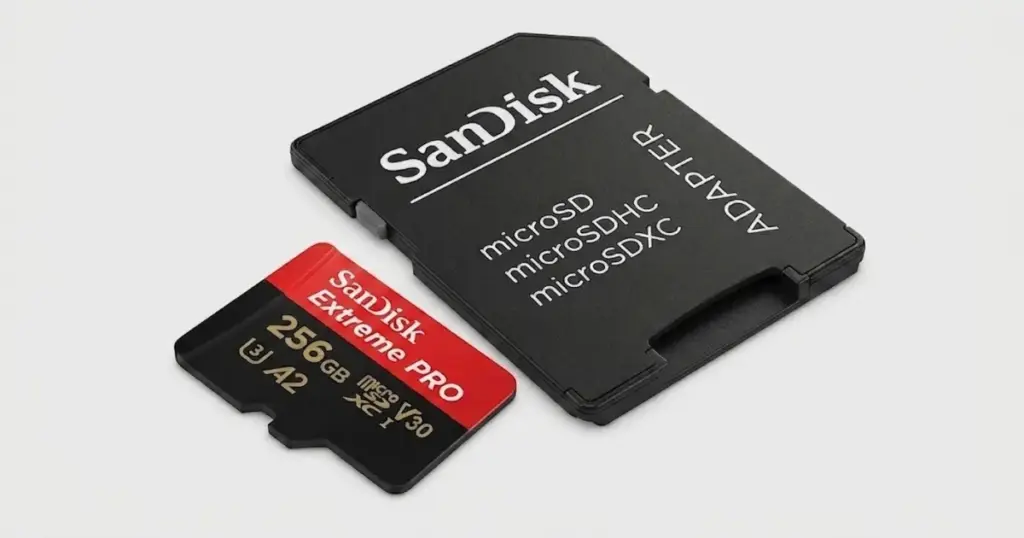
When an SD card becomes unreadable, every next step matters. For photographers, videographers, and business users, a failed memory card can put active work, client delivery, and irreplaceable files at risk.
This case study explains how PITS Data Recovery handled a SanDisk SD card data recovery case involving inaccessible video footage, encryption complications, and logical file-system damage after failed software attempts.
Customer Situation
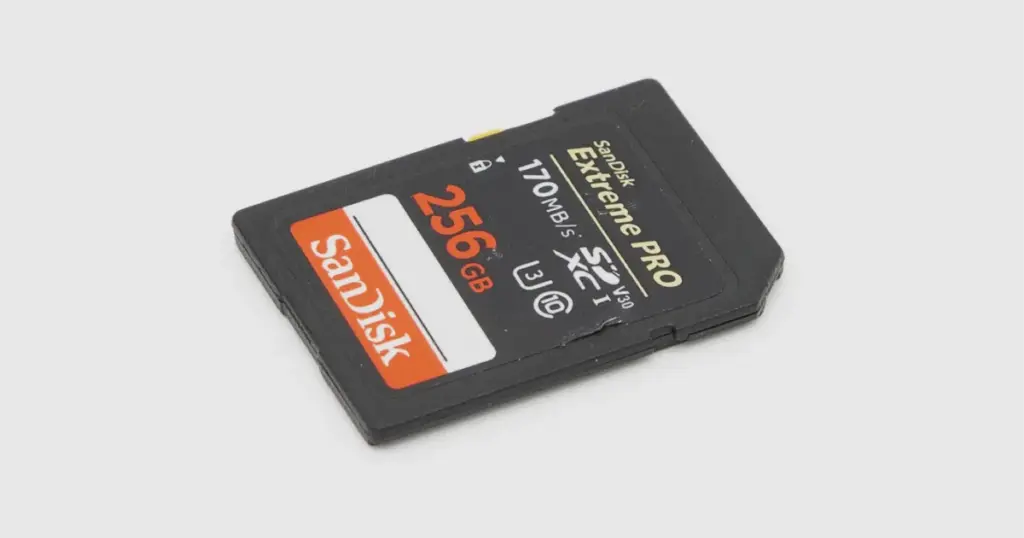
The customer was a professional videographer who stored footage from a recent shoot on a SanDisk Extreme Pro SDXC 256GB memory card. The footage was needed for editing, client delivery, and project completion.
The issue started when the customer could not access the files because the card had been encrypted and the password was forgotten.
This created immediate pressure: delayed post-production, potential missed delivery expectations, and risk to the customer’s professional reputation.
Learn more about professional SanDisk SD card data recovery services for similar card failure scenarios.
Don't Let Data Loss Ruin Your Business
Minimize business disruption. We retrieve lost data fast, so you can focus on what matters.
What Went Wrong
After losing access to the encrypted card, the customer attempted to use third-party recovery and decryption software. Instead of restoring access, the software damaged the card’s logical structure.
The SanDisk memory card then became unreadable. The video files were inaccessible, and the original folder structure was no longer available. This changed the case from an access problem into a logical failure involving corrupted exFAT file-system records and damaged metadata.
This is where DIY recovery becomes dangerous. When software modifies a damaged file system or scans aggressively without a controlled image, it can compromise the same metadata needed to rebuild usable files.

How PITS Approached the Recovery
Step 1: Preserving the Original Card
PITS engineers created a full sector-by-sector image of the SanDisk card. This protected the original media from additional changes during recovery.
Step 2: Analyzing the exFAT File System
The team analyzed the exFAT file system and identified corrupted file-system records caused after failed third-party software attempts.
Step 3: Rebuilding the File Tree
Engineers rebuilt the damaged file tree to locate recoverable video files and restore directory relationships where possible.
Step 4: Working From a Virtual Disk Image
The recovery was performed through a virtual disk image, allowing engineers to reconstruct the logical structure without working directly on the original card.
Step 5: Restoring Metadata From Backup Areas
Where primary file-system data was damaged, engineers used backup file-system areas to restore missing metadata and recover usable video files.
Why Professional Recovery Mattered
This case required more than standard recovery software. The card had encryption access issues, corrupted exFAT records, missing folder structure, and additional damage from third-party tools.
PITS succeeded because the recovery workflow preserved the original card first, then rebuilt access from a controlled image. That process reduced avoidable risk and gave engineers a safer path to reconstruct usable files.
Read more about another SanDisk memory card recovery case involving complex file access issues and professional recovery handling.
Industry-Leading 99% Success Rate
No hidden fees. No surprises. Just expert data recovery you can trust. We handle everything from simple file loss to extreme data recovery cases. If we can’t recover your data, no one can.
Recovery Outcome
PITS recovered 99.6% of the files from the SanDisk Extreme Pro SDXC 256GB memory card. Approximately 238 GB of video footage was restored, verified, and returned to the customer in usable condition.
The original folder structure was restored where possible, making the recovered footage easier to review and move into post-production. The customer regained access to the critical video files needed to continue the project without starting over.
What Not to Do After Data Loss
After SD card data loss, avoid actions that can reduce recovery potential:
- Do not keep using the card. New activity can overwrite recoverable data.
- Do not format the card. Formatting can destroy file-system metadata.
- Do not run repeated recovery tools. Multiple scans can worsen logical corruption.
- Do not save files back to the same card. This can overwrite the original data area.
- Do not test decryption tools on the original media. Recovery work should start from a protected image.
The safest move is to stop using the card immediately and request a professional evaluation.

DIY Recovery
Risks permanent data loss
Let the Specialists Handle It
DIY attempts often result in permanent data loss. Our certified recovery specialists use advanced tools in controlled environments for the highest success rate.

24/7 Emergency Service
Secure Your Data Before It’s Too Late
This case shows why unreadable SD cards should be handled carefully, especially when encryption problems and failed software attempts are involved. Continued use, formatting, or repeated scans can damage the metadata needed for recovery.
If your SanDisk SD card contains important video, photo, business, or project files, stop using it immediately. Contact PITS Data Recovery to begin a professional SD card recovery evaluation before the card’s condition gets worse.
Learn more about how controlled recovery workflows can help after severe SanDisk storage failures.
Frequently Asked Questions
Can files be recovered from an encrypted SanDisk SD card if the password is forgotten?
What should I do if my SanDisk SD card becomes unreadable?
Is it safe to use recovery software on an encrypted memory card?
Will my files be returned in their original folders?
Get a Free Consultation.
Our recovery experts are ready to assess your device and guide you through the safest path to recovery. Fill out the form to get started.
"*" indicates required fields