

Losing access to important files stored on an external hard drive can be a devastating experience. This is especially true when the failure is sudden and unexpected.
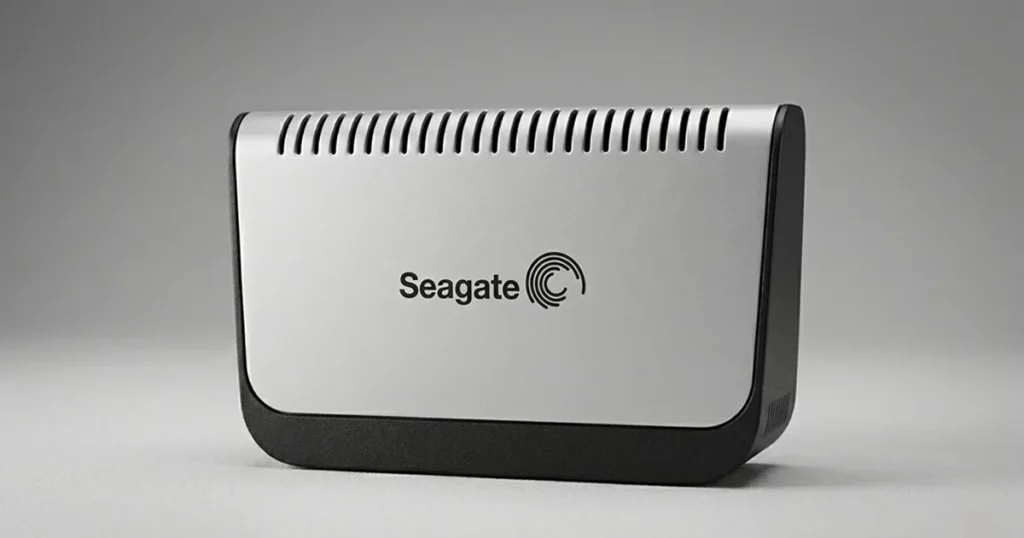
At PITS Global Data Recovery Services, we routinely handle complex cases involving non-functional drives. One recent case involved a 160GB Seagate external hard drive that stopped being recognized entirely.
In this article, we walk through the full recovery process from the initial consultation to the final verification and share the technical challenges we faced due to advanced media degradation and hardware limitations.
Why Old Seagate Drives Stop Working
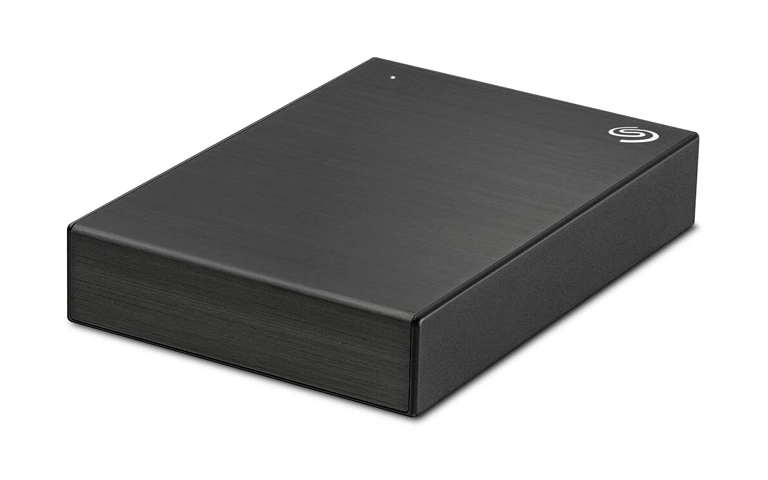
Many older Seagate drives eventually fail not because of accidental damage or misuse, but simply due to wear and tear. These drives are built with a limited number of spare sectors reserved blocks that are used when original sectors go bad. Over time, as the drive accumulates bad sectors and exhausts this spare area, the drive can no longer reallocate space to maintain normal operation.
In most cases, this information is relayed to the host system via S.M.A.R.T. reporting or, in USB enclosures, through the USB bridge chip. Unfortunately, many users overlook these warnings or delay backing up data until it’s too late.
In the case we’re discussing, the drive’s platters were also showing wear on the magnetic surface, even though the read/write heads were not in direct contact a clear sign of age-related degradation. This required significant physical repair work in our cleanroom lab.
Initial Consultation: Drive Not Recognized
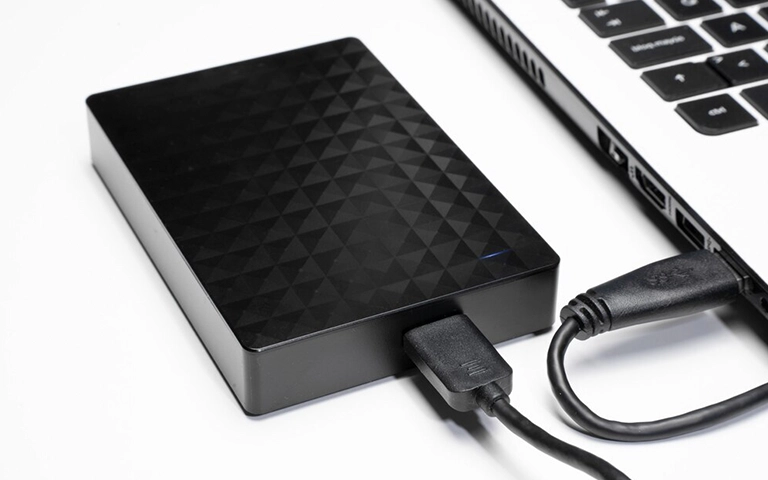
The client reached out to us explaining that his Seagate external drive suddenly stopped being recognized by any computer. Despite prior smooth performance, the drive had gone completely undetectable. Attempting to fix the problem, the client tried formatting it which unfortunately made the situation worse.
We provided step-by-step instructions for securely packaging and shipping the device to our recovery lab, stressing the importance of avoiding any further attempts to power or troubleshoot the device independently.
Device Evaluation and Diagnostic Testing
Once the drive arrived at our facility, our engineers began with a complete evaluation:
- Connected the drive using known-good USB interfaces and alternate cables
- Checked the Disk Management and Device Manager in Windows
- Attempted hardware-level communication with the drive
The operating system did not detect the drive at all. A deeper scan using diagnostic tools showed the controller board was functioning but could not initialize the disk surface properly. Internally, the file system had been rendered RAW, meaning it was no longer recognizable to the operating system.
Get a Free Consultation.
Our recovery experts are ready to assess your device and guide you through the safest path to recovery. Fill out the form to get started.
"*" indicates required fields
Cleanroom Recovery Process
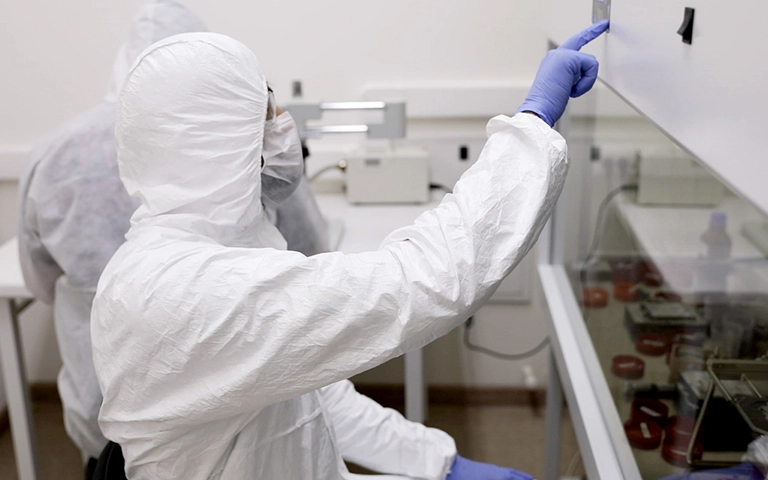
After receiving client approval based on our diagnosis and quote, we moved the device to our ISO Class 100 cleanroom for internal repair.
Inside the enclosure, we discovered that:
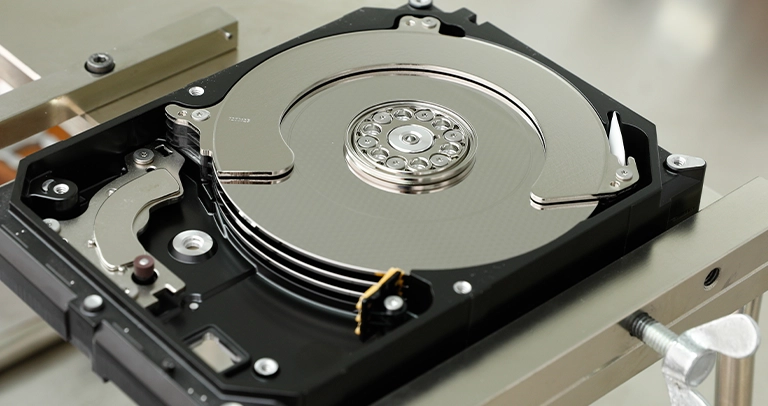
- The magnetic platters were worn and showed surface degradation
- The original read/write heads had weakened and were not reading reliably
- Media rotation and tracking had become unstable due to aging components
Our team used two separate donor drives to source compatible parts a common requirement in more than 50% of aging Seagate recoveries. Replacing multiple parts ensures stability during imaging and maximizes recovery success.
Data Imaging and File Recovery
With the donor components in place, we used advanced hardware tools to image the drive sector by sector, skipping unreadable portions and repeatedly reattempting marginal sectors. The result was a full clone of the original media, which we then scanned for recoverable files.
We reconstructed:
- Full folder structures
- Document files (PDF, DOCX, XLSX)
- Media files (JPEGs, MP4s)
- Application-specific file types used in the client’s business
Remote File Verification and Final Delivery
To complete the process, we conducted a remote verification session. The client browsed through the recovered data securely via our web portal and confirmed that all essential files had been restored.
We then copied the recovered data to a new external drive and returned it to the client with secure, trackable shipping.
Recovery Summary
Your Data Security Is Our Priority
Data privacy isn’t optional. It’s our commitment. Our secure recovery process ensures your sensitive information stays protected from start to finish.
HIPAA Compliant
GDPR Compliant
Secure Facility
NDA Available
Trust in certified security. Start your recovery today! Call Now: 888.611.0737
Why Choose PITS for Seagate External Drive Recovery?
To complete the process, we conducted a remote verification session. The client browsed through the recovered data securely via our web portal and confirmed that all essential files had been restored.
- Decades of experience with Seagate firmware and USB-based enclosures
- In-house cleanroom facility for advanced physical recovery
- Multi-donor component sourcing to increase recovery success
- Expertise in older and legacy drives prone to wear-based failure
- Secure remote file verification to minimize downtime
Facing a Failed Seagate Drive? We’re Here to Help
If your Seagate external hard drive is no longer working, showing a RAW file system, or not recognized by your computer, don’t risk further damage. Let our external hard drive recovery experts take over.
- Call us at 888.611.0737
Submit a Recovery Request
We offer:
- Free consultation and diagnostics
- No-recovery, no-fee policy
- Fast turnaround and confidential handling
Let PITS Global Data Recovery Services recover your data safely, professionally, and reliably.
Don't Let Data Loss Ruin Your Business
Minimize business disruption. We retrieve lost data fast, so you can focus on what matters.