

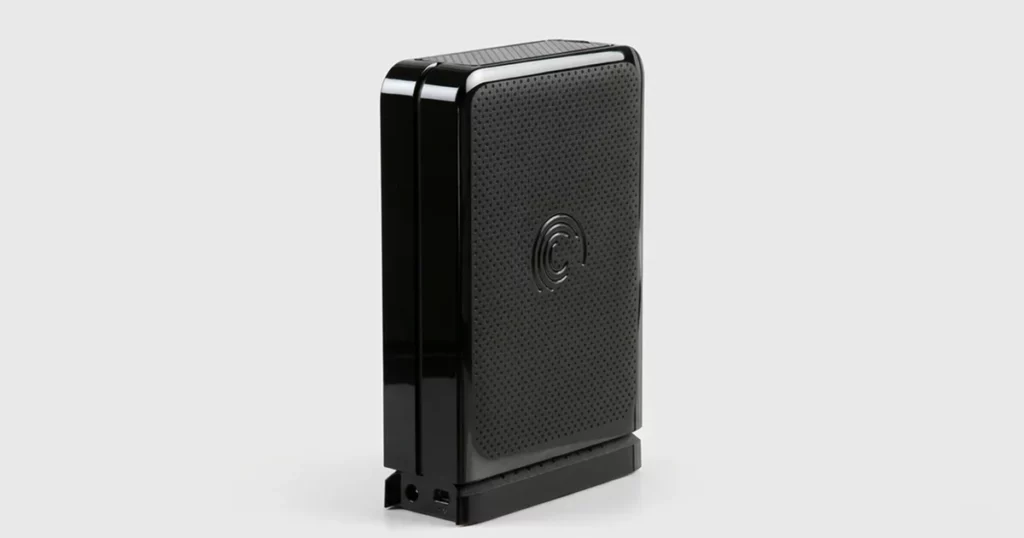
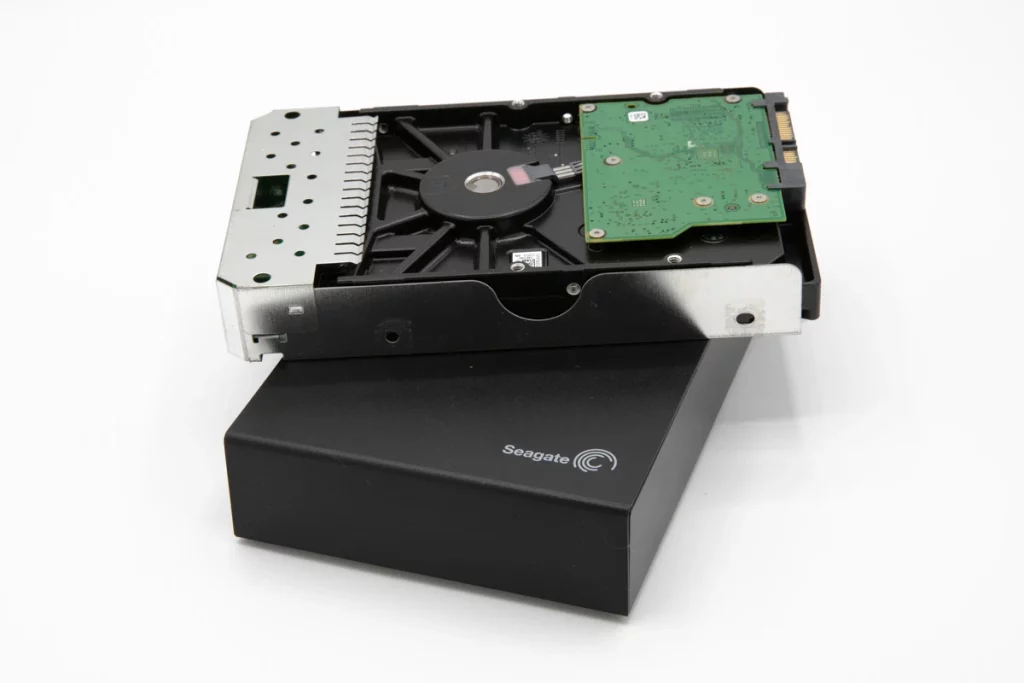
A client could not access data on a Seagate FreeAgent GoFlex external hard drive.
There was no obvious physical damage, but the client suspected a malware related incident.
The priority was to stabilize the situation and prevent further contamination or file level changes.
This case study covers how we confirmed the failure type and executed a safe recovery workflow.
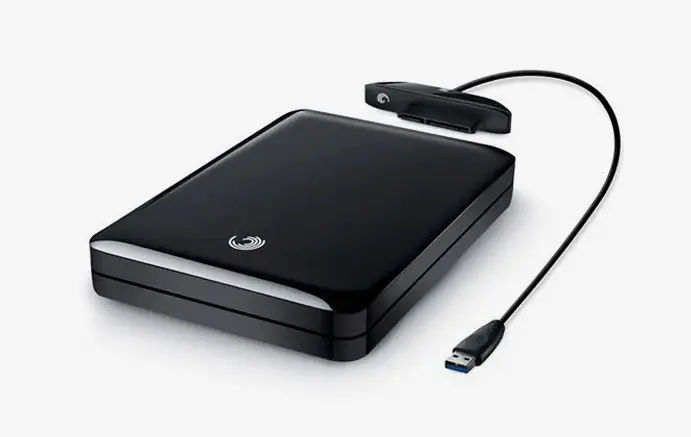
What Failed: Malware Driven Logical Damage
This was not a hardware crash. The drive’s issue traced back to logical damage consistent with malware activity, which can block access, corrupt file structures, or hide files without any physical impact to the device.
What the client experienced
No access to stored files
Data appeared missing or unreadable
Concern that malware had compromised the drive contents
What was at risk
Continued use on an infected system can re-infect files or overwrite recoverable data
Running cleanup or repair tools directly on the drive can alter evidence and reduce recoverability
Copy attempts can spread malware to other endpoints and backups
See related cases: Seagate GoFlex not recognized data recovery.
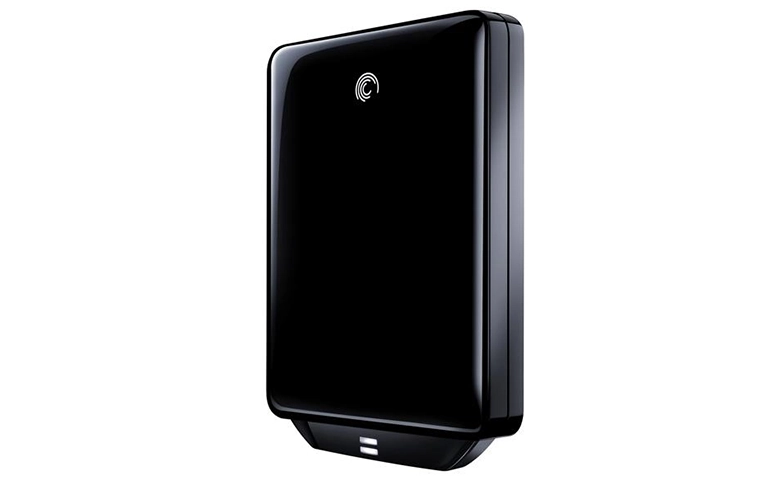
Diagnostic Highlights: How We Ruled Out Physical Damage
Before touching the file structure, we validated whether this was a hardware problem or a logical one. That decision determines everything.
What we checked first
- Drive stability when connected (consistent behavior vs dropouts)
- Any indicators of physical trauma or connector damage
- Whether the issue presented like electronics or mechanical failure
What the diagnostics showed
- No evidence of physical damage driving the data loss
- Failure profile aligned with a logical issue, consistent with malware impact
Because the drive was logically damaged, we avoided “repair first” tactics and moved straight to a controlled imaging workflow.

DIY Recovery
Risks permanent data loss
Let the Specialists Handle It
DIY attempts often result in permanent data loss. Our certified recovery specialists use advanced tools in controlled environments for the highest success rate.

24/7 Emergency Service
Recovery Process: Imaging First, Then Safe File Extraction
The recovery strategy was built around one rule: do not work on the live drive.
Step 1: Full drive image
- Created a complete sector level image as a safety baseline
- This isolates recovery work from the original media and preserves a rollback path
Step 2: Controlled scan on the image
- Scanned the image for recoverable files and affected structures
- Focused on extracting clean, usable data without reintroducing malware into the environment
Step 3: Targeted recovery method
- Used a specialized approach suited for USB based external drives to pull data reliably from the image
- Prioritized high value folders first to reduce turnaround risk
Do not run malware removal or file repair tools on the original drive. It can overwrite recoverable data and complicate clean extraction.
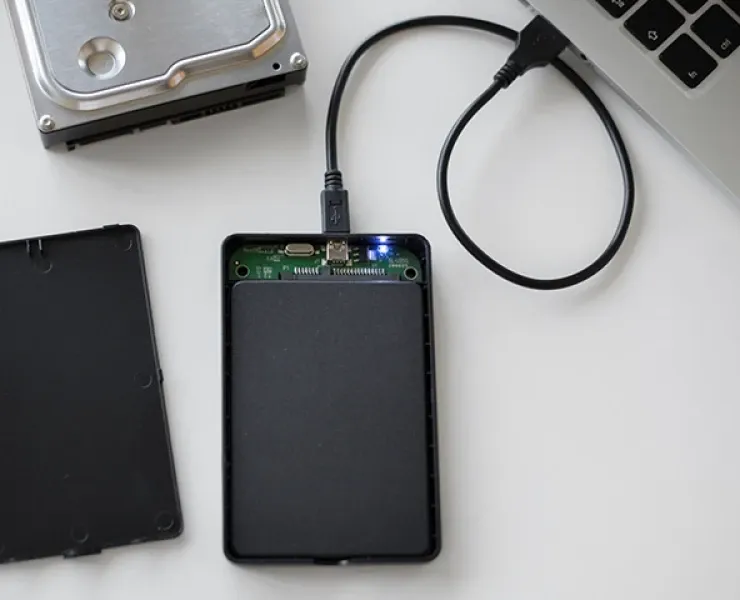
Your Data Security Is Our Priority
Data privacy isn’t optional. It’s our commitment. Our secure recovery process ensures your sensitive information stays protected from start to finish.
HIPAA Compliant
GDPR Compliant
Secure Facility
NDA Available
Trust in certified security. Start your recovery today! Call Now: 888.611.0737
Recovery Outcome and Verification Session
We recovered the client’s high priority documents, photos, and videos by extracting data from the drive image rather than working on the live device. This kept the original media unchanged and reduced exposure to further logical damage.
After recovery, we scheduled a verification session. The client opened representative files across the critical folders and confirmed the content was intact and usable before we finalized delivery.
Hear it from Our Client
Don't Let Data Loss Ruin Your Business
Minimize business disruption. We retrieve lost data fast, so you can focus on what matters.
Risk Controls: What Not to Do With a Malware Infected Drive
If you suspect malware, your next moves decide whether recovery stays clean and straightforward or turns into a wider incident.
Do not
- Keep plugging the drive into multiple computers “to test”
- Run antivirus cleanup directly on the drive before imaging
- Use file repair utilities that rewrite structures
- Copy everything blindly to your network or backups
Do
- Disconnect the drive and pause all attempts
- Document symptoms and recent events (pop ups, ransomware notes, sudden file changes)
- Escalate to controlled imaging and recovery from a clean environment
See related cases: Recovered 8TB Seagate Exos 7E8 hard drive.
Contact Us for Seagate GoFlex Data Recovery
If your Seagate FreeAgent GoFlex is inaccessible and you suspect malware, stop further testing and disconnect the drive.
The right move is controlled imaging and recovery in a clean environment, so you do not overwrite recoverable data or spread the infection.
Explore Seagate hard drive recovery.
Get a Free Consultation.
Our recovery experts are ready to assess your device and guide you through the safest path to recovery. Fill out the form to get started.
"*" indicates required fields