

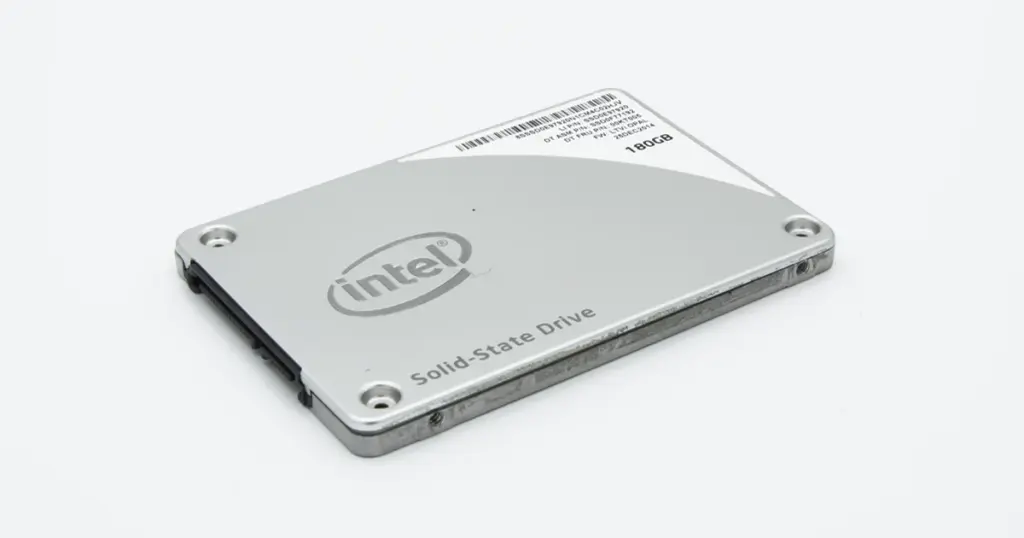
Data loss doesn’t wait for a convenient time. For a small accounting firm in the US, a routine afternoon turned into an operational crisis when a sudden power flicker took down their primary external SSD. In an instant, years of tax records, active client invoices, and essential databases vanished.
When an SSD data recovery service is the only thing standing between business continuity and a permanent loss of records, every hour counts.
This case study details how PITS Data Recovery engineers bypassed complex firmware corruption to restore 100% of the firm’s critical data.
The Crisis: Power Failure and Business Interruption
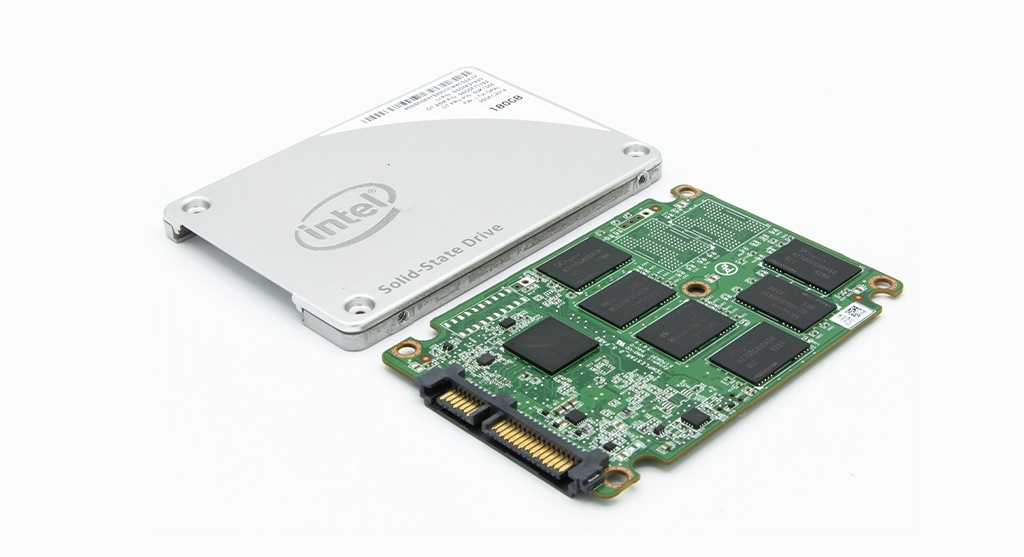
The incident occurred during peak working hours. A brief but sharp power outage caused the accounting firm’s workstations to reboot. While the computers survived, the external SSD, which was used as the primary repository for active client files, stopped responding.
The firm’s IT director initially attempted to swap cables and test the drive on different systems. The result was consistent because the external SSD was not detected by the BIOS or the operating system.
For a business handling sensitive financial deadlines, the stakes were high. Without those files, the firm faced potential missed filings and significant reputational damage.
Industry-Leading 99% Success Rate
No hidden fees. No surprises. Just expert data recovery you can trust. We handle everything from simple file loss to extreme data recovery cases. If we can’t recover your data, no one can.
Internal Stakes: Why Local Fixes Weren't Enough
Many users assume that if a drive isn’t clicking or smoking, it can be fixed with “prosumer” software. However, SSDs behave differently than traditional hard drives.
| User Attempt | Result | Technical Reality |
|---|---|---|
| Swapping USB cables/ports | No Change | The issue was internal, not a connectivity problem. |
| Testing on multiple PCs | Drive not initialized | The controller could not communicate with the flash NAND. |
| Software Scan | Drive didn't appear | Software cannot fix damaged internal firmware. |
Repeatedly power-cycling a failed SSD can trigger the drive’s background “garbage collection” or TRIM functions, which may permanently erase data as the controller tries to “cleanup” what it perceives as corrupted blocks.
Technical Analysis: Understanding SSD Firmware Corruption
Our diagnostic team identified the culprit as SSD firmware corruption. Unlike a physical crash, this is a logical brain failure within the device hardware.
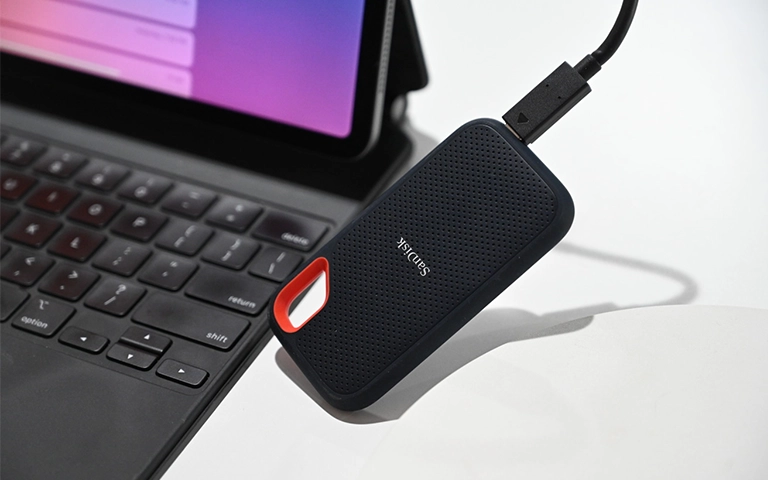
When the power cut out, the SSD was likely mid-write. This caused the translation layer, which is the internal map the SSD uses to find data on the NAND chips, to become corrupted.
Because the map was broken, the controller simply stopped reporting to the computer. To the PC, the drive did not exist. This is a common symptom of SSD controller failure caused by electrical instability.
Don't Let Data Loss Ruin Your Business
Minimize business disruption. We retrieve lost data fast, so you can focus on what matters.
The PITS Engineering Approach
To resolve this, our engineers moved the drive into a controlled lab environment. We did not attempt to repair the physical drive for reuse; instead, we focused on a secure SSD data recovery service protocol:
Hardware Stabilization
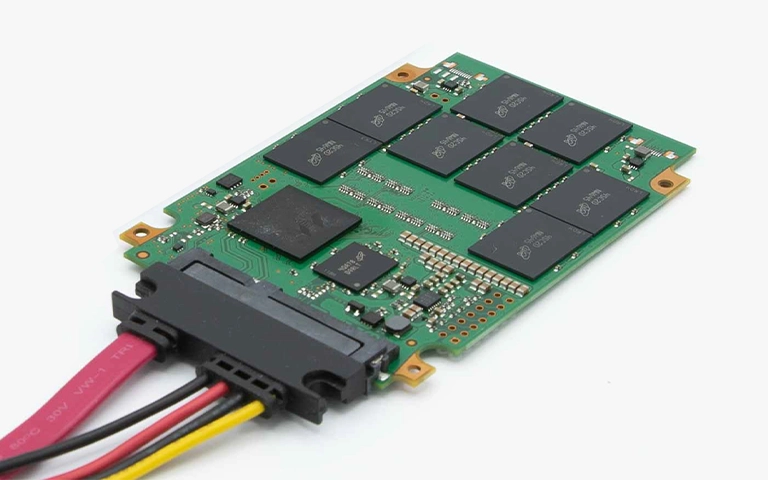
We used specialized hardware tools to bypass the standard SATA/USB interface and communicate directly with the SSD controller.
Firmware Emulation
Our engineers accessed the service area of the drive to virtually repair the corrupted mapping tables.
Sector-by-Sector Imaging
Once communication was restored, we imaged the entire drive to a secure PITS server, ensuring we only worked on a copy to protect the original hardware.
File System Reconstruction
We rebuilt the corrupted file structure to ensure the missing folders were properly mapped and readable.
Your Data Security Is Our Priority
Data privacy isn’t optional. It’s our commitment. Our secure recovery process ensures your sensitive information stays protected from start to finish.
HIPAA Compliant
GDPR Compliant
Secure Facility
NDA Available
Trust in certified security. Start your recovery today! Call Now: 888.611.0737
Recovery Outcome and Data Verification
PITS Data Recovery successfully restored the client’s entire folder structure, including critical QuickBooks and Sage databases.
Our engineers verified the integrity of thousands of Excel spreadsheets and PDF tax documents, ensuring the firm met its immediate filing deadlines.
The recovered data was delivered on a new, encrypted secure drive, allowing the business to resume operations without permanent data loss.

DIY Recovery
Risks permanent data loss
Let the Specialists Handle It
DIY attempts often result in permanent data loss. Our certified recovery specialists use advanced tools in controlled environments for the highest success rate.

24/7 Emergency Service
Why Professional Recovery is Critical for SSDs
SSD recovery is a race against time and technology. If your external SSD is not detected, the risk of permanent data loss increases with every DIY attempt.
At PITS, we utilize advanced tools designed specifically for emergency SSD repair and firmware reconstruction that are not available to the general public or standard IT shops.
If an SSD fails after a power event, unplug it immediately. Continued power can lead to the controller “zeroing out” data blocks, making recovery impossible even for experts.
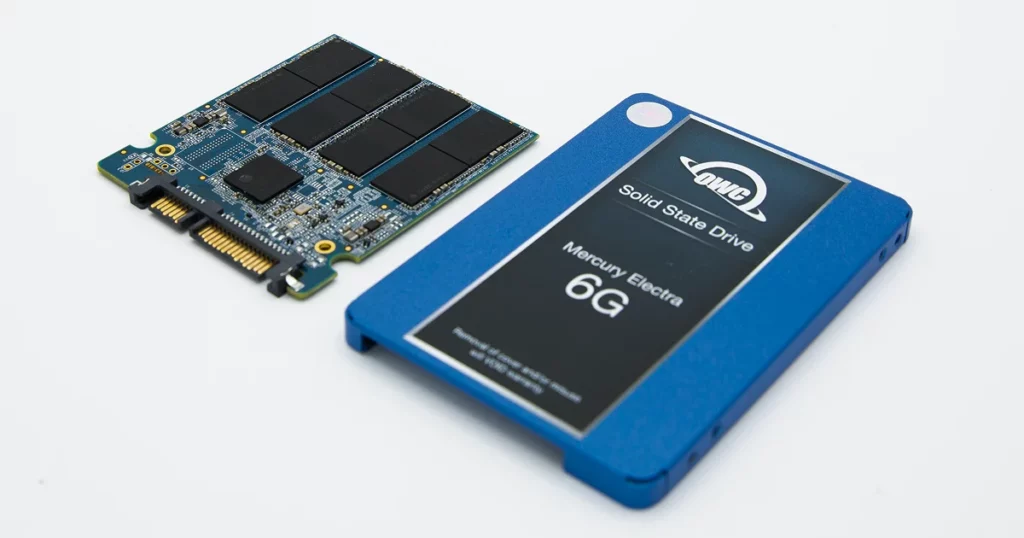
Final Takeaway: Secure Your Business Data
Data loss is a technical problem, but for a business, it is a financial one. This accounting firm avoided a total disaster by recognizing the limits of their internal IT and seeking a SSD data recovery service immediately.
Facing a similar situation?
Do not risk your critical files with unverified software or repeated power cycles. Speak with a recovery specialist today to request a professional evaluation of your media.
Frequently Asked Questions
Can you recover data from an SSD that won't turn on?
We had a power surge and now the SSD smells like it is burning. Is the data gone?
Can PITS Data Recovery recover specific accounting software files like QuickBooks or Sage?
My accounting firm's SSD is not showing up in Windows Disk Management. Can PITS Data Recovery help?
Get a Free Consultation.
Our recovery experts are ready to assess your device and guide you through the safest path to recovery. Fill out the form to get started.
"*" indicates required fields