

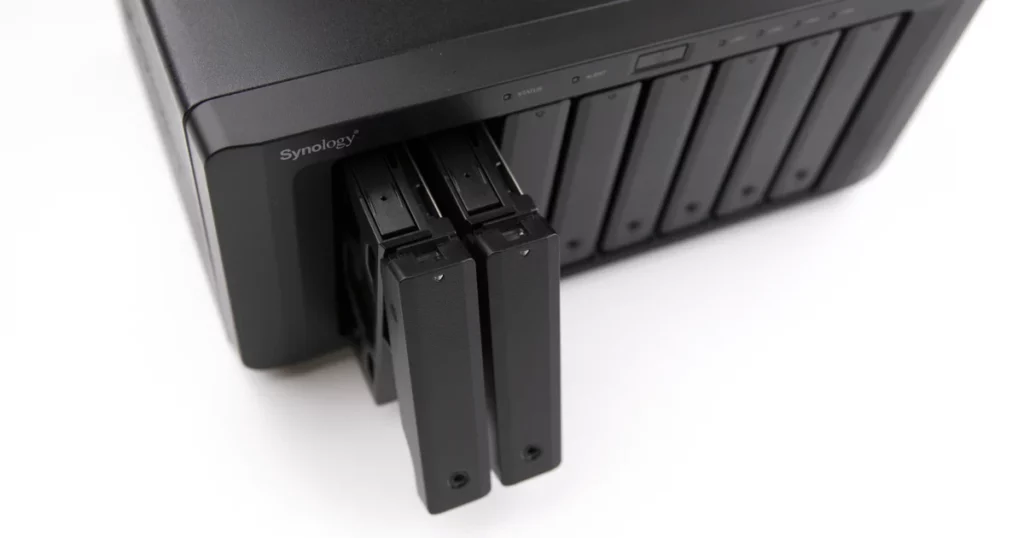
A small business recently faced a serious crisis when their Synology NAS system failed, locking them out of essential data including financial records, HR documents, and client contracts. With no backup and daily operations grinding to a halt, they contacted our team for urgent NAS data recovery services.
In this Synology NAS data recovery case, we share how we diagnosed the failure, safely recovered the data, and helped the company return to business as usual.
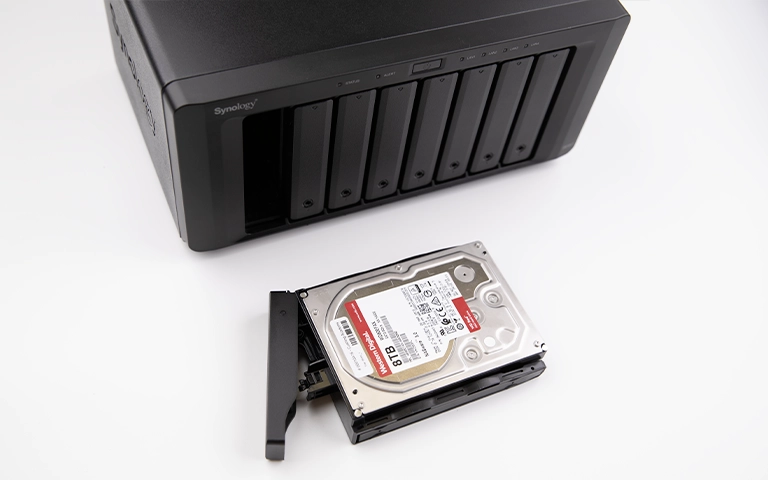
When Synology NAS Failure Disrupts Business
On a Monday morning, the company’s employees suddenly couldn’t access shared files on their Synology NAS. Attempts to restart the device led to flashing status lights and an error-ridden dashboard. The IT department quickly realized this was more than a glitch.
Client work was delayed. Payroll processing stalled. With no recent backup, they needed expert help fast.
Emergency Response and Secure Shipping
The business contacted PITS Data Recovery. After understanding the urgency, we sent them a prepaid overnight shipping label and detailed packing instructions. Within 24 hours, their Synology NAS arrived at our certified lab in California.
Step 1: Initial Evaluation of the Synology NAS
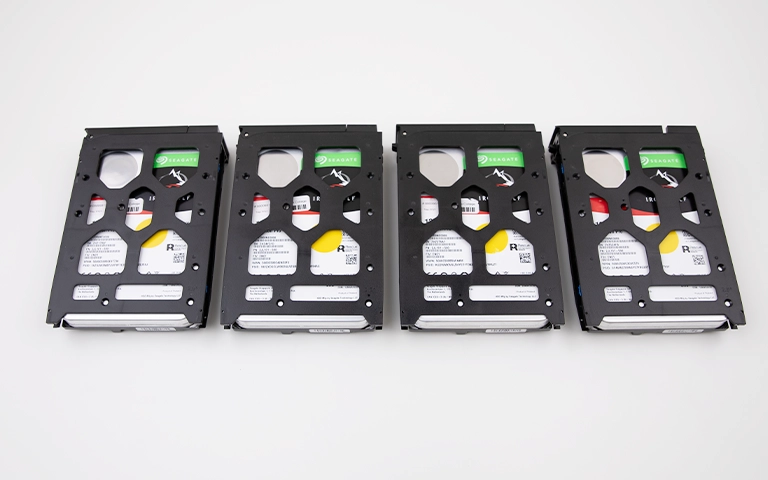
Our engineers carefully disassembled the device, which housed four drives in a RAID 5 configuration. A detailed inspection revealed:
- A malfunctioning RAID controller
- File system corruption triggered by a recent firmware update
- One drive nearing mechanical failure
The combination of these failures made it clear this was a complex NAS data recovery scenario. Standard software tools or DIY attempts would have likely caused permanent data loss.
Get a Free Consultation.
Our recovery experts are ready to assess your device and guide you through the safest path to recovery. Fill out the form to get started.
"*" indicates required fields
Step 2: Secure Cloning and RAID Bypass
To preserve the original data, we cloned each drive in a cleanroom environment using hardware imagers. Once the clones were created, we bypassed the faulty RAID controller and recreated the RAID configuration in our recovery systems.
This allowed us to work from the cloned copies without risking further damage to the original drives.
Step 3: RAID Reconstruction and File Recovery
With the RAID array reconstructed, our team began repairing the file system. This required advanced NAS data recovery tools to:
- Realign stripe patterns
- Restore damaged metadata
- Recover fragmented and corrupted files
After hours of meticulous work, we successfully retrieved:
- Client files and contracts
- Financial records and spreadsheets
- HR documents and internal resources
- Active project folders and media files
Your Data Security Is Our Priority
Data privacy isn’t optional. It’s our commitment. Our secure recovery process ensures your sensitive information stays protected from start to finish.
HIPAA Compliant
GDPR Compliant
Secure Facility
NDA Available
Trust in certified security. Start your recovery today! Call Now: 888.611.0737
Step 4: Remote File Verification
Once the data was recovered, we arranged a remote session with the client. They verified the structure, content, and integrity of the recovered files. Everything was intact, down to the last spreadsheet and PDF.
The client expressed deep relief and satisfaction, confirming that operations could resume immediately.
Why Synology NAS Systems Can Fail
Synology NAS devices are reliable, but failures can still happen due to:
- RAID controller malfunctions
- Firmware update corruption
- Aging or failing hard drives
- Power outages or surges
Without professional NAS data recovery, these issues can cause irreversible data loss.
Trust PITS for Expert NAS Data Recovery
This case is one of many where our team helped recover mission-critical data from complex NAS and RAID failures. At PITS Data Recovery, we specialize in:
- Synology NAS data recovery
- RAID 0/1/5/6/10 reconstruction
- Firmware-level issue repair
- Emergency 24/7 recovery services
- Full confidentiality and data integrity
Call to Action
Has your Synology NAS failed or crashed? Don’t risk further damage. Contact our experts now for a fast, professional NAS data recovery evaluation.
- Call us at 888.611.0737
- Request Help Now
Don't Let Data Loss Ruin Your Business
Minimize business disruption. We retrieve lost data fast, so you can focus on what matters.