

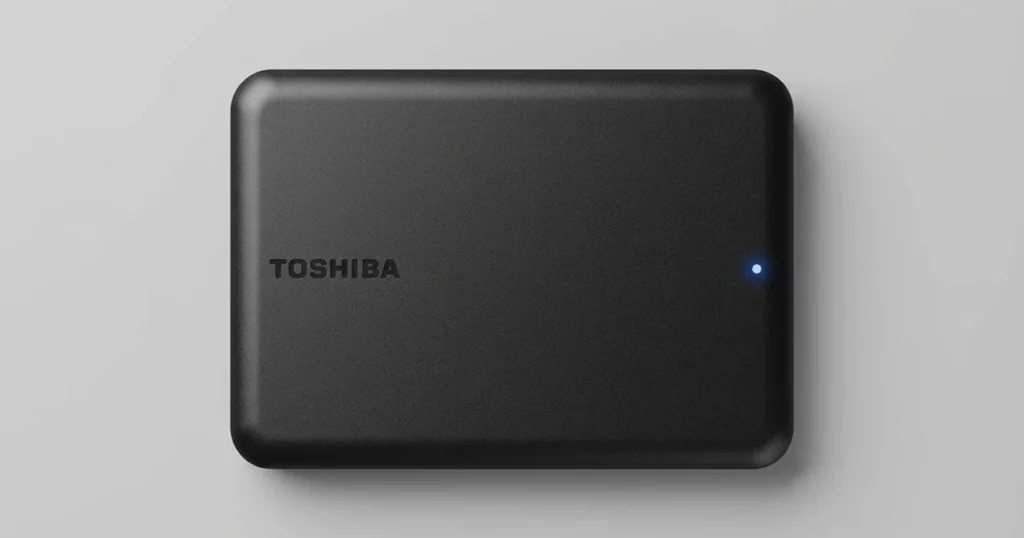
A customer contacted us after her computer stopped recognizing an external drive that held her TurboTax tax files. This drive was the only storage location for those records, and she needed access urgently due to an audit requirement.
Our team moved straight into a controlled evaluation to confirm the failure type and protect the data from further degradation.
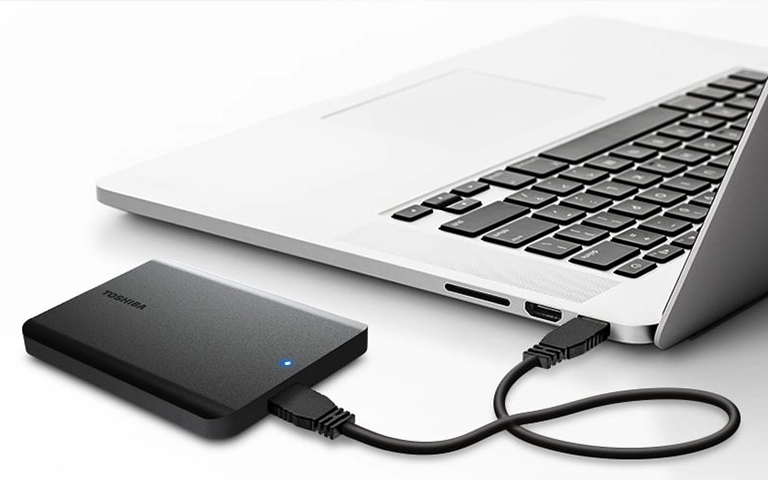
Symptoms: External Drive Not Recognized
The customer’s computer could not detect the external drive, even after multiple reconnect attempts.
In practical terms, this usually looks like one of these patterns: the drive does not appear in File Explorer or Finder, it shows up intermittently, or it appears but cannot be opened and stalls during access.
What made this case tricky is that the drive looked fine externally. No visible damage does not mean the media is healthy. When internal sectors degrade, the drive can fail at the exact moment you need it most, especially when the system tries to index the file system or read large tax archives.
If your drive appears briefly and then disappears during use, learn more in external hard drive keeps disconnecting.

DIY Recovery
Risks permanent data loss
Let the Specialists Handle It
DIY attempts often result in permanent data loss. Our certified recovery specialists use advanced tools in controlled environments for the highest success rate.

24/7 Emergency Service
Problem: Bad Sectors Blocking File Access
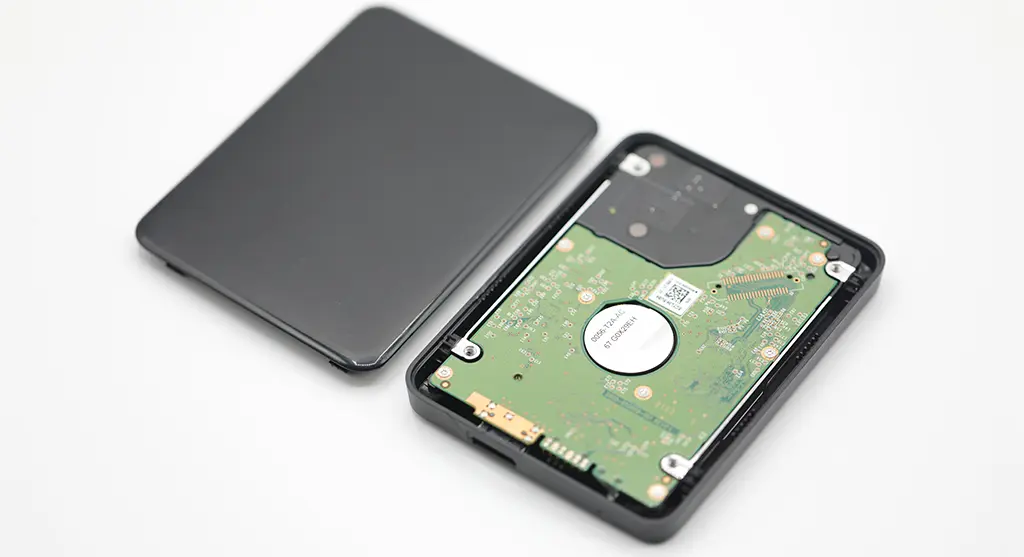
Our evaluation found multiple bad sectors on the external drive. Bad sectors are areas of the disk that can no longer be read reliably. When they occur in the wrong locations, they can block access to directories and cause the drive to stall during normal detection.
This is why the drive can look “fine” physically but still fail in real use. The operating system may repeatedly retry damaged areas to read the file system, which can make the drive appear unrecognized or frozen.
Your Data Security Is Our Priority
Data privacy isn’t optional. It’s our commitment. Our secure recovery process ensures your sensitive information stays protected from start to finish.
HIPAA Compliant
GDPR Compliant
Secure Facility
NDA Available
Trust in certified security. Start your recovery today! Call Now: 888.611.0737
Recovery Process: Clone First, Then Extract
Step 1: Sector-by-sector clone
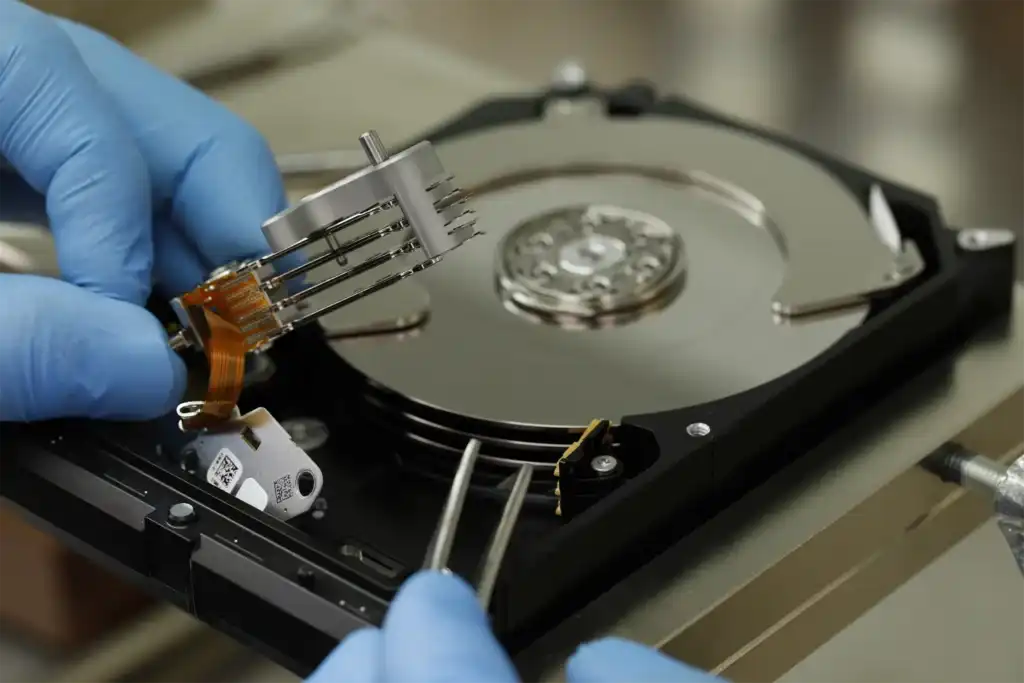
We began with a sector-by-sector clone to capture as much readable data as possible without working directly on the original drive. This is a containment move. It reduces stress on failing media and protects against sudden dropout mid-recovery.
Step 2: Bad-sector mapping
Next, we mapped the drive’s unstable zones to understand where reads would stall or fail. This guided the recovery sequence and prevented the typical “retry loop” behavior that wastes hours and can worsen degradation.
Step 3: Controlled extraction strategy
We extracted data from healthy regions first to secure the bulk of the files quickly. For damaged regions, we used techniques designed to read around problematic sectors, and only attempt deeper reads when it was safe and productive.
Step 4: File validation
After extraction, we validated the recovered TurboTax files to confirm they were readable and retained their original structure and format.
Risk Warning: What Not to Do With Tax Data Drives
If you hear beeping or unusual sounds, stop immediately and power the drive down. That can signal power or mechanical stress, and continued use can reduce what is recoverable. Read more in external hard drive beeping.
If an external drive is not recognized, do not keep unplugging and retrying, and do not run repeated scans. With bad sectors, those attempts often increase read pressure and can turn a partial failure into a full dropout.
Don't Let Data Loss Ruin Your Business
Minimize business disruption. We retrieve lost data fast, so you can focus on what matters.
Result: TurboTax Files Recovered and Verified
We recovered 100% of the customer’s TurboTax tax files from the external drive affected by bad sectors. The recovered dataset maintained the original folder structure and file formats, which matters when the files must be referenced for audit documentation and follow-up.
We also performed readability checks to confirm the recovered files opened correctly and were not partially extracted or damaged by read errors. The final output was delivered as a clean, ready-to-use set of files rather than a loose collection that still needed sorting.
Hear It From Our Client
Contact Us for This Type of Recovery
If your external drive is not recognized and it holds TurboTax tax files, stop DIY attempts and get a controlled evaluation. We will confirm the failure type, protect the drive with cloning-first handling, and deliver verified files you can actually use.
Start here: external hard drive recovery service.
Get a Free Consultation.
Our recovery experts are ready to assess your device and guide you through the safest path to recovery. Fill out the form to get started.
"*" indicates required fields