

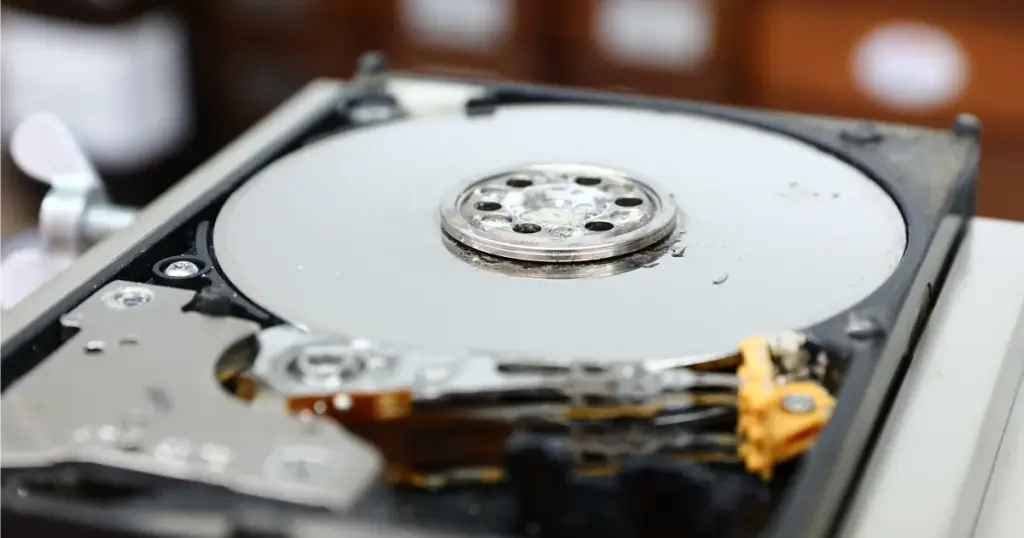
Water damage is one of the most critical forms of data loss. When a storage device is exposed to liquid, the window for a successful recovery narrows quickly.
This case study details how PITS Data Recovery assisted a small business owner who faced a total storage failure after an external hard drive was submerged.
The situation was complicated not just by the water, but by the common instinct to “test” the drive after the incident.
By attempting to power on the device while internal components were still compromised, the user inadvertently caused severe mechanical damage, moving the case from a standard liquid extraction to a complex cleanroom surgery.
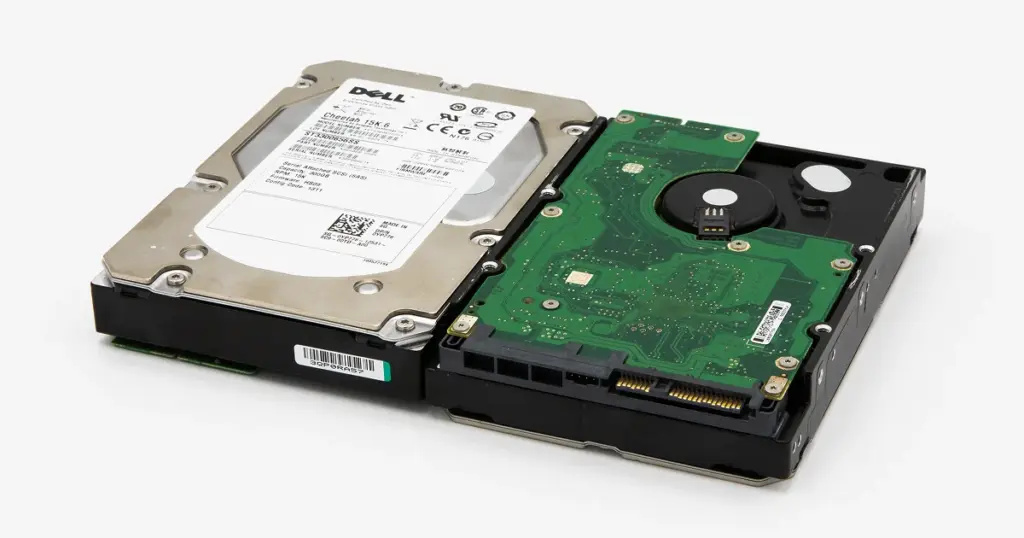
The Stakes: Critical Data Loss and Business Impact
For this small business owner, the external hard drive contained several years of financial records, client contracts, and active project files. The sudden inaccessibility of this data meant a complete halt in operations.
The primary risks included:
- Permanent Data Loss: Physical degradation caused by water contaminants.
- Operational Downtime: Inability to fulfill current client obligations.
- Increased Recovery Cost: Secondary mechanical failure caused by improper DIY handling.
In cases involving business-critical infrastructure, the speed of professional intervention is often the deciding factor in continuity.
Industry-Leading 99% Success Rate
No hidden fees. No surprises. Just expert data recovery you can trust. We handle everything from simple file loss to extreme data recovery cases. If we can’t recover your data, no one can.
What Went Wrong: The Danger of Post-Incident Powering
The most significant hurdle in this case was not the water itself, but the user’s attempt to verify if the drive still worked. When a wet hard drive is powered on, several things happen simultaneously.
Residual moisture can cause electrical shorts on the PCB (Printed Circuit Board), and the read/write heads can adhere to the platters or become misaligned
In this scenario, the attempt to boot the drive resulted in bent magnetic heads and damage to the head parking area. What began as an environmental issue became a catastrophic mechanical failure.
Read more about water damaged hard drives and why immediate power-off is essential.
Never attempt to dry a hard drive with a hairdryer or by placing it in rice. These methods do not address internal moisture and can introduce heat damage or debris into the drive assembly.

The PITS Recovery Approach: Cleanroom Precision
Upon receiving the drive at our facility, PITS engineers moved the device immediately to a Class 100 Cleanroom.
Our diagnostic revealed that the external hard drive water damage was compounded by a degraded head stack assembly and a shorted controller board.
Mechanical Repair
Engineers performed a head replacement recovery, sourcing matching components to replace the bent magnetic heads.
PCB Restoration
The controller board was cleaned of corrosion and repaired to restore communication between the drive and our imaging equipment.
Controlled Data Extraction
Using specialized hardware imagers, we bypassed the drive’s internal firmware errors to create a sector-by-sector clone of the data.
Learn more about laptop liquid damage and how it affects internal components.

Comparison: DIY Attempts vs. Professional Cleanroom Recovery
| Feature | DIY / "Rice Method" | Professional Cleanroom Recovery |
|---|---|---|
| Success Rate | Very Low (High risk of permanent loss) | High (Controlled environment) |
| Physical Safety | Risk of electrical shorts and head crashes | ISO-certified static-free handling |
| Technical Tools | Standard OS utilities (often destructive) | Hardware imagers and head-replacement tools |
| Contamination | High (Dust and particulates enter drive) | Zero (Filtered air prevents platter damage) |
| Data Integrity | Files often corrupted during retries | Sector-level cloning ensures maximum extraction |
Don't Let Data Loss Ruin Your Business
Minimize business disruption. We retrieve lost data fast, so you can focus on what matters.
Recovery Outcome: Restoring Access to Vital Files
Despite the secondary mechanical damage, our engineering team stabilized the drive and restored access to most business-critical files. To validate the result, we arranged a remote verification session so the client could confirm the recovered file structure and key folders before final delivery.
The recovered data was then transferred to a new secure storage device and returned to the client, enabling business operations to resume on schedule.
Learn more about spilled liquids on Mac hardware if you use Apple devices.
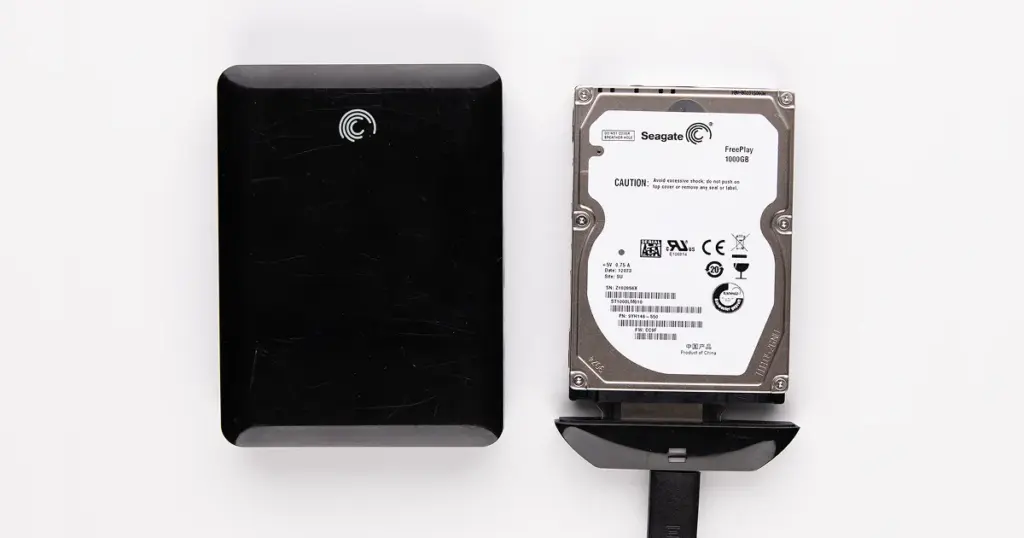
Final Takeaway: Why Early Intervention Matters
This case highlights a consistent reality in the data recovery industry: water damage is often recoverable, but user interference significantly increases the complexity.
If the drive had been sent for evaluation immediately after the water exposure, the mechanical head failure might have been avoided entirely.
If your device gets wet, do not turn it on. Wrap the drive in a damp paper towel (to prevent the water from drying and leaving mineral deposits) and place it in a sealed anti-static bag before shipping it to a professional lab.
Start Your Secure Recovery Evaluation
If you are facing an urgent data loss situation due to liquid exposure or physical failure, PITS Data Recovery is here to help. Our team provides professional evaluations and secure cleanroom services to help you regain access to your critical files.
Contact PITS Data Recovery today to speak with a specialist and start your case.

DIY Recovery
Risks permanent data loss
Let the Specialists Handle It
DIY attempts often result in permanent data loss. Our certified recovery specialists use advanced tools in controlled environments for the highest success rate.

24/7 Emergency Service
Frequently Asked Questions
Can data be recovered from a hard drive that was completely submerged?
How much does water damaged hard drive recovery cost?
What are the signs of mechanical failure after water damage?
Does turning the drive on after it gets wet mean the data is gone forever?
Get a Free Consultation.
Our recovery experts are ready to assess your device and guide you through the safest path to recovery. Fill out the form to get started.
"*" indicates required fields