

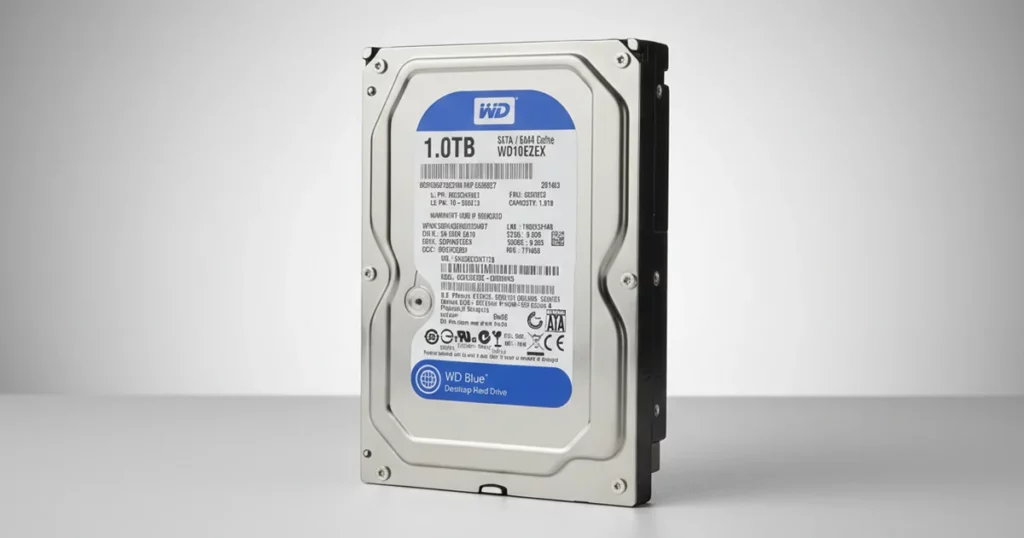
A Western Digital Blue Caviar drive arrived not recognized by the host system, preventing access to critical files.
Early diagnostics pointed to firmware instability rather than a simple connection failure.
Our team prioritized sector level imaging to preserve the data footprint, then repaired the firmware components blocking stable access. We completed logical extraction, rebuilt the file structure, and verified integrity using checksum based validation.
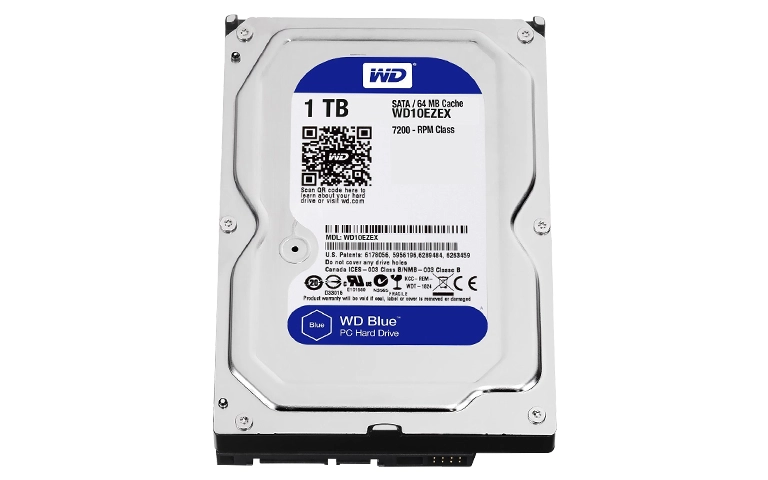
Symptoms, Risk Profile, and Intake Condition
The client’s WD Blue Caviar drive was not detected consistently, which typically signals a higher risk scenario than a simple file deletion or accidental formatting. Our intake focused on isolating whether the failure was physical, firmware level, or connectivity related.
What the client observed
Drive not recognized or intermittently detected
No reliable access to partitions or file system
Data access disruption impacting normal operations
Initial checks on arrival
Visual inspection for dents, connector damage, or loose components
Connection and power path validation using known good cables and ports
Controlled startup behavior review to avoid unnecessary stress
If your WD drive is not showing up or keeps disconnecting, learn more about the most common causes and next steps before further damage occurs.
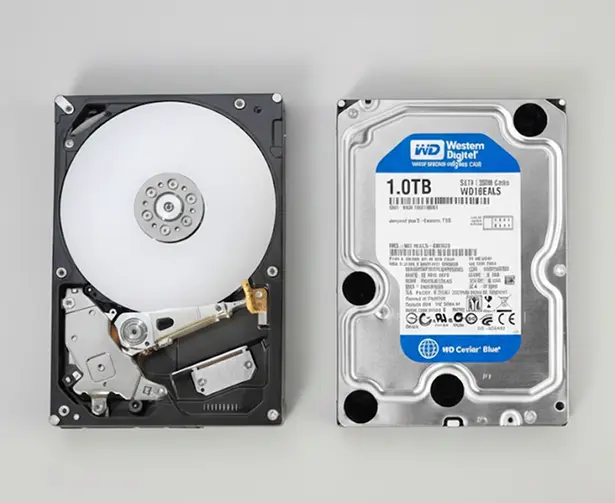
Forensic Findings and Failure Drivers
| Issue | Evidence | Severity |
|---|---|---|
| Firmware instability | Diagnostic tools flagged abnormal firmware behavior affecting initialization and identification | Critical |
| Detection inconsistency | Drive failed to enumerate reliably across known good connections and power paths | High |
| Interface path risk | Connection integrity had to be ruled out before any recovery action | Medium |
| Data footprint volatility | Continued power cycles increased risk of escalating failure and data access loss | High |
When a WD drive is not recognized, the priority is to reduce power cycles and secure a sector level image before any repair attempts.
To understand warning signs and how failures typically progress, explore Common Hard Drive Problems.

DIY Recovery
Risks permanent data loss
Let the Specialists Handle It
DIY attempts often result in permanent data loss. Our certified recovery specialists use advanced tools in controlled environments for the highest success rate.

24/7 Emergency Service
Controlled Imaging and WD Firmware Recovery
Step 1: Physical and connection validation
We ruled out interface related issues using known good power and data paths before running deeper diagnostics.
Step 2: Sector level drive imaging
We created a sector by sector image to preserve the data footprint and reduce risk from further degradation.
Step 3: Firmware repair and stabilization
Using specialized tools, we corrected firmware components preventing proper initialization and consistent identification.
Step 4: Logical extraction and file system reconstruction
After stable access was re established, we rebuilt the file structure and extracted files and folders safely.
Step 5: Integrity verification
We validated recovered content using checksum comparisons and consistency checks to confirm completeness.
When a drive is not recognized, repeated reboots and DIY tools can accelerate failure. Imaging must come first to avoid permanent loss.
For Western Digital specific failure handling, learn more about our approach in Western Digital Hard Drive Recovery.

Your Data Security Is Our Priority
Data privacy isn’t optional. It’s our commitment. Our secure recovery process ensures your sensitive information stays protected from start to finish.
HIPAA Compliant
GDPR Compliant
Secure Facility
NDA Available
Trust in certified security. Start your recovery today! Call Now: 888.611.0737
Recovery Outcome and Data Validation
We restored stable access to the imaged drive content, recovered the client’s files and folders, and rebuilt the file structure for practical use.
Integrity checks were completed using checksum comparisons and targeted file open tests to confirm usability and completeness.
The final data set was delivered in an organized, browsable format suitable for immediate handoff to the client’s IT workflow and follow up restoration planning.
For a comparable detection failure scenario, see related case in Not Recognized WD Red.
Hear It From Our Clients
Don't Let Data Loss Ruin Your Business
Minimize business disruption. We retrieve lost data fast, so you can focus on what matters.
Prevention Takeaways for “Not Recognized” Drives
Avoid repeated power cycles. Every restart can worsen firmware instability or push a marginal drive into full failure.
Do not run repair utilities first. Fix tools and file system scans can overwrite recoverable structures when the drive is unstable.
Imaging is the risk control point. Secure the sector level image before any firmware work or logical extraction.
Check the basics once, not ten times. Confirm cables and power using known good components, then stop testing if detection remains inconsistent.
Implement backup verification. Periodic restore tests catch failing drives before they become “not recognized” incidents.
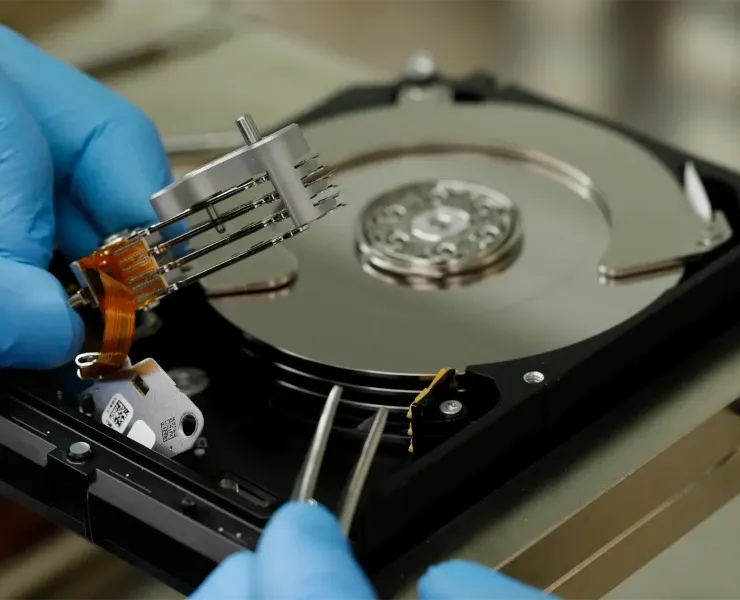
Talk to a Specialist Before the Drive Degrades
If your Western Digital drive is not recognized, stop troubleshooting and avoid repeated reconnects.
Contact us for a controlled evaluation and recovery plan focused on imaging first, firmware stabilization, and verified data return.
Get a Free Consultation.
Our recovery experts are ready to assess your device and guide you through the safest path to recovery. Fill out the form to get started.
"*" indicates required fields