

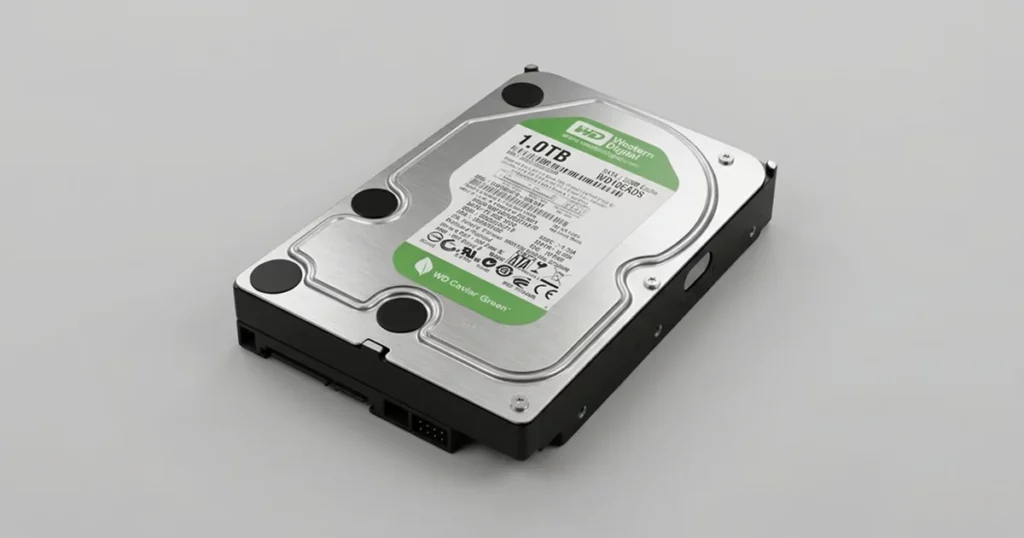
When a hard drive starts making a clicking noise and disappears from BIOS, the situation typically indicates a serious internal failure. These symptoms are often linked to mechanical damage that cannot be resolved with software tools or basic troubleshooting.
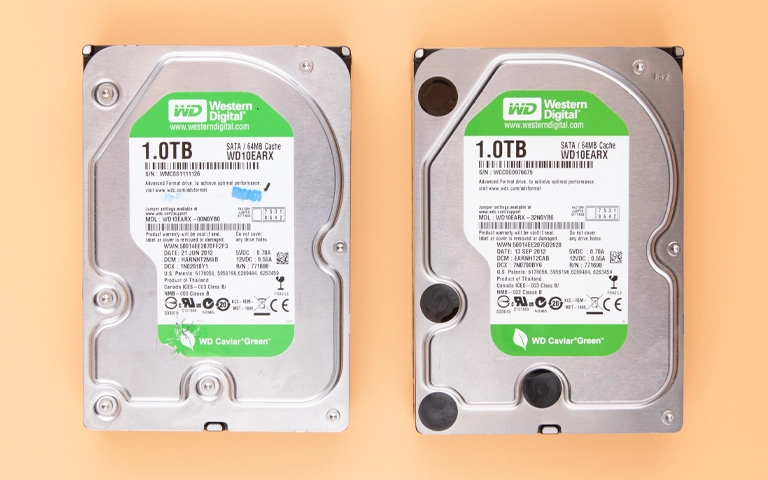
This case outlines how a WD Caviar Green hard drive failed after a power surge and how critical data was recovered through controlled, professional intervention.
Customer Situation
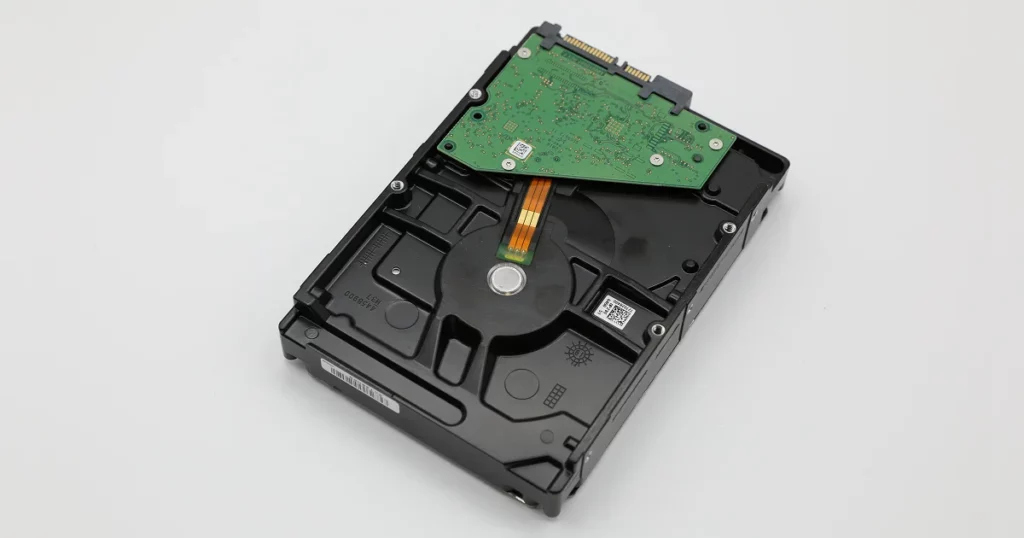
The client experienced a sudden system failure after a power surge affected both the desktop computer and internal storage device.
After restart attempts, the hard drive began producing a consistent knocking sound, while the BIOS no longer detected the drive.
With essential operational files inaccessible, the issue immediately disrupted normal workflows. Recognizing the severity, the client powered down the system and avoided further access attempts.
Industry-Leading 99% Success Rate
No hidden fees. No surprises. Just expert data recovery you can trust. We handle everything from simple file loss to extreme data recovery cases. If we can’t recover your data, no one can.
What Went Wrong
Once the device arrived at our facility, engineers conducted a comprehensive evaluation inside an ISO certified cleanroom. The power surge caused a complex mechanical hard drive failure.
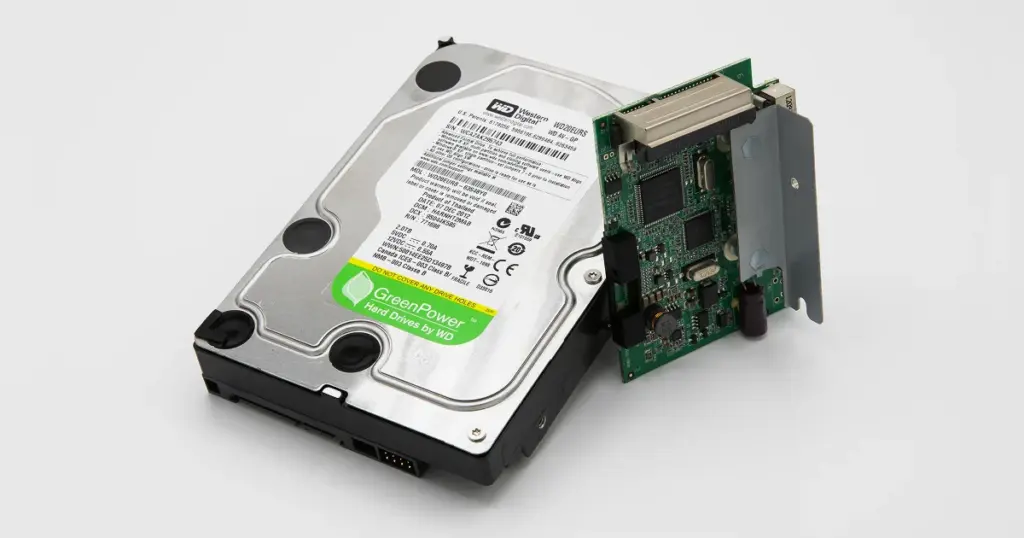
Electrical surges frequently bypass standard surge protectors, shorting out the printed circuit board and directly damaging the internal motor control systems. In this case, the spindle motor was not rotating.
The initial shock caused the read/write heads to crash, leaving debris and minor scratches on the magnetic platters.
Hardware recognition failures require specialized diagnostics, so learn more about dealing with a WD Caviar Blue not detected by a system.
Emergency Data Recovery Services
Unexpected data loss? Whether it’s a crashed system, failed storage device, or accidental deletion, our 24/7 emergency recovery service ensures priority assistance to retrieve your critical data.
How PITS Approached the Recovery
Given the mechanical nature of the failure, software-based recovery was not an option. The recovery strategy required precise hardware-level intervention.
The process included:
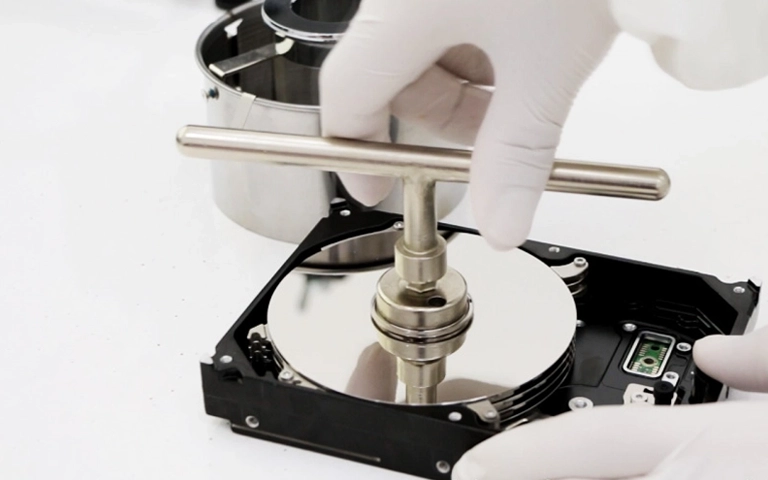
- Disassembling the drive in a controlled cleanroom environment
- Replacing the damaged head assembly using compatible donor components
- Transferring critical internal parts to restore operational stability
- Cleaning the platter surfaces to remove debris caused by head contact
- Imaging the drive using specialized tools designed to handle unstable media
Each step was executed with strict process control to prevent further degradation of the data surface.
For additional insight into handling Western Digital drive issues, learn more from WD External Hard Drive Beeping Recovery.
Why Professional Recovery Mattered
In this case, attempting DIY recovery or using software tools would have been ineffective and potentially destructive.
Mechanical failures involving head damage and spindle issues require specialized equipment and controlled environments. Opening the drive outside of a cleanroom or continuing to power it on could have caused irreversible platter damage.
Professional recovery ensured:
- Controlled access to internal components
- Use of compatible donor parts
- Safe data extraction from unstable media
Without this approach, the probability of recovering meaningful data would have dropped significantly.
Don't Let Data Loss Ruin Your Business
Minimize business disruption. We retrieve lost data fast, so you can focus on what matters.
Recovery Outcome
Despite the severity of the mechanical damage, engineers were able to stabilize the drive long enough to extract data.
- Approximately 99% of the stored data was successfully recovered
- Critical files were restored and verified for usability
- The client regained access to essential operational data
This outcome enabled the client to resume normal operations without prolonged disruption.
In enterprise-level recovery scenarios, similar outcomes can prevent significant downtime. Read more in this Tax Firm WD Ultrastar ProSeries Data Recovery case.

DIY Recovery
Risks permanent data loss
Let the Specialists Handle It
DIY attempts often result in permanent data loss. Our certified recovery specialists use advanced tools in controlled environments for the highest success rate.

24/7 Emergency Service
Final Takeaway: Protect Your Data Today
A hard drive that clicks and is not detected in BIOS is a high-risk failure scenario. The longer the device is powered or handled improperly, the greater the likelihood of permanent data loss.
If your drive is showing similar symptoms, stop using it and initiate a professional evaluation as soon as possible. Delays and repeated attempts can turn a recoverable situation into a permanent loss.

Frequently Asked Questions
Is it possible to recover data from a drive that doesn't spin?
Why shouldn't I try to fix the PCB myself after a power surge?
Can software fix a clicking hard drive?
Can a hard drive be fixed after a power surge?
Get a Free Consultation.
Our recovery experts are ready to assess your device and guide you through the safest path to recovery. Fill out the form to get started.
"*" indicates required fields