

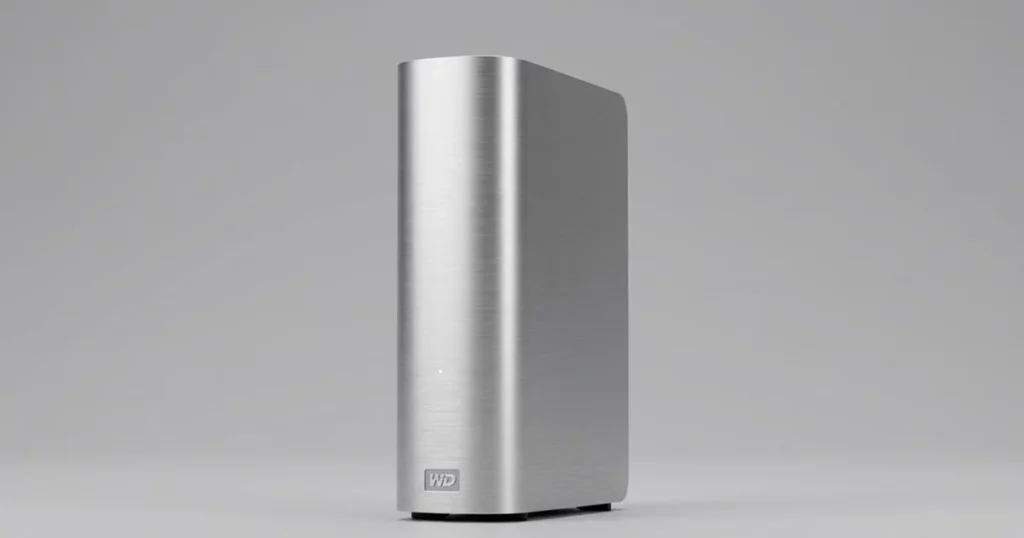
When a WD My Cloud device stops showing files, the instinct for many users is to reach for a software fix.
However, as this case demonstrates, what appears to be a simple logical issue is often a symptom of underlying hardware fatigue.
This study explores how PITS Data Recovery engineers successfully extracted critical data after a DIY software attempt complicated a hardware-level failure.
The Client Situation: Critical Business and Personal Files at Risk
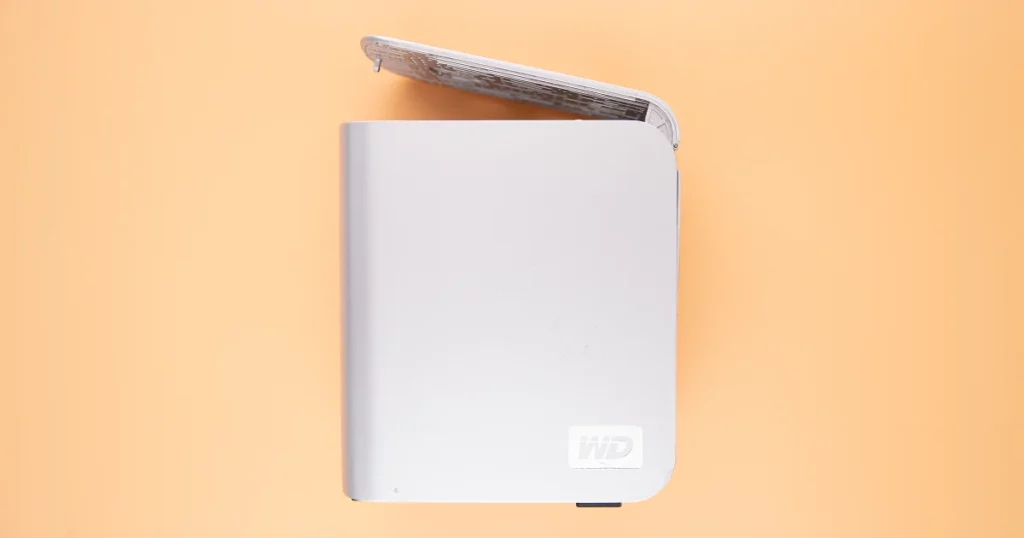
A small business owner in California recently faced a significant operational hurdle when their WD My Cloud home server stopped providing access to essential documents. The device was still recognized by the network, and the system software appeared to be running, but the user data folders were completely empty.
For this client, the device served as a central repository for years of tax records, client contracts, and irreplaceable digital assets.
The sudden loss of visibility into these files threatened to disrupt their upcoming quarterly filing and stall active projects. Like many proactive users, the client initially sought a fast solution by attempting to resolve the issue independently.
Industry-Leading 99% Success Rate
No hidden fees. No surprises. Just expert data recovery you can trust. We handle everything from simple file loss to extreme data recovery cases. If we can’t recover your data, no one can.
What Went Wrong: The DIY Recovery Trap
The client suspected a file system error and ran consumer-grade recovery software. While these tools can assist with accidental deletions, they are not designed for physical media degradation.
The software scan kept the drive spinning at high speeds for hours, significantly increasing heat and friction on the internal components.
This intervention worsened the original mechanical wear, making the drive physically unstable. To understand why software often fails in these scenarios, you can read more about how a WD external drive failure caused data loss in similar cases.
Running recovery software on failing hardware can cause permanent platter damage. If your device makes noise or fails to mount, power it down immediately to preserve the data.

How PITS Engineers Resolved the Failure
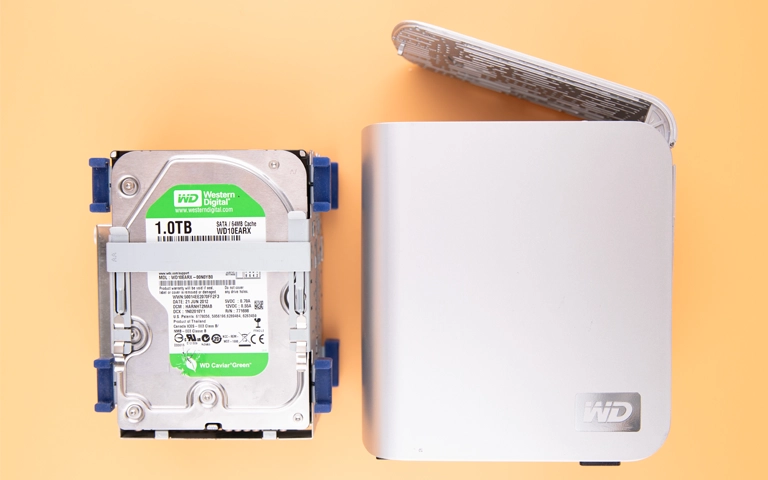
Upon receiving the WD My Cloud unit at our lab, PITS engineers performed an initial diagnostic in a controlled environment. The evaluation confirmed that the drive was suffering from physical degradation on the magnetic platters, a common result of prolonged usage.
The recovery process followed a strict technical workflow:
Device Stabilization
Engineers bypassed the WD My Cloud enclosure to work directly with the internal hard drive, stabilizing the power and signal.
Physical Intervention
In the cleanroom, technicians addressed the platter-level wear to ensure the drive could be read without further media loss.
Controlled Extraction
Using specialized hardware imagers, we performed a bit-by-bit clone of the drive, skipping over damaged sectors to prioritize the most critical data areas.
Logical Reconstruction
Once the raw data was secured, we reconstructed the file system to restore the original folder structure for the client.
For those requiring specialized help with these devices, you can read more about our dedicated WD NAS data recovery workflows.

Your Data Security Is Our Priority
Data privacy isn’t optional. It’s our commitment. Our secure recovery process ensures your sensitive information stays protected from start to finish.
HIPAA Compliant
GDPR Compliant
Secure Facility
NDA Available
Trust in certified security. Start your recovery today! Call Now: 888.611.0737
The Recovery Outcome: Restoring Access to Encrypted Volumes
Despite the increased complexity caused by the initial software scan, our engineering team successfully recovered the vast majority of the client’s files.
By using professional imaging tools that handle read errors more gracefully than consumer software, we were able to extract the data from the affected platters and verify the integrity of the critical tax and contract folders.
The client received their data on a secure, encrypted transfer drive, allowing them to resume business operations with minimal further delay. While the DIY attempt had made the process more difficult, the lab-based intervention was able to overcome the physical damage.
To understand the full scope of Western Digital hardware support, you can learn more about our Western Digital hard drive recovery capabilities.
Don't Let Data Loss Ruin Your Business
Minimize business disruption. We retrieve lost data fast, so you can focus on what matters.
Why Professional Intervention Was Essential
This case proves that system recognition does not mean the hardware is healthy. The WD My Cloud was “online,” but the internal drive was physically failing.
Professional recovery was essential because it allowed for the drive to be handled as a mechanical entity rather than just a software volume.
If your drive is not recognized by your computer, you should learn more about what to do when a WD external hard drive is not showing up before attempting a fix.
If a NAS device shows the correct capacity but fails to list files, it often indicates head instability or firmware issues. Continued power-on cycles will only worsen the condition.
Comparing Approaches: Software vs. Professional Lab Recovery
| Feature | DIY Software Attempt | PITS Professional Recovery |
|---|---|---|
| Success Rate | Low for hardware failures | High for physical/logical hybrid cases |
| Hardware Risk | High (stresses failing heads) | Low (stabilized in a cleanroom) |
| Technical Depth | Limited to logical scanning | Platter-level extraction and firmware repair |
| Environment | Standard office/home | ISO Certified Cleanroom |

DIY Recovery
Risks permanent data loss
Let the Specialists Handle It
DIY attempts often result in permanent data loss. Our certified recovery specialists use advanced tools in controlled environments for the highest success rate.

24/7 Emergency Service
Final Takeaway
Data loss on a WD My Cloud can be stressful, but it is rarely permanent if handled correctly.
This case shows that even when DIY attempts have been made, a professional lab can often reverse the damage and secure a successful recovery.
If your Western Digital device is inaccessible, do not risk further scans. Contact PITS Data Recovery today for a professional evaluation and secure your path to data restoration.
Frequently Asked Questions
Can I recover data from a WD My Cloud if the software does not see it?
Why is DIY recovery software risky for WD My Cloud devices?
Is it possible to recover data if the WD My Cloud drive is making a clicking sound?
What should I do first when I notice my files are missing?
Get a Free Consultation.
Our recovery experts are ready to assess your device and guide you through the safest path to recovery. Fill out the form to get started.
"*" indicates required fields