

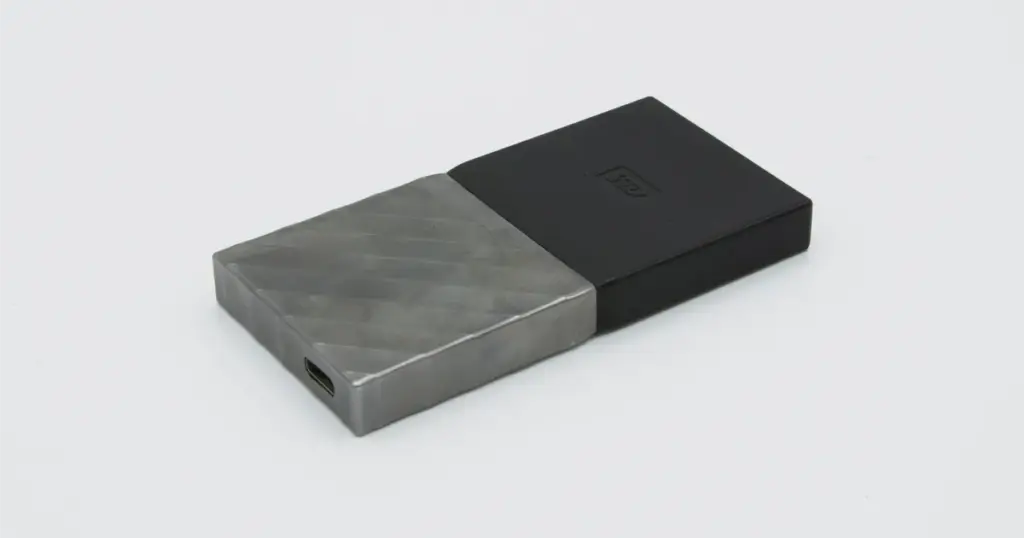
The issue started without warning. An SSD that had been working normally suddenly stopped responding after a new external device was connected.
At first, it looked like a minor detection problem. Within minutes, it became clear the drive was no longer accessible, and the data inside could not be reached through any standard method.
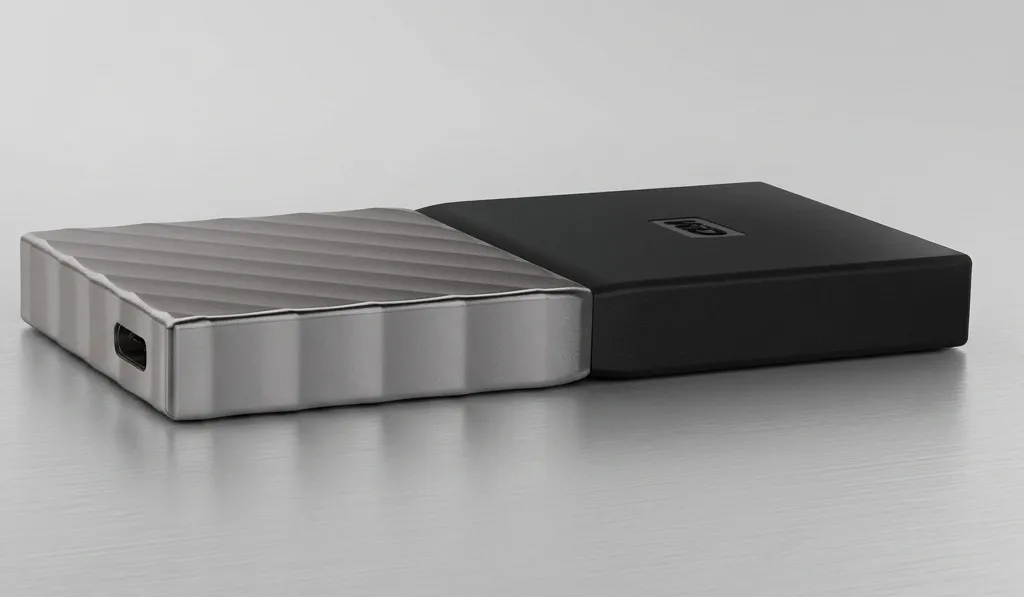
Customer Situation
The incident began when the client attempted to connect an unknown external hard drive to their workstation. Almost immediately, the primary SSD became inaccessible.
The drive was no longer recognized by the operating system, and the hardware began to exhibit signs of a severe electrical conflict.
Unlike mechanical drives that might click or grind, this SSD simply went dark, a classic symptom of a SSD not showing up due to critical component failure.
Industry-Leading 99% Success Rate
No hidden fees. No surprises. Just expert data recovery you can trust. We handle everything from simple file loss to extreme data recovery cases. If we can’t recover your data, no one can.
What Went Wrong
The failure occurred right after introducing an external device into the system. This triggered a chain reaction affecting the SSD.
Observed symptoms:
- SSD not recognized in the operating system
- Drive missing from BIOS detection
- No access to partitions or file structure
- System instability when attempting reconnection
This pattern is consistent with hardware-level disruption, often involving electrical irregularities or controller failure rather than simple file corruption.
For related external drive-triggered failures, read more about WD My Passport Ultra data recovery scenarios.

How PITS Approached the Recovery
Failure Diagnosis
Initial diagnostics confirmed a combined electrical and logical failure. The SSD controller was unstable, access to NAND memory was unreliable, and parts of the file system were corrupted.
Drive Stabilization
Engineers stabilized the SSD first to reduce the risk of further electrical damage during recovery attempts.
Controlled Memory Access
Damaged access pathways were bypassed so engineers could communicate with recoverable memory areas without relying on normal drive behavior.
Sector-Level Imaging
A controlled image of readable sectors was created before deeper reconstruction work began. This protected the remaining data from additional stress.
File System Reconstruction
Corrupted file system structures were rebuilt to restore folder organization and make the recovered files usable.
Secure File Verification
Recovered files were organized and prepared for secure online verification, allowing the client to confirm key photography folders and writing archives before final delivery.

Why Professional Recovery Mattered
This case involved hardware-level failure that required specialized handling.
If the client had attempted DIY recovery:
- Power cycling could have worsened electrical instability
- Software tools would fail to detect or access the SSD
- Repeated attempts could overwrite or corrupt remaining data
Why professional intervention succeeded:
- Controlled environment prevented further degradation
- Hardware-level techniques enabled access beyond standard interfaces
- Structured reconstruction restored usability, not just raw data
Don't Let Data Loss Ruin Your Business
Minimize business disruption. We retrieve lost data fast, so you can focus on what matters.
Recovery Outcome
The recovery delivered a strong, measurable result:
- 96% of total stored data successfully recovered
- All primary photography collections restored in usable condition
- Personal writing archives recovered and intact
- Folder hierarchy reconstructed for practical use
The client regained access to the majority of their critical data, allowing them to restore their archive and continue their work without rebuilding from scratch.
For another real-world recovery example, read more about this WD My Passport data recovery case study.
What Not to Do After Data Loss
Immediate actions after failure can determine whether recovery is possible.
Avoid the following:
- Reconnecting the SSD multiple times hoping it appears
- Running recovery software on a non-detected drive
- Initializing, formatting, or partitioning the SSD
- Continuing to power the device unnecessarily
- Using unverified external hardware again
These actions can permanently reduce recoverable data.

DIY Recovery
Risks permanent data loss
Let the Specialists Handle It
DIY attempts often result in permanent data loss. Our certified recovery specialists use advanced tools in controlled environments for the highest success rate.

24/7 Emergency Service
Start Your Secure Recovery Evaluation
An SSD that is not recognized after a hardware event is rarely a minor issue. It often indicates controller or electrical damage that requires specialized recovery techniques.
Delaying action or attempting repeated fixes increases the risk of permanent data loss. Early intervention preserves the highest amount of recoverable data.
Start a professional evaluation with PITS Data Recovery to secure your data before further degradation occurs.

Frequently Asked Questions
Why did my SSD stop showing up after connecting another device?
Can I use software to fix a hardware-level SSD failure?
What should I do if my drive feels hot after a failure?
Can data be recovered from an SSD that is not recognized?
Get a Free Consultation.
Our recovery experts are ready to assess your device and guide you through the safest path to recovery. Fill out the form to get started.
"*" indicates required fields