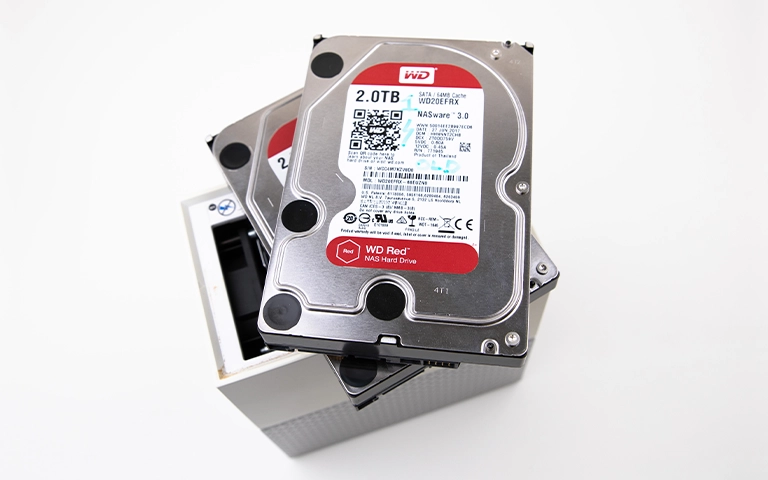
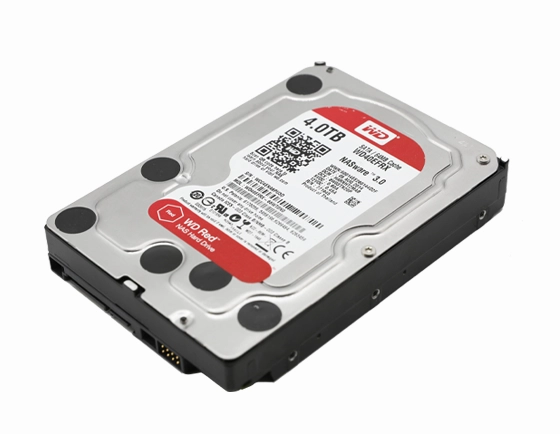
A business reported a WD Red NAS drive that became slow, disconnected repeatedly, and then stopped being recognized by the NAS. The drive also remained unrecognized when connected directly to another computer.
Diagnostics confirmed the drive powered on and spun, but the file system was corrupted and the media showed bad sectors.
Our engineers performed sector level imaging, recovered the data from the image, and completed repairs that restored the drive’s visibility on the NAS.
Symptoms and Intake Condition
The client had been using a WD Red NAS drive for years to store financial records and project files. Over time, performance degraded and the drive began disconnecting from the network, which is a classic pre failure pattern in NAS environments. The situation escalated when the NAS stopped detecting the drive entirely, and direct USB connection tests still showed the drive as unrecognized.
What the client observed
Slow performance followed by frequent disconnects
NAS no longer detected the WD Red drive
Drive remained unrecognized even when connected to another computer
Condition at intake
Drive spun and powered on, so it was not a total power failure
Strong indicators of logical level damage (file system corruption)
Elevated media risk due to the observed instability pattern
If your NAS intermittently drops a drive or disappears from the network, learn more in NAS Drive Not Showing on Network.
Root Cause Signals and Evidence Map
| Issue | Evidence | Severity |
|---|---|---|
| File system corruption | NAS could not mount or recognize the volume despite drive spin up | High |
| Media degradation | SMART review showed multiple bad sectors | Critical |
| Progressive failure pattern | Prior slow performance and repeated disconnects | High |
| Suspected internal wear | Indicators consistent with platter or head level degradation contributing to read instability | High |
Bad sectors in a NAS drive often cascade into file system corruption because metadata areas become unreadable during normal operation.
For a broader breakdown of NAS drive failure scenarios and recovery paths, read more in NAS Drive Failure Recovery.

DIY Recovery
Risks permanent data loss
Let the Specialists Handle It
DIY attempts often result in permanent data loss. Our certified recovery specialists use advanced tools in controlled environments for the highest success rate.

24/7 Emergency Service
Stepwise Recovery Workflow
Step 1: Stabilization and controlled access setup
We minimized further stress by limiting power cycles and moving directly into controlled diagnostics.
Step 2: SMART analysis to confirm degradation
We reviewed SMART indicators to validate bad sector behavior and confirm the failure direction.
Step 3: Sector level imaging
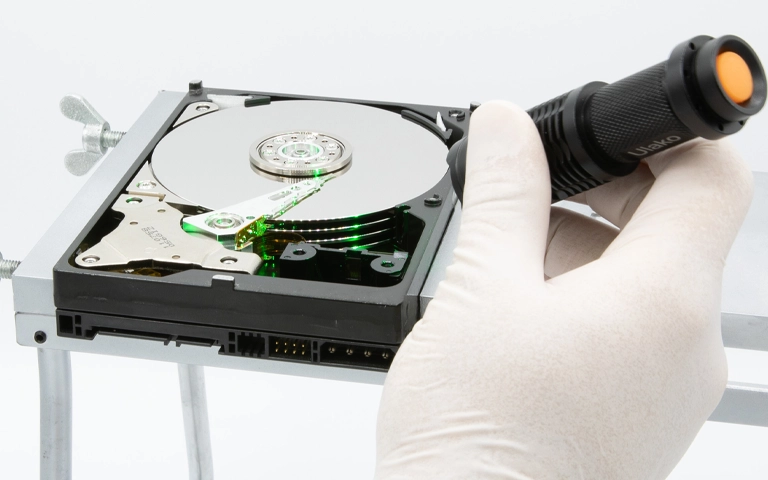
We created a sector by sector image to preserve the remaining readable surface and shift recovery work to a safe copy.
Step 4: Data extraction and file system reconstruction
We recovered the client’s data from the image and rebuilt the file system structures needed for organized output
Step 5: Media level repair and NAS visibility restoration
After recovery, we addressed the hardware level issues and corrected file system problems so the drive could be detected by the NAS again.
When a NAS drive shows slowdowns and disconnects, stop rebuilds and avoid “repair” scans. These actions increase read stress and can accelerate bad sector expansion.
For another NAS incident with a different failure trigger, see related cases in WD ShareSpace NAS Power Supply Failure Data Recovery.
Your Data Security Is Our Priority
Data privacy isn’t optional. It’s our commitment. Our secure recovery process ensures your sensitive information stays protected from start to finish.
HIPAA Compliant
GDPR Compliant
Secure Facility
NDA Available
Trust in certified security. Start your recovery today! Call Now: 888.611.0737
Data Restored and NAS Detection Recovered
We recovered the client’s critical business files, including financial records and project data, from the sector level image and rebuilt the directory structure into a usable format. Key datasets were validated through targeted file open checks and structural consistency review to confirm integrity.
After recovery, the drive was stabilized and the file system was repaired to restore visibility on the client’s NAS, followed by functional checks to confirm the device could detect the drive reliably again.
For a similar WD Red family NAS recovery scenario, read more in NAS Data Recovery WD Red Plus.
Don't Let Data Loss Ruin Your Business
Minimize business disruption. We retrieve lost data fast, so you can focus on what matters.
Prevention Notes for NAS Drive Reliability
Slow and disconnecting is an early failure signal. Treat it as pre failure, not a networking glitch.
Avoid running file system repairs on a degrading drive. Repairs can intensify reads on weak areas and expand bad sectors.
Image first in any suspected media issue. Recovery success depends on capturing a stable copy before degradation accelerates.
Monitor SMART and NAS health alerts. Automated warnings often appear before full detection failure.
Test restores, not just backups. A backup that cannot be verified is an operational risk.
Request a Professional Evaluation
If your WD Red drive is slow, disconnecting, or no longer recognized, stop troubleshooting and avoid repair scans or rebuild attempts. Repeated power cycles and continued NAS activity can accelerate bad sector growth and deepen file system corruption.
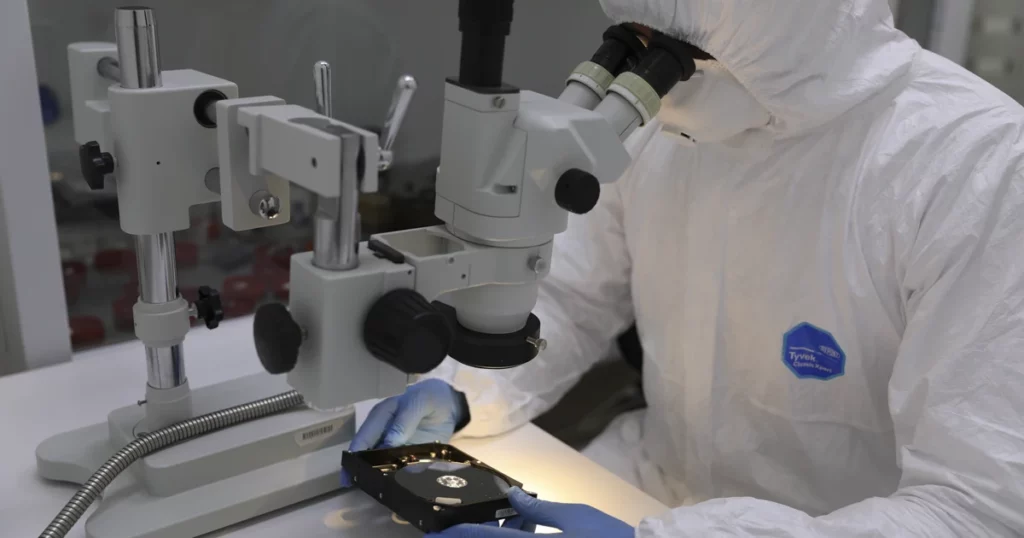
Contact us for a controlled evaluation and recovery plan focused on sector level imaging, safe data extraction, and integrity validation before delivery.
Get a Free Consultation.
Our recovery experts are ready to assess your device and guide you through the safest path to recovery. Fill out the form to get started.
"*" indicates required fields