

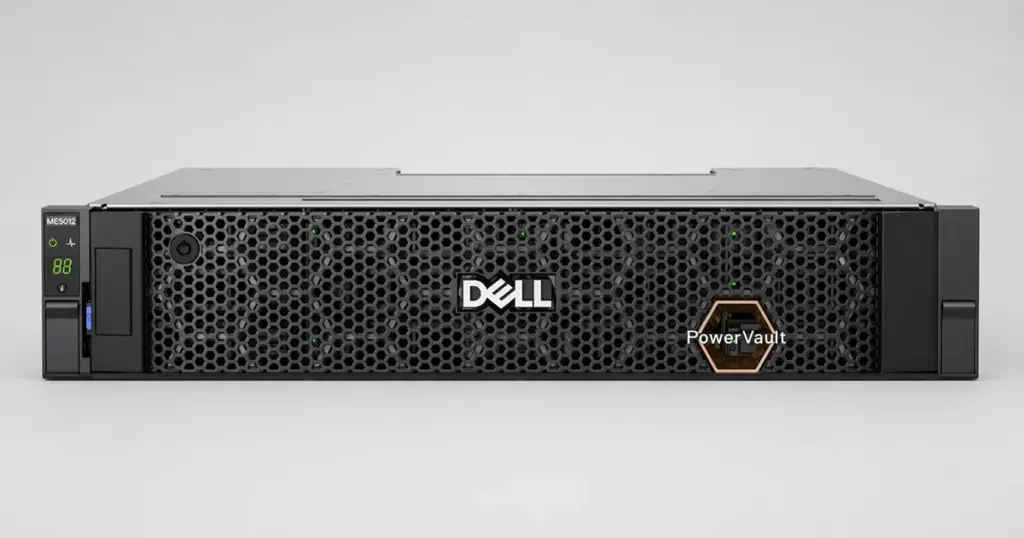
When an enterprise storage system goes down, every minute of downtime threatens business operations.
Recently, a client approached PITS Data Recovery after a complete failure of their Dell PowerVault ME5 storage system.
With their production data inaccessible and internal attempts to stabilize the array failing, the situation required an immediate, high-level technical intervention.
Customer Situation and Stakes
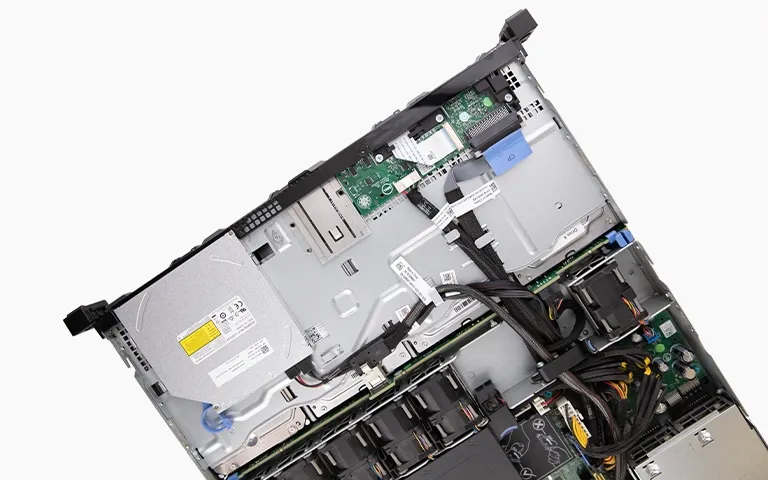
The client, a mid-sized firm relying on a Dell PowerVault ME5, noticed a significant decline in system performance.
Before the IT team could initiate a controlled backup or diagnostic, the storage system suffered a total array failure. Because the system was configured as a RAID 5 array, it was designed to withstand the loss of a single drive.
However, the stress of the initial failure pushed a second, aging drive in the array to its breaking point. This double drive failure rendered the entire volume offline, locking away critical business databases and operational files.
Industry-Leading 99% Success Rate
No hidden fees. No surprises. Just expert data recovery you can trust. We handle everything from simple file loss to extreme data recovery cases. If we can’t recover your data, no one can.
What Went Wrong
In a RAID 5 configuration, data parity is striped across all member disks. When one drive fails, the system runs in a “degraded” state, using parity to calculate missing data on the fly. When a second drive fails, the parity chain is broken, and the array goes “offline.”
The client’s team correctly identified that the system had stopped responding, but their attempts to force the controller to rebuild the array were unsuccessful.
In such cases, attempting a rebuild with physically unstable drives is extremely risky, as it can cause further degradation of the data stripes.
To understand the complexity of these environments, you can learn more about professional Dell server data recovery services.
Maintain a strict record of your drive sequence. If you notice early warning signs like slow read times or unusual mechanical sounds, document the exact drive position before removing it from the chassis.
How PITS Approached the Recovery
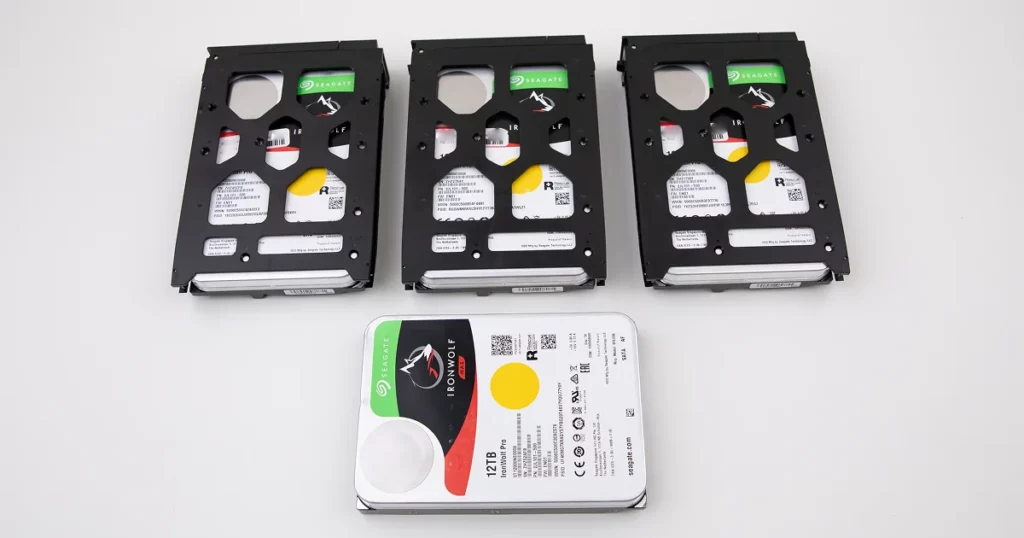
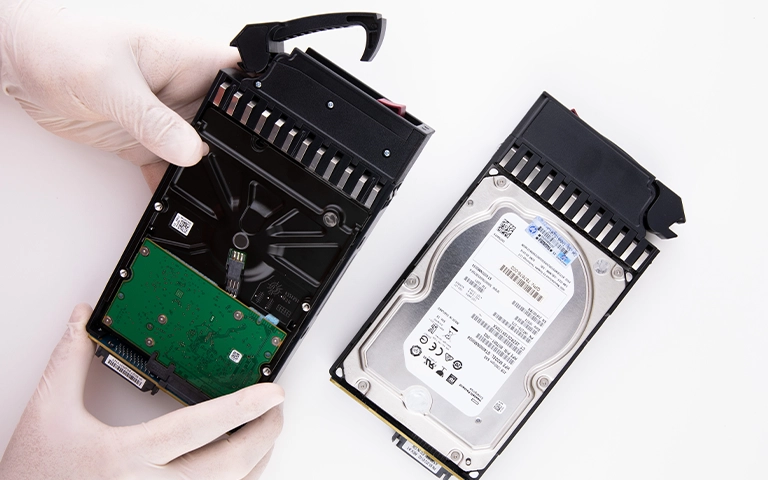
PITS engineers initiated an emergency evaluation. Because the failure was mechanical, the drives were moved to an ISO Certified Class 10 Cleanroom to prevent microscopic contamination.
Drive 1 (Head Crash)
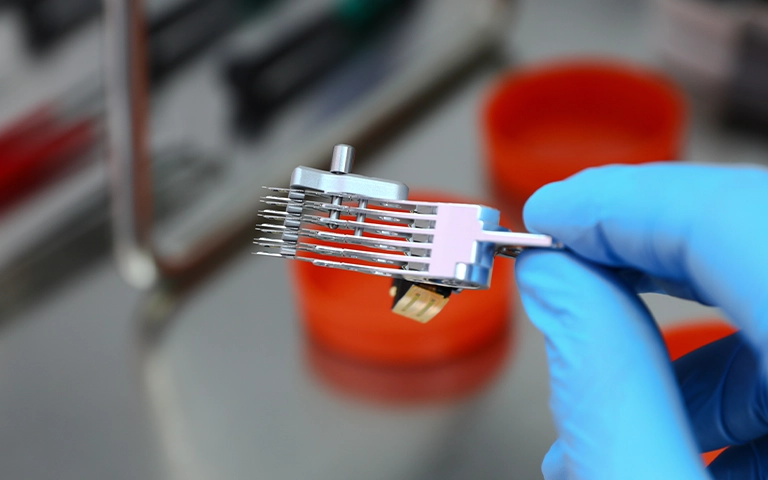
Engineers identified a head crash where read/write heads had physically contacted the platter surface. Using ultrasonic cleaning, technicians removed debris before performing a head stack assembly replacement.
Drive 2 (Spindle Motor Failure)
The drive’s hydrodynamic ball bearings had seized, preventing the motor from spinning. Our team performed a delicate platter swap, migrating the platters into a donor drive chassis to regain access to the data.
Once the physical hardware was stabilized, we created bit-level clones of each drive. We then used proprietary software to manually realign the RAID stripes, bypassing the failed controller to reconstruct the file system.
For those interested in the complexities of similar hardware, you can read more about previous Dell PowerEdge R740xd RAID 5 recovery cases to see how we handle tiered storage failures.
Don't Let Data Loss Ruin Your Business
Minimize business disruption. We retrieve lost data fast, so you can focus on what matters.
Recovery Outcome
The recovery was successful. By isolating the physical issues, we were able to reconstruct the RAID 5 volume and extract the file system.
While some minor data loss occurred on a few sectors due to the physical platter damage sustained during the initial crash, the core enterprise data, including critical database files and user directories, was fully restored.
The client verified the integrity of the data via a secure remote session before we returned the recovered information on encrypted media.
Lessons in Professional Recovery
RAID 5 is a redundancy protocol, not a backup solution, and it remains vulnerable to secondary failures. When dealing with enterprise storage, DIY attempts often worsen the damage.
If you have individual drives acting as the building blocks for your array, you should read more about Dell hard drive recovery to understand why specialized tools are necessary for mechanical failures.
Proper monitoring is essential, but if an array enters a failed state, the most important step is to stop all operations.
For context on how other RAID configurations might react differently to stress, learn more about RAID 10 Dell PowerEdge recovery to compare failure modes and recovery expectations.
Attempting to force a rebuild on a RAID 5 array with two failed drives can result in permanent data loss. If you suspect multiple drive failures, power down the unit immediately.

DIY Recovery
Risks permanent data loss
Let the Specialists Handle It
DIY attempts often result in permanent data loss. Our certified recovery specialists use advanced tools in controlled environments for the highest success rate.
24/7 Emergency Service
Final Takeaway
Enterprise data loss is high-pressure, but it is often recoverable when handled with the right equipment and expertise. If your RAID 5 array has failed or you are experiencing persistent storage errors, do not wait for the system to crash completely.
Contact PITS Data Recovery today to speak with a senior engineer. We provide secure, professional evaluations to help you understand your recovery options and timeline.
Frequently Asked Questions
What causes a second drive to fail in a RAID 5 array?
Can data be recovered if the RAID controller is damaged?
Is it safe to try a manual rebuild after a double-drive failure?
Can you recover data if two drives fail in a RAID 5 array?
Get a Free Consultation.
Our recovery experts are ready to assess your device and guide you through the safest path to recovery. Fill out the form to get started.
"*" indicates required fields