

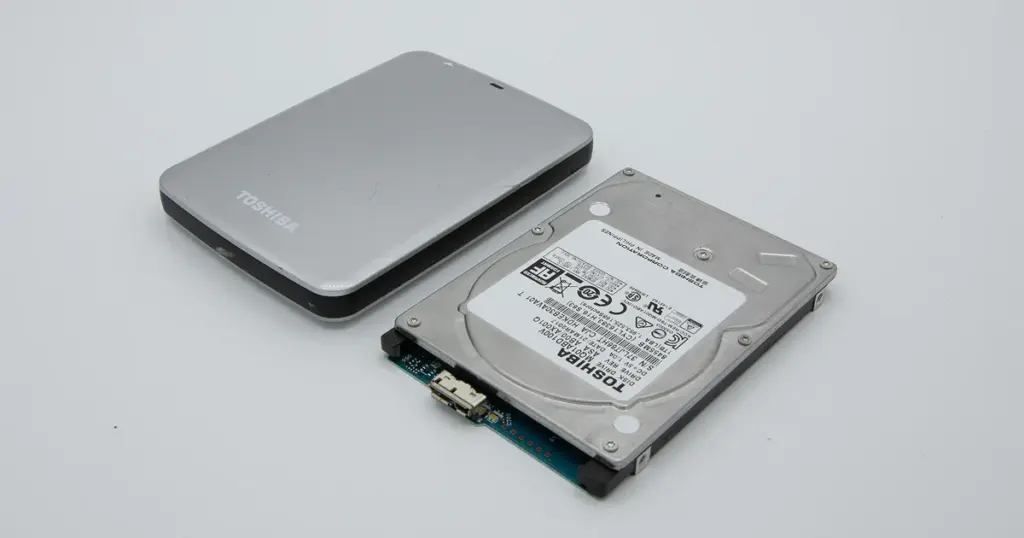
Encrypted devices protect sensitive information, but recovering data from them is more complex than standard recovery.
When an encrypted SSD, hard drive, or USB drive fails, access to the data may depend on encryption keys, firmware integrity, and device authentication.
At PITS Data Recovery, we regularly recover data from encrypted storage devices affected by hardware failure, firmware corruption, accidental formatting, and physical damage.

Can Data Be Recovered From an Encrypted Device?
Yes, encrypted data can often still be recovered. However, recovery depends on several factors, including:
- Device condition
- Type of encryption
- Availability of passwords or recovery keys
- Firmware and controller health
- Whether data was overwritten or erased
Improper DIY attempts can permanently damage encrypted data structures, especially on SSDs and hardware-encrypted drives.
Don't Let Data Loss Ruin Your Business
Minimize business disruption. We retrieve lost data fast, so you can focus on what matters.
What Makes Encrypted Recovery Different?
Encryption converts data into unreadable information that requires authentication to access. Even if the files still exist physically, damaged encryption metadata or failed hardware can block access completely.
Common encryption technologies include:
- BitLocker
- FileVault
- VeraCrypt
- Self-encrypting drives (SEDs)
- Hardware-encrypted external drives
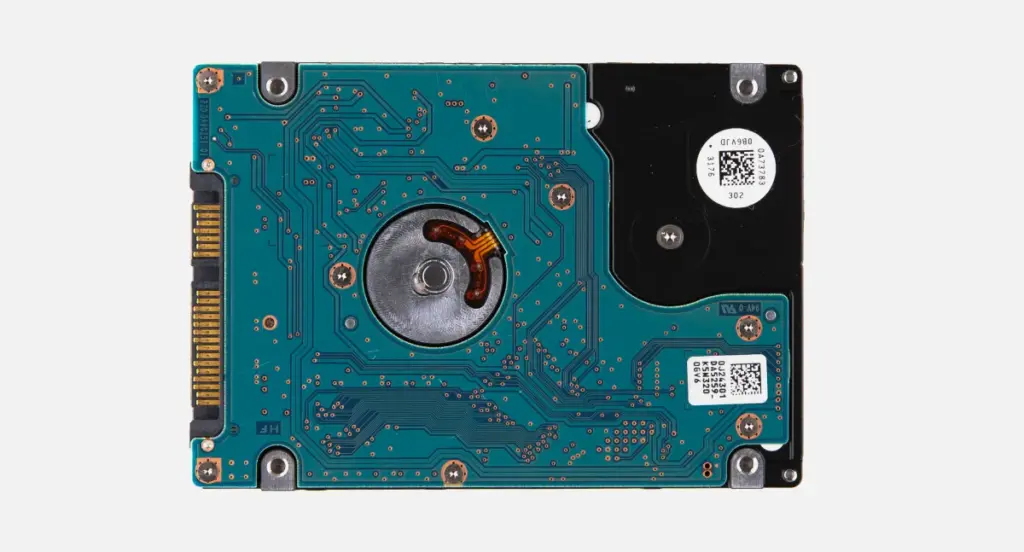
Many encrypted drives automatically encrypt data through the controller, making firmware and hardware stability critical during recovery.
Your Data Security Is Our Priority
Data privacy isn’t optional. It’s our commitment. Our secure recovery process ensures your sensitive information stays protected from start to finish.
HIPAA Compliant
GDPR Compliant
Secure Facility
NDA Available
Trust in certified security. Start your recovery today! Call Now: 888.611.0737
Common Encrypted Device Failure Scenarios
Encrypted SSD Not Detected
Encrypted SSDs may fail because of controller damage, firmware corruption, or degraded NAND memory. Recovery often requires stabilizing the drive before extracting encrypted data safely.
Learn more about recovering failed SanDisk Extreme Pro storage devices.
BitLocker Asking for Recovery Key
BitLocker recovery prompts often appear after motherboard replacement, BIOS changes, or Windows repair attempts. If the recovery key is available, recovery may still be possible even after hardware failure.
External Encrypted Hard Drive Not Accessible
Many WD and EasyStore drives use built-in hardware encryption. If the USB bridge board fails, the drive may stop working even though the internal media is intact.
Learn more about encrypted WD drive recovery in our WD My Passport recovery case study.
FileVault Mac Won’t Boot
FileVault recovery can become more difficult after APFS corruption, logic board failure, or issues involving Apple T2 and Apple Silicon systems.
Physically Damaged Encrypted Devices
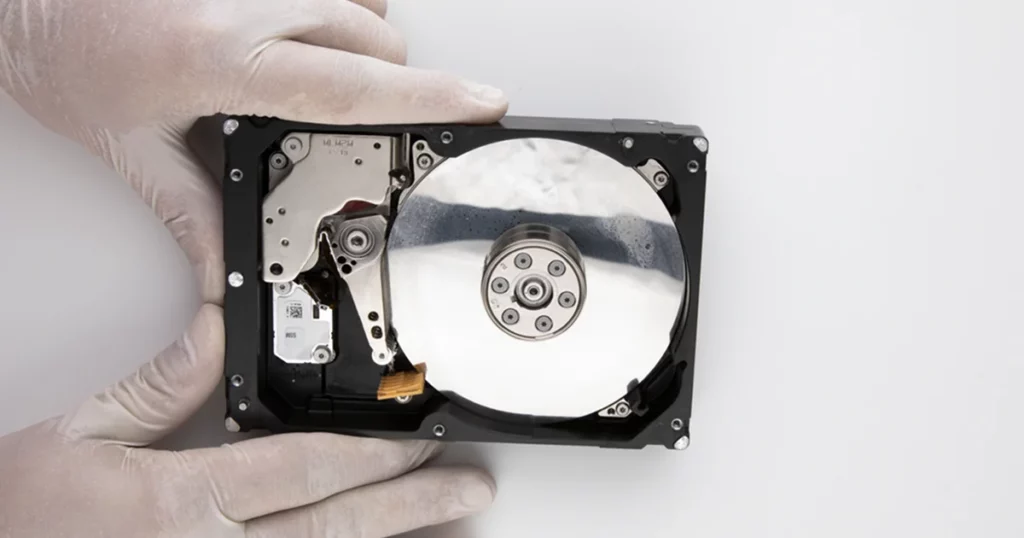
Drops, liquid exposure, and electrical damage can affect encrypted devices without destroying the stored data entirely. Repeatedly powering on the device may worsen the damage.
Read more about recovering damaged encrypted EasyStore devices.
What Can Make Encrypted Data Unrecoverable?
Not all encrypted devices can be recovered successfully. Certain conditions may permanently prevent access to the data. Examples include:
- Secure erase execution
- TRIM completion on SSDs
- Deleted encryption keys
- Overwritten sectors
- Severe NAND degradation
- Corrupted encryption metadata
- Missing recovery credentials in some scenarios
This is why early handling decisions matter. Continuing to use a failing encrypted device may reduce recovery possibilities over time.
Industry-Leading 99% Success Rate
No hidden fees. No surprises. Just expert data recovery you can trust. We handle everything from simple file loss to extreme data recovery cases. If we can’t recover your data, no one can.
What NOT to Do With an Encrypted Device
Avoid:
- Reformatting the drive
- Running repair utilities
- Updating firmware unnecessarily
- Repeatedly powering on a failing device
- Opening the device yourself
These actions can damage encryption structures and reduce recovery chances.
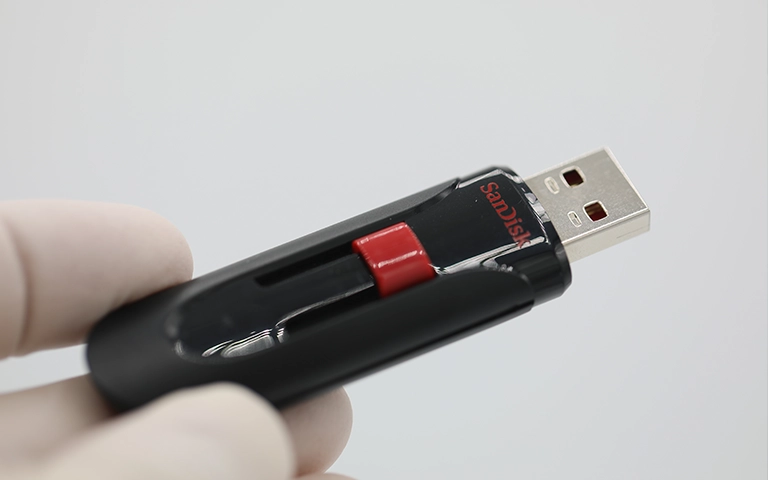
Read more about recovery from an unrecognized SanDisk Ultra flash drive.
Professional Encrypted Device Recovery Process
Diagnostic Evaluation
Our engineers perform a detailed evaluation of the encrypted device to identify hardware damage, firmware issues, encryption type, and overall recovery potential.
Hardware & Firmware Stabilization
Using specialized recovery equipment and cleanroom procedures when necessary, we stabilize damaged drives and address firmware-related failures before attempting data extraction.
Sector-Level Imaging
To protect the original device from further degradation, we create a sector-by-sector image and perform recovery operations on the cloned media whenever possible.
Encryption Structure Reconstruction
Our team works to restore damaged encryption metadata, partition structures, and authentication components required to regain access to encrypted files safely.
File Verification & Secure Delivery
Recovered data is verified for integrity and transferred to a secure replacement device, ensuring customers receive accessible and usable files whenever recovery is successful.
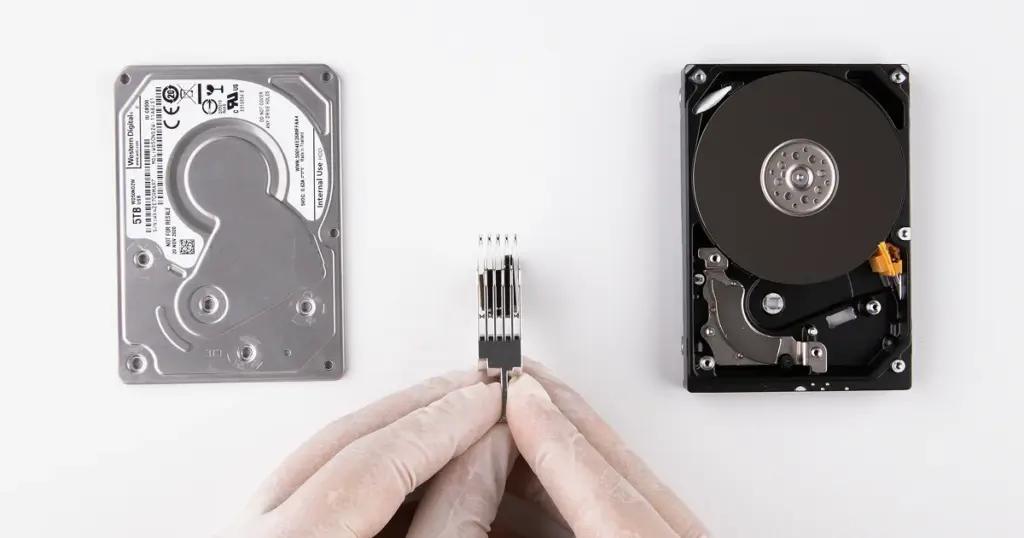

DIY Recovery
Risks permanent data loss
Let the Specialists Handle It
DIY attempts often result in permanent data loss. Our certified recovery specialists use advanced tools in controlled environments for the highest success rate.

24/7 Emergency Service
Get Help With Encrypted Device Recovery
Encrypted storage failures require a different recovery approach than standard data loss cases. Preserving encryption structures, firmware integrity, and authentication data is often critical to successful recovery.
If an encrypted SSD, hard drive, USB drive, or laptop becomes inaccessible, avoiding unnecessary repair attempts can help preserve recovery possibilities.
Frequently Asked Questions
Get a Free Consultation.
Our recovery experts are ready to assess your device and guide you through the safest path to recovery. Fill out the form to get started.
"*" indicates required fields