

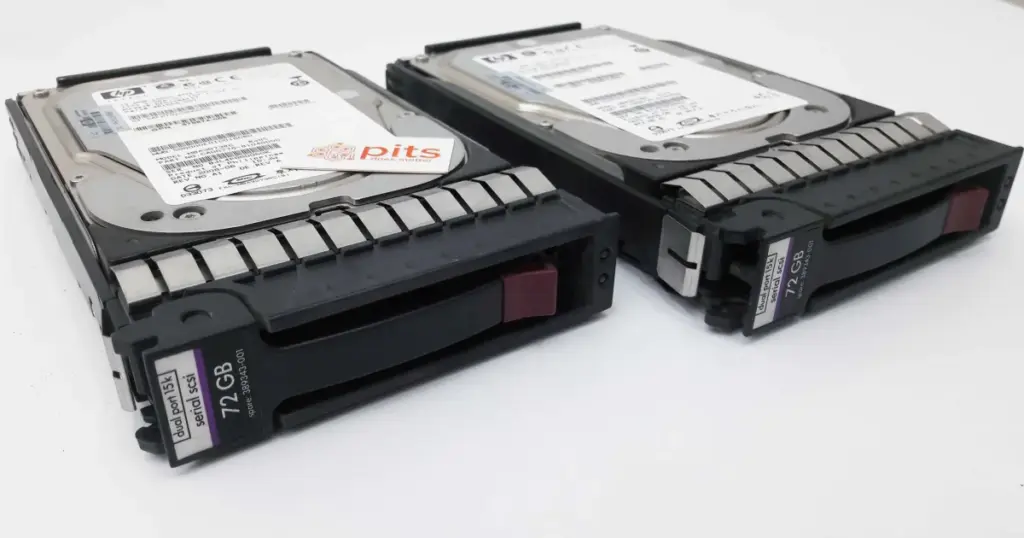
When an IBM AS/400 server fails, the impact can reach financial records, operational databases, transaction workflows, and legacy applications that businesses still rely on daily.
This case study shows how PITS Data Recovery handled a critical AS/400 RAID data recovery case for a New Jersey financial institution using controlled media handling, RAID reconstruction, IBM storage analysis, and verified data extraction.
Customer Situation and Stakes
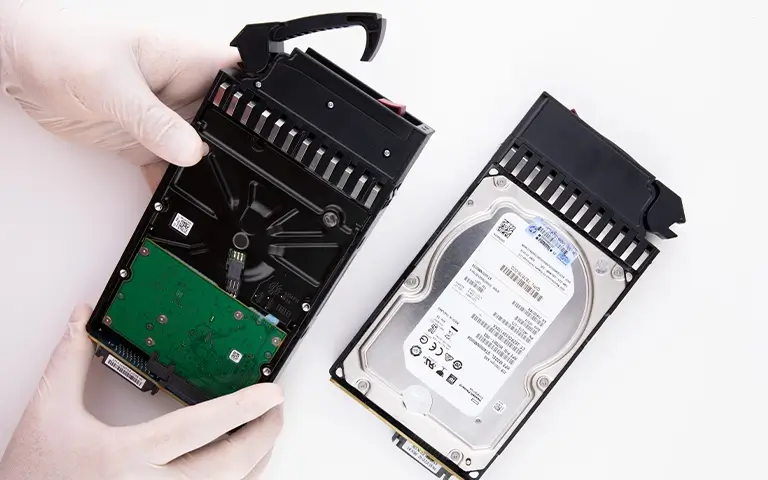
A local bank in New Jersey contacted PITS Data Recovery after losing access to essential systems hosted on an IBM AS/400 server. The first warning sign was sudden loss of access to core data.
This was not a routine IT issue. The affected server contained financial records, transactional databases, and operational files required for banking workflows. Downtime created operational pressure, delayed internal processes, and threatened access to business-critical data.
The customer needed a provider capable of handling enterprise IBM infrastructure without adding risk to already failed media.
Learn more about our IBM data recovery capabilities for complex server and enterprise storage failures.
Don't Let Data Loss Ruin Your Business
Minimize business disruption. We retrieve lost data fast, so you can focus on what matters.
What Went Wrong
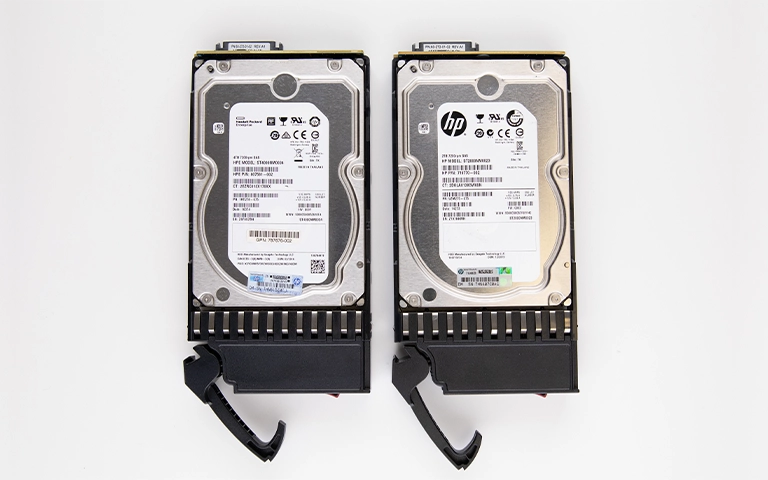
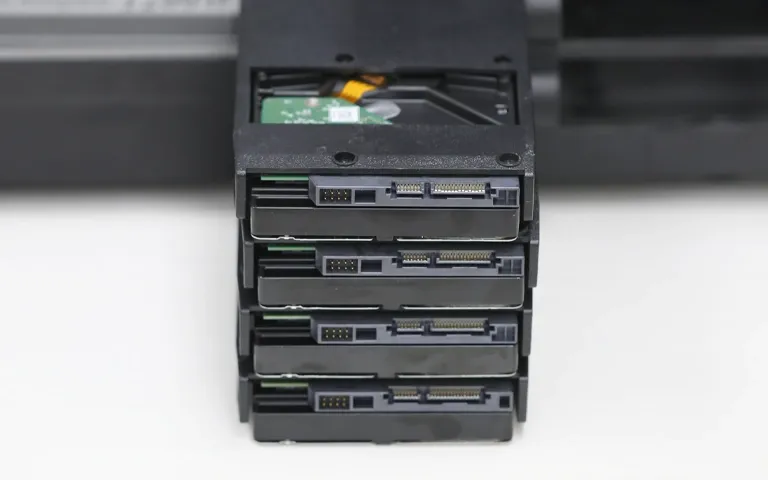
The failed system was a 35TB IBM AS/400 server array. Two of the four hard drives in the array failed, causing the server to lose access to the storage structure and stored data.
This was a multi-drive RAID failure in a proprietary IBM environment. The team had to identify the RAID configuration, preserve the failed drives, and interpret the AS/400 storage structure before usable data could be extracted.
A standard software scan or forced rebuild could have damaged the logical structure further.
Learn more about failed AS/400 server data recovery and why controlled diagnostics matter after access loss.
What Not to Do After an AS/400 RAID Failure
After an AS/400 RAID failure, every action matters. Continued use, repeated boot attempts, or forced rebuilds can stress failing drives and overwrite critical RAID metadata.
Avoid these actions:
- Do not keep rebooting the server.
- Do not force a RAID rebuild after multiple drive failures.
- Do not run generic recovery software on the live array.
- Do not replace drives and initialize the system.
- Do not keep failed drives operating under load.
For business-critical systems, power down the affected environment and start a professional evaluation.
Industry-Leading 99% Success Rate
No hidden fees. No surprises. Just expert data recovery you can trust. We handle everything from simple file loss to extreme data recovery cases. If we can’t recover your data, no one can.
How PITS Approached the Recovery
PITS followed a controlled process to preserve the original media, reconstruct the RAID, and extract usable data from the IBM AS/400 environment.
Onsite Evaluation
PITS engineers assessed the server condition and confirmed the safest recovery path before any reconstruction attempt.
Safe Drive Removal
The failed drives were removed using controlled handling procedures while preserving drive order and RAID relationships.
Sector-by-Sector Imaging
Engineers created sector-by-sector images of the affected drives, allowing the team to work from verified copies instead of unstable media.
Virtual RAID Reconstruction
The team analyzed the storage structure, identified RAID parameters, and rebuilt the damaged array virtually without writing changes to the source drives.
IBM Data Extraction and Verification
Specialized tools and custom scripts were used to extract data from the proprietary IBM environment. Recovered files were checked for integrity before secure return.
Read more about IBM AS/400 data recovery services for organizations working with legacy IBM systems and critical business data.

Recovery Outcome
PITS recovered approximately 31.8TB of data from the 35TB IBM AS/400 server array, achieving an estimated 96% recovery rate.
The recovered data included critical banking records, transactional databases, operational files, and business data needed for core system restoration.
The client regained access to essential business data, restored core services, reduced downtime, and avoided major operational disruption.

DIY Recovery
Risks permanent data loss
Let the Specialists Handle It
DIY attempts often result in permanent data loss. Our certified recovery specialists use advanced tools in controlled environments for the highest success rate.

24/7 Emergency Service
Why Professional Recovery Mattered
This case required more than standard IT troubleshooting. A failed AS/400 server array with two failed drives creates both physical and logical recovery risks.
Generic recovery software would not have been enough because the data was tied to a proprietary IBM environment and damaged RAID structure. A forced rebuild could have changed parity relationships, overwritten metadata, or placed additional load on degraded drives.
PITS succeeded because the recovery process protected the original media, created verified drive images, reconstructed the RAID virtually, and verified extracted data before delivery.
Read more about IBM Storwize data recovery for additional examples of enterprise IBM storage failure scenarios.
Final Takeaway
An AS/400 RAID failure can escalate from system downtime to permanent business data loss if the server remains in use or rebuild attempts continue.
If your IBM AS/400 server or RAID array has failed, stop all activity on the affected system and contact PITS Data Recovery for an urgent professional evaluation before recoverability declines.
Frequently Asked Questions
Get a Free Consultation.
Our recovery experts are ready to assess your device and guide you through the safest path to recovery. Fill out the form to get started.
"*" indicates required fields