

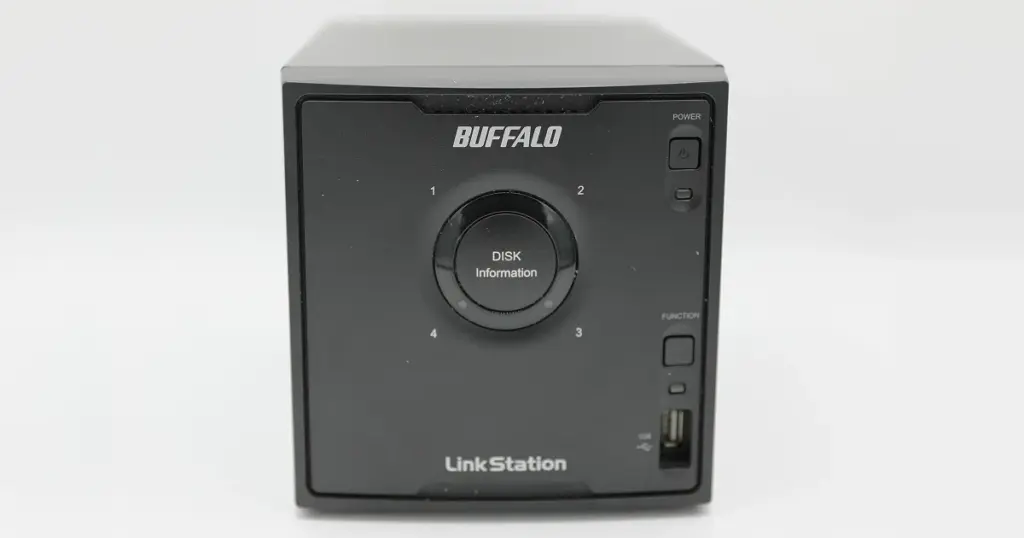
When a network-attached storage device fails, it does not always make clicking noises. Often, the hardware appears healthy, yet the files completely vanish.
This is the reality of a corrupted NAS file system, a critical scenario that requires careful Buffalo NAS data recovery.
In this case, a business lost all access to their Buffalo LinkStation. The device powered on normally and showed no physical damage, but the system failed to mount.
For an organization relying on this storage array for daily operations, this sudden loss required immediate professional intervention.
The Customer Situation and Business Stakes
The client, an operations manager at a mid-sized US logistics company, relied on a Buffalo LinkStation for vital client records and daily workflows. Without warning, the team experienced a sudden loss of network access.
Because there were no hardware error lights, the IT team initially assumed a network mapping issue. After multiple reboots, it became clear the data was completely inaccessible, causing immediate operational downtime.
They needed secure inaccessible NAS drive recovery and business data recovery services that could evaluate the unit without risking permanent data loss.
Read more about what to do when a NAS drive is not showing on the network.
Industry-Leading 99% Success Rate
No hidden fees. No surprises. Just expert data recovery you can trust. We handle everything from simple file loss to extreme data recovery cases. If we can’t recover your data, no one can.
What Went Wrong: Understanding NAS Logical Failure
NAS logical failure recovery requires a deep understanding of how file systems are structured across multiple drives. When the client’s Buffalo NAS stopped functioning, the issue was not mechanical disk failure. Instead, it was severe logical corruption within the file system itself.
This type of failure typically occurs due to improper shutdowns, unexpected power loss, or firmware glitches. Even if the physical hard drives are spinning correctly, the structure that tells the system where files are located becomes damaged.
When the system attempts to mount the volume, it cannot read the partition table or directory structure, leaving the data stranded.
Learn more about the signs and solutions for NAS drive failure.

Caution: What Not to Do After a NAS Mount Failure
When facing a corrupted NAS file system, standard repair utilities can cause permanent damage.
- Do not run Check Disk (CHKDSK) or similar volume repair tools.
- Do not force the NAS to initialize or format the drives.
- Do not attempt to rebuild corrupted file system structures using consumer data recovery software.
- Power down the NAS immediately to prevent background processes from overwriting stranded data.

DIY Recovery
Risks permanent data loss
Let the Specialists Handle It
DIY attempts often result in permanent data loss. Our certified recovery specialists use advanced tools in controlled environments for the highest success rate.

24/7 Emergency Service
How PITS Approached the Recovery Process
To recover data from a failed NAS safely, our engineers followed a strict, non-destructive workflow:
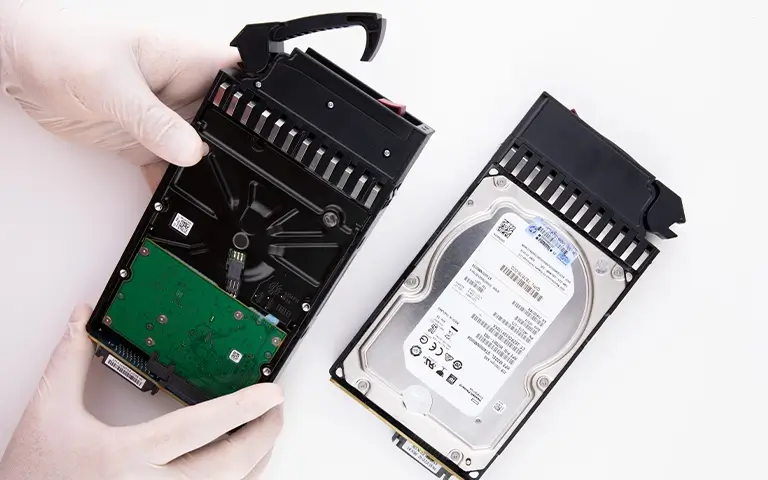
Drive Removal and Diagnostics
We removed the drives from the Buffalo LinkStation and verified they were mechanically sound using secure diagnostic equipment in our lab.
Bit-Level Cloning
We created exact, sector-by-sector clones of each drive to ensure the original hardware remained untouched during the recovery process.
Virtual Array Reconstruction
Working exclusively from the cloned images, our RAID data recovery service team analyzed the proprietary configuration and file system structure.
Logical File System Rebuild
We bypassed the logical errors and manually repaired the corrupted file system in an emulated, secure environment.
Secure Data Extraction
We safely extracted the required business files directly from the rebuilt virtual array.
Read more about our dedicated Buffalo NAS data recovery capabilities.
The Recovery Outcome
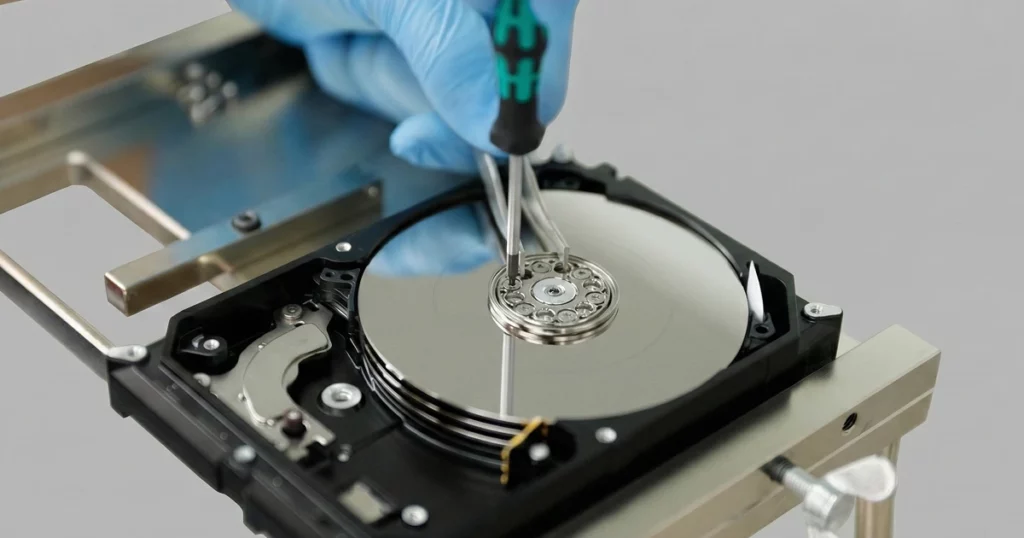
The logical reconstruction was a complete success. Our engineers bypassed the file system corruption and extracted the critical files without altering the original drives.
The data was safely restored with its original folder structure intact, which is vital for an organization with thousands of nested files.
This professional Buffalo LinkStation recovery allowed the logistics company to resume daily operations quickly and avoid a catastrophic loss of client records.
Learn more about how we handled a similar hardware-specific scenario in our Buffalo NAS HS-DH500GL data recovery case.
Don't Let Data Loss Ruin Your Business
Minimize business disruption. We retrieve lost data fast, so you can focus on what matters.
Why Professional Recovery Mattered for This Case
Attempting a DIY repair on a logical NAS failure carries immense risk. Engaging a professional NAS data recovery service provided critical advantages:
- Prevented Overwrites: A strict read-only process stopped built-in disk utilities from permanently destroying recoverable files.
- Isolated Damage: Rebuilding from cloned images kept the original hardware completely safe.
- Preserved Structure: Specialized tools maintained the original folder organization, avoiding an unusable data dump.
Sudden power loss causes logical corruption. Always use an Uninterruptible Power Supply (UPS) to ensure a safe shutdown during outages.

Final Takeaway
When a Buffalo NAS fails, powering down the unit immediately is the best way to prevent permanent data loss.
Contact PITS Data Recovery today to request an evaluation and start your secure case.
Our emergency data recovery services are available for urgent, business-critical scenarios.
Emergency Data Recovery Services
Unexpected data loss? Whether it’s a crashed system, failed storage device, or accidental deletion, our 24/7 emergency recovery service ensures priority assistance to retrieve your critical data.
Frequently Asked Questions
Can a corrupted NAS file system be fixed?
Why did my Buffalo NAS suddenly stop showing files?
Can I use data recovery software on my failed NAS?
How long does NAS logical failure recovery take?
Get a Free Consultation.
Our recovery experts are ready to assess your device and guide you through the safest path to recovery. Fill out the form to get started.
"*" indicates required fields