

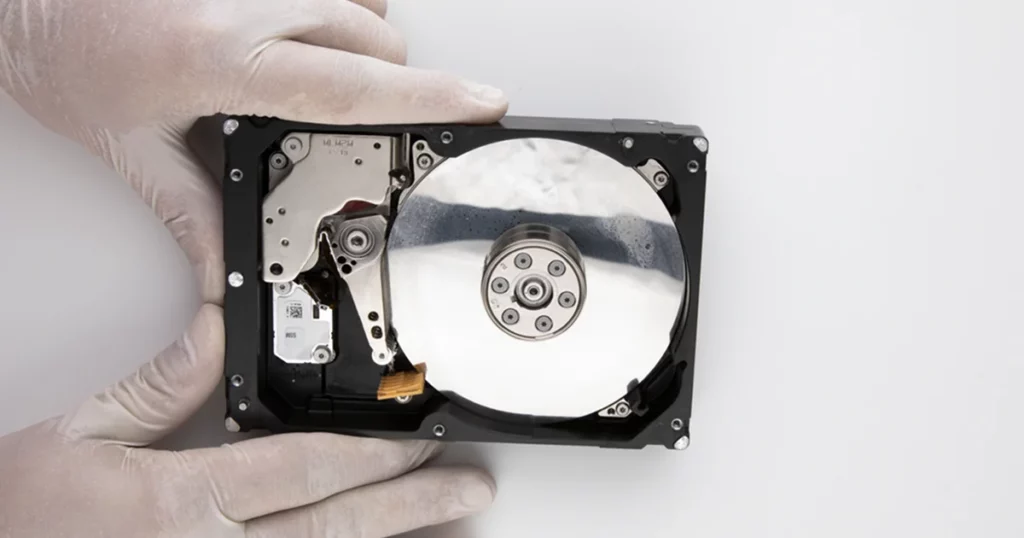
Physical accidents are among the most frequent causes of sudden data loss for external storage users. When a 1TB external hard drive is dropped while powered on, the internal mechanical components are subjected to immediate G-force trauma.
In a recent recovery case, a client contacted PITS Data Recovery after their drive sustained a fall, resulting in an audible clicking sound and a total loss of file access.
This case study details our technical intervention to stabilize the device and successfully retrieve critical project files and archived records.
The Stakes: Business Continuity and Personal Archives
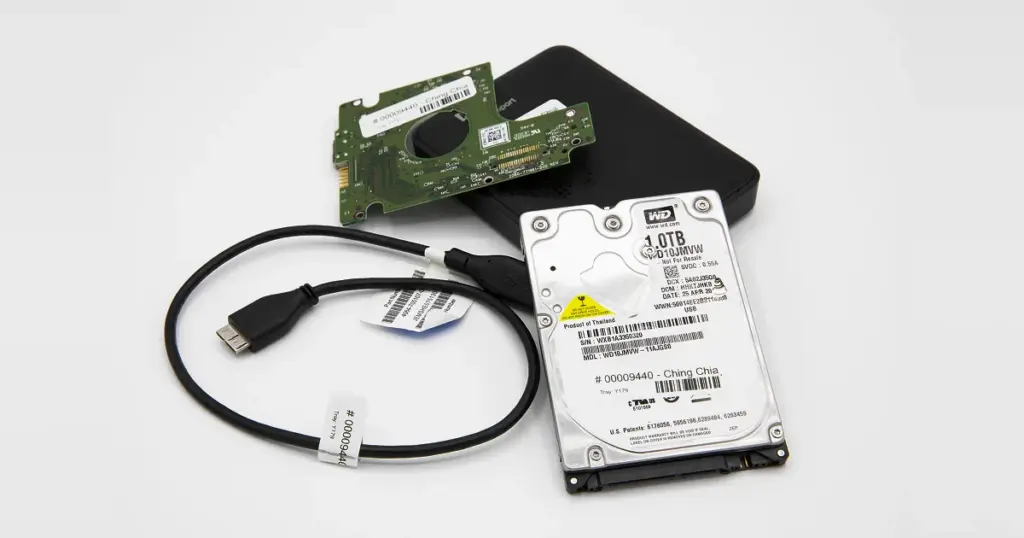
The client, a creative professional managing high volumes of project data, relied on this 1TB external drive as the primary repository for both active client files and historical archives.
Because the drop occurred during an active data transfer, the drive’s read/write heads were in motion at the moment of impact, significantly increasing the risk of permanent platter damage.
Losing this data meant more than just a hardware replacement cost. Several active projects with looming deadlines were stored exclusively on the device, and the drive contained years of irreplaceable photography and tax documentation.
Without a successful recovery, the client faced significant operational downtime and the permanent loss of their professional portfolio.
Industry-Leading 99% Success Rate
No hidden fees. No surprises. Just expert data recovery you can trust. We handle everything from simple file loss to extreme data recovery cases. If we can’t recover your data, no one can.
Technical Breakdown: What Went Wrong?
Upon arrival at our lab, diagnostics confirmed a mechanical head crash. When a drive is dropped, the actuator arm can become misaligned, causing the “clicking” sound as it struggles to find its orientation.
We identified physical head damage and bad sectors across the platter surface. Our team used advanced hard drive recovery tools to bypass these unstable areas and the clicking hard drive symptoms that typically cause standard operating systems to freeze or crash.
How PITS Approached the Recovery
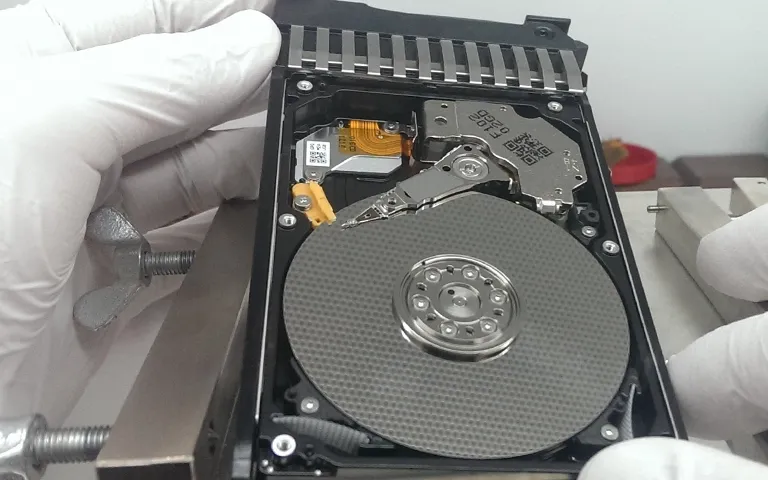
Recovering data from a physically compromised drive requires a controlled environment and specialized hardware that bypasses the standard OS limitations.
Cleanroom Intervention
The drive was handled in an ISO-certified environment to prevent dust particles from causing further damage during the mechanical assessment.
Specialized Imaging
Rather than trying to “repair” the drive for long-term use, our goal was to stabilize it long enough to create a sector-by-sector image. We used advanced hard drive recovery tools to clone the drive while bypassing unstable areas and bad sectors.
Bypassing Controller Errors
Our technicians manually calibrated the imaging process to handle the clicking hard drive symptoms, ensuring the drive did not time out or stay stuck in a failure loop.

Your Data Security Is Our Priority
Data privacy isn’t optional. It’s our commitment. Our secure recovery process ensures your sensitive information stays protected from start to finish.
HIPAA Compliant
GDPR Compliant
Secure Facility
NDA Available
Trust in certified security. Start your recovery today! Call Now: 888.611.0737
Recovery Outcome
The recovery was highly successful, resulting in the retrieval of 90% of the client’s stored files. Our engineers prioritized critical file headers first, ensuring the most vital project documents and images were secured before the hardware could degrade further.
All recovered data underwent integrity testing and was delivered securely to the client on an encrypted replacement drive, allowing them to resume their workflow with minimal further disruption.
Why Professional Recovery Mattered
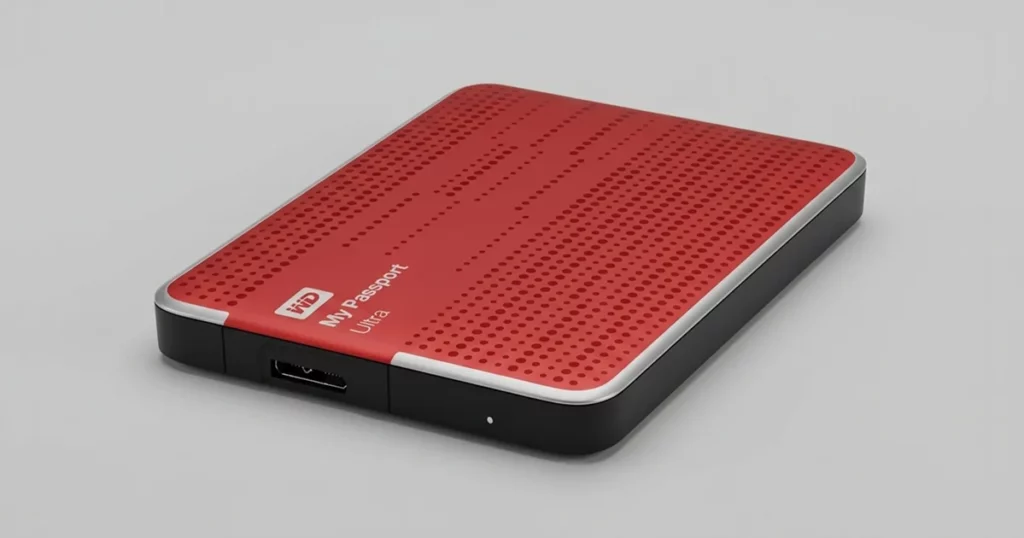
This case highlights the thin line between recoverable data and permanent loss. When dealing with a dropped hard drive not working, the instinct to “try it one more time” can be fatal for the data. Professional intervention provided:
- Controlled Environment: Preventing further platter damage.
- Hardware-Level Control: The ability to read data that standard computers would simply ignore or crash while trying to access.
- Expertise in Specific Brands: Whether dealing with a dropped Seagate external hard drive recovery or other major brands, our team understands the specific firmware nuances of each manufacturer.

DIY Recovery
Risks permanent data loss
Let the Specialists Handle It
DIY attempts often result in permanent data loss. Our certified recovery specialists use advanced tools in controlled environments for the highest success rate.

24/7 Emergency Service
Final Takeaway and Next Steps
A dropped drive does not always mean the data is gone forever, but it does mean the “DIY” window has closed. If your device is making unusual noises or was involved in a physical impact, the best way to protect your information is to power it down immediately.
For users experiencing a Seagate external hard drive clicking or any other brand failure, PITS Data Recovery offers secure, professional solutions to get your files back.
Frequently Asked Questions
Is it possible to recover data from a clicking hard drive?
Can I use data recovery software on a dropped drive?
What should I do if I drop my external hard drive?
What should I do if my dropped drive is beeping instead of clicking?
Get a Free Consultation.
Our recovery experts are ready to assess your device and guide you through the safest path to recovery. Fill out the form to get started.
"*" indicates required fields