

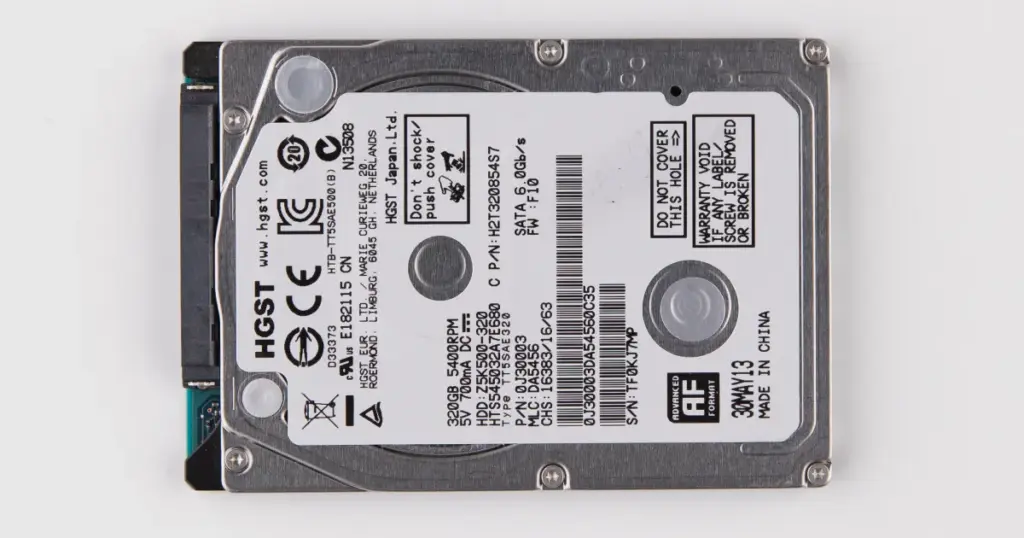
When an HGST external hard drive starts slowing down, freezing during transfers, or refusing to open normally, the issue can move from inconvenience to serious data loss very quickly.
This case study explains how PITS Data Recovery handled a failed HGST external drive used for business and personal storage.
The recovery required controlled diagnostics, professional imaging, file system repair, and careful extraction to restore the customer’s critical files while reducing additional risk.
Customer Situation
The customer used an HGST external hard drive as a primary storage device for business documents, active project files, archived client data, family photos, and long-term file backups.
When the drive became inaccessible, the customer faced more than a technical issue. Business records, client-related folders, and personal archives were at risk.
The situation became urgent because the drive was still detected at times, but it would not open normally. That intermittent behavior created a false sense of hope and made repeated reconnection attempts especially risky.
Learn more about dedicated HGST hard drive recovery services for failed, unreadable, or unstable HGST storage devices.
Don't Let Data Loss Ruin Your Business
Minimize business disruption. We retrieve lost data fast, so you can focus on what matters.
Warning Signs Before the HGST Drive Failed
Before the drive stopped working normally, the customer noticed several red flags:
- File transfers froze or failed.
- The HGST drive disconnected randomly.
- The computer detected the drive only intermittently.
- Read errors appeared during access attempts.
- Some folders looked empty even though they previously contained data.
- The drive became too slow for normal use.
These symptoms pointed to an active failure, not a simple cable or port issue. Continued use could have forced the drive to read damaged areas repeatedly, increasing the chance of further data loss.

How PITS Approached the Recovery
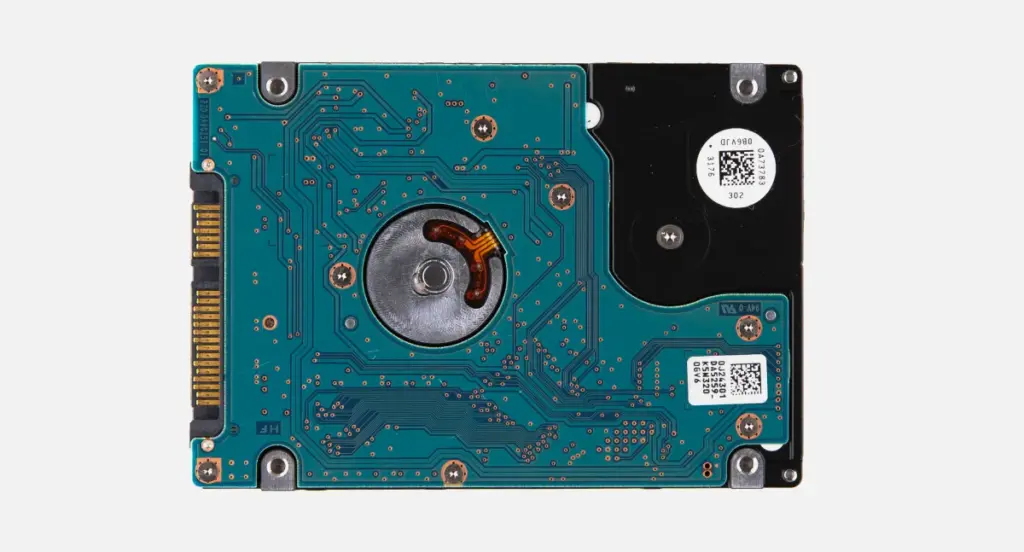
PITS engineers diagnosed a mixed failure involving:
| Failure Area | What It Meant |
|---|---|
| Bad sectors | Some areas of the disk surface were no longer reading reliably |
| Degraded read/write heads | The drive struggled to read data consistently |
| File system corruption | Folder structure and file access records were damaged |
Read more about another HGST failure scenario involving electronics-level complications in this HGST HDD motherboard failure case.
Industry-Leading 99% Success Rate
No hidden fees. No surprises. Just expert data recovery you can trust. We handle everything from simple file loss to extreme data recovery cases. If we can’t recover your data, no one can.
How PITS Approached the Recovery
Step 1: Diagnostic Evaluation
Engineers evaluated whether the failure was logical, mechanical, media-related, or combined. The drive showed unstable reads, bad sectors, and file system damage.
Step 2: Controlled Drive Imaging
The team created a sector-by-sector image using professional hardware imaging tools. This preserved the maximum readable area without relying on normal operating system access.
Step 3: Read Error Management
Controlled read retries were used where needed. The goal was to extract readable data without forcing the drive through aggressive scans.
Step 4: File System Reconstruction
After imaging, engineers repaired damaged file system structures and rebuilt folder paths where possible.
Step 5: Priority Data Extraction
Business documents, photo archives, and project folders were prioritized based on the customer’s request. Recovered files were then verified and prepared for return.
Learn more about complex large-capacity HGST recovery work in this HGST 10TB helium HDD data recovery case.

Recovery Outcome
PITS recovered approximately 96% of the customer’s data from the failed HGST external hard drive. The restored data totaled about 1.8 TB and included business files, archived documents, family photos, and client project folders.
A small percentage of files located in severely damaged sectors could not be fully reconstructed. However, the customer’s critical files were restored, verified, and returned in a usable folder structure on a new external drive.

DIY Recovery
Risks permanent data loss
Let the Specialists Handle It
DIY attempts often result in permanent data loss. Our certified recovery specialists use advanced tools in controlled environments for the highest success rate.

24/7 Emergency Service
Why Professional Recovery Mattered
Professional recovery was necessary because the drive had both physical instability and logical damage. DIY attempts could have created more risk through:
- Repeated reconnecting
- Long software scans
- Direct copying from unstable sectors
- File system repair utilities
- Continued use after read errors
PITS succeeded by controlling the process from the first diagnostic step. Engineers imaged the drive before reconstruction, worked from the secured data source, prioritized critical folders, and verified the restored files before delivery.

Conclusion: Act Before the HGST Drive Gets Worse
A slow, freezing, or disconnecting HGST external hard drive should be treated as a failing device. Continued use can increase media damage and reduce recovery options.
This case shows why controlled diagnostics, professional imaging, and file system reconstruction matter when critical files are at risk.
If your HGST drive shows similar symptoms, power it down and request a professional evaluation from PITS Data Recovery.
Certified & Trusted Data Recovery
PITS Data Recovery is certified by leading industry authorities, ensuring secure and compliant data recovery for businesses and individuals.







Frequently Asked Questions
Can data be recovered from an HGST external hard drive with bad sectors?
Why does my HGST external drive freeze or disconnect during file transfers?
Should I run recovery software on a failing HGST external hard drive?
What should I do if my hard drive disconnects intermittently?
Get a Free Consultation.
Our recovery experts are ready to assess your device and guide you through the safest path to recovery. Fill out the form to get started.
"*" indicates required fields