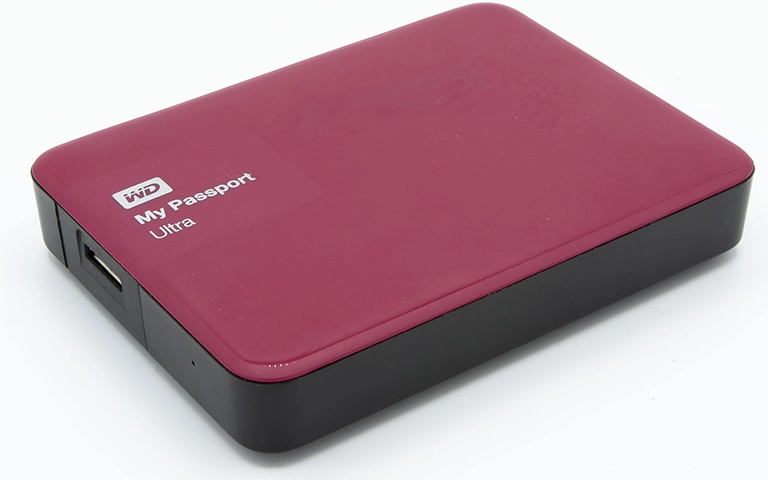
A client brought in a WD My Passport Ultra external drive after sudden data loss impacting business files and personal documents. Intake testing confirmed physical damage with failed read write heads and a clear clicking symptom, creating high risk for permanent loss.
Our engineers cloned the drive first, then performed cleanroom head replacement and controlled extraction from the clone.
The client received the recovered high priority data, including files that were no longer visible in the original directory structure.
What Triggered the Failure
The client reported sudden data loss on a WD My Passport Ultra and immediate concern due to a mix of business files and personal documents. On intake, the drive presented classic high risk physical failure indicators, including clicking and unstable read behavior, which required a no trial and error approach.
What the client observed
Files became inaccessible without a clear warning
Audible clicking during spin up or access attempts
High urgency due to critical documents
Initial condition on intake
Confirmed physical damage indicators
Read write head failure suspected based on clicking and access behavior
Elevated risk of permanent loss if powered on repeatedly or handled outside controlled conditions
For a comparable WD My Passport hardware failure scenario, see related cases in WD My Passport Spindle Motor Failure Data Recovery.
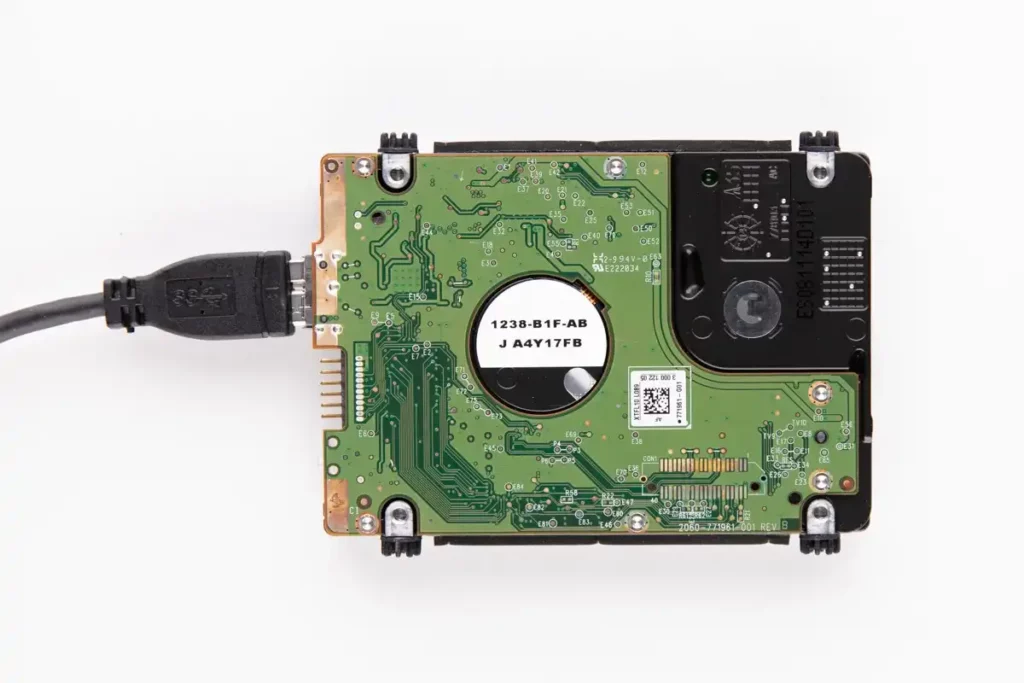
Physical Failure Confirmation
| Issue | Evidence | Severity |
|---|---|---|
| Read write head failure | Clicking symptom and unstable read behavior during controlled checks | Critical |
| Physical damage indicators | Intake assessment showed signs consistent with mechanical failure | High |
| High risk of further platter damage | Continued power on attempts could escalate surface damage | Critical |
| Data loss event | Client reported missing or inaccessible business and personal files | High |
Clicking typically indicates mechanical read issues. The correct strategy is controlled cloning and cleanroom intervention, not repeated retries.
If your WD external drive is not showing up or makes abnormal sounds, learn more in WD External Hard Drive Not Showing Up.

DIY Recovery
Risks permanent data loss
Let the Specialists Handle It
DIY attempts often result in permanent data loss. Our certified recovery specialists use advanced tools in controlled environments for the highest success rate.

24/7 Emergency Service
Stepwise Recovery Workflow
Step 1: Controlled cloning to secure the data footprint
We created a full clone of the damaged drive to prevent further risk to the original media during recovery operations.
Step 2: Cleanroom disassembly and contamination control
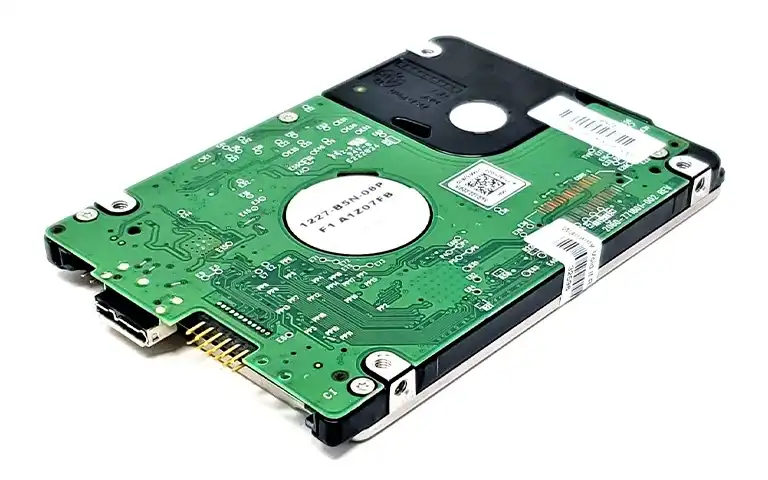
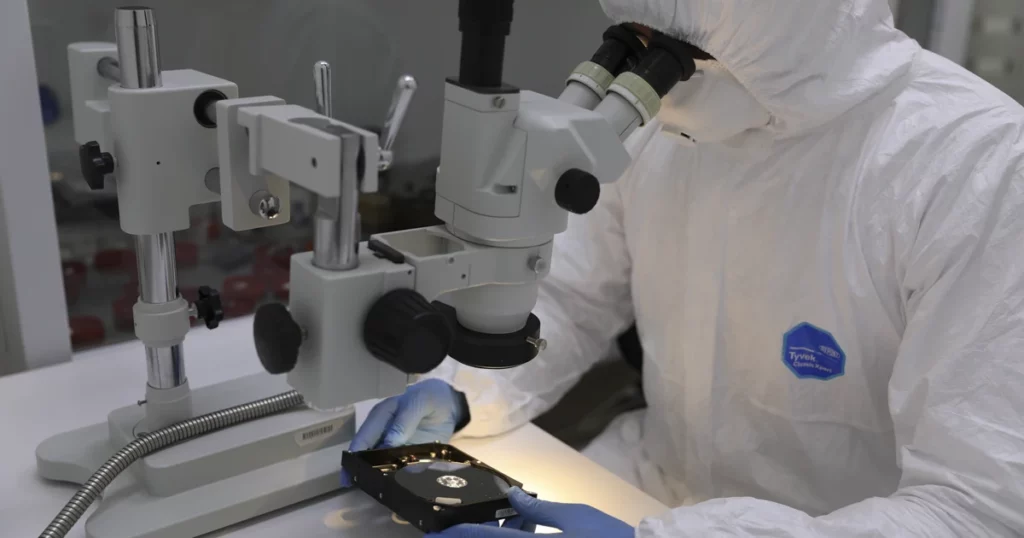
The drive was moved into an ISO Certified Class 10 cleanroom to eliminate dust risk during internal handling.
Step 3: Head stack replacement and mechanical rebuild
We replaced the failed read write heads, reassembled the drive, and aligned components for stable operation.
Step 4: Post repair validation testing
We ran functional checks to confirm the new heads operated correctly and that stable reads were possible.
Step 5: File extraction and extended recovery scope
We scanned the clone, recovered high priority datasets, and included deleted files when recoverable within the data footprint.
A clicking drive can suffer permanent platter damage fast. Avoid powering it on and do not attempt DIY software based recovery.
If you are using a My Passport SSD model instead of an HDD, read more in WD My Passport SSD Recovery.
Your Data Security Is Our Priority
Data privacy isn’t optional. It’s our commitment. Our secure recovery process ensures your sensitive information stays protected from start to finish.
HIPAA Compliant
GDPR Compliant
Secure Facility
NDA Available
Trust in certified security. Start your recovery today! Call Now: 888.611.0737
Recovery Outcome and Data Validation
We recovered the client’s high priority business files and personal documents from the cloned image after completing cleanroom head replacement and stability checks. The recovered data was organized in a usable structure for review, and recoverable deleted files were included where the data footprint allowed.
The final deliverables were transferred to a healthy storage device to support immediate access and downstream backup rebuilding.
For another My Passport recovery example, see related cases in Case Study WD My Passport Data Recovery.
Hear It From Our Clients
Don't Let Data Loss Ruin Your Business
Minimize business disruption. We retrieve lost data fast, so you can focus on what matters.
Prevention Notes for Portable WD Drives
Stop using the drive at the first click. Clicking is a mechanical warning and continued use can permanently damage platters.
Avoid swapping cables repeatedly as a “fix.” If the drive clicks or drops offline, the problem is rarely the cable.
Do not run scan or repair tools. Software cannot fix head failure and can force more reads on failing media.
Protect portable drives from impact and vibration. My Passport units are easy to drop and mechanical shocks are a common trigger.
Back up business critical files to two locations. Portable drives are a transport device, not a single point of truth.
Contact Us for WD My Passport Ultra Data Recovery
If your WD My Passport Ultra is clicking or your files are inaccessible, stop powering it on.
Contact us for a controlled evaluation, cleanroom recovery when required, and verified data delivery.
Get a Free Consultation.
Our recovery experts are ready to assess your device and guide you through the safest path to recovery. Fill out the form to get started.
"*" indicates required fields