

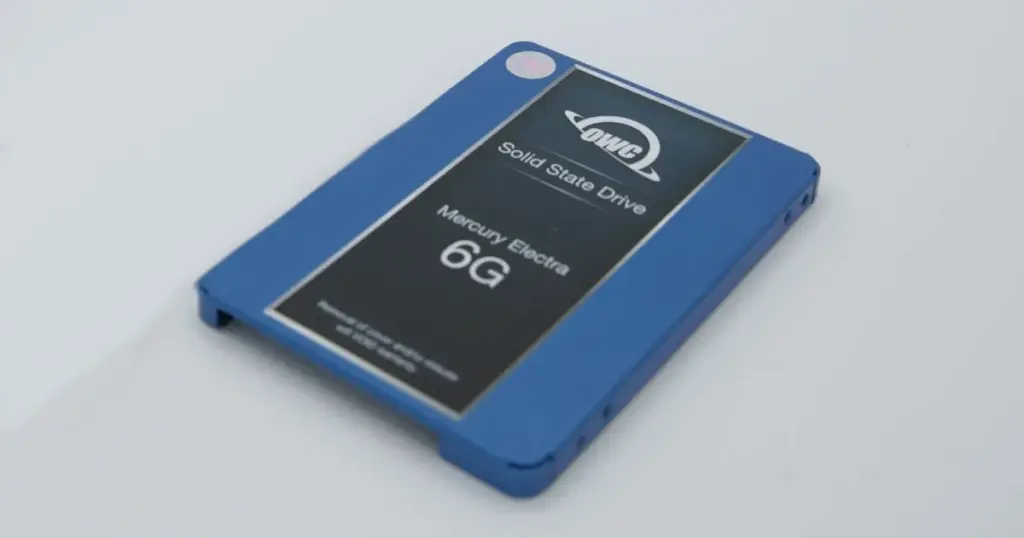
When an OWC SSD suddenly stops appearing in Windows, the first sign is often silence. No drive letter. No accessible files. In this case, the device showed up as “Not Initialized” in Disk Management, leaving critical business data effectively locked out.
This is not a minor glitch. It is a high-risk failure scenario where every action taken can directly impact whether the data remains recoverable.
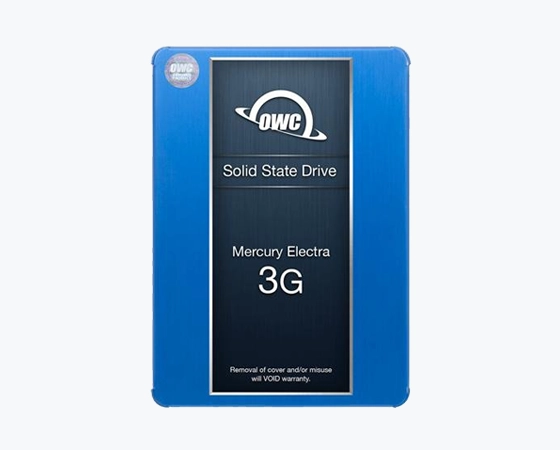
Customer Situation
Explorer, while Disk Management showed it as “Not Initialized” or with no accessible partition. The SSD contained business documents, project files, and personal archives.
Symptoms included:
- Not visible in File Explorer
- “Not Initialized” in Disk Management
- Missing partition
- No access to stored files
These symptoms suggested more than a basic connection issue. The drive required controlled diagnostics before any recovery attempt.
Industry-Leading 99% Success Rate
No hidden fees. No surprises. Just expert data recovery you can trust. We handle everything from simple file loss to extreme data recovery cases. If we can’t recover your data, no one can.
What Went Wrong
The failure was classified as a logical file system corruption with partition structure damage. At a technical level:
- The file system metadata became corrupted, preventing Windows from mounting the drive
- Partition mapping was damaged, making the data appear inaccessible
- The SSD controller still responded, but logical access pathways were broken
This type of failure often misleads users into thinking the drive is empty or unrecoverable.
To understand more about why drives fail to appear in your system, you can learn more about why an SSD is not showing up.
Emergency Data Recovery Services
Unexpected data loss? Whether it’s a crashed system, failed storage device, or accidental deletion, our 24/7 emergency recovery service ensures priority assistance to retrieve your critical data.
How PITS Approached the Recovery
To prevent further risk, we avoided any direct repair attempts on the original SSD. The recovery process followed a controlled sequence:
Device isolation
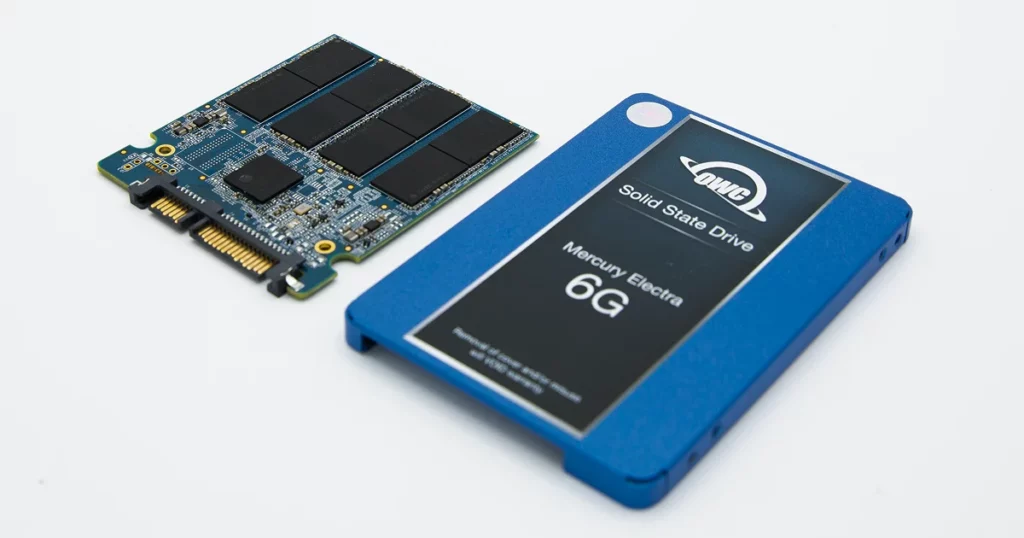
Removed the OWC SSD from its external enclosure to rule out enclosure, cable, or bridge-board issues before working directly with the storage media.
Direct access diagnostics
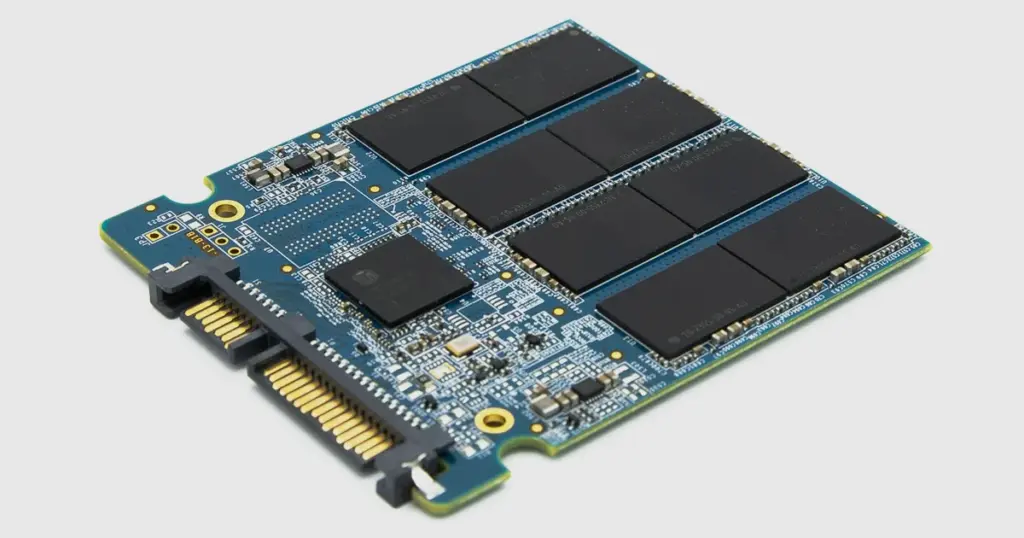
Connected the SSD through specialized recovery hardware to evaluate device response, sector accessibility, and the condition of the logical structure.
Sector-level imaging
Created a controlled image of the SSD so recovery work could be performed on a copy instead of the original device.
File system reconstruction
Rebuilt the damaged file system and partition structure to restore access to recoverable folders and files.
Data extraction and validation
Extracted recoverable data, verified key business files, and transferred the restored files to a new storage device.
Why Professional Recovery Mattered
Attempting software-based recovery in this case would have introduced significant risk.
DIY or software approach:
- May misinterpret corrupted file systems
- Can overwrite recoverable sectors during scan attempts
- Limited ability to rebuild complex partition structures
Professional recovery approach:
- Controlled environment prevents further degradation
- Advanced tools enable low-level data access
- Structured reconstruction restores usable file systems
Cases involving OWC SSD failures often require this level of intervention. For specific details on this hardware line, read more about OWC SSD Mercury Electra 6G recovery.
Don't Let Data Loss Ruin Your Business
Minimize business disruption. We retrieve lost data fast, so you can focus on what matters.
Recovery Outcome
The recovery delivered a strong, measurable result within a limited timeframe:
- 98% of total data successfully recovered
- Critical business files fully restored and accessible
- Turnaround time: 4 business days
The client regained access to essential operational data, allowing work to resume without extended disruption.

What Not to Do After Data Loss
To preserve recoverability, avoid the following actions:
- Do not initialize the disk when prompted
- Do not format or repartition the SSD
- Avoid running recovery software repeatedly
- Do not continue plugging the device into multiple systems
- Avoid saving new data to the affected drive
These actions can permanently reduce the amount of recoverable data.

DIY Recovery
Risks permanent data loss
Let the Specialists Handle It
DIY attempts often result in permanent data loss. Our certified recovery specialists use advanced tools in controlled environments for the highest success rate.

24/7 Emergency Service
Start Your Secure Recovery Evaluation
When an SSD is not recognized in Windows, the underlying issue is often more complex than it appears. Delays or incorrect actions can quickly reduce recovery chances.
If your SSD is showing similar symptoms, immediate evaluation is critical. Learn more about OWC SSD recovery services and start a professional assessment before the data becomes unrecoverable.

Frequently Asked Questions
Can I use data recovery software on a drive that isn't recognized?
What should I do first if my SSD stops appearing?
Is it safe to initialize the disk if Windows asks?
Why is my OWC SSD not recognized in Windows?
Get a Free Consultation.
Our recovery experts are ready to assess your device and guide you through the safest path to recovery. Fill out the form to get started.
"*" indicates required fields