

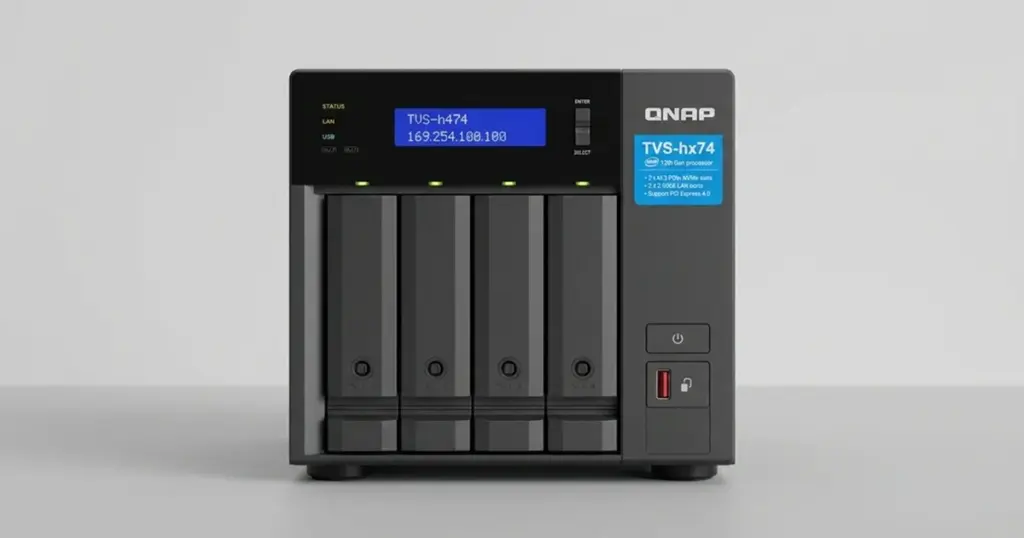
In this scenario, a mid-sized US company experienced a total storage collapse when their QNAP TVS-h474 suddenly stopped booting.
Facing unacceptable downtime and locked out of critical mail databases and active projects, the client knew they could not risk a DIY fix.
They immediately opted for a professional NAS data recovery service. Because the internal drives contained highly sensitive corporate data, they required an emergency intervention to restore access quickly and safely.

Customer Situation and Business Stakes
The customer relied entirely on their QNAP unit for shared departmental access. The unexpected failure disrupted ongoing projects and severed access to vital communication archives, threatening lost revenue and missed client deadlines.
The company realized they needed an expert to recover data from failed NAS architecture before the logical damage worsened. They required an expedited timeline to get their teams back online.
Learn more about what to do when your NAS drive stops showing on the network.
Industry-Leading 99% Success Rate
No hidden fees. No surprises. Just expert data recovery you can trust. We handle everything from simple file loss to extreme data recovery cases. If we can’t recover your data, no one can.
What Went Wrong: The Hardware and RAID Failure
Diagnostics revealed a severe NAS hardware failure. The QNAP device’s red blinking indicator signaled a critical RAID collapse, triggered by a physical failure inside one of the hard drives.
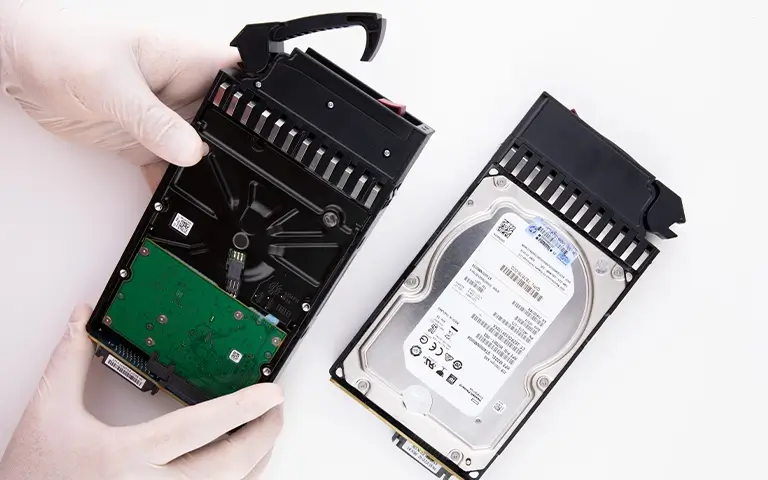
Specifically, a burnt memory controller caused by internal overheating forced the drive offline. Because of how data was striped across the disks, this single hardware failure took the entire RAID volume down with it.
If your NAS displays a red blinking light or warning error, do not attempt to force a drive rebuild. Rebuilding an array with a physically failing drive often causes permanent data destruction.
Resolving this required specialized cleanroom techniques rather than basic IT troubleshooting. Read more about professional NAS drive failure recovery.

How PITS Approached the Emergency Recovery
Because the customer required rapid turnaround, our engineers bypassed software utilities that cannot fix physical damage. We utilized a risk-free methodology:
Component-level repair
Engineers safely replaced the burnt memory controller with a matching donor chip.
Safe drive imaging
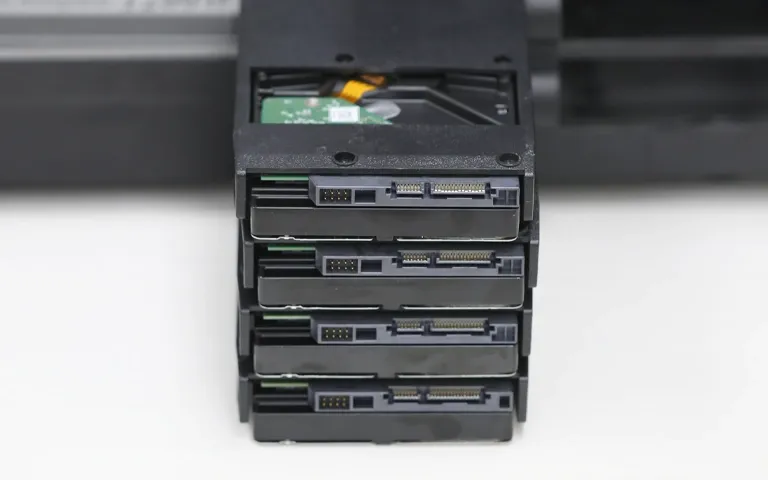
We performed a sector-by-sector clone of all disks, ensuring the original drives remained untouched.
RAID reconstruction
Working from clones, specialists identified the correct block sizes, parity parameters, and drive order to virtually rebuild the array.
By simulating the array virtually, we securely extracted the files without risking secondary hardware failure.
Learn more about our specialized QNAP data recovery services.
Recovery Outcome
The emergency data recovery services were highly successful. Our engineering team virtually rebuilt the RAID and extracted the essential mail databases and active project folders.
All recovered files were transferred to secure, new storage media and shipped back to the customer. By expediting the repair and extraction phases, we minimized total business downtime, and the client expressed complete satisfaction.
Read more about a similar scenario in our ZFS RAID failure case study.
Don't Let Data Loss Ruin Your Business
Minimize business disruption. We retrieve lost data fast, so you can focus on what matters.
Why Professional Intervention Was Required
A standard RAID rebuild would have failed in this scenario. Because the memory controller was physically damaged, the NAS could no longer safely manage data.
Forcing a rebuild on compromised hardware often leads to parity corruption, which can permanently overwrite critical files.
Professional intervention provided a risk-free environment. By performing component-level repairs and imaging each drive, PITS engineers bypassed the damaged hardware entirely.
We reconstructed the RAID virtually, ensuring the original disks remained untouched while we extracted the mail databases and project files safely.
Final Takeaway and Next Steps
Hardware failures can happen to any device at any time, even top-tier enterprise storage systems. When a vital network drive drops offline, power it down immediately to prevent further damage.
Do not risk your business continuity by experimenting with recovery software on a degraded array. If you have lost access to critical corporate files, you need technical expertise to handle the failure safely.
Contact PITS Data Recovery today to speak with a specialist, request an urgent evaluation, and start your case.

DIY Recovery
Risks permanent data loss
Let the Specialists Handle It
DIY attempts often result in permanent data loss. Our certified recovery specialists use advanced tools in controlled environments for the highest success rate.
24/7 Emergency Service
Frequently Asked Questions
Why is my QNAP NAS blinking red?
Can a burnt hard drive controller be fixed?
Should I try to rebuild my degraded RAID array?
Will I lose my RAID configuration if a controller fails?
Get a Free Consultation.
Our recovery experts are ready to assess your device and guide you through the safest path to recovery. Fill out the form to get started.
"*" indicates required fields