

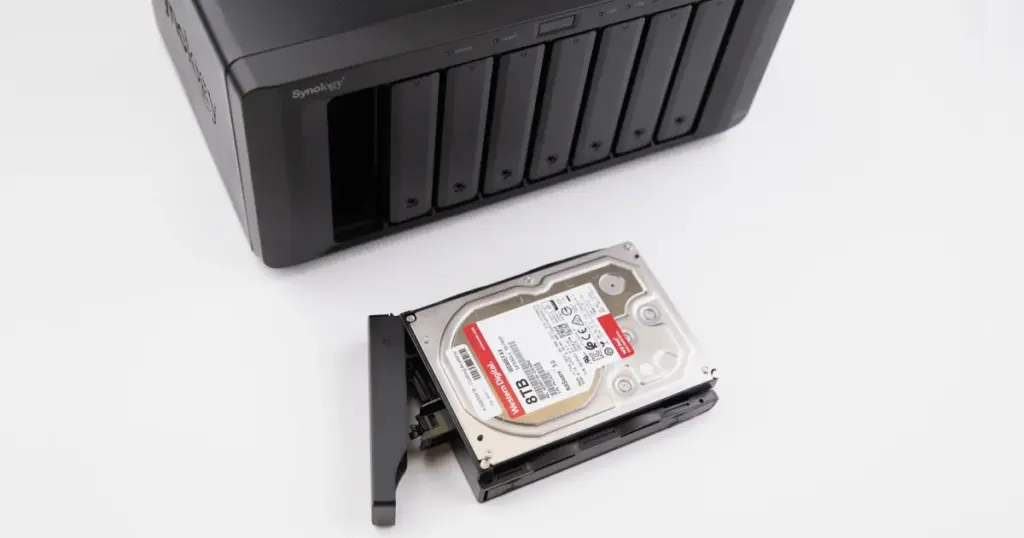
A XenServer environment can appear stable until the storage layer fails. One of the most disruptive scenarios is when the Storage Repository becomes inaccessible, partitions are no longer visible, and the system cannot locate LVM configuration.
This case covers a Synology SHR-based storage system hosting a XenServer repository over iSCSI that became inaccessible due to underlying SSD degradation and RAID instability.
Customer Situation
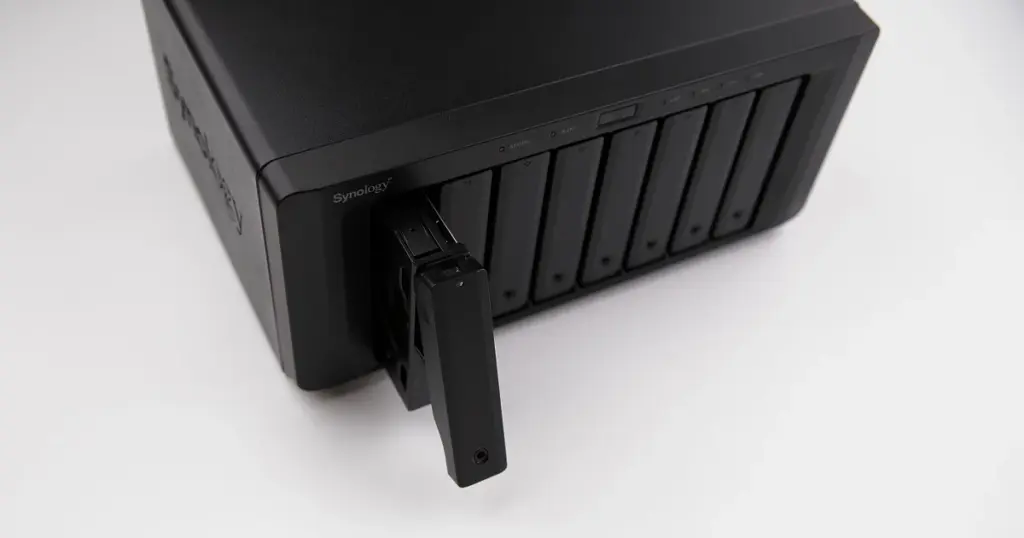
A business process management provider from Colorado lost access to its XenServer Storage Repository hosted on a Synology NAS. The repository was configured as an iSCSI LUN, but suddenly became unavailable. XenServer could not detect partitions, and the LVM configuration appeared missing.
The environment stored business-critical workloads, including operational data, project systems, and managed services. With no immediate fallback, the issue impacted both internal processes and client-facing systems.
The company required a recovery approach that could restore access without risking further damage to the RAID structure. For businesses dealing with inaccessible virtualized storage, learn more about professional XenServer data recovery.
Don't Let Data Loss Ruin Your Business
Minimize business disruption. We retrieve lost data fast, so you can focus on what matters.
Why the Synology SHR Repository Became Inaccessible
The issue was not caused by a configuration error. Diagnostics showed that all six SSDs in the Synology SHR array had developed slow read behavior and bad sectors.
This created a cascading failure:
- SHR could not assemble reliably
- RAID consistency was compromised
- XenServer could not detect partitions
- LVM configuration became inaccessible
- The iSCSI repository could not be mounted
When multiple drives degrade at the same time, RAID redundancy is no longer sufficient to maintain stable access. For related storage failures, read more about Synology NAS data recovery.

How PITS Approached the Recovery
Multi-Disk Failure and SHR Instability Confirmed
Engineers confirmed that all six SSDs showed degradation, including slow reads and bad sectors. This prevented the Synology SHR array from assembling correctly.
Sector-by-Sector Imaging of All SSDs
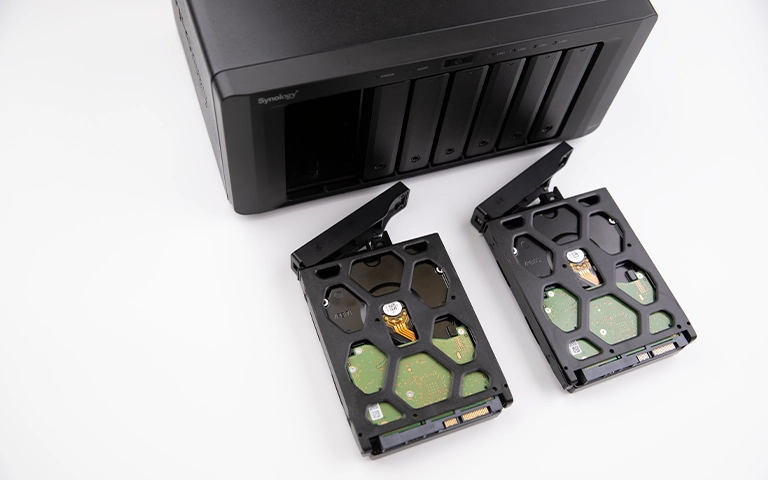
Each SSD was imaged using professional equipment. This ensured that recovery work could proceed from stable copies instead of repeatedly accessing degraded media.
Controlled Handling of Bad Sectors
Unstable sectors were handled with controlled read attempts to capture as much data as possible without stressing the drives further.
Data Transfer to Healthy SSDs
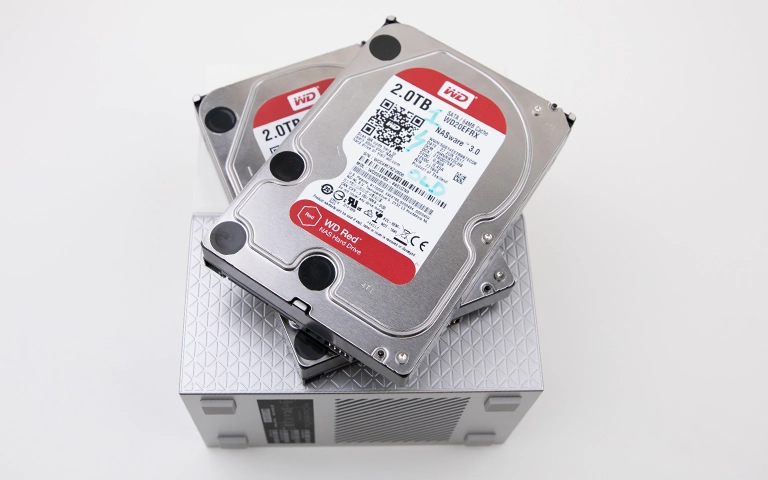
Recovered data was transferred to new WD Red SSDs configured with matching parameters, including sector size. This created a stable environment for reconstruction.
Manual SHR Reconstruction and SR Validation
Engineers manually rebuilt the Synology Hybrid RAID structure. Once reconstructed, the XenServer Storage Repository and partitions became visible again, allowing access to stored data. Businesses using Synology infrastructure can learn more about professional Synology NAS recovery services.

Why DIY Recovery Was Not a Safe Option
- Multiple SSDs had bad sectors
- RAID structure could not assemble cleanly
- LVM metadata was not accessible
- Rebuild attempts could overwrite critical data
- Virtualized storage required precise reconstruction
Industry-Leading 99% Success Rate
No hidden fees. No surprises. Just expert data recovery you can trust. We handle everything from simple file loss to extreme data recovery cases. If we can’t recover your data, no one can.
XenServer Repository Restored and Data Verified
After reconstruction, the XenServer Storage Repository was accessible again. The SHR array recognized the rebuilt drives, and partitions were visible.
The customer verified the recovered data through a remote session. Business-critical files, virtualized storage components, and operational data were accessible again, allowing the environment to return to normal operation.
What Not to Do After a XenServer SR Failure
- Do not rebuild the RAID array
- Do not reinitialize the storage pool
- Do not attempt to recreate the iSCSI LUN
- Do not force-mount or reattach volumes
- Do not modify LVM structures manually
- Do not replace drives without proper imaging

DIY Recovery
Risks permanent data loss
Let the Specialists Handle It
DIY attempts often result in permanent data loss. Our certified recovery specialists use advanced tools in controlled environments for the highest success rate.

24/7 Emergency Service
Final Takeaway: Do Not Rebuild a Failing RAID Without Imaging
A XenServer Storage Repository failure tied to RAID degradation is not a configuration issue. When multiple drives show bad sectors, rebuilding or reconfiguring the array without imaging can reduce recovery options.
If your XenServer SR becomes inaccessible or partitions disappear, stop making changes immediately. Do not rebuild the RAID or attempt manual fixes.
Contact PITS Data Recovery to start a controlled evaluation before further actions compromise recoverability.
Frequently Asked Questions
Can a XenServer storage repository be recovered if partitions are missing?
What causes a XenServer SR to become inaccessible?
Can Synology SHR RAID be rebuilt without data loss?
Can recovery software restore an inaccessible iSCSI LUN?
Get a Free Consultation.
Our recovery experts are ready to assess your device and guide you through the safest path to recovery. Fill out the form to get started.
"*" indicates required fields