

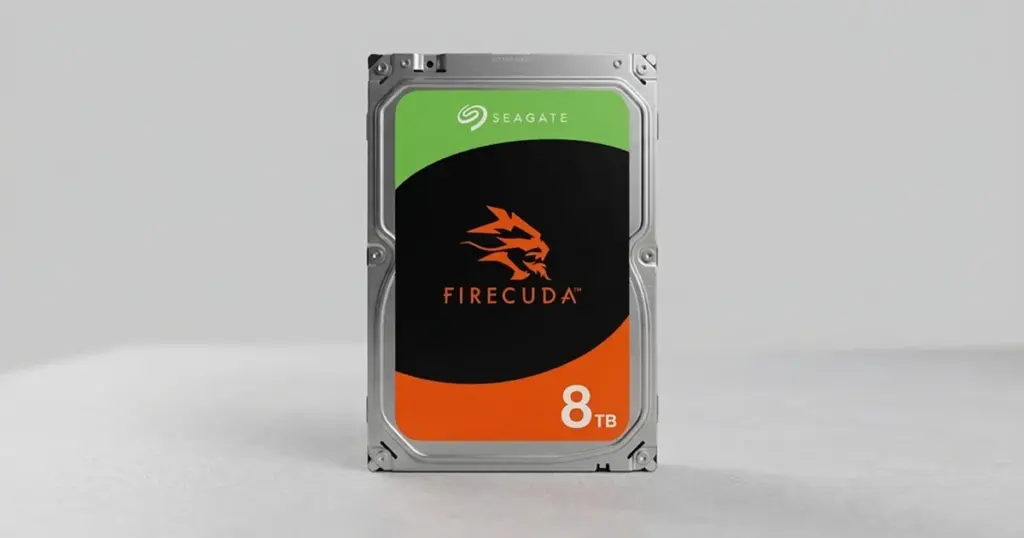
When a high-capacity drive like the Seagate FireCuda 8TB SSHD stops responding, the stakes are exceptionally high.
For one individual in the US, a sudden power outage transformed a reliable storage device into a clicking, unresponsive brick.
This case details the technical process PITS Data Recovery used to navigate a mechanical head failure and safely extract years of irreplaceable digital files.
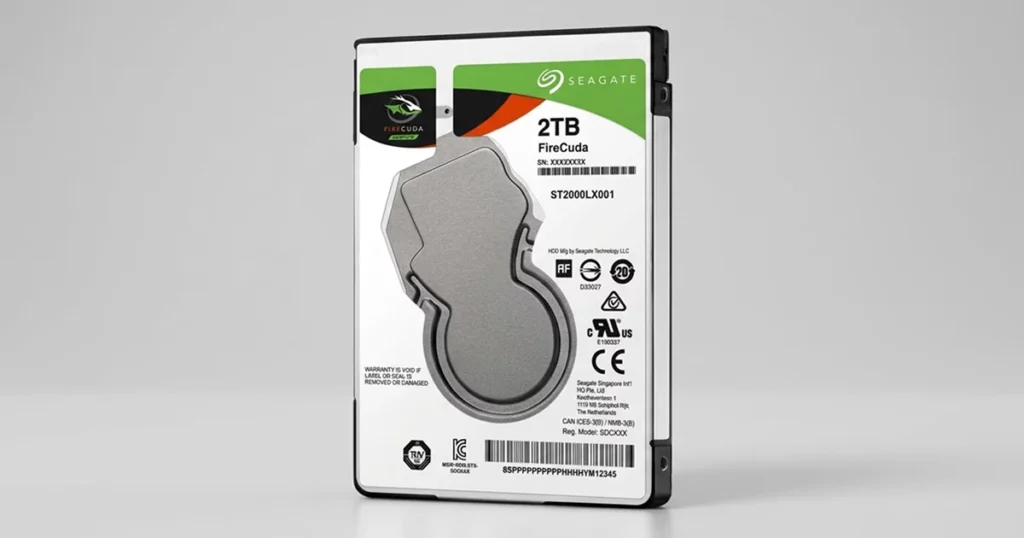
The Situation: High-Capacity Data at Risk
The client, a small business owner in California, relied on a Seagate FireCuda 8TB Solid State Hybrid Drive (SSHD) to store both professional projects and a massive collection of personal family photos. Following a severe thunderstorm and a subsequent power surge, the drive was no longer recognized by the computer.
The loss of 8TB of data represents a significant gap in business continuity and a devastating loss of personal history. The client initially attempted to restart the system several times, but the drive only produced a repetitive clicking sound, a clear indicator that the internal components were struggling to initialize.
To understand more about our specific expertise with these devices, you can learn more about our Seagate data recovery services.
Industry-Leading 99% Success Rate
No hidden fees. No surprises. Just expert data recovery you can trust. We handle everything from simple file loss to extreme data recovery cases. If we can’t recover your data, no one can.
What Went Wrong: Analyzing the Clicking Sound
The clicking sound described by the client is a classic symptom of a mechanical failure. When the power was abruptly cut, the read/write heads (the components that hover nanometers above the spinning platters) failed to park correctly. This resulted in a “head crash,” where the assembly becomes misaligned or physically damaged.
Every time the drive was powered on, the damaged heads attempted to find their position, hitting the internal limiters and creating the clicking noise. This is a critical moment in any recovery scenario; continuing to provide power to a drive in this state can cause the damaged heads to scratch the platters, leading to permanent, unrecoverable data loss.
For those experiencing similar noises with external variants of these drives, you can read more about troubleshooting a clicking Seagate external drive.
If your hard drive is clicking, grinding, or beeping, shut it down immediately. These sounds indicate physical hardware contact. Running software “fixes” or repeatedly cycling the power can cause the read/write heads to gouge the storage platters, making recovery impossible.

How PITS Approached the Recovery
The complexity of an 8TB FireCuda SSHD requires a controlled environment and specialized tools.
Because this is a hybrid drive, it utilizes both traditional magnetic platters and a small amount of NAND flash memory, complicating the mapping of data.
Cleanroom Inspection
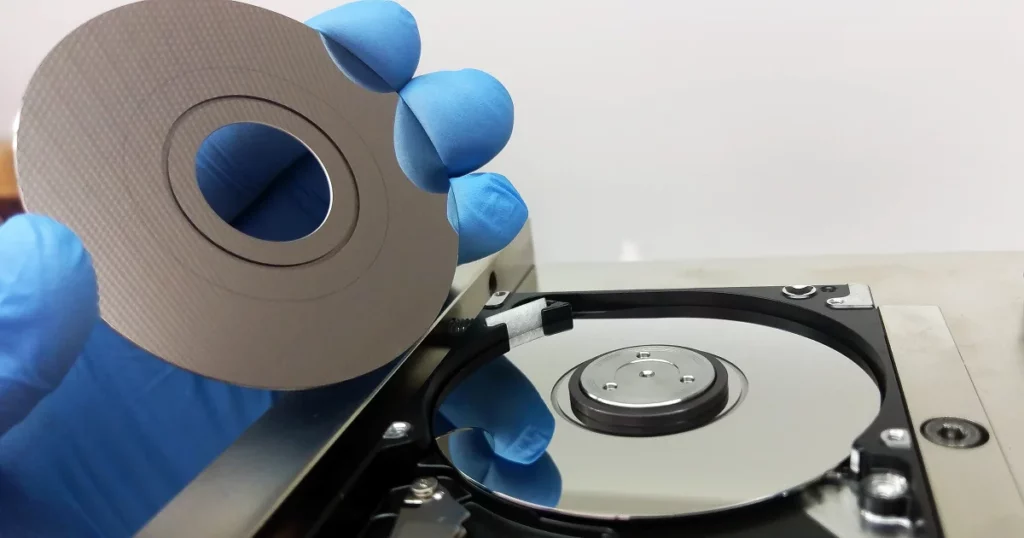
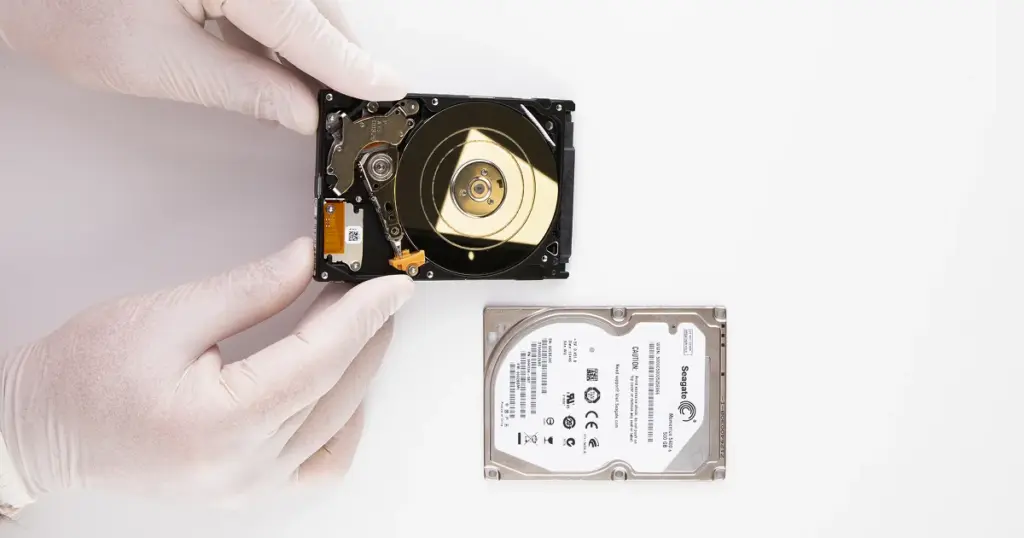
Our engineers opened the drive in an ISO 5 Class 100 Cleanroom. This ensures that no microscopic dust particles can land on the platters while the drive is exposed.
Head Assembly Replacement
The diagnosis confirmed a failed magnetic head assembly. We sourced a matching donor drive with an identical firmware version and physical specifications to provide a compatible head stack.
Physical Calibration
Replacing heads is a delicate surgical procedure. The new assembly was installed and calibrated to ensure it could read the client’s data without further damaging the platters.
Sector-by-Sector Cloning
Once the drive was stabilized, we used specialized imaging hardware to create a sector-by-sector clone of the 8TB of data. This allowed us to work from a copy, preserving the original hardware.
Our team has handled similar high-stakes recoveries for creative professionals before. You can learn more about our work by reading about how we recovered a Seagate FireCuda for a professional photo studio.
Your Data Security Is Our Priority
Data privacy isn’t optional. It’s our commitment. Our secure recovery process ensures your sensitive information stays protected from start to finish.
HIPAA Compliant
GDPR Compliant
Secure Facility
NDA Available
Trust in certified security. Start your recovery today! Call Now: 888.611.0737
Recovery Outcome and Data Integrity
The cleanroom intervention was successful. By stabilizing the drive and replacing the failed mechanical components, our engineers gained access to the data areas that were previously unreachable.
The recovery team successfully extracted the majority of the data, focusing first on the critical family photo libraries and business documents identified by the client.
The integrity of the files was verified, and the recovered data was transferred to a new, secure encrypted drive for the customer.
Don't Let Data Loss Ruin Your Business
Minimize business disruption. We retrieve lost data fast, so you can focus on what matters.
Why Professional Recovery Mattered
In this case, the client’s decision to stop troubleshooting and seek professional help was the turning point.
Had the client attempted to use “data recovery software” on a drive with a failed head assembly, the software would have forced the damaged heads to sweep across the platters repeatedly.
High-capacity 8TB drives have extremely high storage density. The tolerances for error are nearly zero. Professional recovery ensures that the drive is only powered on when it is mechanically sound and under the supervision of hardware engineers.
If your data loss was caused by physical accidents like a drop rather than a power surge, you can learn more about the recovery process for dropped Seagate drives.
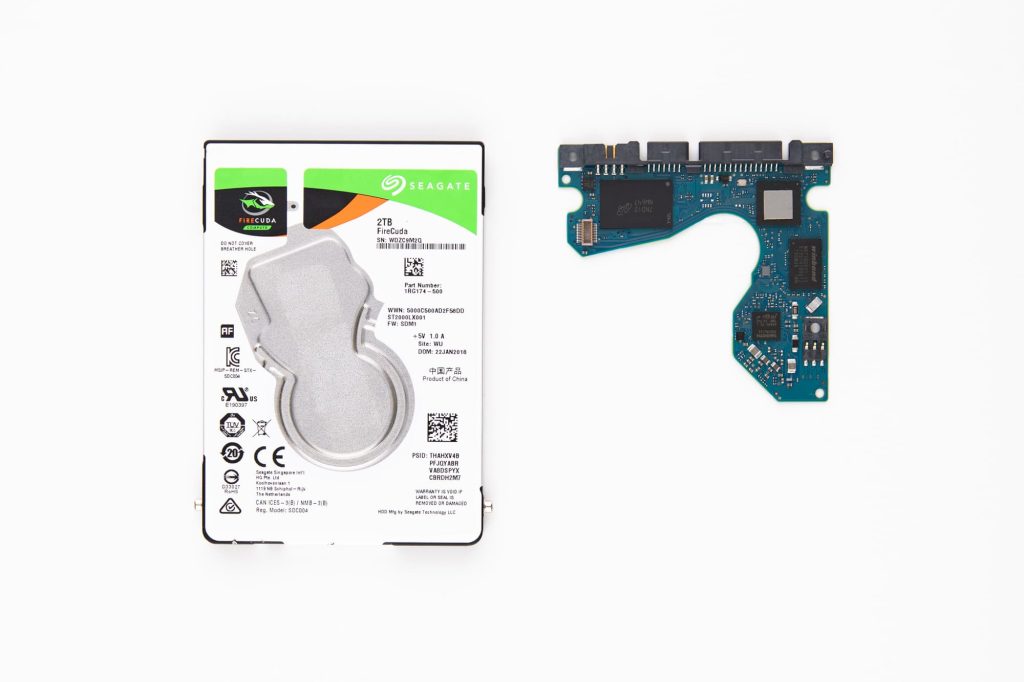
Warning Signs of Imminent Seagate Failure
While the power outage was a sudden catalyst in this case, many drives show signs of failure before they stop working entirely. Watch for these symptoms:
- System Slowdowns: The computer freezes or slows down when trying to access specific folders.
- Disappearing Files: Folders appear empty or files fail to open.
- Strange Noises: Occasional clicking, humming, or high-pitched whining.
- SMART Errors: The computer displays a warning that a “Hard Drive Failure is Imminent.”

DIY Recovery
Risks permanent data loss
Let the Specialists Handle It
DIY attempts often result in permanent data loss. Our certified recovery specialists use advanced tools in controlled environments for the highest success rate.

24/7 Emergency Service
Final Takeaway
The failure of a Seagate FireCuda 8TB drive after a power outage is a serious event, but it does not have to result in permanent data loss.
Mechanical issues like head failures require specialized cleanroom environments and expert engineering to resolve safely.
If your drive is clicking or has become inaccessible after a power event, the first 24 hours are critical. Avoid further power cycles and consult with a specialist.
Frequently Asked Questions
Can I fix a clicking Seagate FireCuda with software?
Is it possible to recover data from an SSHD after a power surge?
If my Seagate drive is already clicking, is it too late to save my photos?
I already tried a data recovery software I found online and it didn't work. Did I ruin my chances?
Get a Free Consultation.
Our recovery experts are ready to assess your device and guide you through the safest path to recovery. Fill out the form to get started.
"*" indicates required fields