

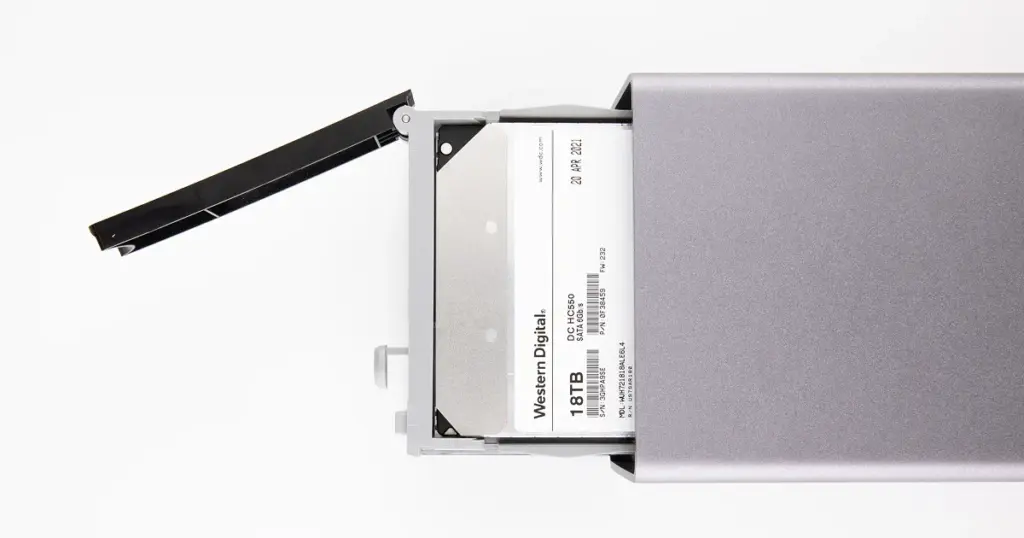
The failure did not happen all at once. It started with intermittent disconnects, slow file access, and system lag during active editing. Then the device stopped mounting entirely.
On macOS, the system prompted for initialization. That single message signaled a critical issue. The RAID array was no longer accessible, and any attempt to initialize the drive risked permanent data loss.
At that moment, over 6TB of active video production data became inaccessible.
Customer Situation
A small post-production studio relied on this RAID 1 system to store and edit active client projects. The device held approximately 6TB of video content, including raw footage, edited timelines, and deliverables tied to strict deadlines.
With no recent backup available, the situation escalated quickly. Losing access meant halted production, missed client commitments, and potential revenue impact. The team needed immediate recovery of critical project files to maintain operational continuity.

What Went Wrong
The failure was not a single-point event. It was a compound failure involving both RAID degradation and file system corruption. Key technical issues identified:
- RAID 1 array entered a degraded state
- One drive developed bad sectors and unstable reads
- The second drive retained structure but showed inconsistencies
- The HFS+ file system became corrupted and unreadable by macOS
Once macOS prompted initialization, the file system metadata was no longer intact enough to mount safely.
Learn more about the technical challenges associated with WD My Book RAID 0 recovery.
Industry-Leading 99% Success Rate
No hidden fees. No surprises. Just expert data recovery you can trust. We handle everything from simple file loss to extreme data recovery cases. If we can’t recover your data, no one can.
Early Warning Signs That Were Missed
The device showed multiple indicators before total failure:
- Intermittent disconnects during operation
- Slower-than-normal file transfers
- I/O errors during large file access
- Noticeable overheating under load
These are not minor issues. They typically indicate underlying hardware instability or developing sector damage.
Ignoring these signals allowed the degradation to progress into full data inaccessibility.
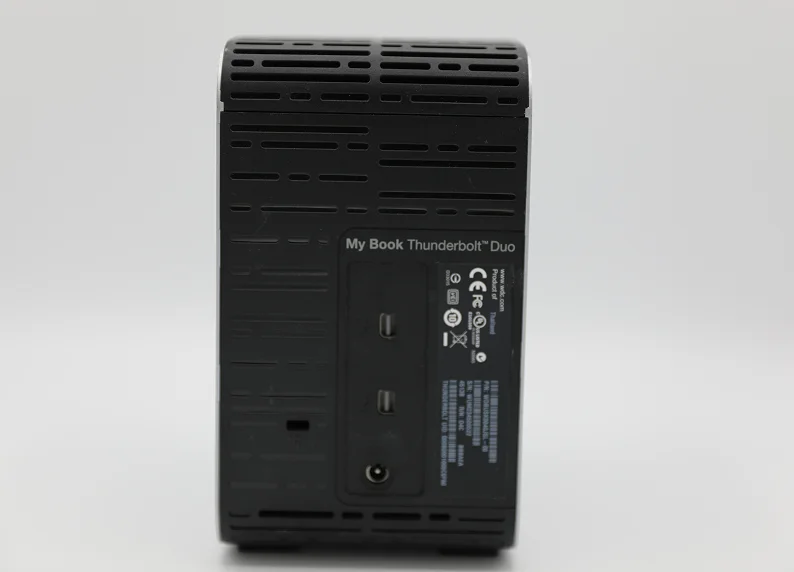
How PITS Approached the Recovery
Stabilization and imaging
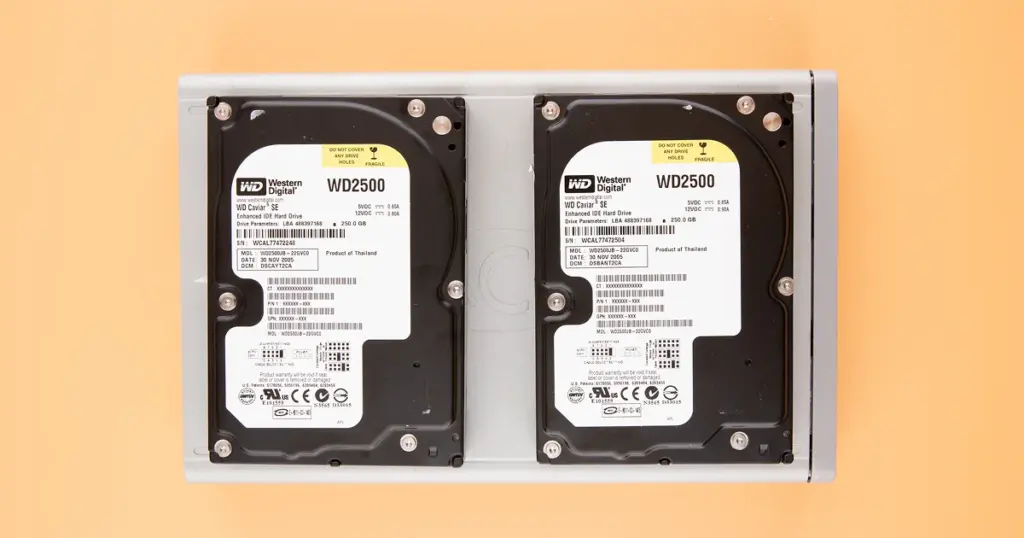
Both drives were safely extracted and imaged sector-by-sector using write-blocked hardware to prevent alteration.
Priority data capture
The healthier drive was imaged first to secure the most complete data set, followed by targeted reads from the degraded disk.
RAID reconstruction
The mirrored array was rebuilt virtually, aligning data blocks and resolving inconsistencies without relying on the original hardware.
File system recovery and validation
The HFS+ structure was rebuilt using advanced parsing, and recovered files were verified for usability through checksum and manual testing.
Read more regarding a similar WD My Book Duo RAID 0 recovery for a pediatric clinic.
Recovery Outcome
The recovery achieved a 96.8% data restoration rate.
- Over 5.8TB of usable data was successfully recovered
- All mission-critical video projects and timelines were restored
- A small subset of cache and temporary files remained unrecoverable due to sector damage
The recovered data was delivered on a new external drive, fully validated for usability. The studio resumed editing operations without needing to rebuild projects from scratch.
For similar external drive failure scenarios, read more about WD My Book Studio data recovery cases.
Don't Let Data Loss Ruin Your Business
Minimize business disruption. We retrieve lost data fast, so you can focus on what matters.
Why Professional Recovery was Necessary
Many users assume that RAID 1 provides a fail-safe backup. However, as this case demonstrates, redundancy does not protect against file system corruption or simultaneous degradation. Professional recovery was required because:
- Hardware Stabilization: Consumer-grade software cannot handle the I/O errors and read instability found on these degraded platters.
- Risk Mitigation: Continued use of the drive while it was clicking or disconnecting would have led to permanent platter scoring.
- Expert Reconstruction: Rebuilding a corrupted HFS+ volume requires specialized tools that bypass the operating system’s standard mounting protocols.

DIY Recovery
Risks permanent data loss
Let the Specialists Handle It
DIY attempts often result in permanent data loss. Our certified recovery specialists use advanced tools in controlled environments for the highest success rate.
24/7 Emergency Service
Secure Your Data Today
When a RAID system begins showing instability, time becomes a critical factor. Continued use can accelerate degradation and reduce recoverable data.
If your WD My Book Duo or any RAID system stops mounting or prompts for initialization, stop using the device immediately. Early intervention significantly improves recovery outcomes.
Initiate a professional evaluation to stabilize the device and preserve your data before further loss occurs.

Frequently Asked Questions
Can RAID 1 fail even if it is mirrored?
Can I use data recovery software on a WD My Book Thunderbolt Duo?
What should I do if macOS asks to "Initialize" my external drive?
Can large video files be fully recovered?
Get a Free Consultation.
Our recovery experts are ready to assess your device and guide you through the safest path to recovery. Fill out the form to get started.
"*" indicates required fields