

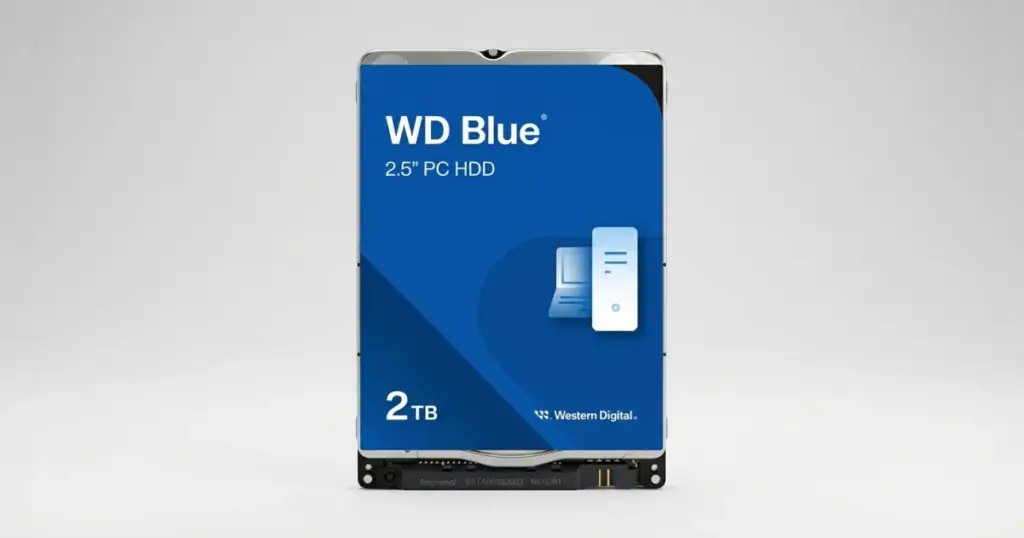
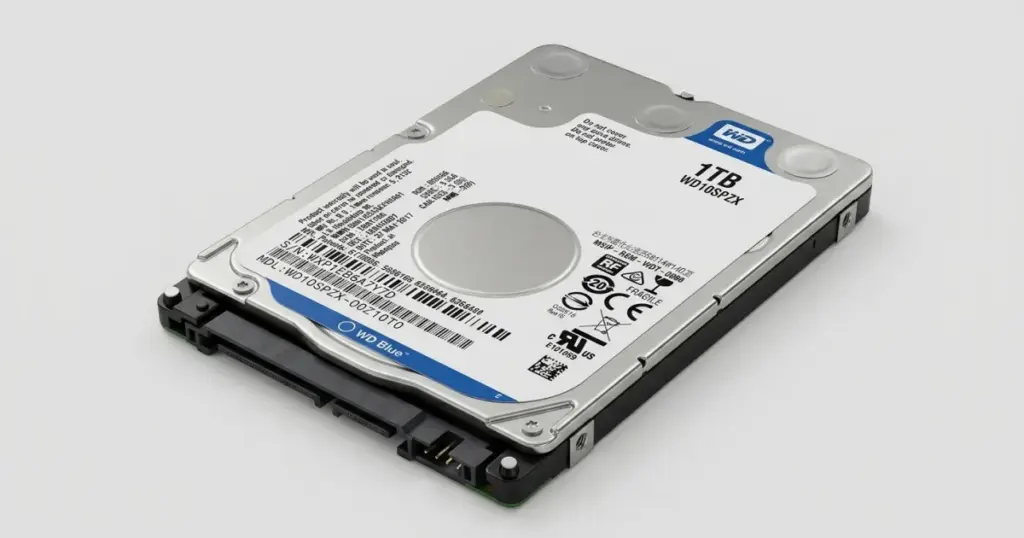
When a hard drive spins but disappears from BIOS, the failure is rarely as simple as a cable issue or a quick software scan. In this case, a WD Blue 2.5” drive appeared active but remained inaccessible, leaving a photographer without access to important project files.
This case study explains how PITS Data Recovery diagnosed the fault, why the drive required professional hardware-level intervention, and how the final recovery process restored usable data after additional file repair.
Customer Situation
The customer was a photographer managing active work stored on the failed WD Blue drive. The inaccessible files included image-related project data needed for client delivery and ongoing workflow continuity.
The main risk was business disruption. Without recovery, the customer faced delayed deliverables, lost production time, and potential reputational damage with clients.
Because the drive was not detected in BIOS, the customer could not safely access the data through standard computer troubleshooting. Emergency recovery was selected to reduce delay and avoid unnecessary stress on the device.
Industry-Leading 99% Success Rate
No hidden fees. No surprises. Just expert data recovery you can trust. We handle everything from simple file loss to extreme data recovery cases. If we can’t recover your data, no one can.
What Went Wrong
PITS engineers inspected the drive in a controlled lab environment. Diagnostics confirmed an electronic failure, not a simple file system issue.
The root cause was a malfunctioning PCB. The drive could spin, but the failed electronics prevented proper initialization, so the system could not detect it in BIOS.
This type of failure cannot be corrected with recovery software. Software needs the drive to initialize and communicate reliably first. In this case, the hardware layer had to be stabilized before any data could be accessed.
Learn more about how PITS handles Western Digital drives that are not recognized by a computer.

Emergency Data Recovery Services
Unexpected data loss? Whether it’s a crashed system, failed storage device, or accidental deletion, our 24/7 emergency recovery service ensures priority assistance to retrieve your critical data.
How PITS Approached the Recovery
Confirming the PCB Failure
Engineers confirmed that the WD Blue drive had an electronic failure. The disk was spinning, but the malfunctioning PCB prevented the drive from initializing and appearing in BIOS.
Matching a Compatible Donor Drive
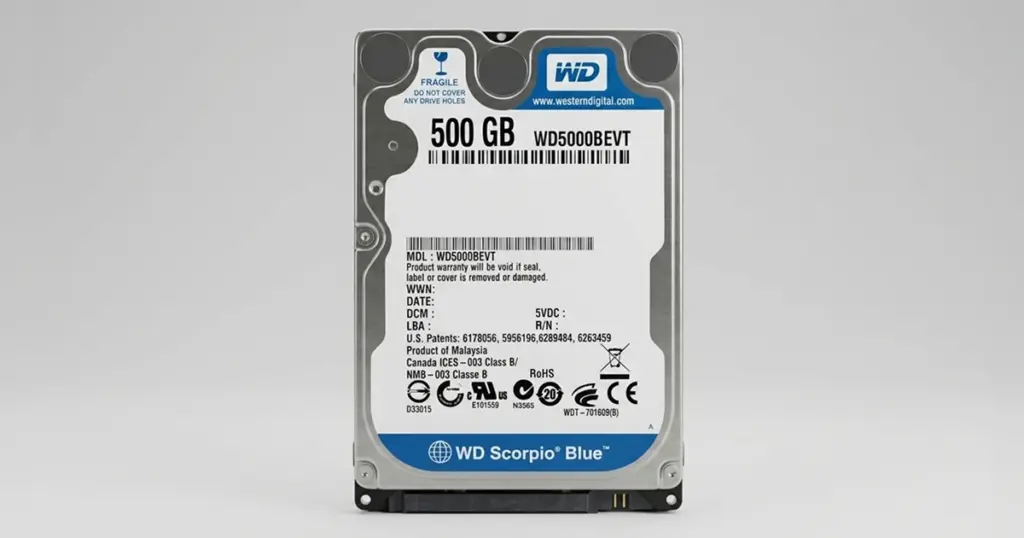
The team selected a compatible WD Blue 2.5” donor drive. Proper matching was critical because controller-level work requires hardware compatibility, not a generic replacement board.
Restoring Drive Initialization
Specialists desoldered the controller, matched the required chip labels, and attached the controller to the customer’s drive. This allowed the disk to initialize properly for controlled access.
Transferring and Repairing the Data
After access was restored, the recovered data was transferred to a new hard drive. Some files initially appeared corrupted, so the team completed file repair before the customer reviewed and approved the result.
Read more about another WD Blue recovery case involving inaccessible data and professional lab recovery.

Why Professional Recovery Mattered
This case required more than a cable swap, adapter test, or recovery software scan. The drive was not detected in BIOS because the electronics had failed.
DIY attempts would not repair a malfunctioning PCB. Continued testing could also reduce recovery stability, especially if the drive kept failing during startup.
PITS succeeded because the case was handled through controlled diagnostics, compatible donor matching, controller-level work, stabilized access, secure transfer, and file repair.
Read more about a WD Caviar Blue case where advanced diagnostics were required after the drive was not detected.
Don't Let Data Loss Ruin Your Business
Minimize business disruption. We retrieve lost data fast, so you can focus on what matters.
Recovery Outcome
The recovery was successful, with 98% of the customer’s files restored. The recovered data was transferred to a new hard drive for safe return.
The client reviewed the recovered files and approved the result. The photographer regained access to essential project data and could continue work without losing the majority of the affected files.

DIY Recovery
Risks permanent data loss
Let the Specialists Handle It
DIY attempts often result in permanent data loss. Our certified recovery specialists use advanced tools in controlled environments for the highest success rate.

24/7 Emergency Service
Final Takeaway
A WD Blue drive that spins but is not detected may still be recoverable, but repeated testing can make the failure worse.
Stop powering on the drive and avoid DIY recovery tools. Start a professional evaluation with PITS Data Recovery to protect time-sensitive files and determine the safest recovery path.
Frequently Asked Questions
Can data be recovered from a WD Blue drive that spins but is not detected?
Is it safe to use recovery software if the drive is not detected?
What should I do if my drive makes clicking sounds?
Get a Free Consultation.
Our recovery experts are ready to assess your device and guide you through the safest path to recovery. Fill out the form to get started.
"*" indicates required fields